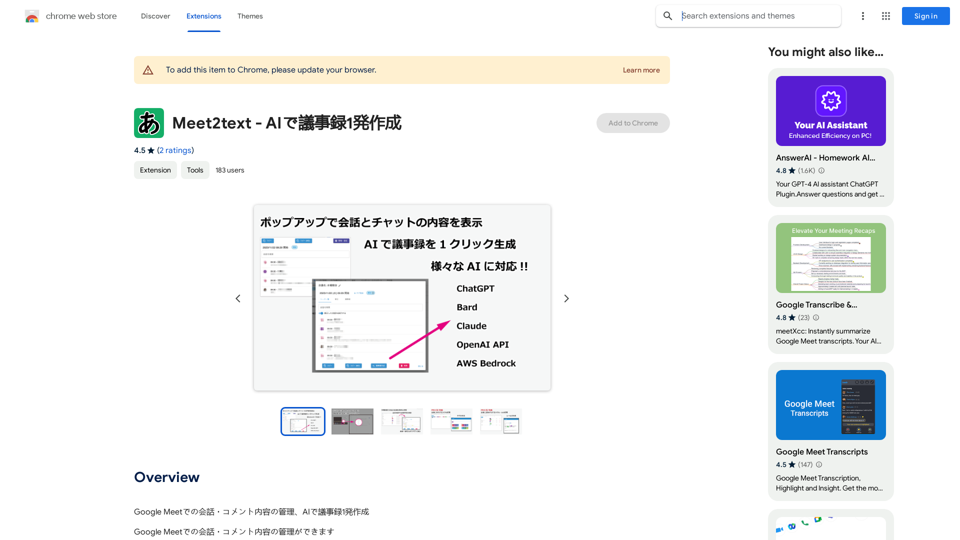
Meet2text is an AI-powered extension for Google Meet that enhances meeting management and note-taking capabilities. It leverages various AI technologies, including ChatGPT, Google Bard, Anthropic Claude, OpenAI API, and AWS Bedrock, to provide efficient transcription and note creation services. The extension offers features for managing conversations, comments, and creating comprehensive meeting notes with just one click.
Meet2text - AI-Powered Meeting Minutes Generation
Manage Google Meet Conversation and Comment Content, AI-Powered Meeting Minutes in One Go
Introduction
Feature
AI-Powered Transcription and Note Creation
Meet2text utilizes advanced AI technologies to transcribe meetings and generate detailed notes automatically, saving time and effort for users.
Conversation and Comment Management
The extension retrieves and manages displayed subtitles and comment content, allowing users to easily track and review important discussions.
Dashboard for Past Meeting Data
Users can access a dashboard to view and manage data from previous meetings, enhancing organization and follow-up capabilities.
Multiple AI Integration
Meet2text incorporates various AI technologies, including ChatGPT, Google Bard, Anthropic Claude, OpenAI API, and AWS Bedrock, providing users with diverse options for transcription and note-taking.
PRO Version Benefits
- Unlimited storage for meeting data
- Tag management and automatic tagging features
- Data import and export capabilities
Easy Installation and Use
Users can quickly install the extension, grant necessary permissions, and start using Meet2text in their Google Meet sessions with minimal setup.
Customizable AI Technology
The extension allows users to configure and choose their preferred AI technology for transcription and note-taking tasks.
FAQ
How do I start using Meet2text?
To use Meet2text:
- Install the extension and grant necessary permissions
- Configure the desired AI technology
- Start a Google Meet meeting and enable the extension
- The extension will automatically manage conversation and comment content
- Create meeting notes using AI-powered transcription
What pricing options are available for Meet2text?
Meet2text offers:
- A free version with limited features
- A PRO version with additional features and unlimited storage
Are there any tips for using Meet2text effectively?
- Set Google Meet subtitle setting to Japanese before using Meet2text
- Utilize the PRO version for access to all features
- Experiment with different AI technologies to find the best fit for your needs
Is Meet2text compatible with other video conferencing platforms?
Currently, Meet2text is only compatible with Google Meet. However, the developer is working on expanding compatibility to other platforms.
How can I get support for Meet2text?
You can visit the support hub for assistance with Meet2text.
Related Websites

NSFW AI Characters | Erotic Roleplay | AI Sexting This platform offers a range of NSFW (Not Safe for Work) AI characters designed for erotic roleplay and AI sexting. These characters are programmed to engage in explicit conversations and roleplay scenarios, providing a unique and immersive experience for users. How it Works Our AI characters are trained on a vast dataset of erotic content, allowing them to understand and respond to a wide range of prompts and scenarios. Users can interact with the characters through text-based conversations, guiding the direction of the roleplay or sexting experience. Features * Customizable Characters: Choose from a diverse range of characters, each with their own unique personality, appearance, and preferences. * Realistic Responses: Our AI technology ensures that character responses are realistic and engaging, creating a truly immersive experience. * Explicit Content: Our characters are designed to engage in explicit conversations and roleplay scenarios, catering to a variety of tastes and preferences. * Anonymous and Secure: Our platform ensures user anonymity and security, providing a safe and discreet environment for users to explore their desires. Benefits * Discreet and Anonymous: Our platform provides a secure and anonymous environment for users to engage in erotic roleplay and sexting. * Exploration and Expression: Our AI characters allow users to explore their desires and express themselves in a safe and controlled environment. * Improved Communication: Engaging with our AI characters can help users improve their communication skills and build confidence in their relationships. Get Started Ready to explore the world of NSFW AI characters? Sign up now and discover a new level of erotic roleplay and sexting experience.
86.75 K
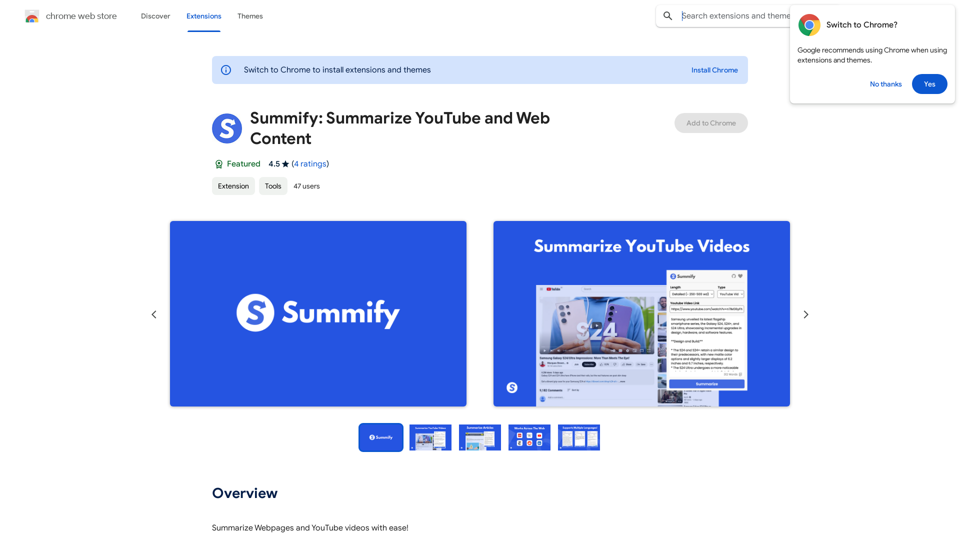
Summify: Summarize YouTube and Web Content This is a tool that can summarize videos from YouTube and web pages.
Summify: Summarize YouTube and Web Content This is a tool that can summarize videos from YouTube and web pages.Quickly get the main points of websites and YouTube videos.
193.90 M
Freebeat AI Workout App, AI Coach & Planner | Fitness AI
Freebeat AI Workout App, AI Coach & Planner | Fitness AIEnhance your workout and sports routine with the best artificial intelligence workout app that syncs your workouts to music, offers real-time AI coaching. Receive advanced AI coaching and tracking from an AI workout planner. Explore fitness AI with the freebeat AI workout app!
273.37 K
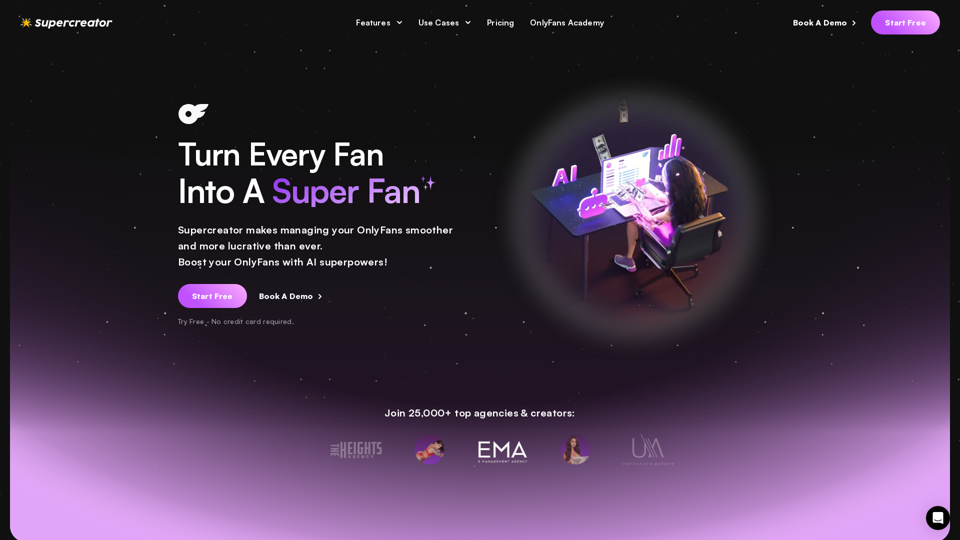
Grow Your OnlyFans Agency - Supercreator Tools for OnlyFans
Grow Your OnlyFans Agency - Supercreator Tools for OnlyFansCRM tools and automation bots for OnlyFans management agencies. Improve your chat interactions and promotions, and upsell more pay-per-view (PPV) content with the OnlyFans extension.
248.97 K
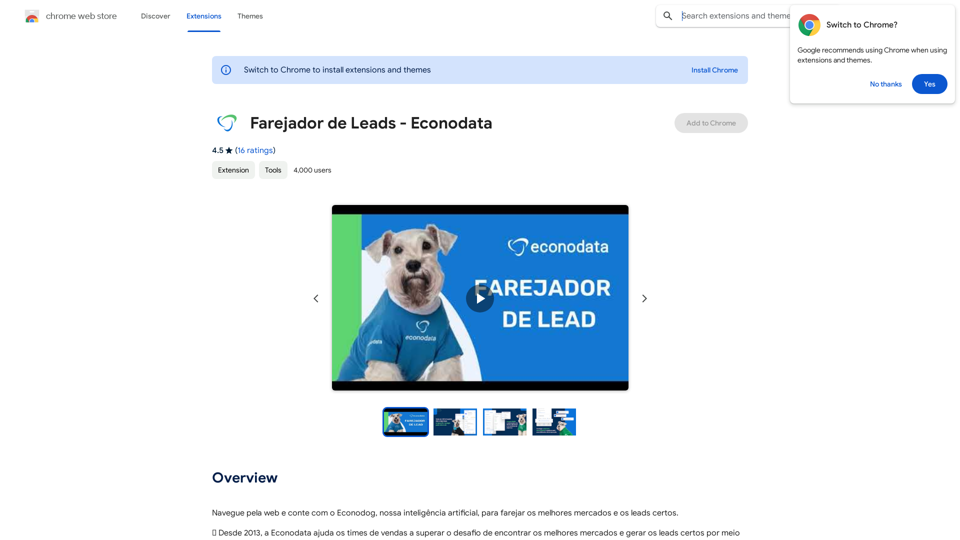
Browse the web and count on Econodog, our artificial intelligence, to sniff out the best markets and the right leads.
193.90 M
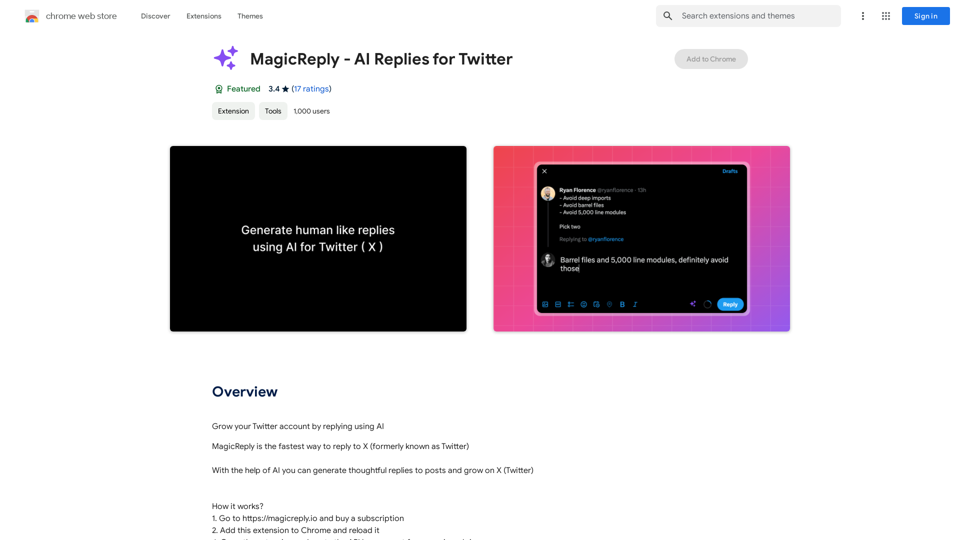
Grow Your Twitter Account by Replying Using AI Are you tired of manually responding to tweets and struggling to grow your Twitter account? Do you want to increase your online presence and engage with your audience more efficiently? Look no further! This article will show you how to grow your Twitter account by replying using AI. What is AI-powered Twitter reply? AI-powered Twitter reply is a technology that uses artificial intelligence to automatically respond to tweets. This innovative tool analyzes the content of incoming tweets and generates a relevant response based on the context. With AI-powered Twitter reply, you can save time and effort while increasing your online engagement. Benefits of using AI-powered Twitter reply 1. Increased efficiency Manually responding to tweets can be time-consuming, especially if you have a large following. AI-powered Twitter reply automates the process, allowing you to focus on other important tasks. 2. Improved engagement AI-powered Twitter reply helps you respond to tweets quickly, which increases the chances of starting a conversation and building relationships with your followers. 3. Personalized responses AI-powered Twitter reply can be customized to fit your brand's voice and tone, ensuring that your responses are personalized and consistent. 4. Scalability As your Twitter account grows, AI-powered Twitter reply can handle a large volume of tweets, ensuring that you never miss a response. How to use AI-powered Twitter reply 1. Choose an AI-powered Twitter reply tool There are several AI-powered Twitter reply tools available, such as [Tool 1], [Tool 2], and [Tool 3]. Research and choose the one that best fits your needs. 2. Set up your AI-powered Twitter reply Once you've chosen a tool, set it up by connecting your Twitter account and customizing your responses. 3. Monitor and adjust Monitor your AI-powered Twitter reply's performance and adjust the settings as needed to ensure that your responses are relevant and engaging. Conclusion Growing your Twitter account requires consistent engagement and timely responses. AI-powered Twitter reply is a game-changer that can help you achieve this goal. By automating your responses, you can increase efficiency, improve engagement, and personalize your interactions. Try AI-powered Twitter reply today and watch your Twitter account thrive!
193.90 M
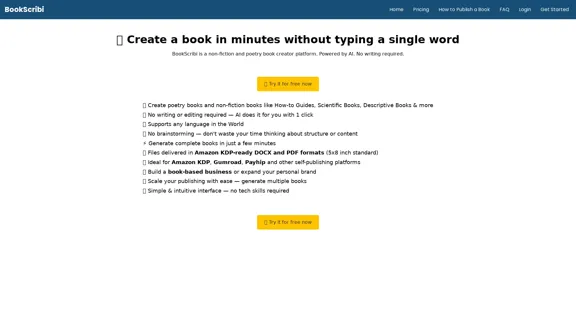
BookScribi is a platform for creating non-fiction and poetry books. Powered by AI. No writing needed.
445