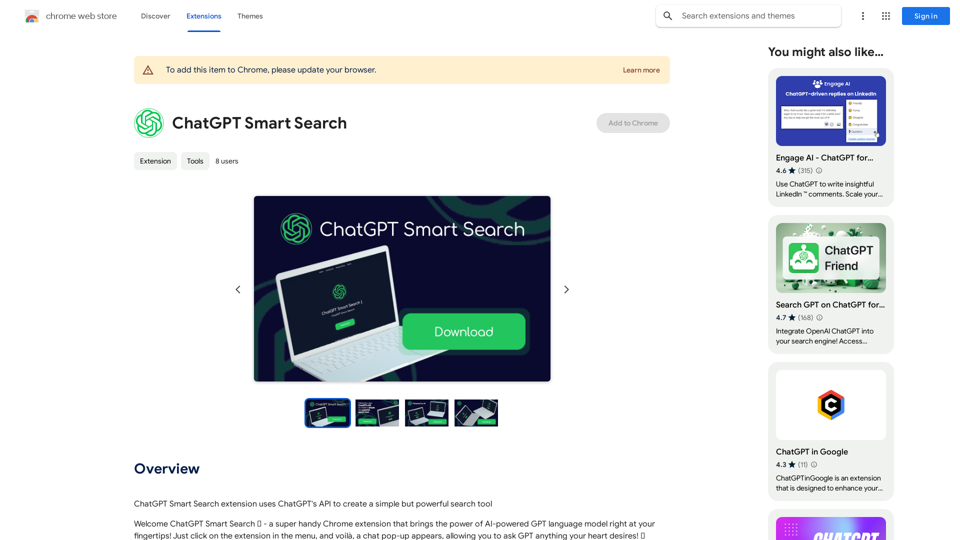
ChatGPT Smart Search is a Chrome extension that brings the power of AI-powered language models directly to your browser. This tool offers users instant access to ChatGPT's capabilities through a simple, user-friendly interface. By integrating seamlessly with Chrome, it allows for quick and accurate answers to a wide range of queries, making it an invaluable resource for research, fact-checking, brainstorming, and more.
ChatGPT Smart Search
The ChatGPT Smart Search extension uses ChatGPT's API to make a simple but powerful search tool.
Introduction
Feature
One-Click Access
ChatGPT Smart Search provides instant access to ChatGPT's AI capabilities directly from your Chrome browser's extension menu.
Chat-Based Interface
The extension features an engaging chat-based interface, allowing for natural conversations with the AI model.
Quick and Accurate Responses
Users can expect fast and precise answers to their questions, leveraging the power of ChatGPT's language model.
Sleek Design
The extension boasts a smooth, hassle-free user experience thanks to its sleek and intuitive design.
Versatile Applications
ChatGPT Smart Search is ideal for various tasks, including:
- Research
- Fact-checking
- Brainstorming
- Language learning
- Creative inspiration
Free to Use
This powerful tool is available as a free Chrome extension, with no subscription or payment required.
FAQ
How do I use ChatGPT Smart Search?
To use ChatGPT Smart Search:
- Install the Chrome extension
- Click on the extension icon in your browser menu
- Use the chat pop-up to ask your questions or start a conversation
What are some helpful tips for using ChatGPT Smart Search?
Here are some tips to maximize your experience:
- Use it for research and fact-checking to obtain reliable information
- Leverage the tool for brainstorming and generating creative ideas
- Improve your language skills by engaging with the AI in different languages
Is my data safe when using ChatGPT Smart Search?
Yes, ChatGPT Smart Search is committed to protecting your personal data and ensuring user privacy.
Can I use ChatGPT Smart Search for free?
Yes, ChatGPT Smart Search is completely free to use. There are no subscriptions or payments required to access its features.
Related Websites
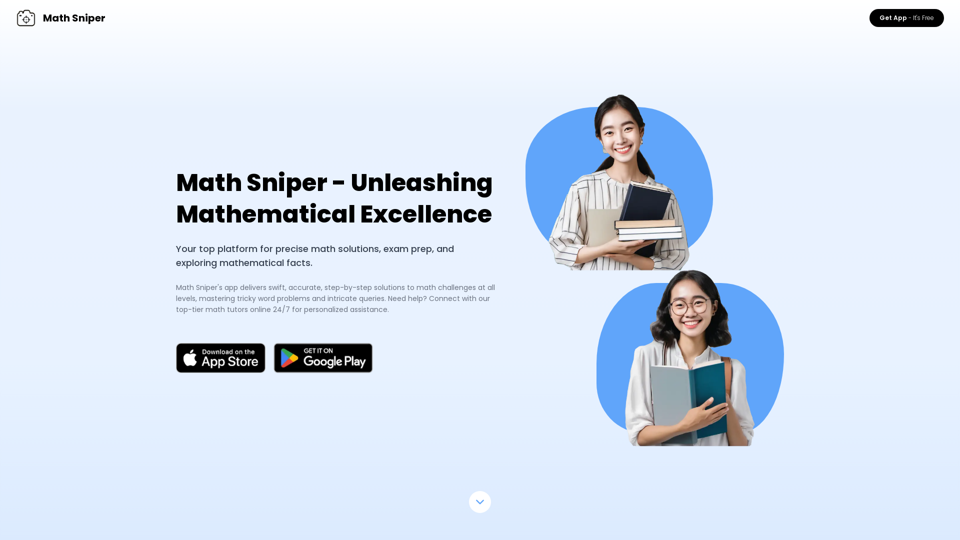
Master math effortlessly! Step-by-step solutions for arithmetic, algebra, trigonometry, and geometry. Instant Snap & Ask, rich materials, diverse practice. Simplify math with Math Sniper – where precision meets simplicity!
0
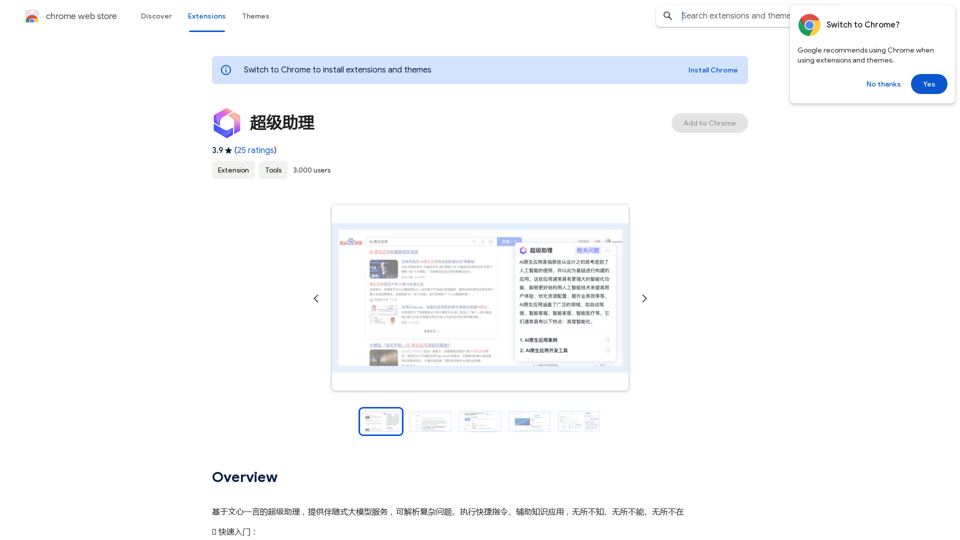
A super assistant based on Wenxin Yiyan, providing companion-style large model services. It can parse complex questions, execute quick commands, and assist with knowledge applications. It knows everything, can do everything, and is everywhere.
193.90 M
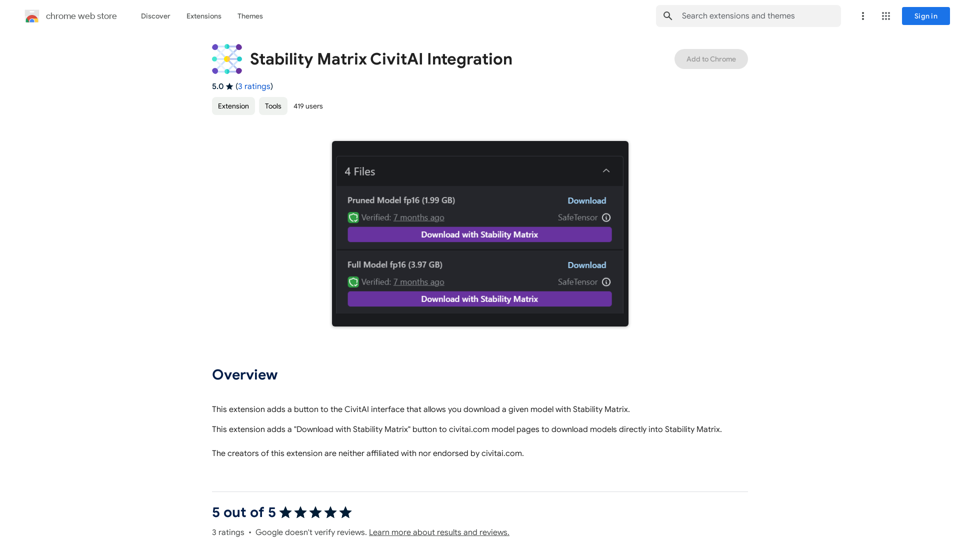
Stability Matrix CivitAI Integration This document outlines the integration of Stability Matrix into Civitai. What is Stability Matrix? Stability Matrix is a powerful tool for evaluating and comparing different AI models. It provides a comprehensive set of metrics to assess model performance across various tasks, including text generation, image generation, and code generation. Benefits of Integrating Stability Matrix into Civitai: * Enhanced Model Discovery: Users can easily identify high-performing models based on their desired tasks and preferences. * Improved Model Selection: The detailed metrics provided by Stability Matrix allow for informed decision-making when choosing a model for a specific project. * Community-Driven Evaluation: By leveraging the collective wisdom of the Civitai community, Stability Matrix fosters a transparent and collaborative approach to model evaluation. * Accelerated Model Development: Developers can use Stability Matrix to track the progress of their models and identify areas for improvement. Implementation Details: * Stability Matrix scores will be displayed alongside model descriptions on Civitai. * Users will be able to filter models based on their Stability Matrix scores. * The integration will initially focus on text generation and image generation models. Future Enhancements: * Expand support for additional model types, such as code generation models. * Implement interactive visualizations of Stability Matrix data. * Allow users to contribute their own model evaluations to the platform.
Stability Matrix CivitAI Integration This document outlines the integration of Stability Matrix into Civitai. What is Stability Matrix? Stability Matrix is a powerful tool for evaluating and comparing different AI models. It provides a comprehensive set of metrics to assess model performance across various tasks, including text generation, image generation, and code generation. Benefits of Integrating Stability Matrix into Civitai: * Enhanced Model Discovery: Users can easily identify high-performing models based on their desired tasks and preferences. * Improved Model Selection: The detailed metrics provided by Stability Matrix allow for informed decision-making when choosing a model for a specific project. * Community-Driven Evaluation: By leveraging the collective wisdom of the Civitai community, Stability Matrix fosters a transparent and collaborative approach to model evaluation. * Accelerated Model Development: Developers can use Stability Matrix to track the progress of their models and identify areas for improvement. Implementation Details: * Stability Matrix scores will be displayed alongside model descriptions on Civitai. * Users will be able to filter models based on their Stability Matrix scores. * The integration will initially focus on text generation and image generation models. Future Enhancements: * Expand support for additional model types, such as code generation models. * Implement interactive visualizations of Stability Matrix data. * Allow users to contribute their own model evaluations to the platform.This extension adds a button to the CivitAI interface that allows you to download a given model with Stability Matrix.
193.90 M
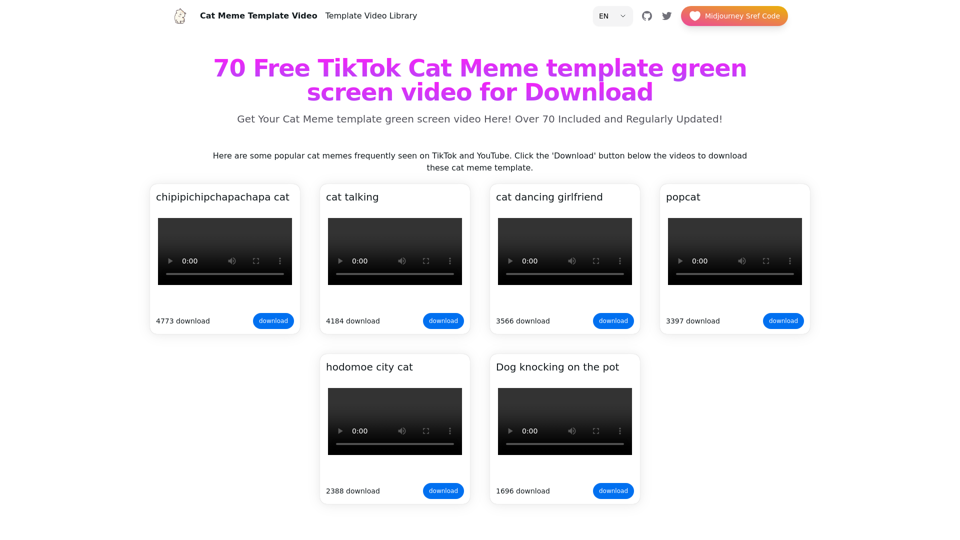
Top 70 TikTok Cat Meme Template Videos for Download
Top 70 TikTok Cat Meme Template Videos for DownloadYou can download the latest and most popular green screen cat meme template video featured on TikTok and YouTube. These materials are free.
11.93 K
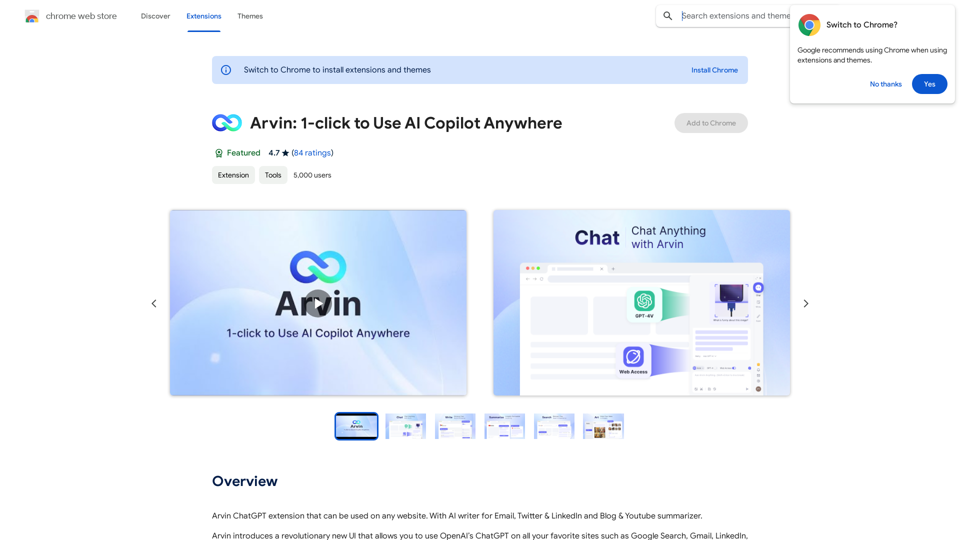
The Arvin ChatGPT extension is a versatile tool that can be used on any website, offering a range of features to enhance your online experience. These features include an AI writer for crafting emails, Twitter posts, and LinkedIn updates, as well as a summarizer for blogs and YouTube videos.
193.90 M
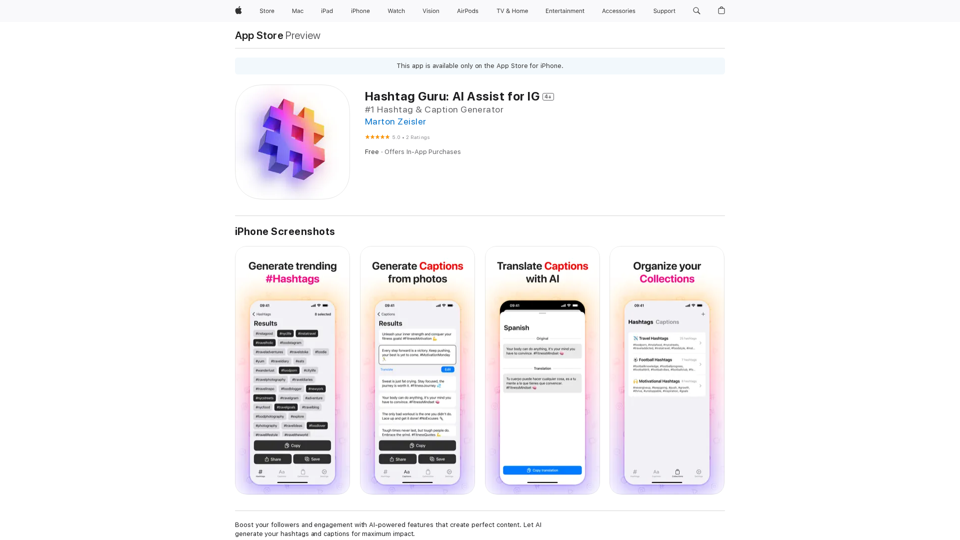
Hashtag Guru: AI Assistant for Instagram on the App Store
Hashtag Guru: AI Assistant for Instagram on the App StoreYour Ultimate AI-Powered Hashtag and Caption Generator! Unlock the secret to social media success with Hashtag Guru, the ultimate AI-driven hashtag generator and caption creator that helps you increase your online visibility, boost engagement, and grow your followers!
124.77 M
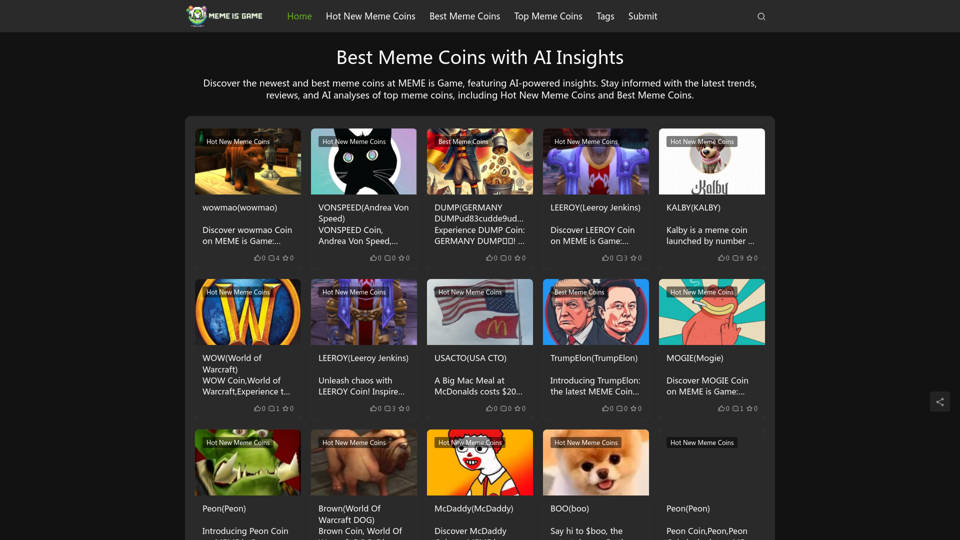
Best Meme Coins with AI Insights at MEME is Game Let's explore the top meme coins gaining traction in the crypto space, enhanced by the power of AI insights at MEME is Game.
Best Meme Coins with AI Insights at MEME is Game Let's explore the top meme coins gaining traction in the crypto space, enhanced by the power of AI insights at MEME is Game.Discover the newest and best meme coins at MEME is Game, featuring AI-powered insights. Stay informed with the latest trends, reviews, and AI analyses of top meme coins, including Hot New Meme Coins and Best Meme Coins.
0