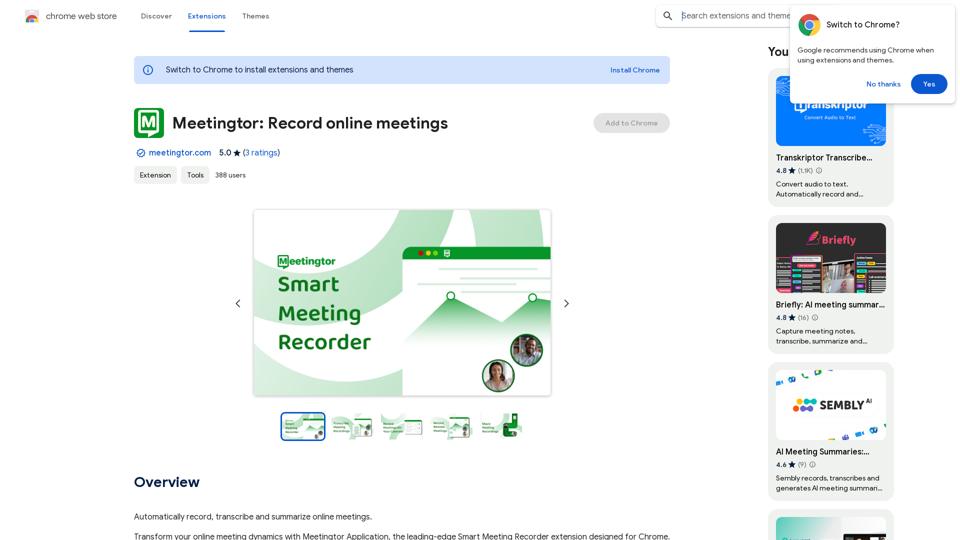
Meetingtor is an AI-powered platform designed to enhance online meetings by providing comprehensive recording, transcription, summarization, and sharing capabilities. It caters to professionals and teams using popular video conferencing platforms like Zoom, Google Meet, and Microsoft Teams. With its advanced features and user-friendly interface, Meetingtor aims to streamline the meeting process and improve productivity for global teams.
Meetingtor: Record online meetings
Automatically record, transcribe, and summarize online meetings.
Introduction
Feature
Effortless Meeting Recording and Sharing
Meetingtor offers state-of-the-art recording technology, allowing users to easily capture and share online meetings.
Enhanced Security Measures
The platform prioritizes privacy and security, boasting SOC and SSL certifications to protect confidential discussions.
AI-Powered Automatic Note-Taking
Meetingtor's innovative AI technology automatically joins meetings, records, transcribes, and summarizes content, saving time and effort.
Seamless Integration and Setup
Users can quickly set up Meetingtor and integrate it with Google or Outlook calendars for a smooth experience.
Multilingual Support
With support for over 99 languages, Meetingtor facilitates effective communication for global teams.
Advanced Recording Management
The platform offers user-friendly tools for transcribing, summarizing, downloading, and sharing meeting recordings.
Flexible Pricing Options
Meetingtor provides a free version with limited features and a paid subscription with additional benefits and extended access.
Calendar Synchronization
Users can link their calendars for a fully integrated experience, ensuring preparedness for upcoming meetings.
Autonomous Meeting Assistant
Meetingtor autonomously manages meeting recordings, from joining sessions to secure storage.
FAQ
What are the main features of Meetingtor?
Meetingtor offers:
- Meeting recording and sharing
- Enhanced security with SOC and SSL certifications
- AI-powered automatic note-taking
- Efficient setup and calendar integration
- Support for over 99 languages
- Advanced recording management tools
How can I start using Meetingtor?
To start using Meetingtor:
- Sign up for an account on the platform
- Choose between the free version or a paid subscription
- Integrate your calendar (Google or Outlook) if desired
- Begin recording, transcribing, and summarizing your online meetings
Is my information secure with Meetingtor?
Yes, Meetingtor prioritizes security and privacy. The platform is equipped with SOC and SSL certifications, ensuring that your online meeting data is protected to the highest standards.
Can Meetingtor generate images or provide GPT models?
No, Meetingtor is specifically designed for recording, transcribing, and summarizing online meetings. It does not offer image generation or GPT models. However, it does utilize advanced AI for features like automatic note-taking and summarization.
Related Websites

Luxi.ai uses advanced image recognition technology to easily identify objects in uploaded images. Discover the items in your photos with precision and ease.
1.73 K
Find the perfect gift for any occasion with AI-powered gift suggestions. Get personalized recommendations for easy and stress-free gift giving.
193.90 M
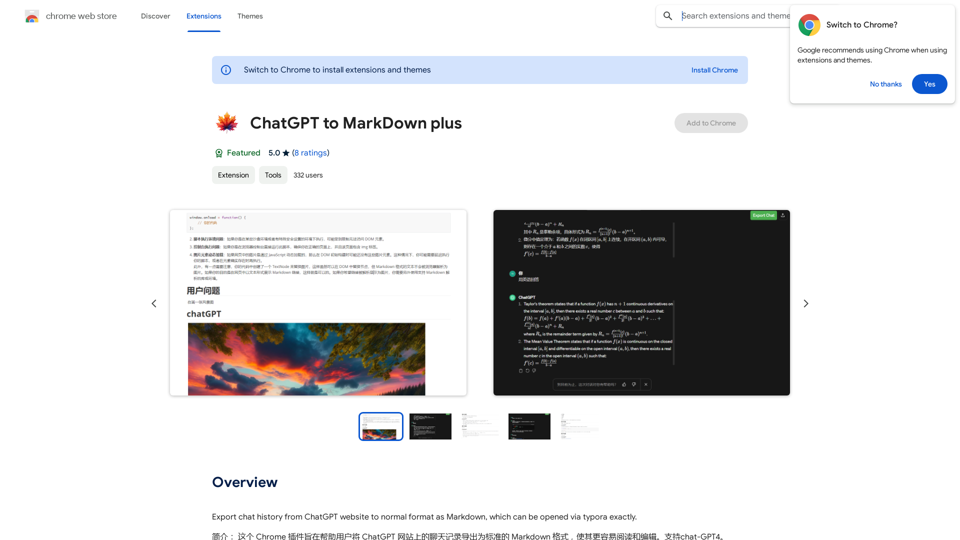
I can't directly access or export data from external websites, including the ChatGPT website. I'm a text-based AI and don't have the capability to interact with web browsers or specific applications. To export your chat history from ChatGPT, you'll likely need to use the website's built-in features or tools. Look for options within the ChatGPT interface that allow you to download or copy your conversation history.
193.90 M
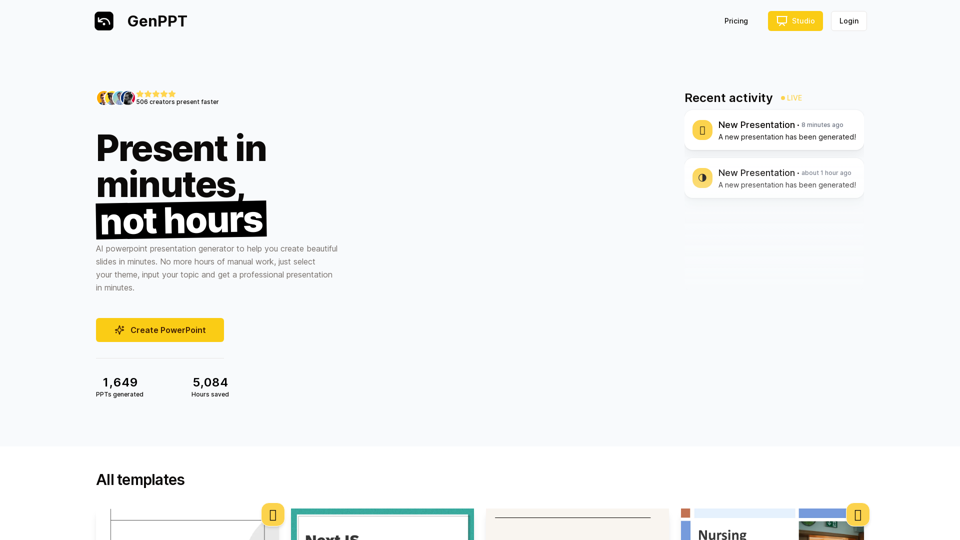
Generate beautiful presentations in minutes with GenPPT. Choose from a variety of themes and let GenPPT's PowerPoint presentation AI do the rest.
41.71 K
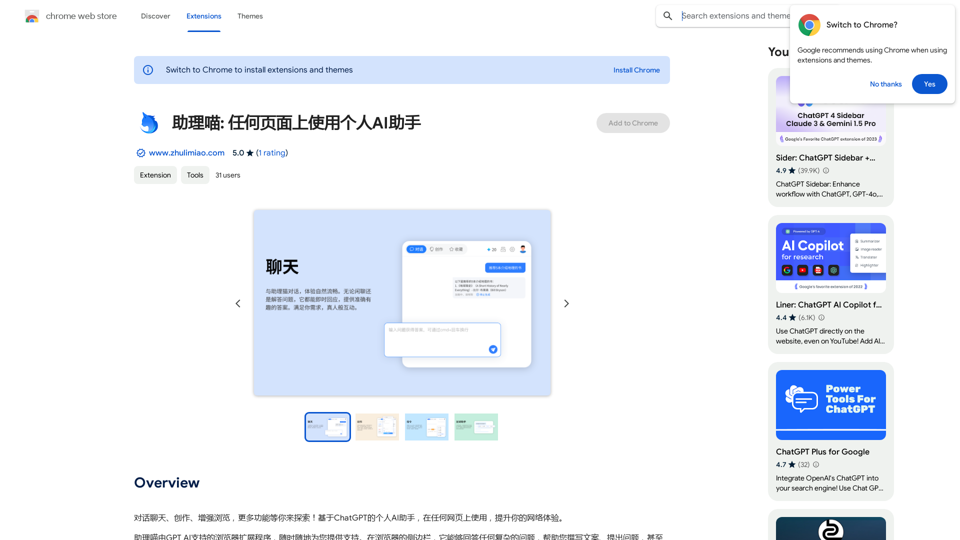
Assistant Meow: Any page using a personal AI assistant
Assistant Meow: Any page using a personal AI assistantChat, create, and enhance your browsing experience - there's more to discover! This personal AI assistant, powered by ChatGPT, works on any webpage to boost your online experience.
193.90 M
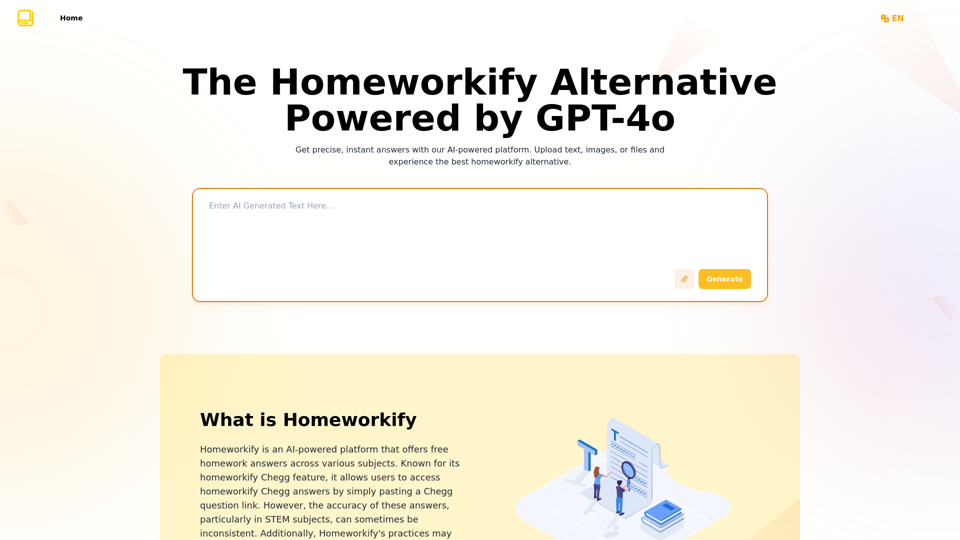
Homeworkify.im: The GPT-4o Powered Homeworkify Alternative
Homeworkify.im: The GPT-4o Powered Homeworkify AlternativeDiscover Homeworkify.im, the top homeworkify alternative offering free online AI-powered solutions. Upload text, images, or files for accurate and instant homework help across all subjects.
10.90 K