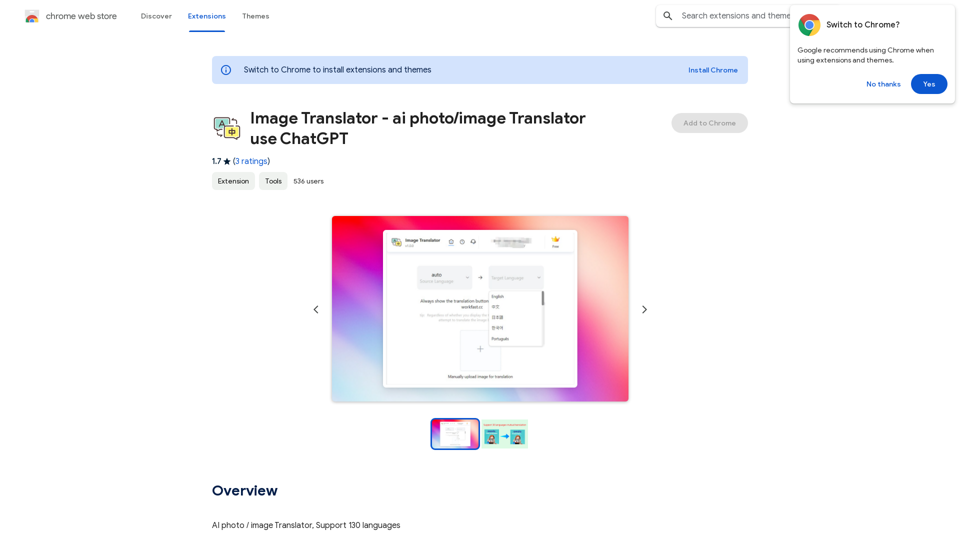
Image Translator is a Chrome extension that enables users to quickly translate images into over 30 languages using Google Translate or ChatGPT. It supports various image types, including posters, brochures, screenshots, and advertisements, allowing for effortless translation within seconds.
Image Translator - ai photo/image Translator use ChatGPT This is a tool that uses ChatGPT to describe images. You can upload a photo and ChatGPT will generate a written description of what it sees.
AI Photo/Image Translator, Supports 130 Languages
Introduction
Feature
Text Auto Recognition
Image Translator employs cutting-edge AI-based OCR technology to automatically recognize text in images, streamlining the translation process.
Multi-Language Support
The extension offers translation capabilities for more than 30 languages, including widely spoken ones such as English, Spanish, French, German, Chinese, and Japanese.
Free Usage with Upgrade Option
Image Translator provides limited free translations, with the option to upgrade to a paid subscription for unlimited translations.
Easy Installation and Usage
Users can quickly install the extension from the Chrome Web Store and start translating images in just a few simple steps.
Versatile Image Support
The tool can handle various types of images, making it useful for translating posters, brochures, screenshots, and advertisements.
FAQ
Can I use Image Translator for free?
Yes, Image Translator offers limited translations for free. For unlimited translations, users can upgrade to a paid subscription.
How many languages does Image Translator support?
Image Translator supports over 30 languages, covering a wide range of popular and less common languages.
What is the process for using Image Translator?
- Install the extension from the Chrome Web Store
- Select the image you want to translate
- Choose the target language from the dropdown menu
- Click the "Translate" button to process the image
Are there any tips for using Image Translator effectively?
- Ensure you select the correct language for the image you want to translate
- Utilize the text auto recognition feature for automatic text detection in images
- Consider upgrading to a paid subscription if you require unlimited translations
Related Websites
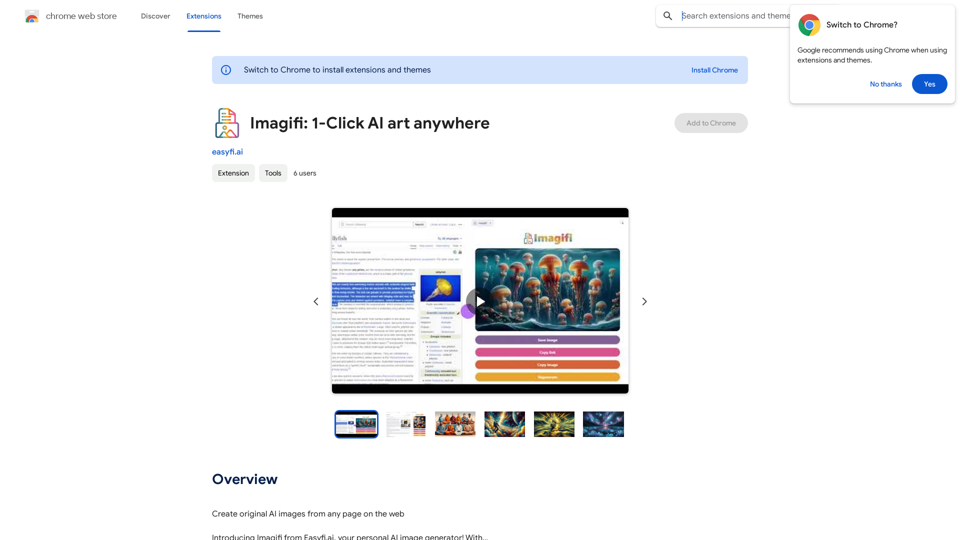
Create original AI images from any page on the web Introducing Imagifi from Easyfi.ai, your personal AI image generator! With…
193.90 M
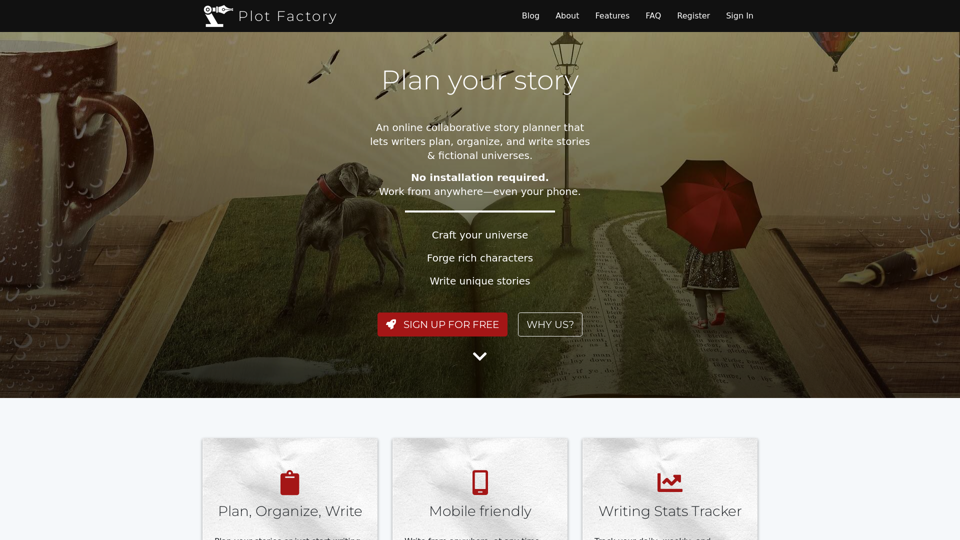
Online story planner, organizer, and writing app that allows you to create fictional universes, develop rich characters, and write amazing stories.
32.05 K
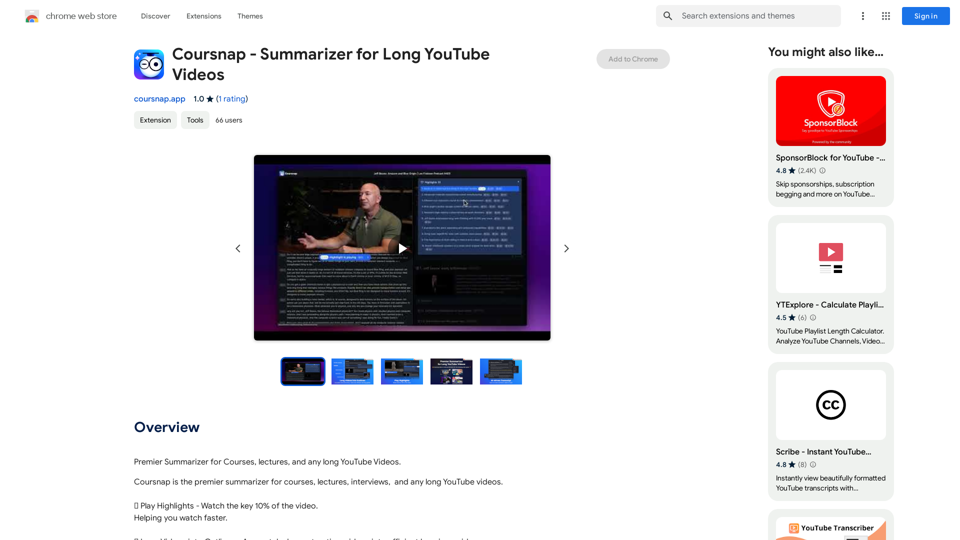
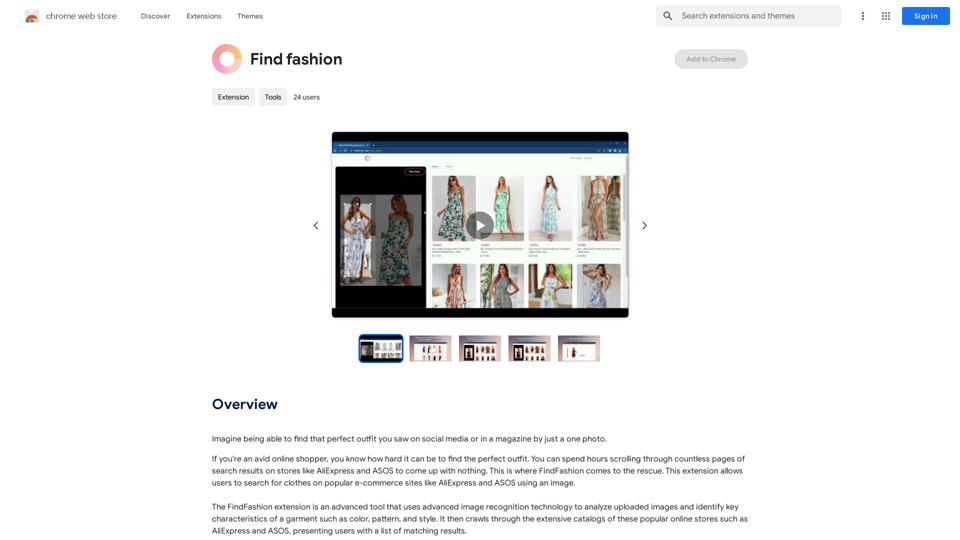
Imagine being able to find that perfect outfit you saw on social media or in a magazine by just taking a photo.
193.90 M
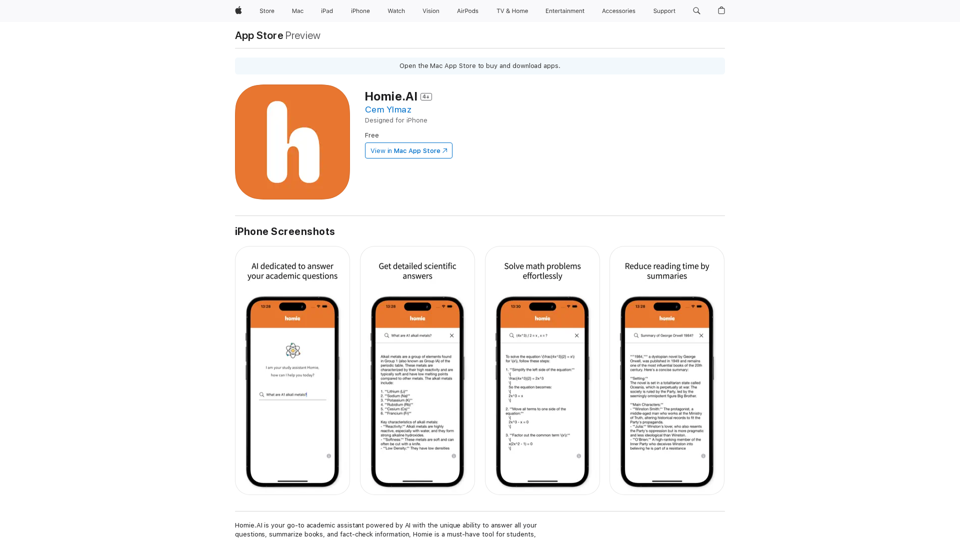
Homie.AI is your go-to academic assistant powered by AI with the unique ability to answer all your questions, summarize books, and fact-check information, Homie is always here to help you with your academic needs.
124.77 M
TubeSumma lets you quickly summarize YouTube videos, grabbing the main points without having to watch the entire thing.
193.90 M