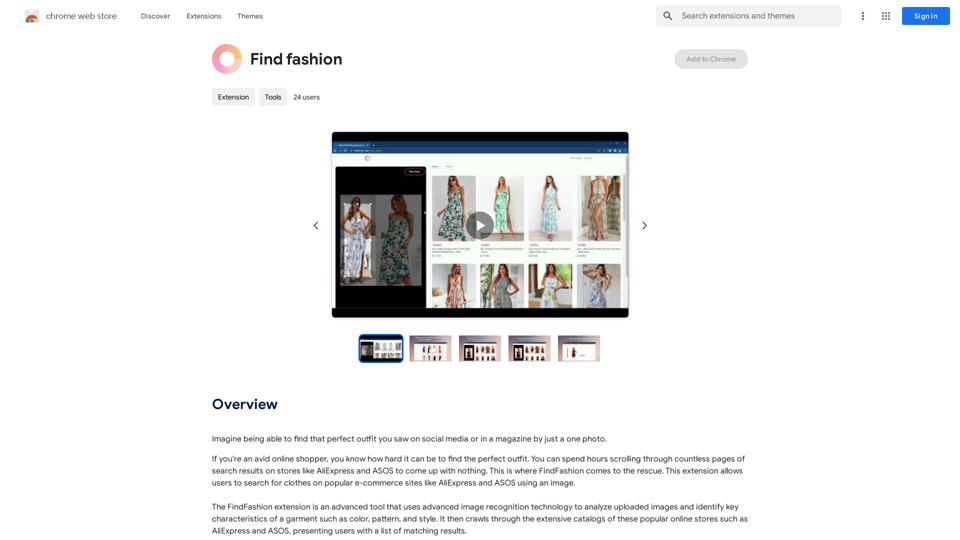
FindFashion is an innovative browser extension that revolutionizes online clothes shopping. It utilizes advanced image recognition technology to search for clothing items on popular e-commerce platforms like AliExpress and ASOS using uploaded images. This tool analyzes key garment characteristics such as color, pattern, and style, making it easier for users to find their desired outfits across multiple online stores.
Find fashion
Imagine being able to find that perfect outfit you saw on social media or in a magazine by just taking a photo.
Introduction
Feature
Advanced Image Recognition
FindFashion employs cutting-edge image recognition technology to analyze uploaded images, identifying crucial garment characteristics like color, pattern, and style.
Seamless Integration with E-commerce Platforms
The extension integrates smoothly with popular shopping sites such as AliExpress and ASOS, providing users access to an extensive catalog of clothing items from the comfort of their homes.
Price Comparison Functionality
Users can compare prices and features across multiple sites, ensuring they get the best deal on their perfect outfit.
User-Friendly Image Search
FindFashion allows users to search for clothes on supported platforms using images, simplifying the process of finding desired outfits.
Privacy Protection
The extension prioritizes user privacy, ensuring that personal data is kept safe and secure. User information is not used for training purposes, and accounts can be deleted at any time.
Free and Premium Options
FindFashion offers 20 free GPT-4o conversations per day. For users who require more, affordable subscription options are available.
FAQ
How does FindFashion work?
FindFashion utilizes advanced image recognition technology to analyze uploaded images and identify key characteristics of garments, presenting users with matching results from popular shopping sites.
Can I use FindFashion on multiple sites?
Yes, FindFashion seamlessly integrates with popular shopping sites like AliExpress and ASOS, allowing you to search across multiple platforms.
How can I maximize my use of FindFashion?
To get the most out of FindFashion:
- Use the extension regularly to stay updated with latest fashion trends
- Experiment with different search terms and images
- Take advantage of the price comparison feature
Is my information safe with FindFashion?
Yes, FindFashion highly values user privacy and ensures that your data is safe and secure. Your information will not be used for any training purposes, and you can delete your account at any time.
When would I need a FindFashion subscription?
If the 20 free GPT-4o conversations per day do not meet your needs and you heavily rely on GPT-4o, you may consider subscribing to the affordable premium options.
Related Websites
Bing AI Anywhere - GPT 4 Bing AI Anywhere is a cutting-edge technology that integrates the power of artificial intelligence into various aspects of our daily lives. With the latest GPT-4 model, this innovative platform is poised to revolutionize the way we interact, work, and live. What is GPT-4? GPT-4 is the fourth generation of the Generative Pre-trained Transformer (GPT) model, a type of artificial intelligence language model developed by OpenAI. This advanced language model is trained on a massive dataset of text from the internet and can generate human-like language, making it an ideal tool for a wide range of applications. Key Features of Bing AI Anywhere with GPT-4 * Conversational AI: Engage in natural-sounding conversations with Bing AI Anywhere, which can understand and respond to voice or text inputs. * Contextual Understanding: GPT-4's advanced language model enables Bing AI Anywhere to comprehend context, nuances, and subtleties of language, making interactions more human-like. * Multitasking: This technology can handle multiple tasks simultaneously, making it an efficient and productive tool for various industries and applications. * Personalization: Bing AI Anywhere with GPT-4 can learn and adapt to individual preferences, providing a tailored experience for each user. Potential Applications of Bing AI Anywhere with GPT-4 * Virtual Assistants: Integrate Bing AI Anywhere into virtual assistants to create more conversational and helpful AI-powered companions. * Customer Service: Implement this technology in customer service platforms to provide 24/7 support and improve customer satisfaction. * Healthcare: Utilize Bing AI Anywhere with GPT-4 to develop AI-powered chatbots that can assist with medical inquiries, appointments, and more. * Education: Create interactive and engaging educational tools that can provide personalized learning experiences for students. The Future of AI with Bing AI Anywhere and GPT-4 As Bing AI Anywhere continues to evolve with the power of GPT-4, we can expect to see even more innovative applications and use cases emerge. This technology has the potential to transform industries, revolutionize the way we work and live, and bring us closer to a future where humans and AI collaborate seamlessly.
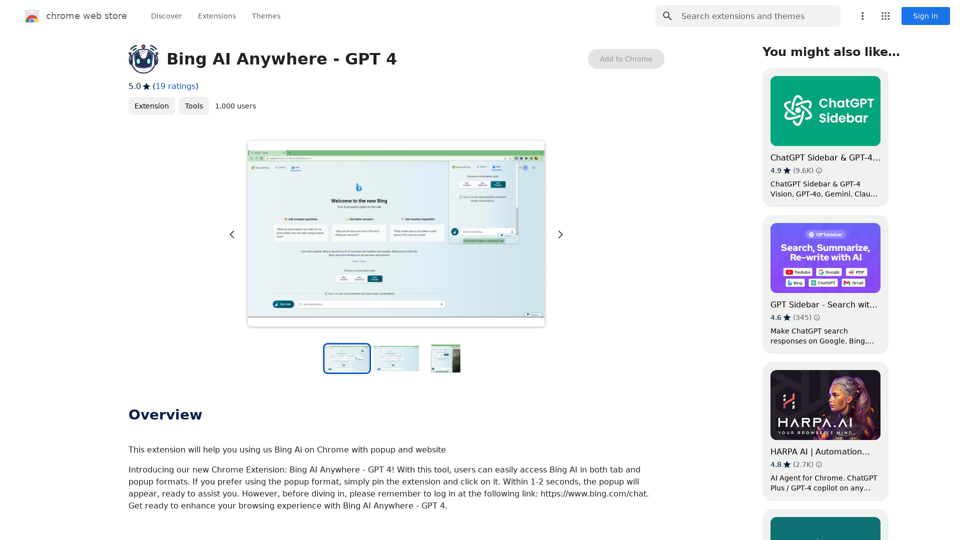
Bing AI Anywhere - GPT 4 Bing AI Anywhere is a cutting-edge technology that integrates the power of artificial intelligence into various aspects of our daily lives. With the latest GPT-4 model, this innovative platform is poised to revolutionize the way we interact, work, and live. What is GPT-4? GPT-4 is the fourth generation of the Generative Pre-trained Transformer (GPT) model, a type of artificial intelligence language model developed by OpenAI. This advanced language model is trained on a massive dataset of text from the internet and can generate human-like language, making it an ideal tool for a wide range of applications. Key Features of Bing AI Anywhere with GPT-4 * Conversational AI: Engage in natural-sounding conversations with Bing AI Anywhere, which can understand and respond to voice or text inputs. * Contextual Understanding: GPT-4's advanced language model enables Bing AI Anywhere to comprehend context, nuances, and subtleties of language, making interactions more human-like. * Multitasking: This technology can handle multiple tasks simultaneously, making it an efficient and productive tool for various industries and applications. * Personalization: Bing AI Anywhere with GPT-4 can learn and adapt to individual preferences, providing a tailored experience for each user. Potential Applications of Bing AI Anywhere with GPT-4 * Virtual Assistants: Integrate Bing AI Anywhere into virtual assistants to create more conversational and helpful AI-powered companions. * Customer Service: Implement this technology in customer service platforms to provide 24/7 support and improve customer satisfaction. * Healthcare: Utilize Bing AI Anywhere with GPT-4 to develop AI-powered chatbots that can assist with medical inquiries, appointments, and more. * Education: Create interactive and engaging educational tools that can provide personalized learning experiences for students. The Future of AI with Bing AI Anywhere and GPT-4 As Bing AI Anywhere continues to evolve with the power of GPT-4, we can expect to see even more innovative applications and use cases emerge. This technology has the potential to transform industries, revolutionize the way we work and live, and bring us closer to a future where humans and AI collaborate seamlessly.This extension helps you use Bing AI on Chrome with a popup and website.
193.90 M
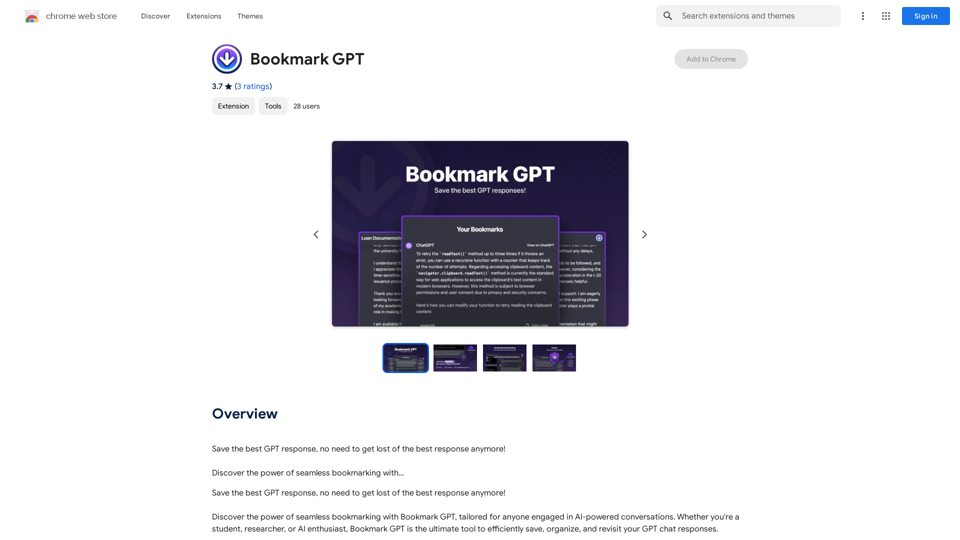
Save the best GPT response, no need to get lost of the best response anymore! Discover the power of seamless bookmarking with...
193.90 M
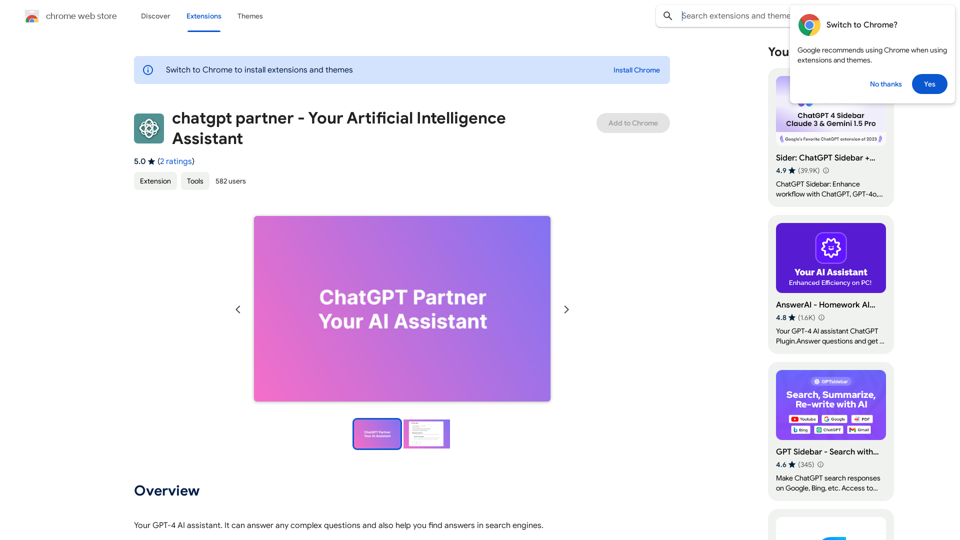
ChatGPT Partner - Your Artificial Intelligence Assistant
ChatGPT Partner - Your Artificial Intelligence AssistantYour GPT-4 AI assistant. It can answer any complex questions and also help you find answers in search engines.
193.90 M
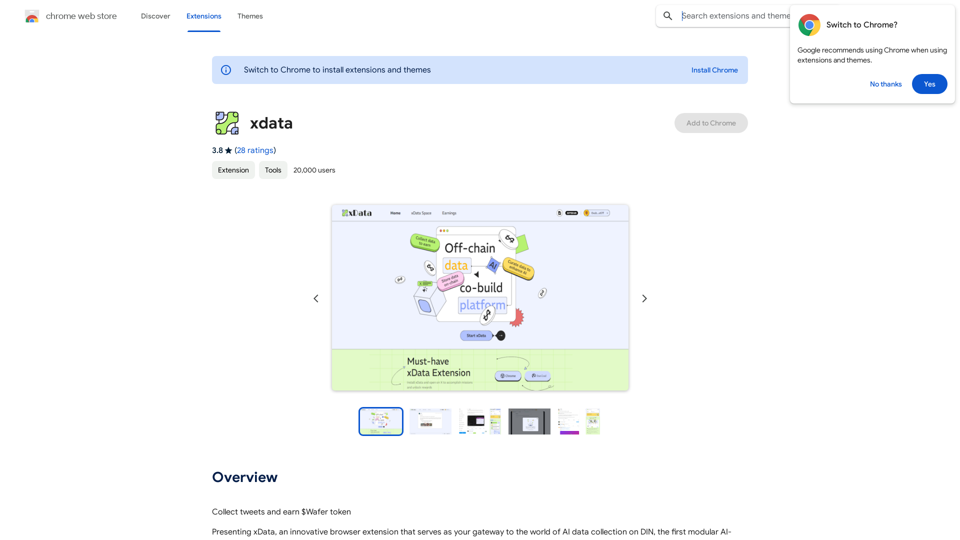
xdata xdata is a type of data that is used to extend or augment the functionality of a program or system. It is often used to provide additional information or context that is not available through traditional data sources. xdata can take many forms, including sensor data, log files, and social media posts. It is often unstructured or semi-structured, making it difficult to analyze and process using traditional data tools and techniques. However, xdata can provide valuable insights and competitive advantages when properly analyzed and utilized.
xdata xdata is a type of data that is used to extend or augment the functionality of a program or system. It is often used to provide additional information or context that is not available through traditional data sources. xdata can take many forms, including sensor data, log files, and social media posts. It is often unstructured or semi-structured, making it difficult to analyze and process using traditional data tools and techniques. However, xdata can provide valuable insights and competitive advantages when properly analyzed and utilized.Collect tweets and earn $Wafer tokens
193.90 M
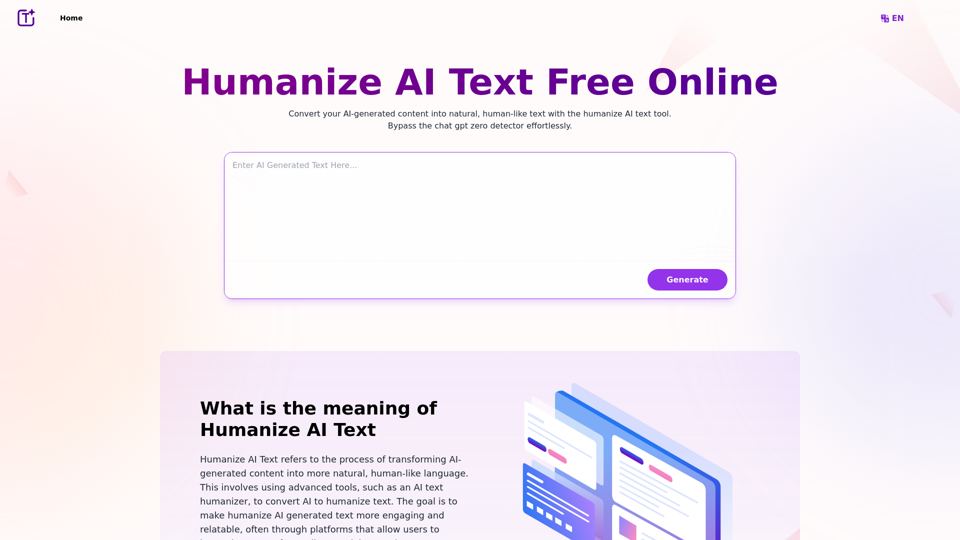
Experience the power of our AI text humanizer to convert AI text into human-like text effortlessly. Humanize AI text for free online to create engaging and undetectable content. Perfect for humanizing AI text from ChatGPT.
337.20 K
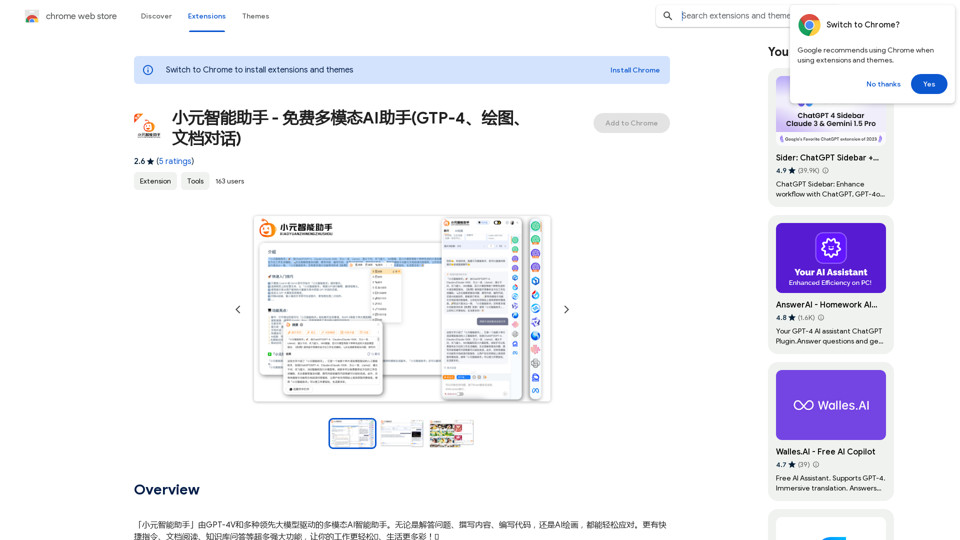
Xiao Yuan Intelligent Assistant - Free Multimodal AI Assistant (GTP-4, Drawing, Document Chat)
Xiao Yuan Intelligent Assistant - Free Multimodal AI Assistant (GTP-4, Drawing, Document Chat)"Xiao Yuan AI Assistant" is a multi-modal AI assistant powered by GPT-4V and several leading large models. Whether it's answering questions, writing content, writing code, or AI painting, it can handle it with ease. It also has many powerful features like quick commands, document reading, and knowledge base Q&A, making your work easier🌈 and life more colorful! 🎉
193.90 M
AI Copilot for Writing, Summarizing, and Chatting with PDF, WORD, and TXT Files Anywhere
AI Copilot for Writing, Summarizing, and Chatting with PDF, WORD, and TXT Files AnywhereDuang AI Tab, Use 1-Click AI Anywhere, All AI in One Page, All Prompts in One Page.
193.90 M