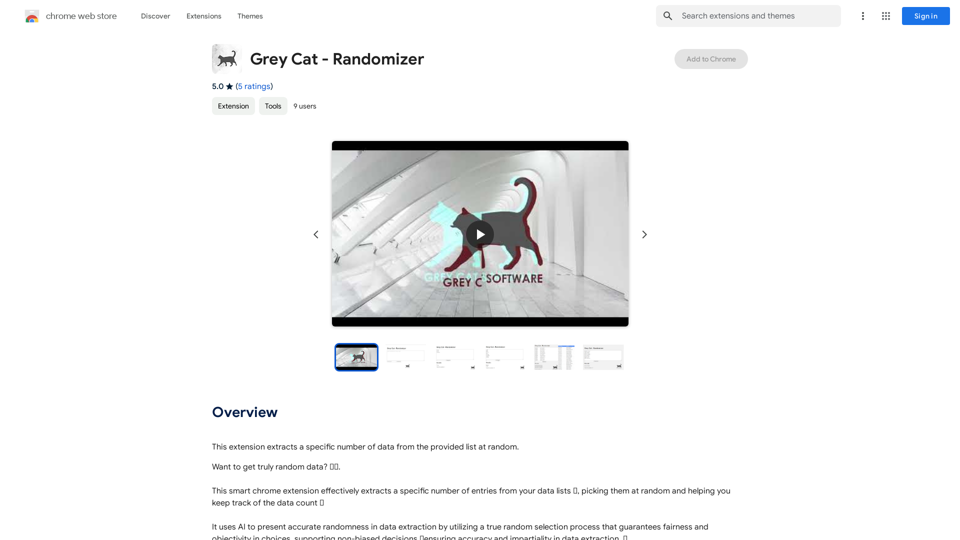
Grey Cat - Randomizer is a Chrome extension designed to extract random data from lists. It utilizes AI technology to ensure accurate randomness, fairness, and objectivity in data selection. This tool is particularly useful for quick decision-making, data sampling, and gaming applications. The extension is free to use and offers an easy-to-use interface for efficient random data extraction.
Grey Cat - Randomizer
This extension randomly selects a specific number of items from a given list.
Introduction
Feature
Random Data Extraction
- Extract specific number of entries from data lists
- Picks data randomly
- Keeps track of data count
AI-Powered Randomness
- Utilizes true random selection process
- Guarantees fairness and objectivity in choices
- Supports non-biased decisions
User-Friendly Interface
- Easy to install and use
- Transforms random data selection into a quick, reliable operation
- Suitable for various applications (decision-making, games, data sampling)
Time-Saving Functionality
- Effortlessly picks random numbers
- Ideal for quick decisions and data sampling
- Streamlines random selection processes
Free to Use
- Available as a free Chrome extension
- No cost associated with download or usage
FAQ
How does Grey Cat - Randomizer work?
Grey Cat - Randomizer uses AI technology to present accurate randomness in data extraction, ensuring fairness and objectivity in choices.
What are the main applications of Grey Cat - Randomizer?
The extension is useful for:
- Quick decision-making
- Data sampling
- Gaming applications (generating random numbers)
- Ensuring fairness in selection processes
Is Grey Cat - Randomizer free to use?
Yes, Grey Cat - Randomizer is a free Chrome extension available for download and use without any cost.
Related Websites
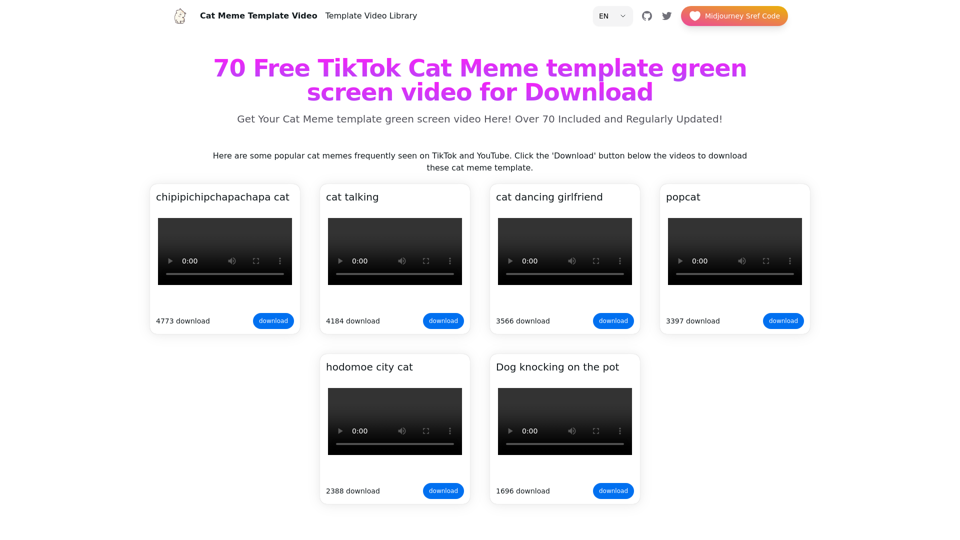
Top 70 TikTok Cat Meme Template Videos for Download
Top 70 TikTok Cat Meme Template Videos for DownloadYou can download the latest and most popular green screen cat meme template video featured on TikTok and YouTube. These materials are free.
11.93 K
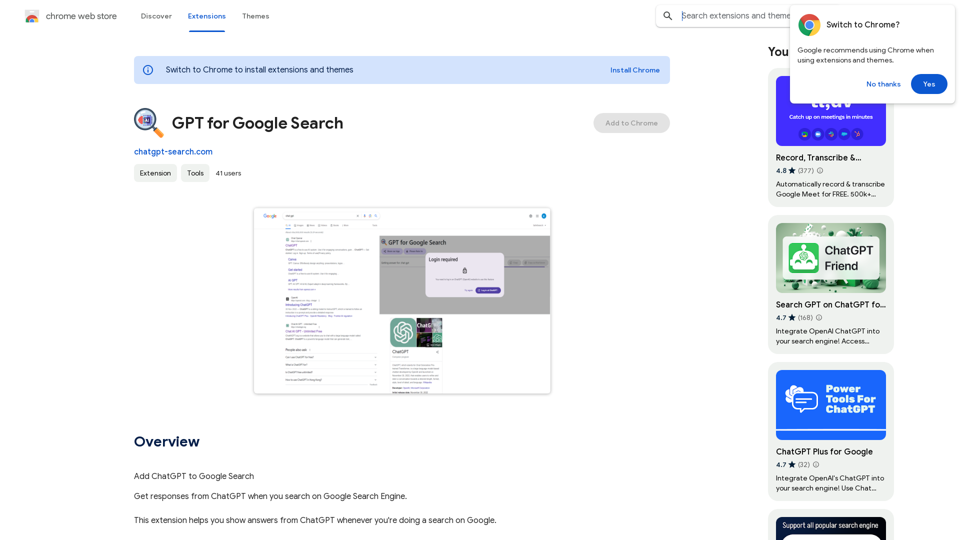
GPT for Google Search * What is GPT? GPT stands for Generative Pre-trained Transformer. It's a type of artificial intelligence (AI) that can understand and generate human-like text. * How could GPT improve Google Search? GPT could help Google Search in several ways: * Better understanding of natural language: GPT is trained on massive amounts of text data, allowing it to understand complex and nuanced search queries. * More conversational search experience: GPT could enable users to interact with Google Search in a more natural, conversational way. * Summarizing search results: GPT could condense large amounts of information from search results into concise summaries. * Generating different creative text formats: GPT could help users find information in new and interesting ways, such as generating poems, code, scripts, musical pieces, email, letters, etc., based on their search queries. * Challenges and Considerations: While GPT offers exciting possibilities, there are also challenges to consider: * Accuracy and bias: GPT models can sometimes generate inaccurate or biased information. It's crucial to ensure that GPT-powered search results are reliable and unbiased. * Transparency and explainability: It can be difficult to understand how GPT arrives at its results. Making GPT's decision-making process more transparent is important for building trust. * Ethical implications: The use of GPT in search raises ethical questions about the potential for misuse, such as generating harmful content or manipulating search results.
GPT for Google Search * What is GPT? GPT stands for Generative Pre-trained Transformer. It's a type of artificial intelligence (AI) that can understand and generate human-like text. * How could GPT improve Google Search? GPT could help Google Search in several ways: * Better understanding of natural language: GPT is trained on massive amounts of text data, allowing it to understand complex and nuanced search queries. * More conversational search experience: GPT could enable users to interact with Google Search in a more natural, conversational way. * Summarizing search results: GPT could condense large amounts of information from search results into concise summaries. * Generating different creative text formats: GPT could help users find information in new and interesting ways, such as generating poems, code, scripts, musical pieces, email, letters, etc., based on their search queries. * Challenges and Considerations: While GPT offers exciting possibilities, there are also challenges to consider: * Accuracy and bias: GPT models can sometimes generate inaccurate or biased information. It's crucial to ensure that GPT-powered search results are reliable and unbiased. * Transparency and explainability: It can be difficult to understand how GPT arrives at its results. Making GPT's decision-making process more transparent is important for building trust. * Ethical implications: The use of GPT in search raises ethical questions about the potential for misuse, such as generating harmful content or manipulating search results.Add ChatGPT to Google Search This is a popular idea! Many people think it would be amazing to have the power of ChatGPT directly integrated into Google Search. Imagine being able to ask Google a complex question and getting a clear, concise, and human-like response generated by ChatGPT. It could revolutionize how we search for information and interact with the web.
193.90 M
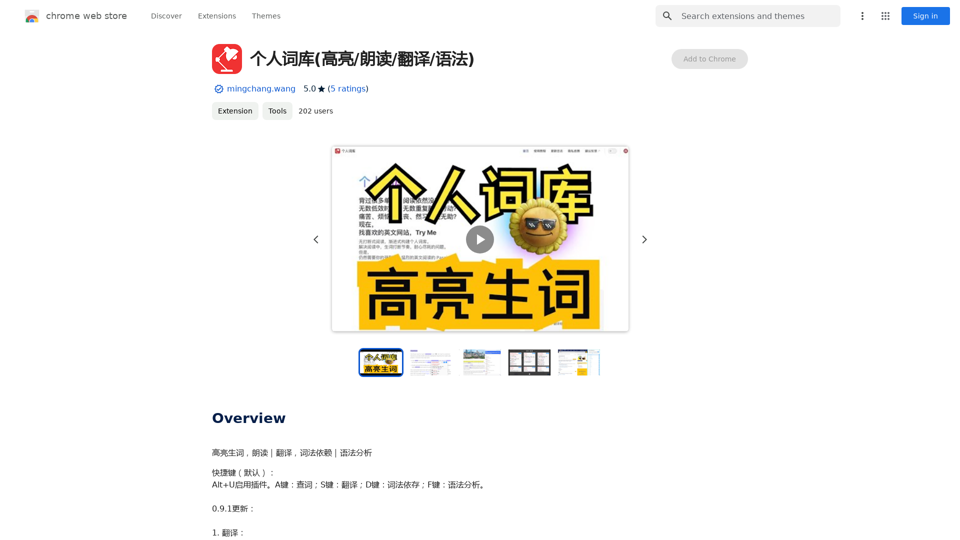
Personal Vocabulary (Highlight/Read Aloud/Translate/Grammar)
Personal Vocabulary (Highlight/Read Aloud/Translate/Grammar)Highlight new words, read aloud | Translate, lexical dependency | Syntax analysis
193.90 M
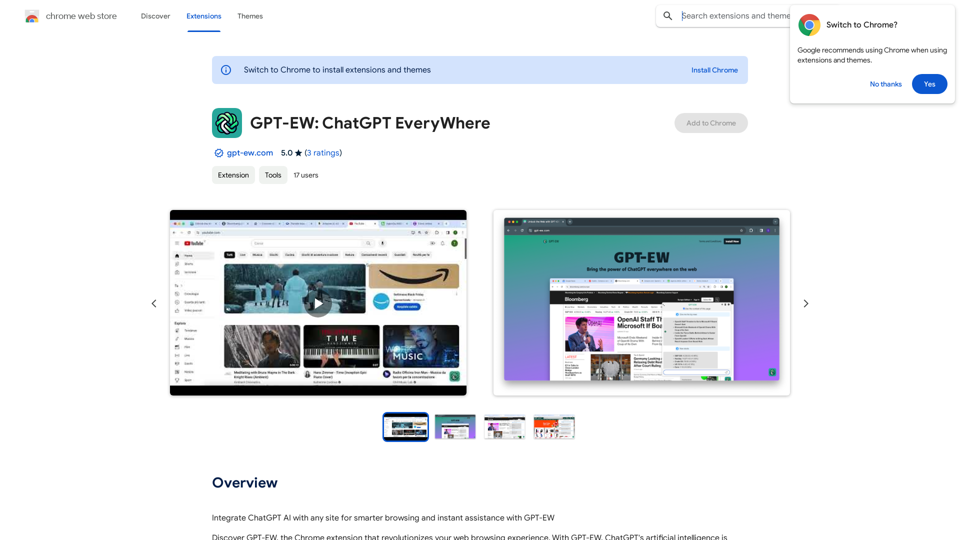
Add ChatGPT AI to Any Website for Smarter Browsing and Instant Help with GPT-EW Imagine having ChatGPT's powerful AI right there on any website you visit. That's what GPT-EW makes possible! It lets you seamlessly integrate ChatGPT into your favorite sites, giving you: * Smarter Browsing: Get instant answers to your questions about the content on the page. * Instant Assistance: Have ChatGPT help you summarize articles, translate text, or even write emails based on the information you're reading. GPT-EW unlocks a whole new level of interactivity and intelligence for your online experience.
193.90 M