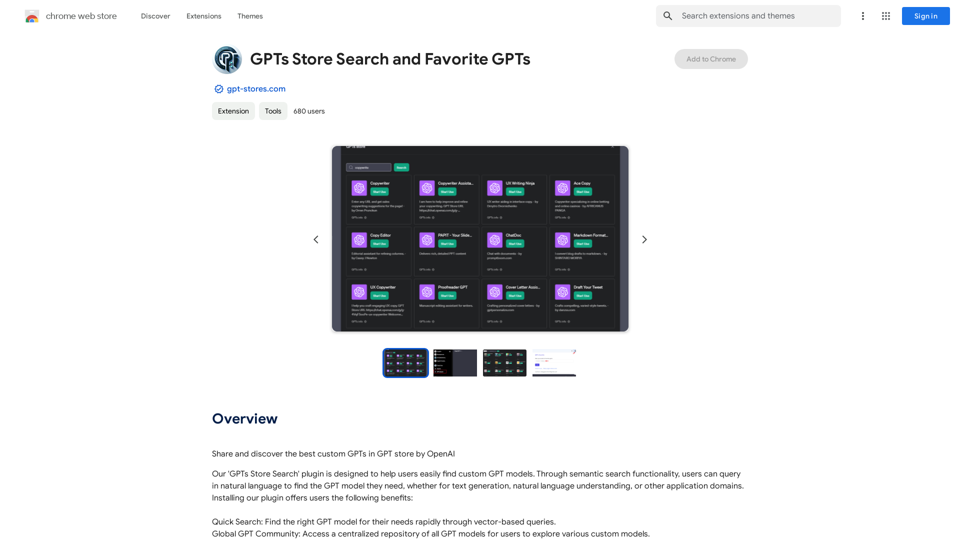
GPTs Store is a comprehensive platform offering access to a wide range of AI technologies, including ChatGPT, GPT-4o, and Dalle3. It serves as a centralized repository for custom GPT models, allowing users to discover, search, and favorite various AI models. The platform is designed to streamline the process of finding the right GPT model for specific needs, enhancing efficiency and creativity in AI applications.
GPTs Store Search and Favorite GPTs
Share and Discover the Best Custom GPTs in the GPT Store by OpenAI
Introduction
Feature
Quick Search Functionality
GPTs Store employs vector-based queries to enable rapid and accurate searches for GPT models. This feature significantly reduces the time spent on finding appropriate models, allowing users to focus more on their creative tasks and applications.
Global GPT Community Access
Users can explore a vast, centralized repository of GPT models from around the world. This feature promotes discovery and innovation by exposing users to a diverse range of custom models created by the global AI community.
Multi-Language Support
The platform offers support for multiple languages, ensuring accessibility for users worldwide. This feature breaks down language barriers and promotes global collaboration in AI development and application.
Efficiency Improvement
By streamlining the model search process, GPTs Store allows users to dedicate more time to creative tasks and practical applications of AI technology. This feature is particularly beneficial for developers and researchers working on time-sensitive projects.
Flexible Pricing Options
GPTs Store offers both free and paid subscription models:
| Version | Features | Access |
|---|---|---|
| Free | Limited | Basic |
| Paid | Extended | Full |
This tiered approach allows users to choose the option that best fits their needs and budget.
FAQ
What types of AI technologies does GPTs Store provide access to?
GPTs Store provides access to a wide array of AI technologies, including but not limited to ChatGPT, GPT-4o, and Dalle3. These technologies represent some of the most advanced language models and image generation AI available.
How does the Quick Search feature work in GPTs Store?
The Quick Search feature in GPTs Store utilizes vector-based queries to rapidly find the most relevant GPT models. This advanced search methodology allows for more accurate and efficient model discovery, significantly reducing the time spent on finding appropriate AI tools.
What benefits does the Global GPT Community offer to users?
The Global GPT Community feature provides users with access to a centralized repository of GPT models from around the world. This allows users to explore a diverse range of custom models, fostering innovation and cross-pollination of ideas within the AI community.
Is GPTs Store accessible to non-English speakers?
Yes, GPTs Store offers multi-language support, making it accessible to users worldwide. This feature ensures that language is not a barrier to accessing and utilizing the platform's resources and capabilities.
What are the pricing options for GPTs Store?
GPTs Store offers a free version with limited features for users to explore the platform. Additionally, there is a paid subscription option that provides extended access and additional benefits for users who require more comprehensive functionality.
Related Websites
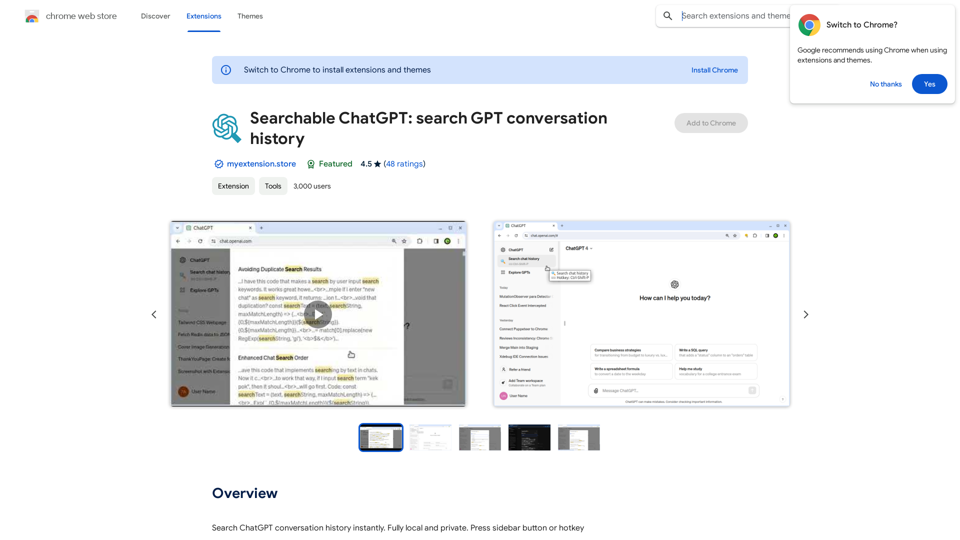
Searchable ChatGPT: Search GPT Conversation History With the rapid development of artificial intelligence technology, ChatGPT has become an essential tool for people to communicate and interact with AI. However, as the conversation history grows, it becomes increasingly difficult to find specific conversations or topics. To address this issue, we propose the concept of Searchable ChatGPT, which enables users to search their GPT conversation history efficiently. Key Features 1. Keyword Search Users can input specific keywords or phrases to search for relevant conversations in their chat history. The system will then display a list of conversations that match the search criteria, allowing users to quickly find the information they need. 2. Contextual Search In addition to keyword search, users can also search for conversations based on context. For example, they can search for conversations related to a specific topic, such as "travel" or "cooking." The system will then display a list of conversations that are relevant to the specified context. 3. Conversation Filtering To further refine the search results, users can apply filters to narrow down the list of conversations. For instance, they can filter conversations by date, time, or even the emotions expressed during the conversation. 4. Conversation Analytics Searchable ChatGPT also provides users with conversation analytics, which offer insights into their conversation patterns and preferences. This feature can help users identify areas for improvement and optimize their communication with ChatGPT. Benefits 1. Improved Productivity Searchable ChatGPT saves users time and effort by allowing them to quickly find specific conversations or topics in their chat history. 2. Enhanced User Experience By providing users with a more efficient way to search and analyze their conversations, Searchable ChatGPT enhances the overall user experience and encourages more effective communication with ChatGPT. 3. Better Decision Making With access to conversation analytics, users can make more informed decisions by identifying patterns and trends in their conversations with ChatGPT. Conclusion Searchable ChatGPT is a powerful tool that revolutionizes the way users interact with ChatGPT. By providing a robust search function, contextual search, conversation filtering, and conversation analytics, Searchable ChatGPT improves productivity, enhances the user experience, and enables better decision making.
Searchable ChatGPT: Search GPT Conversation History With the rapid development of artificial intelligence technology, ChatGPT has become an essential tool for people to communicate and interact with AI. However, as the conversation history grows, it becomes increasingly difficult to find specific conversations or topics. To address this issue, we propose the concept of Searchable ChatGPT, which enables users to search their GPT conversation history efficiently. Key Features 1. Keyword Search Users can input specific keywords or phrases to search for relevant conversations in their chat history. The system will then display a list of conversations that match the search criteria, allowing users to quickly find the information they need. 2. Contextual Search In addition to keyword search, users can also search for conversations based on context. For example, they can search for conversations related to a specific topic, such as "travel" or "cooking." The system will then display a list of conversations that are relevant to the specified context. 3. Conversation Filtering To further refine the search results, users can apply filters to narrow down the list of conversations. For instance, they can filter conversations by date, time, or even the emotions expressed during the conversation. 4. Conversation Analytics Searchable ChatGPT also provides users with conversation analytics, which offer insights into their conversation patterns and preferences. This feature can help users identify areas for improvement and optimize their communication with ChatGPT. Benefits 1. Improved Productivity Searchable ChatGPT saves users time and effort by allowing them to quickly find specific conversations or topics in their chat history. 2. Enhanced User Experience By providing users with a more efficient way to search and analyze their conversations, Searchable ChatGPT enhances the overall user experience and encourages more effective communication with ChatGPT. 3. Better Decision Making With access to conversation analytics, users can make more informed decisions by identifying patterns and trends in their conversations with ChatGPT. Conclusion Searchable ChatGPT is a powerful tool that revolutionizes the way users interact with ChatGPT. By providing a robust search function, contextual search, conversation filtering, and conversation analytics, Searchable ChatGPT improves productivity, enhances the user experience, and enables better decision making.Search ChatGPT conversation history instantly. Fully local and private. Press sidebar button or hotkey
193.90 M
Translation Methods: Comparative Translation & Immersive AI Translation
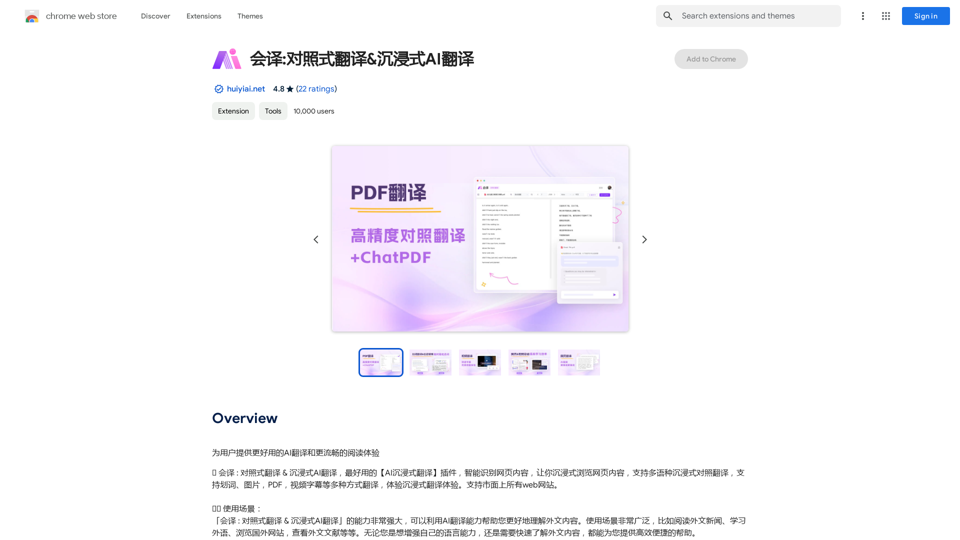
Translation Methods: Comparative Translation & Immersive AI TranslationProvide users with better AI translation and a more fluent reading experience.
193.90 M
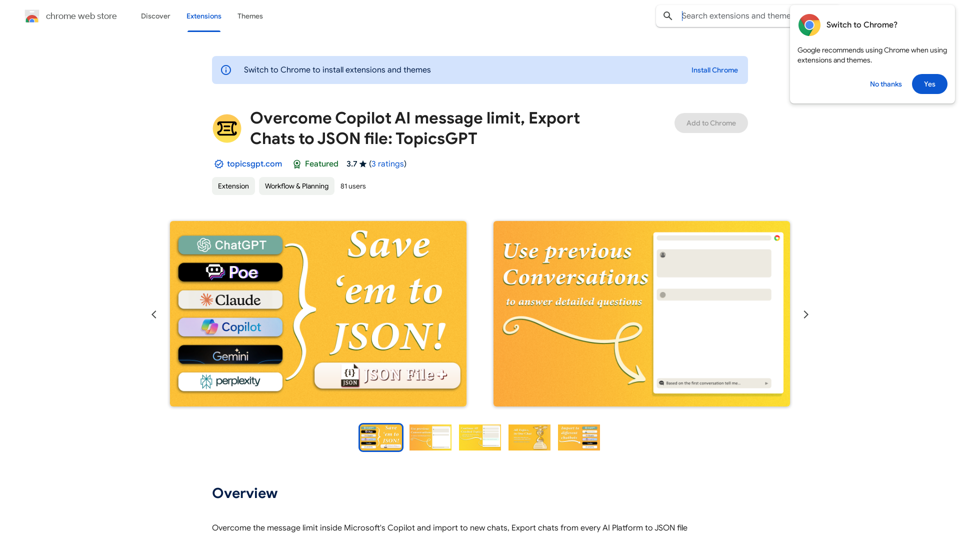
Overcome Copilot AI Message Limit, Export Chats to JSON File: TopicsGPT This is a tool to help you work around the message limit in Copilot AI and export your conversations to a JSON file. Here's how it works: * Extend Your Conversations: TopicsGPT allows you to continue your conversations with Copilot AI beyond the usual message limit. * Save Your History: Export your entire chat history with Copilot AI as a structured JSON file. This makes it easy to review past interactions, analyze your conversations, or even use the data for other purposes. Benefits: * No More Interruptions: Keep your creative flow going without worrying about hitting the message limit. * Organized Data: Have a clear and organized record of your conversations with Copilot AI. * Flexibility: Use the exported JSON data for your own projects or analysis. Let me know if you have any questions!
Overcome Copilot AI Message Limit, Export Chats to JSON File: TopicsGPT This is a tool to help you work around the message limit in Copilot AI and export your conversations to a JSON file. Here's how it works: * Extend Your Conversations: TopicsGPT allows you to continue your conversations with Copilot AI beyond the usual message limit. * Save Your History: Export your entire chat history with Copilot AI as a structured JSON file. This makes it easy to review past interactions, analyze your conversations, or even use the data for other purposes. Benefits: * No More Interruptions: Keep your creative flow going without worrying about hitting the message limit. * Organized Data: Have a clear and organized record of your conversations with Copilot AI. * Flexibility: Use the exported JSON data for your own projects or analysis. Let me know if you have any questions!Bypass Copilot's Message Limit and Move Conversations * Get around the message limit in Microsoft's Copilot: Find ways to exceed the character or message count restrictions within Copilot. * Transfer conversations to new chats: Move existing conversations from one chat space to another. Export AI Chat Histories * Download chat history from any AI platform: Save your conversations with various AI systems as JSON files.
193.90 M

Discover SkillSpot.ai, an AI-driven recruitment solution transforming the hiring landscape. Experience AI-guided job listings, intelligent AI Powered candidate screening, and detailed virtual interviews. Embrace efficiency and precision in talent acquisition with our advanced AI tools. Book a demo today!
1.24 K
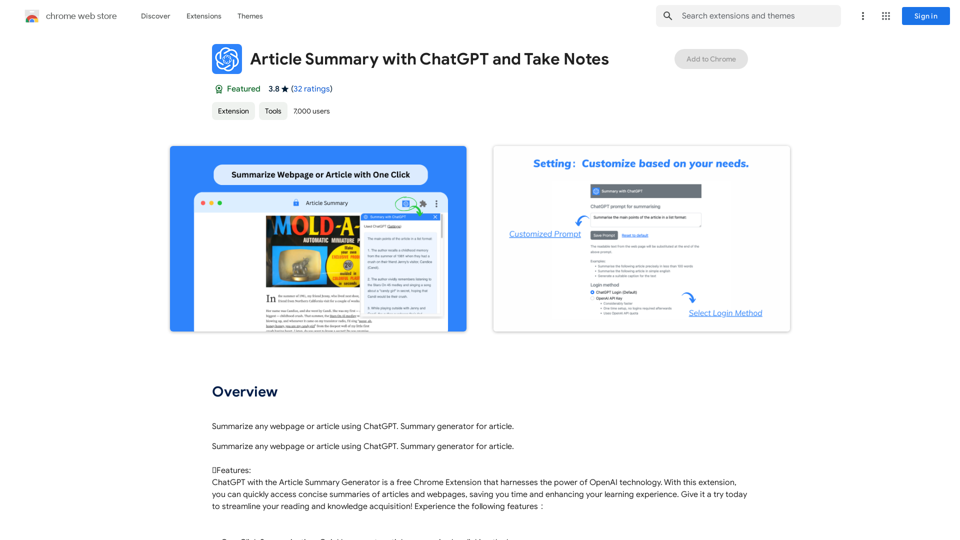
Article Summary with ChatGPT and Take Notes This is a guide on how to use ChatGPT to summarize articles and take notes effectively. Step 1: Provide ChatGPT with the Article Copy and paste the full text of the article into the ChatGPT interface. Step 2: Craft Your Prompt Tell ChatGPT what you want it to do. Here are some examples: * Summarize: "Please summarize this article in 200 words." * Key Points: "What are the main points of this article?" * Bullet Points: "Summarize the key findings of this article in bullet points." * Notes: "Take notes on this article, focusing on the author's arguments and supporting evidence." Step 3: Review and Refine ChatGPT will generate a summary, key points, bullet points, or notes based on your prompt. * Read carefully: Make sure the output accurately reflects the article's content. * Edit as needed: You can ask ChatGPT to rephrase sections or provide more detail. * Add your own insights: Don't just copy ChatGPT's output. Use it as a starting point and add your own thoughts, questions, and connections. Tips for Effective Use: * Be specific: The more specific your prompt, the better the output will be. * Experiment with different prompts: Try various phrasing to see what works best. * Use ChatGPT as a tool: It's a powerful aid, but it's not a replacement for critical reading and thinking.
Article Summary with ChatGPT and Take Notes This is a guide on how to use ChatGPT to summarize articles and take notes effectively. Step 1: Provide ChatGPT with the Article Copy and paste the full text of the article into the ChatGPT interface. Step 2: Craft Your Prompt Tell ChatGPT what you want it to do. Here are some examples: * Summarize: "Please summarize this article in 200 words." * Key Points: "What are the main points of this article?" * Bullet Points: "Summarize the key findings of this article in bullet points." * Notes: "Take notes on this article, focusing on the author's arguments and supporting evidence." Step 3: Review and Refine ChatGPT will generate a summary, key points, bullet points, or notes based on your prompt. * Read carefully: Make sure the output accurately reflects the article's content. * Edit as needed: You can ask ChatGPT to rephrase sections or provide more detail. * Add your own insights: Don't just copy ChatGPT's output. Use it as a starting point and add your own thoughts, questions, and connections. Tips for Effective Use: * Be specific: The more specific your prompt, the better the output will be. * Experiment with different prompts: Try various phrasing to see what works best. * Use ChatGPT as a tool: It's a powerful aid, but it's not a replacement for critical reading and thinking.I can do that! Please provide me with the URL of the webpage or article you'd like me to summarize. I'll do my best to create a concise and easy-to-understand summary for you.
193.90 M

Infinity AI is a revolutionary platform that enables the creation of generative video models focused on people.
158