Open-source RightAI Tools Directory
  • Discover AI
  • Submit
  • Startup
  • Blog
Open-source RightAI Tools Directory
Discover the best AI tools of 2025 with the RightAI Tools Directory!

Friend Links

AI Anime GeneratorToolsApp AI

Support

Tap4
Privacy policyTerms & ConditionsContact Us
Loading...
loading...

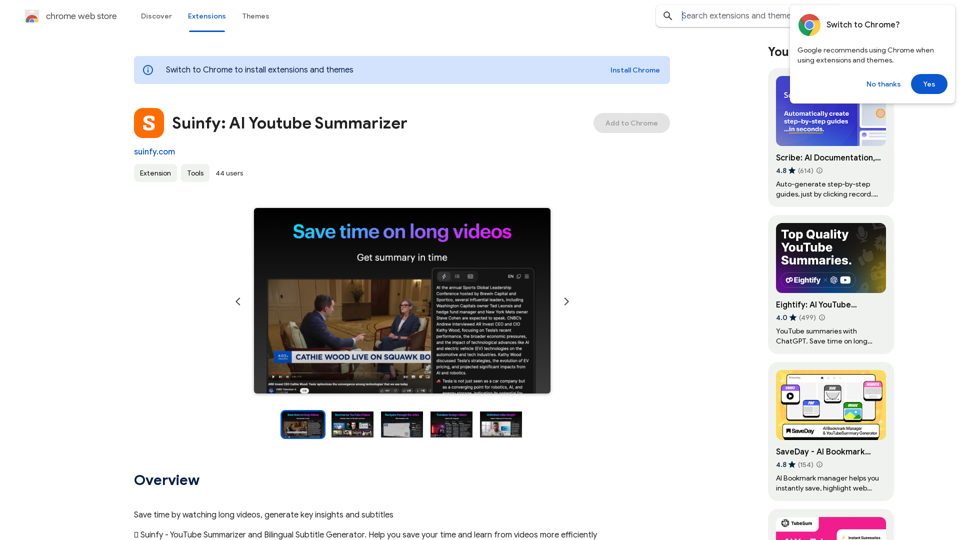
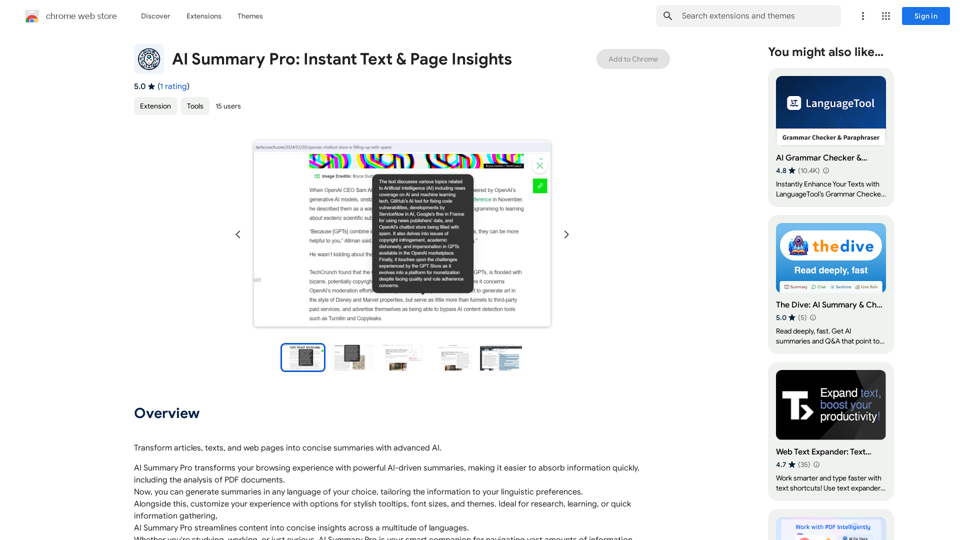
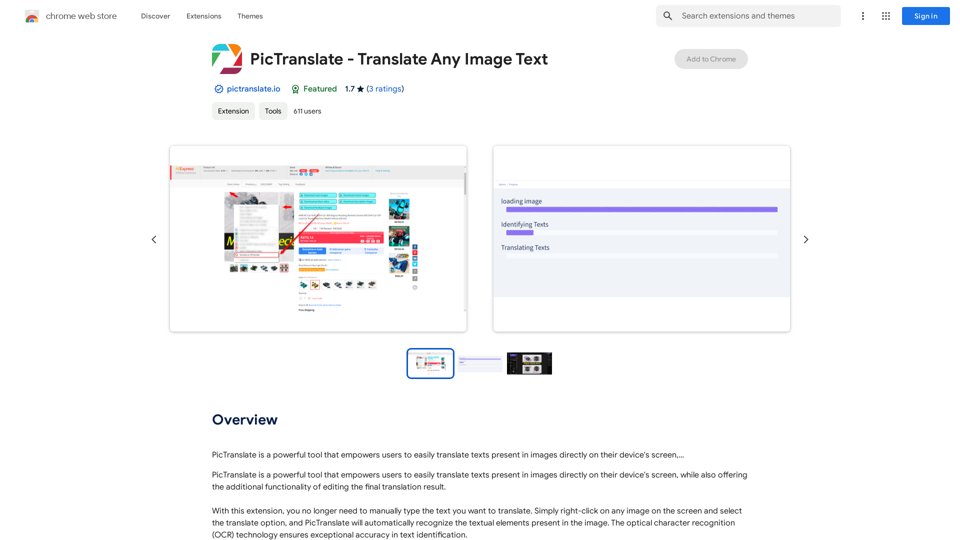
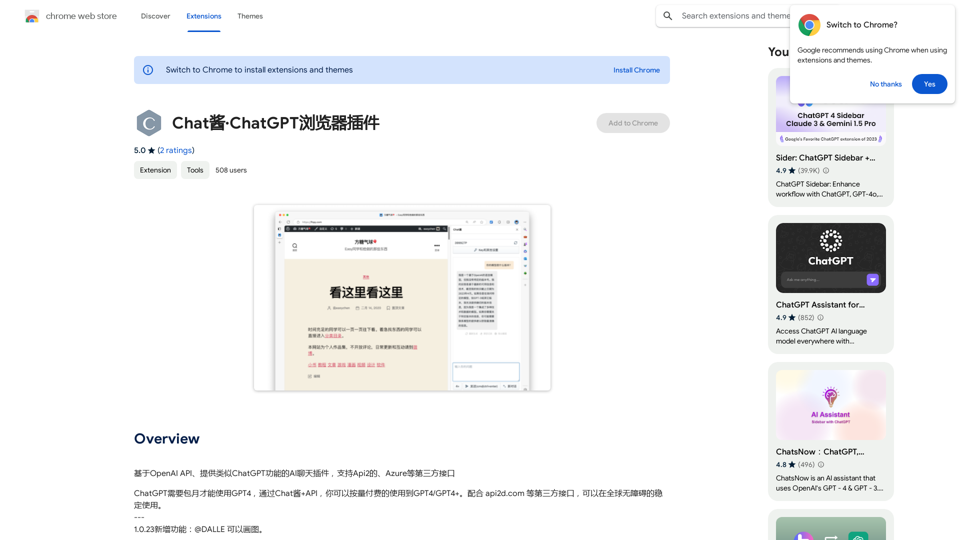
Searchable ChatGPT: Search GPT Conversation History With the rapid development of artificial intelligence technology, ChatGPT has become an essential tool for people to communicate and interact with AI. However, as the conversation history grows, it becomes increasingly difficult to find specific conversations or topics. To address this issue, we propose the concept of Searchable ChatGPT, which enables users to search their GPT conversation history efficiently. Key Features 1. Keyword Search Users can input specific keywords or phrases to search for relevant conversations in their chat history. The system will then display a list of conversations that match the search criteria, allowing users to quickly find the information they need. 2. Contextual Search In addition to keyword search, users can also search for conversations based on context. For example, they can search for conversations related to a specific topic, such as "travel" or "cooking." The system will then display a list of conversations that are relevant to the specified context. 3. Conversation Filtering To further refine the search results, users can apply filters to narrow down the list of conversations. For instance, they can filter conversations by date, time, or even the emotions expressed during the conversation. 4. Conversation Analytics Searchable ChatGPT also provides users with conversation analytics, which offer insights into their conversation patterns and preferences. This feature can help users identify areas for improvement and optimize their communication with ChatGPT. Benefits 1. Improved Productivity Searchable ChatGPT saves users time and effort by allowing them to quickly find specific conversations or topics in their chat history. 2. Enhanced User Experience By providing users with a more efficient way to search and analyze their conversations, Searchable ChatGPT enhances the overall user experience and encourages more effective communication with ChatGPT. 3. Better Decision Making With access to conversation analytics, users can make more informed decisions by identifying patterns and trends in their conversations with ChatGPT. Conclusion Searchable ChatGPT is a powerful tool that revolutionizes the way users interact with ChatGPT. By providing a robust search function, contextual search, conversation filtering, and conversation analytics, Searchable ChatGPT improves productivity, enhances the user experience, and enables better decision making.

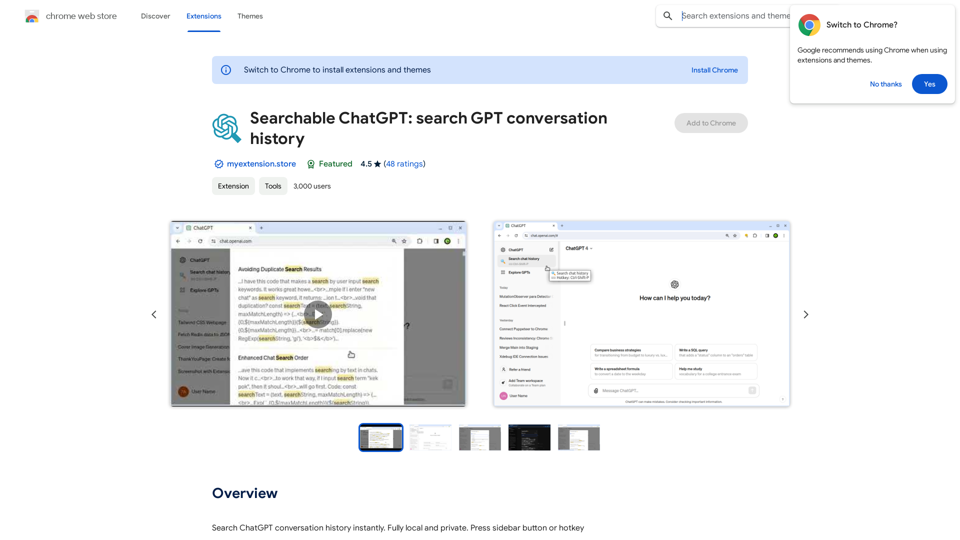
Search ChatGPT conversation history instantly. Fully local and private. Press sidebar button or hotkey
Visit Website
Searchable ChatGPT: Search GPT Conversation History

With the rapid development of artificial intelligence technology, ChatGPT has become an essential tool for people to communicate and interact with AI. However, as the conversation history grows, it becomes increasingly difficult to find specific conversations or topics. To address this issue, we propose the concept of Searchable ChatGPT, which enables users to search their GPT conversation history efficiently.

Key Features

1. Keyword Search

Users can input specific keywords or phrases to search for relevant conversations in their chat history. The system will then display a list of conversations that match the search criteria, allowing users to quickly find the information they need.

2. Contextual Search

In addition to keyword search, users can also search for conversations based on context. For example, they can search for conversations related to a specific topic, such as "travel" or "cooking." The system will then display a list of conversations that are relevant to the specified context.

3. Conversation Filtering

To further refine the search results, users can apply filters to narrow down the list of conversations. For instance, they can filter conversations by date, time, or even the emotions expressed during the conversation.

4. Conversation Analytics

Searchable ChatGPT also provides users with conversation analytics, which offer insights into their conversation patterns and preferences. This feature can help users identify areas for improvement and optimize their communication with ChatGPT.

Benefits

1. Improved Productivity

Searchable ChatGPT saves users time and effort by allowing them to quickly find specific conversations or topics in their chat history.

2. Enhanced User Experience

By providing users with a more efficient way to search and analyze their conversations, Searchable ChatGPT enhances the overall user experience and encourages more effective communication with ChatGPT.

3. Better Decision Making

With access to conversation analytics, users can make more informed decisions by identifying patterns and trends in their conversations with ChatGPT.

Conclusion

Searchable ChatGPT is a powerful tool that revolutionizes the way users interact with ChatGPT. By providing a robust search function, contextual search, conversation filtering, and conversation analytics, Searchable ChatGPT improves productivity, enhances the user experience, and enables better decision making.
Visit Website

Introduction

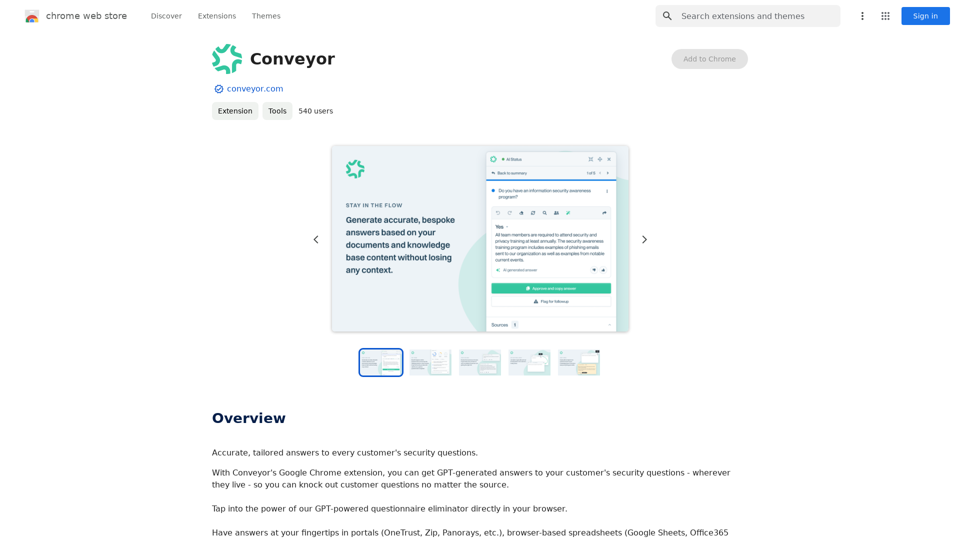
Searchable ChatGPT is a Chrome extension designed to enhance the ChatGPT experience by providing instant search functionality for conversation history. This fully local and private tool allows users to easily find old chats and messages by searching through contents and chat titles, without sending data to external APIs.

Feature

Powerful Search Capabilities

  • Exact/fuzzy search of ChatGPT conversation history
  • Keyword suggestions for easier searching
  • Searches through both message contents and chat titles

Privacy and Security

  • Works locally without sending data externally
  • No ads, tracking, analytics, or third-party code

User-Friendly Interface

  • Seamless integration with web UI
  • Compatible with both Light and Dark themes
  • Convenient hotkey: Ctrl-Shift-P

Local Indexing

  • Creates a local index of all chats and messages
  • Adds a search button in the sidebar
  • Uses local index to find matching messages

Free Version Features

  • Searches through all chats and messages
  • Limited to 3 search results per search

FAQ

How does Searchable ChatGPT work?

Searchable ChatGPT creates a local index of all your chats and messages. It adds a button in the sidebar and a hotkey to open the search. When you type in the search box, it uses the local index to find the messages that match your query.

Why is Searchable ChatGPT useful?

Currently, ChatGPT doesn't offer a way to find old chats other than scrolling through them. If you have numerous chats in ChatGPT web UI and regularly need to find previously discussed topics, Searchable ChatGPT is the solution.

Are there any limitations to the free version?

The free version of Searchable ChatGPT searches through all your chats and messages. The only limitation is that it shows only 3 search results per search.

Does it search the contents of the chats?

Yes, it creates an index of both chat names and chat messages. You can search for any word or phrase that was ever mentioned in any of your chats.

How can I access the search function?

You can use the hotkey Ctrl-Shift-P or the button in the sidebar to open the search box.

Latest Traffic Insights

  • Monthly Visits

    193.90 M

  • Bounce Rate

    56.27%

  • Pages Per Visit

    2.71

  • Time on Site(s)

    115.91

  • Global Rank

    -

  • Country Rank

    -

Recent Visits

Traffic Sources

  • Social Media:
    0.48%
  • Paid Referrals:
    0.55%
  • Email:
    0.15%
  • Referrals:
    12.81%
  • Search Engines:
    16.21%
  • Direct:
    69.81%
More Data

Related Websites

Met Genius Extension
View Detail

Met Genius Extension

Met Genius Extension

The Power of React and TypeScript for Building Interactive Chrome Extensions React and TypeScript are a powerful combination for developing engaging and robust Chrome extensions. Here's why: * React's Component-Based Architecture: React's component-based approach makes building complex UIs for your extensions manageable and reusable. * TypeScript's Static Typing: TypeScript's type system catches errors early in development, leading to more reliable and maintainable code. * Improved Developer Experience: Both React and TypeScript offer excellent tooling and a strong community, making development smoother and more enjoyable. By leveraging these technologies, you can create Chrome extensions that are: * Interactive and User-Friendly: React's declarative style and virtual DOM enable smooth and responsive user interfaces. * Scalable and Maintainable: TypeScript's type safety and React's component structure promote code organization and extensibility. * Bug-Free and Reliable: TypeScript's static typing helps prevent runtime errors, resulting in more robust extensions. Let's explore how to harness the power of React and TypeScript to build your next amazing Chrome extension!

193.90 M
Free Suno AI Music Generator by SunoCC.com
View Detail

Free Suno AI Music Generator by SunoCC.com

Free Suno AI Music Generator by SunoCC.com

Create music with Suno AI for free. Download and enjoy new music today! Discover SunoCC.com and the innovative Suno AI Music Generator V3.

96.16 K
MagicalAPI: YouTube SEO - Boost Your Channel with AI
View Detail

MagicalAPI: YouTube SEO - Boost Your Channel with AI

MagicalAPI: YouTube SEO - Boost Your Channel with AI

Your ultimate AI-powered tool for YouTube SEO and video optimization.

193.90 M
AG Intelligent Assistant - GPT Chat, Drawing, Vision, Networking
View Detail

AG Intelligent Assistant - GPT Chat, Drawing, Vision, Networking

AG Intelligent Assistant - GPT Chat, Drawing, Vision, Networking

Driven by models such as GPT-4 Turbo and GPT-4 O, this private AI work assistant supports a wide range of functions, including GPT networking, PDF analysis, GPT-4 Vision, SD drawing, and DALL·E 3 drawing, making it your most powerful AI work assistant!

193.90 M
Prompts Manager - ChatGPT, Bard, Bing AI
View Detail

Prompts Manager - ChatGPT, Bard, Bing AI

Prompts Manager - ChatGPT, Bard, Bing AI

Organize and sort templates designed to give instructions to ChatGPT, Google Bard, and Bing AI.

193.90 M
Deploy GPTsDeploying GPTs
View Detail

Deploy GPTsDeploying GPTs

Deploy GPTsDeploying GPTs

This extension deploys your OpenAI GPTs to places like websites, WhatsApp, Telegram, and more.

193.90 M
Hints Playbook AI

This playbook provides guidance on how to effectively use hints to improve the performance of AI models.

Understanding Hints

Hints are additional pieces of information provided to an AI model to guide its output. They can take various forms, such as:

* Textual prompts: Direct instructions or suggestions.
* Examples: Demonstrating the desired output format or style.
* Constraints: Specifying limitations or boundaries for the response.

Types of Hints

* Zero-shot: Hints are provided without any examples.
* Few-shot: A small number of examples are given to illustrate the desired output.
* Fine-tuning: Hints are incorporated into the training data to adjust the model's behavior.

Best Practices for Using Hints

* Be specific: Clearly articulate what you want the AI to do.
* Provide context: Give the model enough background information to understand the task.
* Use examples: Demonstrate the desired output format or style.
* Iterate and refine: Experiment with different types and formats of hints to find what works best.
* Evaluate results: Assess the quality of the AI's output and adjust hints accordingly.
View Detail

Hints Playbook AI This playbook provides guidance on how to effectively use hints to improve the performance of AI models. Understanding Hints Hints are additional pieces of information provided to an AI model to guide its output. They can take various forms, such as: * Textual prompts: Direct instructions or suggestions. * Examples: Demonstrating the desired output format or style. * Constraints: Specifying limitations or boundaries for the response. Types of Hints * Zero-shot: Hints are provided without any examples. * Few-shot: A small number of examples are given to illustrate the desired output. * Fine-tuning: Hints are incorporated into the training data to adjust the model's behavior. Best Practices for Using Hints * Be specific: Clearly articulate what you want the AI to do. * Provide context: Give the model enough background information to understand the task. * Use examples: Demonstrate the desired output format or style. * Iterate and refine: Experiment with different types and formats of hints to find what works best. * Evaluate results: Assess the quality of the AI's output and adjust hints accordingly.

Hints Playbook AI This playbook provides guidance on how to effectively use hints to improve the performance of AI models. Understanding Hints Hints are additional pieces of information provided to an AI model to guide its output. They can take various forms, such as: * Textual prompts: Direct instructions or suggestions. * Examples: Demonstrating the desired output format or style. * Constraints: Specifying limitations or boundaries for the response. Types of Hints * Zero-shot: Hints are provided without any examples. * Few-shot: A small number of examples are given to illustrate the desired output. * Fine-tuning: Hints are incorporated into the training data to adjust the model's behavior. Best Practices for Using Hints * Be specific: Clearly articulate what you want the AI to do. * Provide context: Give the model enough background information to understand the task. * Use examples: Demonstrate the desired output format or style. * Iterate and refine: Experiment with different types and formats of hints to find what works best. * Evaluate results: Assess the quality of the AI's output and adjust hints accordingly.

Hints automatically updates CRM fields from video calls. Keep your CRM up-to-date.

193.90 M
Ikigai Ads Companion
View Detail

Ikigai Ads Companion

Ikigai Ads Companion

Track the success of your TikTok ads as they run and get helpful tips to improve them.

193.90 M