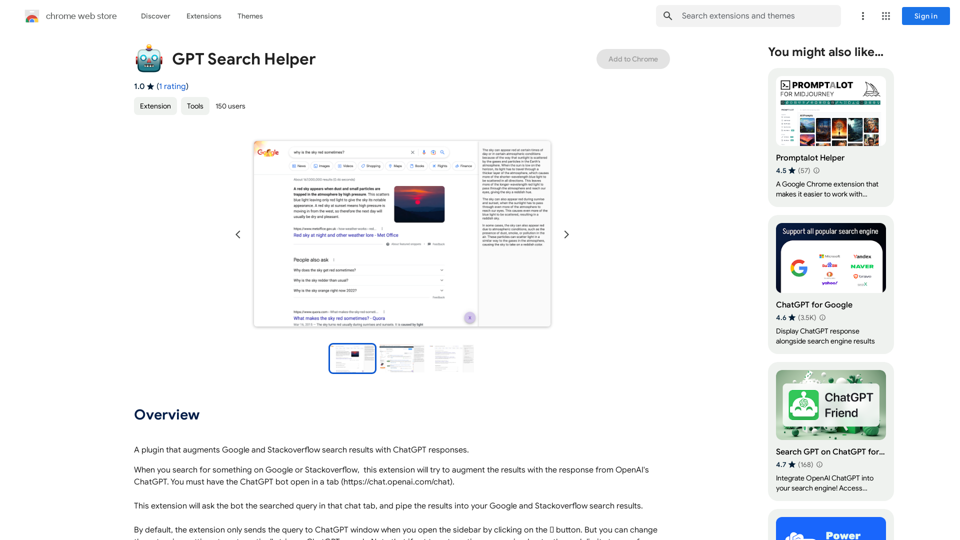
GPT Search Helper is a Chrome extension that enhances Google and Stackoverflow search results by incorporating ChatGPT responses. This tool seamlessly integrates AI-powered insights into your search experience, providing users with more comprehensive and intelligent search outcomes.
GPT Search Helper
A plugin that adds ChatGPT responses to Google and Stack Overflow search results.
Introduction
Feature
Augment Search Results
The extension automatically enriches Google and Stackoverflow search results with relevant ChatGPT responses, offering users a more comprehensive view of their queries.
Flexible Trigger Options
Users can choose between manual activation via a sidebar button or automatic triggering of ChatGPT searches, allowing for customized user experiences.
Easy Installation and Setup
Simple installation process from the Chrome Web Store, followed by a straightforward setup involving opening the ChatGPT bot in a separate tab.
Free to Use
GPT Search Helper is completely free, with no subscription or payment required for full functionality.
Compatible with Popular Platforms
The extension is specifically designed to work with Google and Stackoverflow, two of the most widely used platforms for information search and problem-solving.
FAQ
How does GPT Search Helper work?
The extension sends your search query to the ChatGPT bot in a separate tab and integrates the AI-generated response into your Google or Stackoverflow search results.
Is GPT Search Helper compatible with other search engines?
Currently, the extension is designed to work exclusively with Google and Stackoverflow search results.
Are there any usage limits for GPT Search Helper?
While the extension itself doesn't impose limits, users should be aware that frequent use, especially with automatic triggering, may reach the free usage limits of ChatGPT.
How can I optimize my experience with GPT Search Helper?
For best results, ensure the ChatGPT bot is open in a separate tab before using the extension. Consider adjusting the extension settings based on your usage preferences and be mindful of potential ChatGPT usage limits.
Related Websites
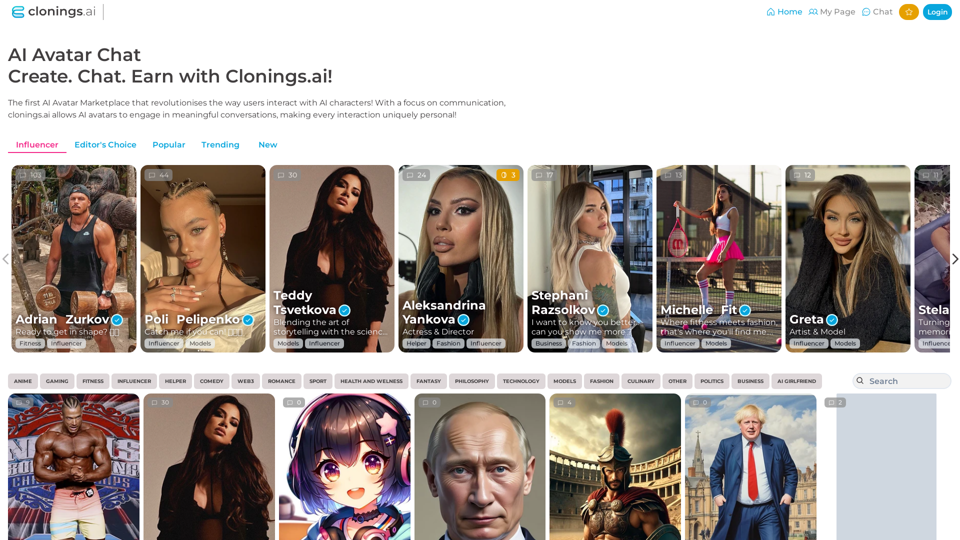
Join http://Clonings.ai to create and interact with your own custom AI character. This innovative platform combines chat with personality. Connect, talk, and explore a one-of-a-kind chatbot experience designed just for you. Perfect for fans and influencers!
0
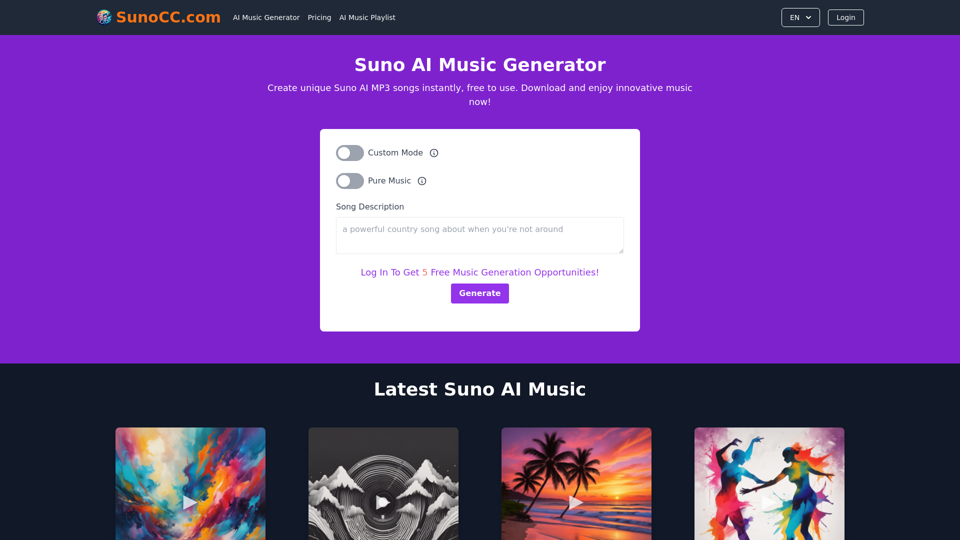
Create music with Suno AI for free. Download and enjoy new music today! Discover SunoCC.com and the innovative Suno AI Music Generator V3.
96.16 K

Media Vault AI | Your AI-Powered Media Curator and Cloud Storage Solution
Media Vault AI | Your AI-Powered Media Curator and Cloud Storage SolutionMedia Vault AI is your comprehensive solution for media storage, curation, and analysis. Seamlessly integrating with your favorite generative AI tools, our platform provides AI-powered file naming, tagging, and unique folder structures, a powerful semantic search feature, and insightful analytics tools. Visit Discord today for early access.
203
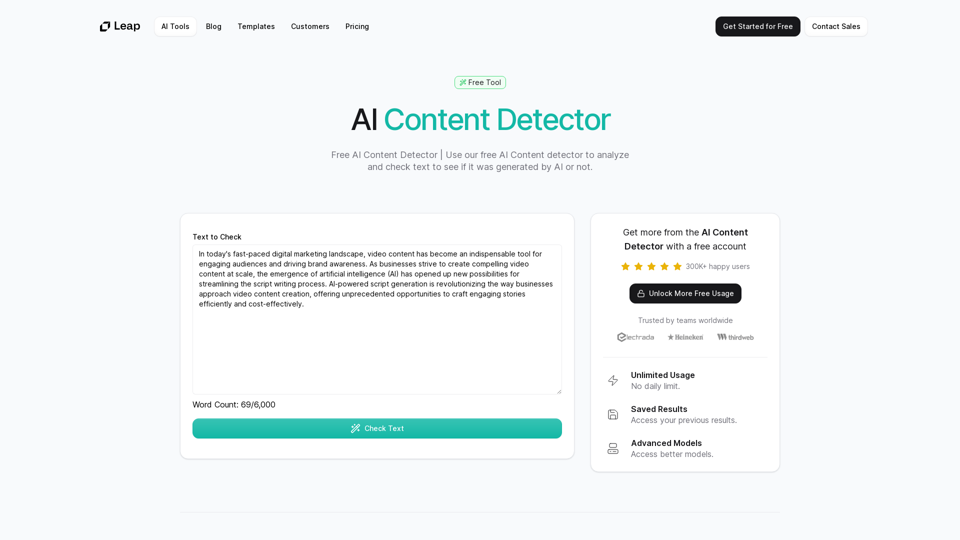
AI Content Detector | GPT-4o, Anthropic, & ChatGPT This AI content detector is designed to identify text generated by popular AI models, including GPT-4o, Anthropic, and ChatGPT.
AI Content Detector | GPT-4o, Anthropic, & ChatGPT This AI content detector is designed to identify text generated by popular AI models, including GPT-4o, Anthropic, and ChatGPT.Free AI Content Detector | 使用我们的免费AI内容检测器来分析和检查文本,以查看它是否由AI生成。
97.78 K
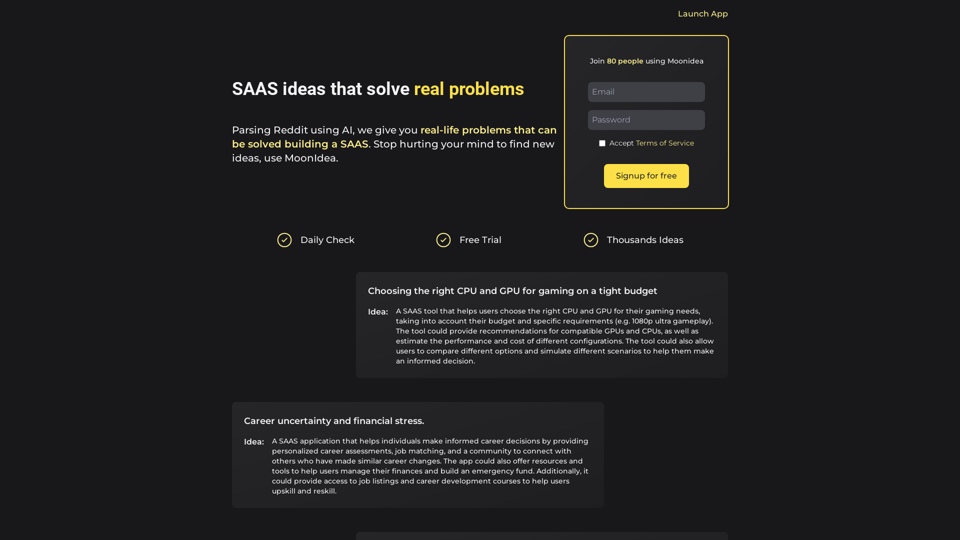
Moonidea AI-powered SaaS idea generation using Reddit threads.
Moonidea AI-powered SaaS idea generation using Reddit threads.Moonidea is an AI-powered software-as-a-service (SaaS) idea generation platform. It uses Reddit discussions to find real-world problems that could be solved by creating a new SaaS product.
0

Universal Listening Comprehension - Speech-to-Text, Bilingual Subtitle Translation
Universal Listening Comprehension - Speech-to-Text, Bilingual Subtitle TranslationAlibaba's free large model application, real-time speech recognition, AI subtitle translation, and intelligent summarization. Essential for online courses, chasing dramas, and online meetings. Record, transcribe, translate, and summarize online courses and meetings from any web page.
193.90 M
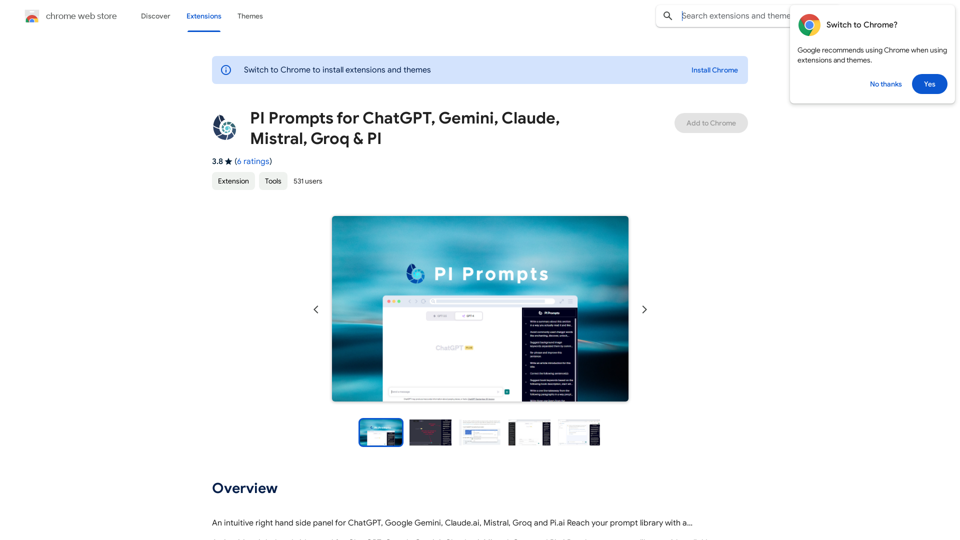
PI Prompts for ChatGPT, Gemini, Claude, Mistral, Groq & PI General Instructions: * Be specific: Clearly state what you want the AI to do. * Provide context: Give the AI enough information to understand your request. * Experiment: Try different prompts and see what works best. Creative Writing: * ChatGPT: Write a short story about a robot who learns to feel emotions. * Gemini: Compose a poem in the style of Emily Dickinson about the nature of time. * Claude: Create a fictional news article about a discovery on Mars. * Mistral: Generate a song lyric about the feeling of falling in love. * Groq: Write a screenplay for a 5-minute film about a lost dog finding its way home. * PI: Design a worldbuilding document for a fantasy novel, including its history, geography, and magic system. Informative Tasks: * ChatGPT: Summarize the main points of the article on climate change. * Gemini: Explain the concept of quantum mechanics in simple terms. * Claude: Compare and contrast the philosophies of Socrates and Plato. * Mistral: Create a list of 10 interesting facts about the human brain. * Groq: Write a code snippet to scrape data from a website. * PI: Generate a research proposal on the impact of social media on mental health. Code Generation: * ChatGPT: Write a Python function to calculate the factorial of a number. * Gemini: Generate HTML code for a simple webpage with a heading and a paragraph. * Claude: Create a SQL query to retrieve all customers from a database. * Mistral: Write a JavaScript function to validate an email address. * Groq: Generate code to create a new user account in a web application. * PI: Design a machine learning model to classify images of cats and dogs.
PI Prompts for ChatGPT, Gemini, Claude, Mistral, Groq & PI General Instructions: * Be specific: Clearly state what you want the AI to do. * Provide context: Give the AI enough information to understand your request. * Experiment: Try different prompts and see what works best. Creative Writing: * ChatGPT: Write a short story about a robot who learns to feel emotions. * Gemini: Compose a poem in the style of Emily Dickinson about the nature of time. * Claude: Create a fictional news article about a discovery on Mars. * Mistral: Generate a song lyric about the feeling of falling in love. * Groq: Write a screenplay for a 5-minute film about a lost dog finding its way home. * PI: Design a worldbuilding document for a fantasy novel, including its history, geography, and magic system. Informative Tasks: * ChatGPT: Summarize the main points of the article on climate change. * Gemini: Explain the concept of quantum mechanics in simple terms. * Claude: Compare and contrast the philosophies of Socrates and Plato. * Mistral: Create a list of 10 interesting facts about the human brain. * Groq: Write a code snippet to scrape data from a website. * PI: Generate a research proposal on the impact of social media on mental health. Code Generation: * ChatGPT: Write a Python function to calculate the factorial of a number. * Gemini: Generate HTML code for a simple webpage with a heading and a paragraph. * Claude: Create a SQL query to retrieve all customers from a database. * Mistral: Write a JavaScript function to validate an email address. * Groq: Generate code to create a new user account in a web application. * PI: Design a machine learning model to classify images of cats and dogs.An intuitive right-hand side panel for ChatGPT, Google Gemini, Claude.ai, Mistral, Groq, and Pi.ai. Reach your prompt library with a...
193.90 M