Open-source RightAI Tools Directory
  • Discover AI
  • Submit
  • Startup
  • Blog
Open-source RightAI Tools Directory
Discover the best AI tools of 2025 with the RightAI Tools Directory!

Friend Links

AI Anime GeneratorToolsApp AI

Support

Tap4
Privacy policyTerms & ConditionsContact Us
Loading...
loading...

GoodReply | AI-responder for customer reviews

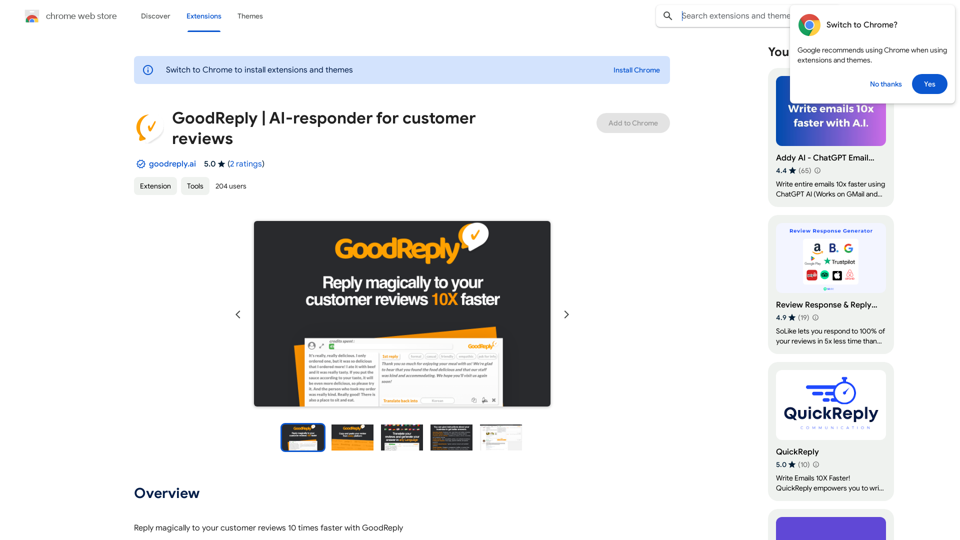
Respond to customer reviews 10x faster with GoodReply!
Visit Website
GoodReply | AI-responder for customer reviews
Visit Website

Introduction

GoodReply is an AI-powered platform designed to revolutionize customer engagement by generating human-like, natural auto-replies for customer reviews across various websites. This innovative tool enables businesses to respond to customer feedback 10 times faster, enhancing their customer service efficiency and quality.

Feature

Easy-to-Use Chrome Extension

GoodReply is a user-friendly Chrome extension that can be quickly installed and utilized. Users can start responding to reviews immediately after installation.

Multilingual Support

The platform can handle reviews in any language, making it ideal for businesses with a global customer base.

AI-Powered Smart Replies

GoodReply generates professional, context-sensitive responses automatically, ensuring each reply is tailored to the specific review.

Customizable Tone

Users can adjust the tone of their replies to match their business style, providing a consistent brand voice across all customer interactions.

Personal Signature Feature

Add a unique touch to responses with a personal signature, enhancing the authenticity of each reply.

Universal Compatibility

Crafted replies can be used on any website without restrictions, offering flexibility in managing customer feedback across multiple platforms.

Business Context Integration

By providing details about the business, GoodReply can generate even more precise and relevant replies, further improving the quality of customer interactions.

Free Basic Version

GoodReply offers a free version with essential features, making it accessible to businesses of all sizes.

FAQ

Is GoodReply compatible with all websites?

Yes, GoodReply is a universal extension that can be used on any website where customer reviews are present.

How do I install GoodReply?

GoodReply can be easily installed from the Chrome Web Store. Simply follow the prompts after clicking the install button.

Can I customize the replies generated by GoodReply?

Absolutely. GoodReply allows you to customize replies with various tones and add personal signatures to suit your business style.

Is there a cost associated with using GoodReply?

GoodReply offers a free version with basic features. For advanced functionalities or extended access, paid plans are available.

Latest Traffic Insights

  • Monthly Visits

    193.90 M

  • Bounce Rate

    56.27%

  • Pages Per Visit

    2.71

  • Time on Site(s)

    115.91

  • Global Rank

    -

  • Country Rank

    -

Recent Visits

Traffic Sources

  • Social Media:
    0.48%
  • Paid Referrals:
    0.55%
  • Email:
    0.15%
  • Referrals:
    12.81%
  • Search Engines:
    16.21%
  • Direct:
    69.81%
More Data

Related Websites

Mercury: Degiro Portfolio Tracking, Visualizations & AI Metrics
View Detail

Mercury: Degiro Portfolio Tracking, Visualizations & AI Metrics

Mercury: Degiro Portfolio Tracking, Visualizations & AI Metrics

Track and visualize your Degiro portfolio performance with AI, featuring an amazing dark theme and a focus on privacy.

193.90 M
Kimi Copilot - Web Page Summarizer
View Detail

Kimi Copilot - Web Page Summarizer

Kimi Copilot - Web Page Summarizer

Summarize webpage content with one click using Kimi AI.

193.90 M
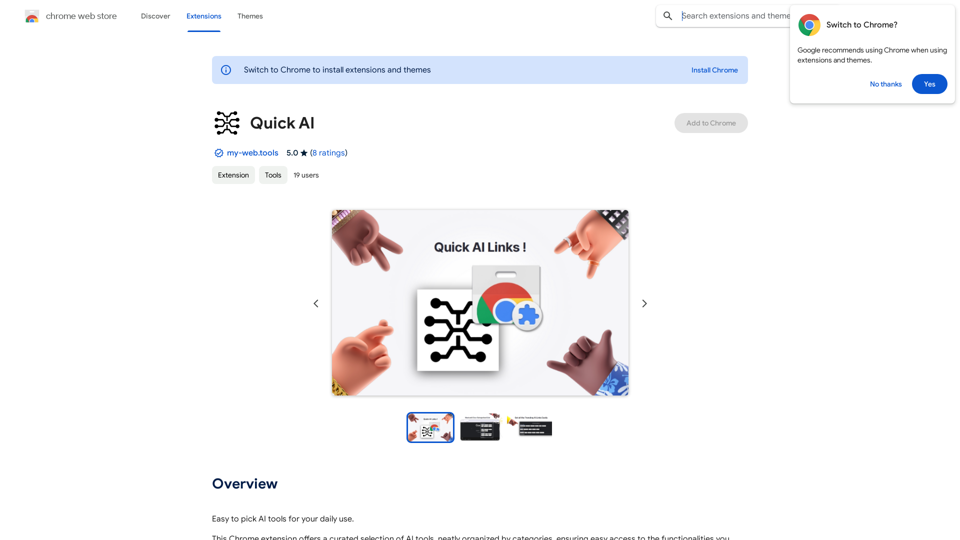
AI Quick Links
View Detail

AI Quick Links

AI Quick Links

Ai Quick Links is a collection of AI tools for your new tab page, which also includes a Bing search bar.

193.90 M
SkillSpot.ai
View Detail

SkillSpot.ai

SkillSpot.ai

Discover SkillSpot.ai, an AI-driven recruitment solution transforming the hiring landscape. Experience AI-guided job listings, intelligent AI Powered candidate screening, and detailed virtual interviews. Embrace efficiency and precision in talent acquisition with our advanced AI tools. Book a demo today!

1.24 K
ChatGPT Keyboard Shortcuts

#Navigation

* Ctrl + β†’: Move to the next message
* Ctrl + ←: Move to the previous message
* Home: Move to the beginning of the conversation
* End: Move to the end of the conversation

#Editing

* Ctrl + A: Select all text
* Ctrl + C: Copy selected text
* Ctrl + X: Cut selected text
* Ctrl + V: Paste copied or cut text
* Ctrl + Z: Undo
* Ctrl + Y: Redo
* Ctrl + Shift + F: Format text as code

#Actions

* Enter: Send the message
* Shift + Enter: Insert a new line
* Ctrl + Shift + Enter: Send the message and insert a new line
* Esc: Cancel editing and close the message input field
* Ctrl + Shift + Space: Open the emoji picker
* Ctrl + Shift + /: Open the help menu

#Accessibility

* Ctrl + +: Increase font size
* Ctrl + -: Decrease font size
* Ctrl + 0: Reset font size to default
View Detail

ChatGPT Keyboard Shortcuts #Navigation * Ctrl + β†’: Move to the next message * Ctrl + ←: Move to the previous message * Home: Move to the beginning of the conversation * End: Move to the end of the conversation #Editing * Ctrl + A: Select all text * Ctrl + C: Copy selected text * Ctrl + X: Cut selected text * Ctrl + V: Paste copied or cut text * Ctrl + Z: Undo * Ctrl + Y: Redo * Ctrl + Shift + F: Format text as code #Actions * Enter: Send the message * Shift + Enter: Insert a new line * Ctrl + Shift + Enter: Send the message and insert a new line * Esc: Cancel editing and close the message input field * Ctrl + Shift + Space: Open the emoji picker * Ctrl + Shift + /: Open the help menu #Accessibility * Ctrl + +: Increase font size * Ctrl + -: Decrease font size * Ctrl + 0: Reset font size to default

ChatGPT Keyboard Shortcuts #Navigation * Ctrl + β†’: Move to the next message * Ctrl + ←: Move to the previous message * Home: Move to the beginning of the conversation * End: Move to the end of the conversation #Editing * Ctrl + A: Select all text * Ctrl + C: Copy selected text * Ctrl + X: Cut selected text * Ctrl + V: Paste copied or cut text * Ctrl + Z: Undo * Ctrl + Y: Redo * Ctrl + Shift + F: Format text as code #Actions * Enter: Send the message * Shift + Enter: Insert a new line * Ctrl + Shift + Enter: Send the message and insert a new line * Esc: Cancel editing and close the message input field * Ctrl + Shift + Space: Open the emoji picker * Ctrl + Shift + /: Open the help menu #Accessibility * Ctrl + +: Increase font size * Ctrl + -: Decrease font size * Ctrl + 0: Reset font size to default

Enhance your ChatGPT experience with easy-to-use keyboard shortcuts.

193.90 M
Make a similarity service
View Detail

Make a similarity service

Make a similarity service

Comparing Similarity for nb.no Book and Image Search Results Let's explore how to measure the similarity between: * Book search results from nb.no (the Norwegian National Library) * Image search results from various sources This comparison can be valuable for understanding: * How well visual representations match textual descriptions. * Potential for using images to enhance book discovery. * Developing new search functionalities that combine text and image data. We can use various techniques to assess similarity, including: * Textual Similarity: Analyzing the keywords, topics, and overall content of book descriptions and image captions. * Visual Similarity: Comparing the visual features of images using algorithms like convolutional neural networks (CNNs). * Hybrid Approaches: Combining textual and visual similarity measures for a more comprehensive evaluation. By comparing similarity scores across different methods, we can gain insights into the strengths and weaknesses of each approach and identify the most effective way to connect books and images.

193.90 M
SearchAISearchAI
View Detail

SearchAISearchAI

SearchAISearchAI

Adds a search function to the start page that incorporates a text-based AI, allowing for instant dialogue and intelligent responses.

193.90 M
HyperCrawl
View Detail

HyperCrawl

HyperCrawl

Exthalpy is a serverless retrieval platform. It powers the future of AI by building retrieval-first AI applications and models. These applications and models are less dependent on computation-heavy training processes.

0