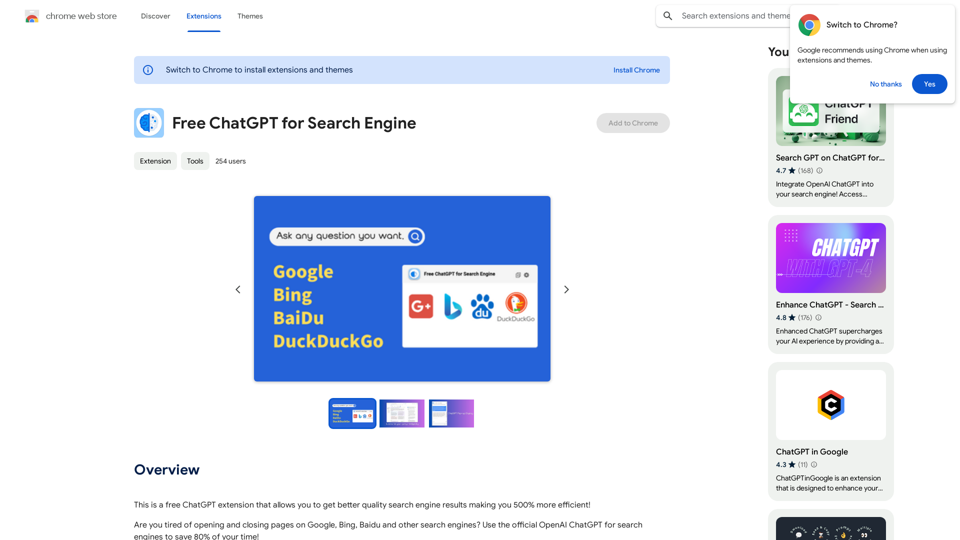
ChatGPT for Search Engines is a free browser extension that enhances search engine results, making users 500% more efficient. It integrates with popular search engines like Google, Bing, Baidu, and DuckDuckGo, providing AI-powered answers alongside traditional search results. This tool aims to save users 80% of their time by eliminating the need to open and close multiple pages.
Free ChatGPT for Search Engine
This is a free ChatGPT extension that helps you get better quality search engine results, making you 500% more efficient!
Introduction
Feature
Seamless Integration with Major Search Engines
- Optimizes results for Google, Bing, Baidu, and DuckDuckGo
- Displays ChatGPT answers directly on the search results page
Powered by OpenAI's ChatGPT-3.5
- Utilizes the official OpenAI ChatGPT-3.5 model
- Provides accurate and relevant search results
Unrestricted Access
- Domestic plugin with no login restrictions
- Supports ChatGPT usage under any network condition
Convenient Assistant Pop-up
- Small assistant window for quick answers
- Available anytime during browsing sessions
Multiple API Options
- Supports developer API, OpenAI's API, and ChatGPT webapp
- Flexibility in choosing the preferred API type
User-Friendly Interface
- ChatGPT answers displayed on the right side of search results
- One-click access to ChatGPT via the plugin button on the bookmark bar
Free of Charge
- Completely free to use
- No hidden costs or fees
FAQ
Is ChatGPT for Search Engines really free?
Yes, ChatGPT for Search Engines is entirely free and does not cost users anything.
What is the relationship between this extension and ChatGPT?
ChatGPT for Search Engines is an AI tool developed based on the capabilities of the ChatGPT 3.5 model, leveraging its powerful conversational abilities.
How can I maximize my use of ChatGPT for Search Engines?
Users can leverage the daily free uses of GPT-4, document reading, and DALL-E's image generation to explore a wide range of AI-powered tools for various tasks.
Will my information be used for training data?
No, user privacy is highly valued. Your data will not be used for any training purposes. If needed, you can delete your account at any time, and all your data will be removed as well.
Related Websites
Using OpenAI's GPT to determine if YouTube videos have been watched or ignored, based on your instructions.
193.90 M
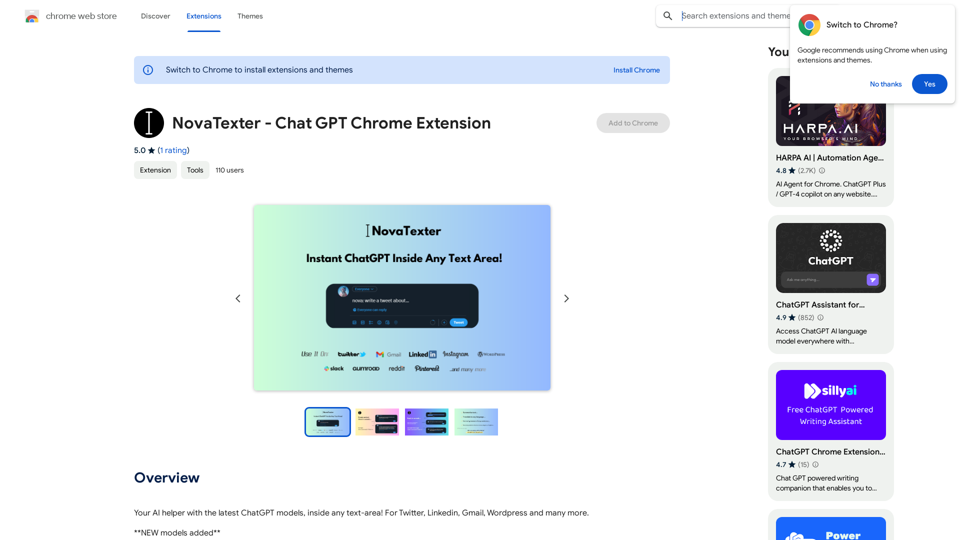
Your AI assistant powered by the latest ChatGPT models, right inside any text box! For Twitter, LinkedIn, Gmail, WordPress, and many other platforms.
193.90 M
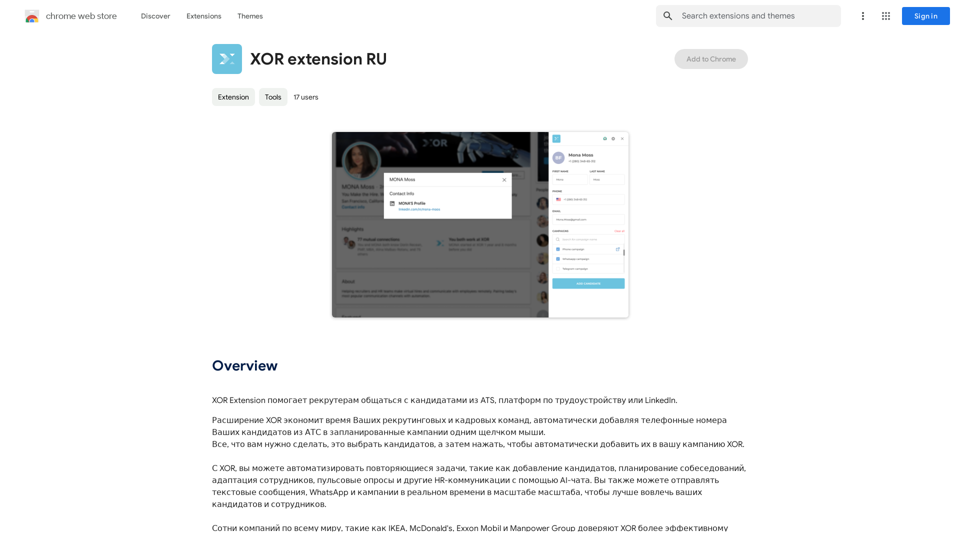
XOR Extension helps recruiters communicate with candidates from ATS, job boards, or LinkedIn.
193.90 M
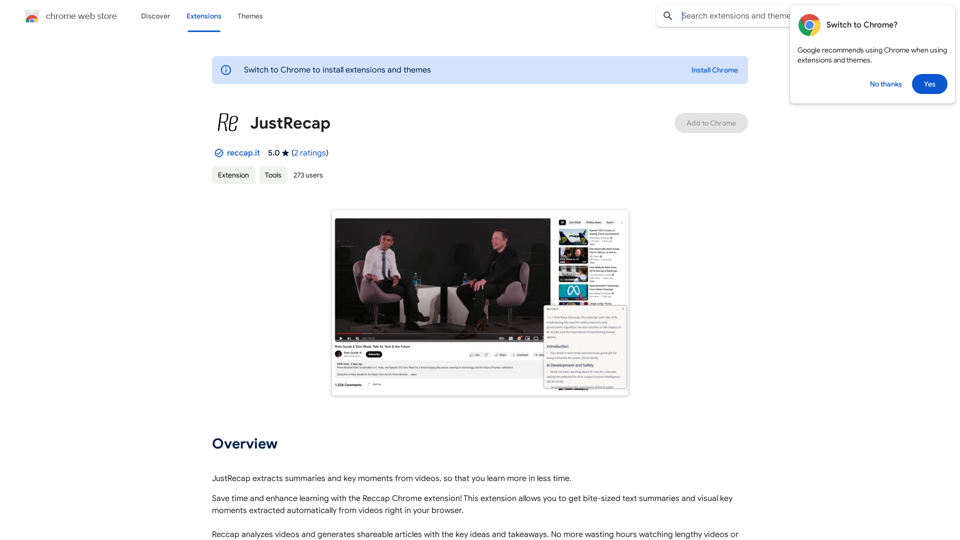
JustRecap extracts summaries and key moments from videos so you can learn more in less time.
193.90 M
Spot Translator This is a simple tool to translate text from one language to another. How to use: 1. Enter the text you want to translate in the input box. 2. Choose the source language from the dropdown menu. 3. Choose the target language from the dropdown menu. 4. Click the "Translate" button. The translated text will appear in the output box.
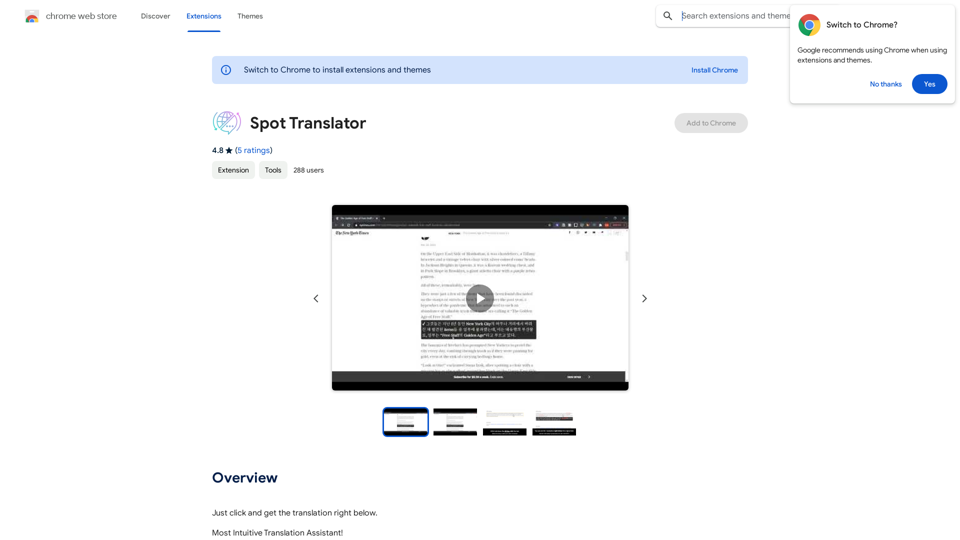
Spot Translator This is a simple tool to translate text from one language to another. How to use: 1. Enter the text you want to translate in the input box. 2. Choose the source language from the dropdown menu. 3. Choose the target language from the dropdown menu. 4. Click the "Translate" button. The translated text will appear in the output box.Just click and get the translation right below.
193.90 M