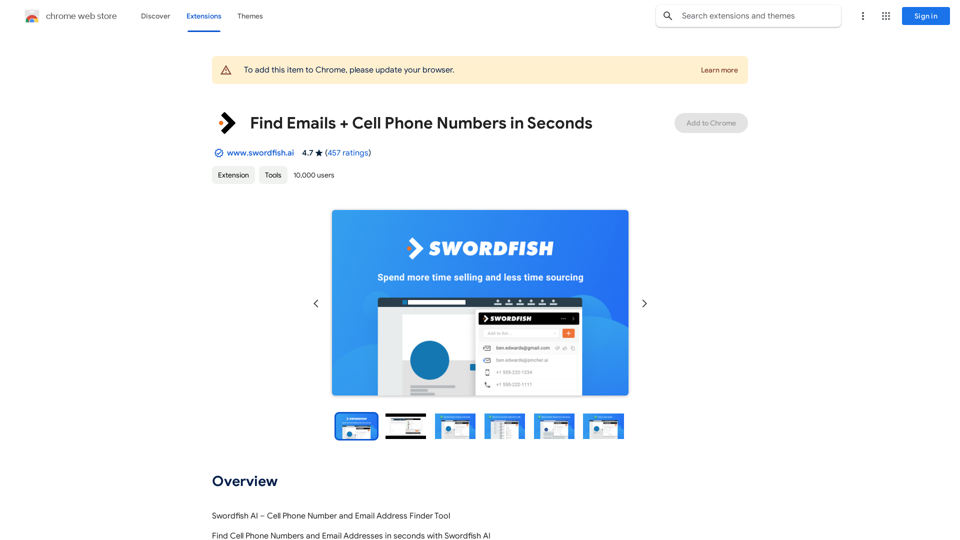
Swordfish AI is an AI-driven platform that provides access to a wide range of AI technologies for various needs, particularly focused on finding contact information such as cell phone numbers and email addresses. It offers a powerful tool for sales teams, recruiters, and professionals seeking to enhance their prospecting and lead generation efforts. The platform connects to over 200 network partners to deliver up-to-date and accurate contact information in real-time.
Find Emails + Cell Phone Numbers in Seconds
Swordfish AI – Mobile Phone Number and Email Address Finder Tool
Introduction
Feature
Find Personal and Business Contact Information
- Cell phone numbers
- Direct dials
- Personal email addresses
- Business email addresses
Smash Sales Goals
- Access accurate contact information (email addresses and cell phone numbers) using a powerful contact database
- Reach sales prospects or recruitment candidates that competitors cannot access
Versatile User Base
- Sales Teams: Accelerate Sales Prospecting and Lead Generation efforts
- Recruiters and HR Professionals: Recruit and hire talented top performers
Real-Time B2C and B2B Database
- Provides fresh and accurate contact information in real-time
- Eliminates reliance on static, outdated databases
Multi-Platform Integration
- Google Chrome Extension / Plugin
- Works with LinkedIn, Twitter, Facebook profiles
- Seamless integration with Github & Stack Overflow
- Supports X-ray searches on Google and Bing
FAQ
Is Swordfish AI endorsed by any of the social profiles it covers?
No, Swordfish is not endorsed by any of the social profiles it covers.
What is the purpose of Swordfish AI?
The purpose of Swordfish AI is to provide access to a vast array of AI technologies for various needs, including finding cell phone numbers and email addresses in seconds.
How does Swordfish AI work?
Swordfish AI connects to over 200 network partners to bring you updated and accurate contact information in real-time.
How much does Swordfish AI cost?
Swordfish AI offers in-app purchases. Specific pricing details are not provided in the given information.
Related Websites
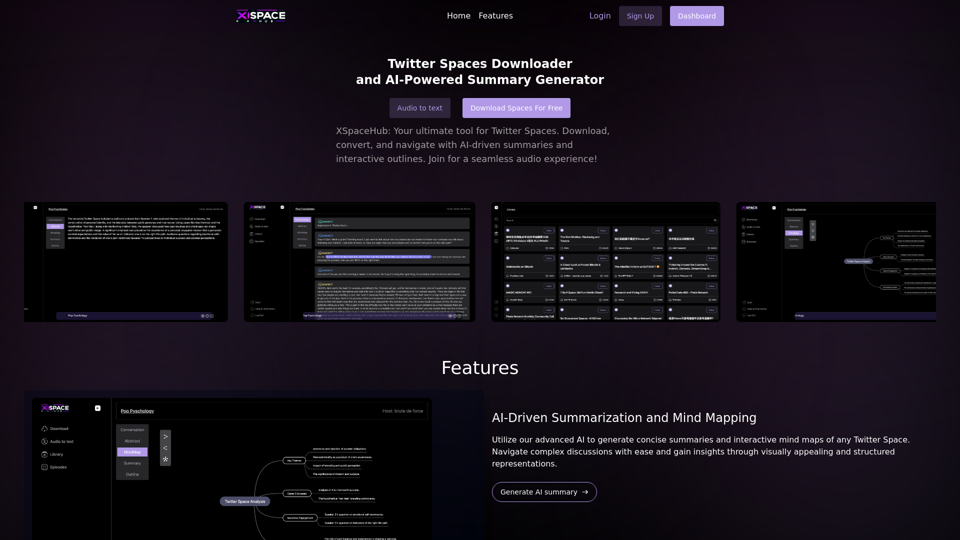
Spaces Downloader and AI-Powered Summary Generator | xspacehub.com
Spaces Downloader and AI-Powered Summary Generator | xspacehub.comXSPaceHub is your ultimate tool to download, convert, summarize, and navigate Twitter Spaces. Access a rich library, enjoy AI-driven summaries, interactive mind maps, and detailed outlines with clickable audio timestamps. Join now for a seamless audio experience!
0
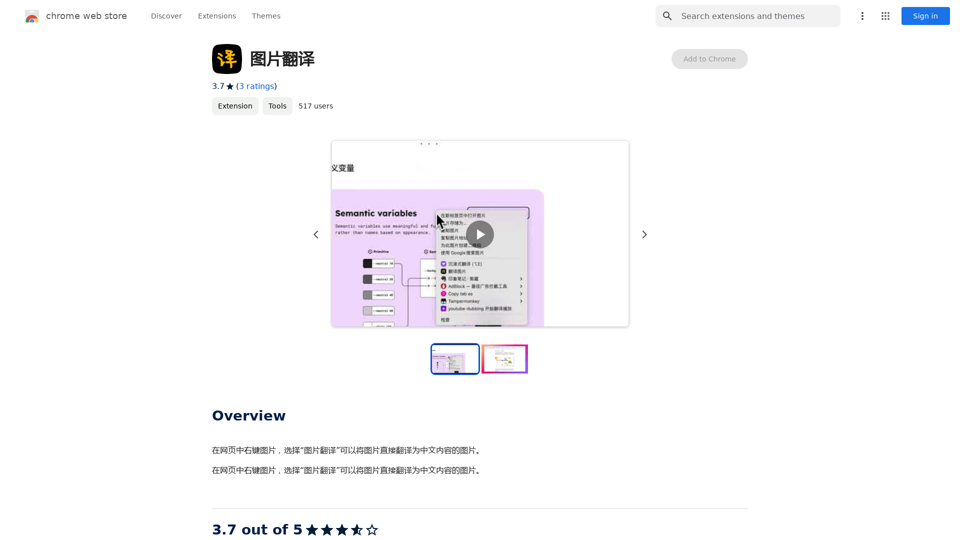
Right-click on an image on a webpage and select "Image Translation" to translate the image directly into Chinese content.
193.90 M
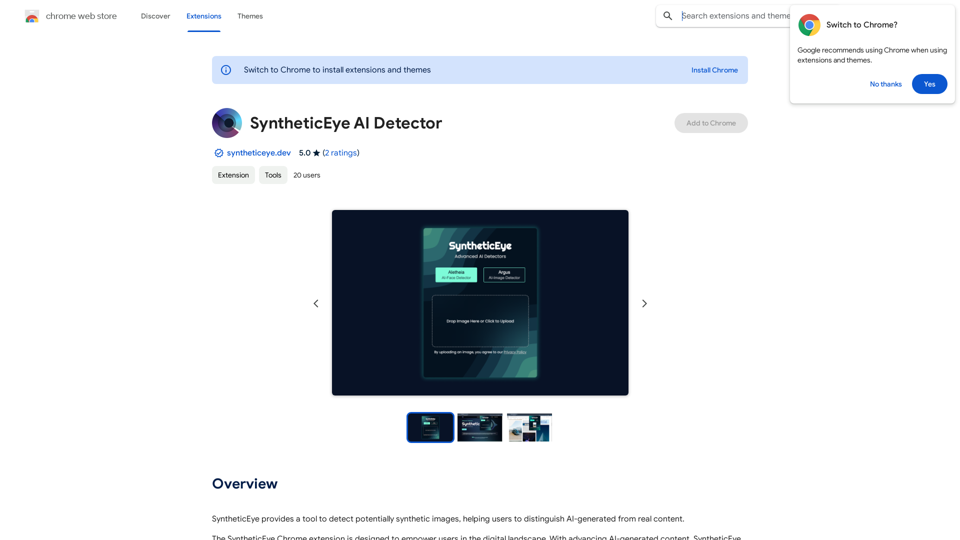
SyntheticEye AI Detector This is a tool to detect AI-generated text. It analyzes the text for patterns and characteristics commonly found in AI-written content. You can use it to identify potentially fake news, spam, or other types of AI-generated text. Keep in mind that no AI detection tool is perfect, and some sophisticated AI-generated text may be difficult to detect.
SyntheticEye AI Detector This is a tool to detect AI-generated text. It analyzes the text for patterns and characteristics commonly found in AI-written content. You can use it to identify potentially fake news, spam, or other types of AI-generated text. Keep in mind that no AI detection tool is perfect, and some sophisticated AI-generated text may be difficult to detect.SyntheticEye provides a tool to detect images that may have been created by artificial intelligence, helping users tell the difference between AI-generated images and real ones.
193.90 M
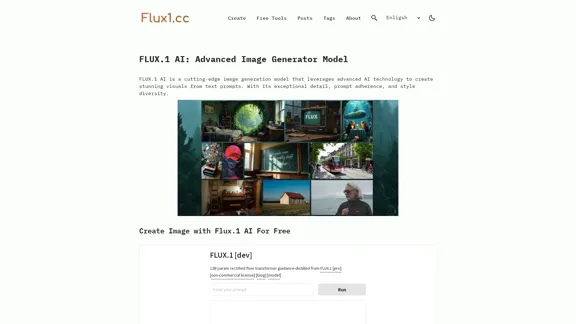
MusicHero.ai: Free AI Music Generator from Text Online
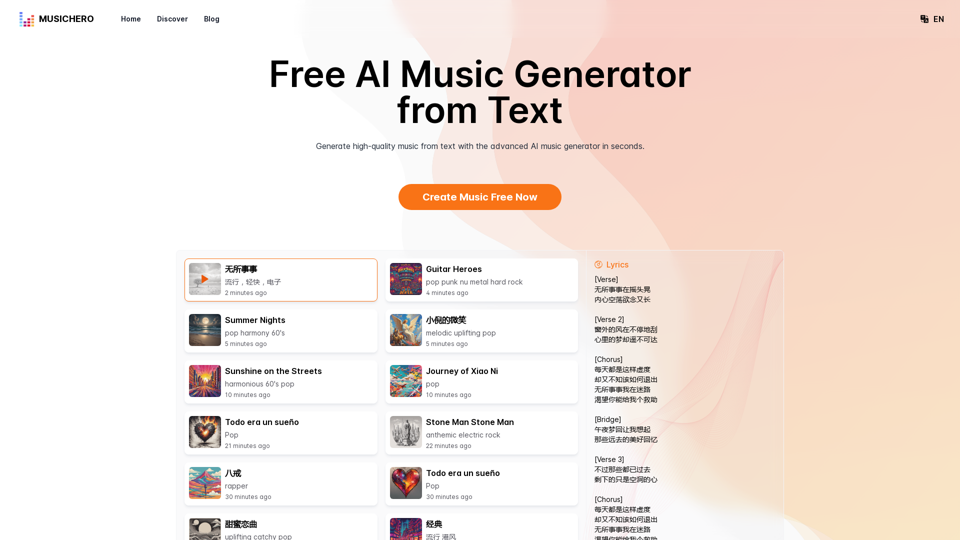
MusicHero.ai: Free AI Music Generator from Text OnlineGenerate high-quality music quickly with the advanced AI music generator. Platforms like MusicHero.ai, powered by Suno V3.5 technology, offer AI music generator free online services. Create music from text or lyrics effortlessly with this versatile text to music AI tool.
577.73 K
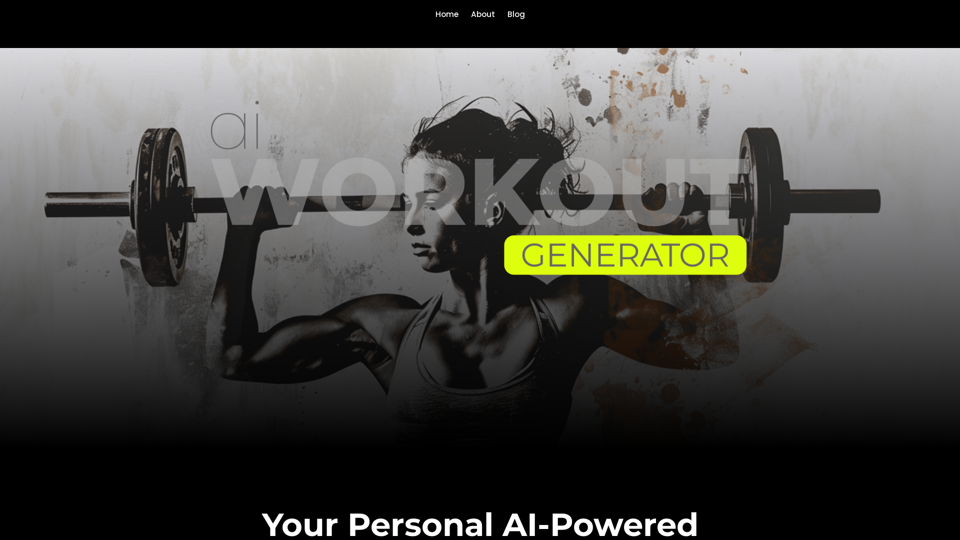
Ai Workout Generator ===================== What is an AI Workout Generator? An AI workout generator is a tool that uses artificial intelligence to create personalized workout plans tailored to an individual's fitness goals, fitness level, and preferences. How does it work? The AI workout generator uses machine learning algorithms to analyze a user's input data, such as their fitness goals, fitness level, and exercise preferences. It then generates a customized workout plan that includes a series of exercises, sets, reps, and weights tailored to the user's specific needs. Benefits of using an AI Workout Generator * Personalized workouts: The AI workout generator creates a workout plan that is tailored to the user's specific fitness goals and fitness level. * Time-saving: The AI workout generator saves time by eliminating the need to research and create a workout plan from scratch. * Increased motivation: The AI workout generator provides a sense of accountability and motivation, as users are more likely to stick to a workout plan that is tailored to their specific needs. * Improved results: The AI workout generator helps users achieve their fitness goals faster and more efficiently, as the workout plan is optimized for their specific needs. How to use an AI Workout Generator 1. Input your data: Enter your fitness goals, fitness level, and exercise preferences into the AI workout generator. 2. Select your workout type: Choose the type of workout you want to do, such as strength training, cardio, or yoga. 3. Generate your workout plan: The AI workout generator will create a customized workout plan tailored to your specific needs. 4. Start your workout: Follow the workout plan and track your progress. Conclusion An AI workout generator is a powerful tool that can help individuals achieve their fitness goals faster and more efficiently. By providing personalized workout plans, the AI workout generator saves time, increases motivation, and improves results. Whether you're a beginner or an experienced athlete, an AI workout generator can help you take your fitness to the next level.
Ai Workout Generator ===================== What is an AI Workout Generator? An AI workout generator is a tool that uses artificial intelligence to create personalized workout plans tailored to an individual's fitness goals, fitness level, and preferences. How does it work? The AI workout generator uses machine learning algorithms to analyze a user's input data, such as their fitness goals, fitness level, and exercise preferences. It then generates a customized workout plan that includes a series of exercises, sets, reps, and weights tailored to the user's specific needs. Benefits of using an AI Workout Generator * Personalized workouts: The AI workout generator creates a workout plan that is tailored to the user's specific fitness goals and fitness level. * Time-saving: The AI workout generator saves time by eliminating the need to research and create a workout plan from scratch. * Increased motivation: The AI workout generator provides a sense of accountability and motivation, as users are more likely to stick to a workout plan that is tailored to their specific needs. * Improved results: The AI workout generator helps users achieve their fitness goals faster and more efficiently, as the workout plan is optimized for their specific needs. How to use an AI Workout Generator 1. Input your data: Enter your fitness goals, fitness level, and exercise preferences into the AI workout generator. 2. Select your workout type: Choose the type of workout you want to do, such as strength training, cardio, or yoga. 3. Generate your workout plan: The AI workout generator will create a customized workout plan tailored to your specific needs. 4. Start your workout: Follow the workout plan and track your progress. Conclusion An AI workout generator is a powerful tool that can help individuals achieve their fitness goals faster and more efficiently. By providing personalized workout plans, the AI workout generator saves time, increases motivation, and improves results. Whether you're a beginner or an experienced athlete, an AI workout generator can help you take your fitness to the next level.AI generated workouts reviewed and Approved by American College of Sports Medicine certified Personal Trainers.
3.30 K