Difr is a powerful browser extension designed to streamline and enhance the job search process. It offers comprehensive job application tracking, AI-powered resume creation, and insightful visual analytics. With its one-click data extraction from job boards, Difr simplifies the often complex and time-consuming task of managing job applications and interviews.
Difr | Career Growth for the People
Easily extract job listing details for tracking in Diffr
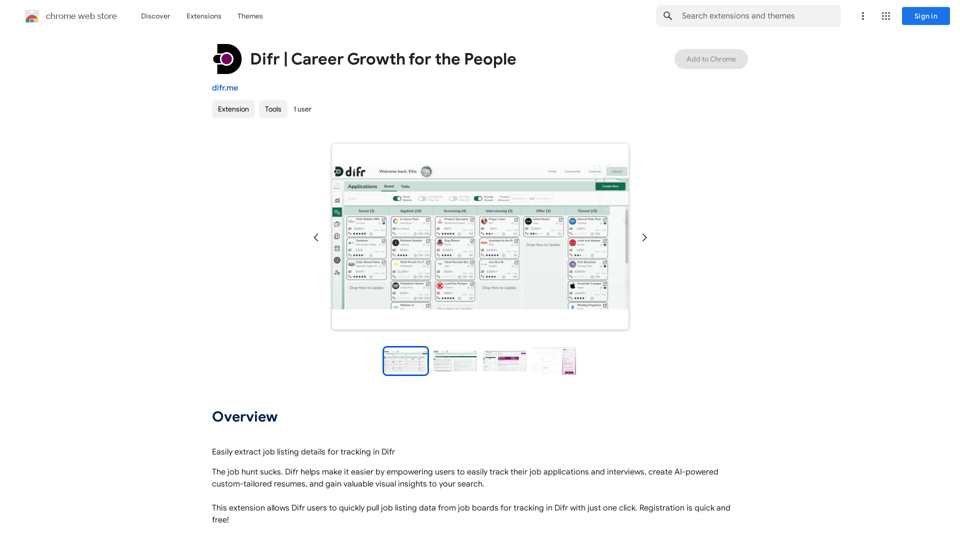
Introduction
Feature
Job Application Tracking
Difr enables users to effortlessly track their job applications and interviews. With a single click, job listing data can be pulled from various job boards, allowing for efficient management of the entire job search process.
AI-Powered Resume Creation
Leveraging advanced AI technology, Difr generates custom-tailored resumes. This feature helps job seekers create standout resumes that are optimized for their specific job applications, increasing their chances of landing interviews.
Visual Job Search Insights
Difr provides valuable visual analytics of the user's job search journey. These insights help identify trends and patterns, allowing job seekers to refine their strategies and make data-driven decisions.
One-Click Data Extraction
The extension offers a convenient one-click feature to extract job listing data from various job boards. This functionality saves time and ensures accurate information capture for tracking purposes.
User-Friendly Interface
Difr boasts an easy-to-use interface. Users can quickly install the extension, create a free account, and start managing their job search immediately.
Flexible Pricing Options
Difr caters to different user needs with its tiered pricing structure. It offers a free plan for basic functionalities, as well as paid plans with advanced features for power users.
FAQ
How do I get started with Difr?
To begin using Difr, follow these simple steps:
- Install the Difr extension in your browser
- Register for a free account
- Start tracking your job applications and interviews
What pricing options does Difr offer?
Difr provides flexible pricing options:
- A free plan with basic features
- Paid plans offering additional advanced functionalities
How does Difr's AI-powered resume creation work?
Difr utilizes AI technology to analyze your job search data and create custom-tailored resumes. This process helps optimize your resume for specific job applications, potentially increasing your chances of securing interviews.
Related Websites
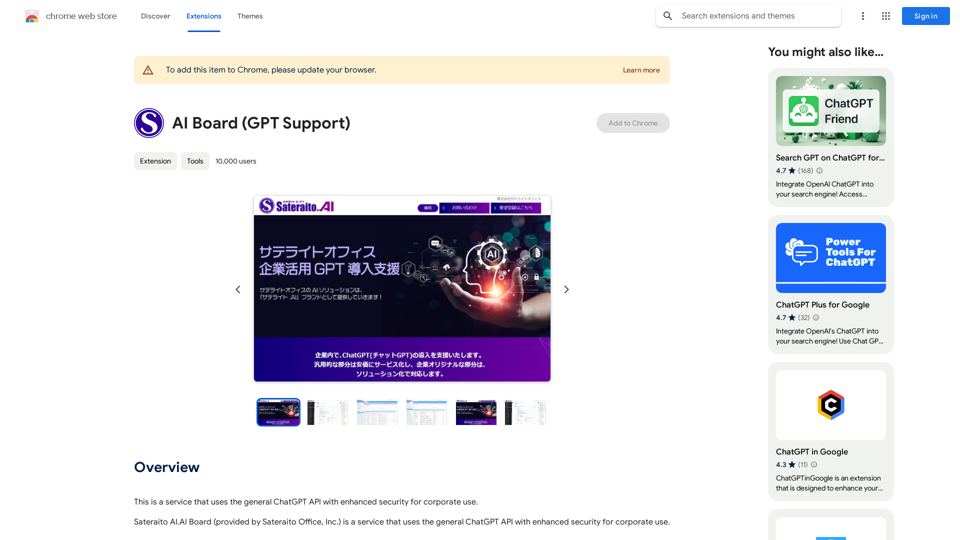
This is a service that uses the general ChatGPT API with enhanced security for corporate use.
193.90 M
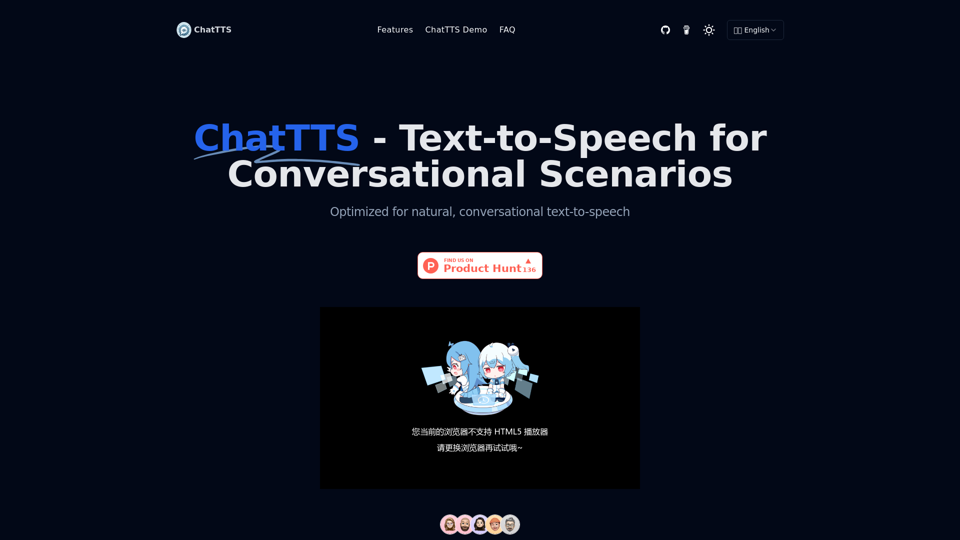
ChatTTS is a voice generation model on GitHub at 2noise/chattts. Chat TTS is specifically designed for conversational scenarios. It is ideal for applications such as dialogue tasks for large language model assistants, as well as conversational audio and video introductions. The model supports both Chinese and English, demonstrating high quality and naturalness in speech synthesis. This level of performance is achieved through training on approximately 100,000 hours of Chinese and English data. Additionally, the project team plans to open-source a basic model trained with 40,000 hours of data, which will aid the academic and developer communities in further research and development.
23.26 K

Universal Listening Comprehension - Speech-to-Text, Bilingual Subtitle Translation
Universal Listening Comprehension - Speech-to-Text, Bilingual Subtitle TranslationAlibaba's free large model application, real-time speech recognition, AI subtitle translation, and intelligent summarization. Essential for online courses, chasing dramas, and online meetings. Record, transcribe, translate, and summarize online courses and meetings from any web page.
193.90 M
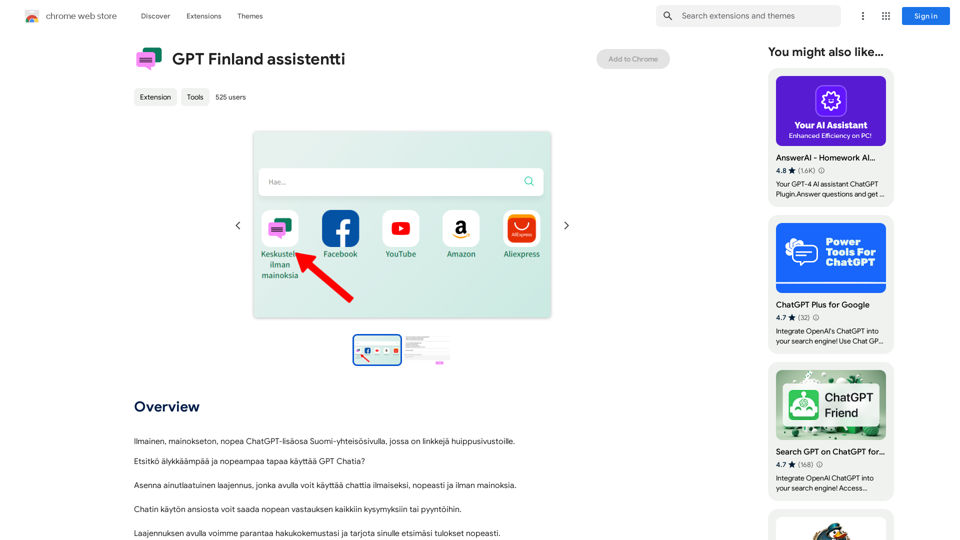
Free, ad-free, fast ChatGPT add-on on the Finnish community page, which has links to top-notch websites.
193.90 M
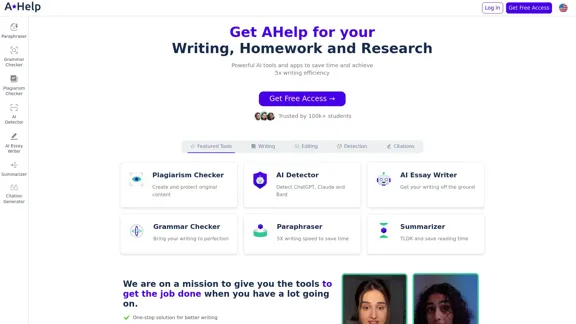
AHelp: Ultimate Hub of Educational and AI Writing Tools
AHelp: Ultimate Hub of Educational and AI Writing ToolsAHelp: Your essential toolkit for study, homework and research. Our platform offers various tools to make homework, assignments and essay writing easier.
99.04 K