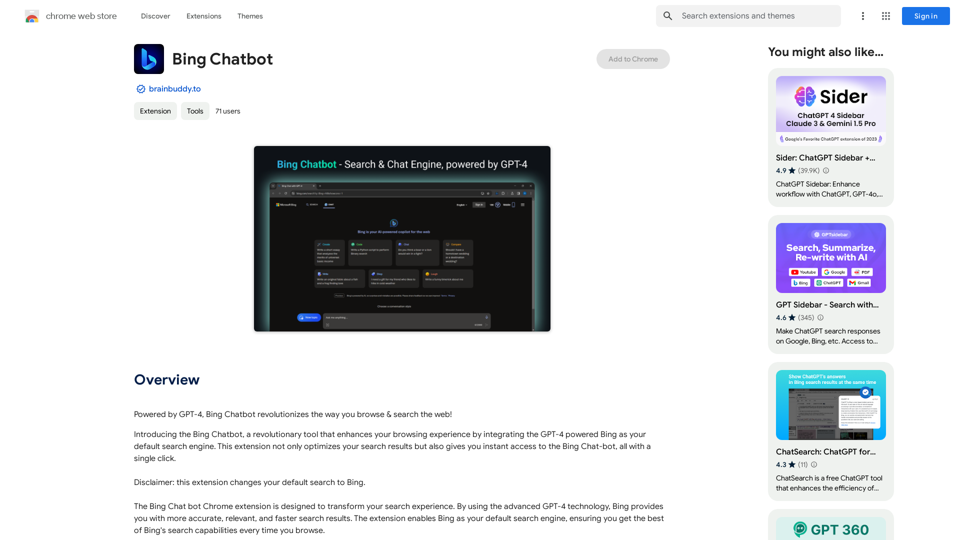
Bing Chatbot is an innovative browser extension that integrates GPT-4 powered Bing as your default search engine. It enhances your browsing experience by providing instant access to Bing Chat-bot and optimizing search results. This tool transforms traditional web searches into intelligent, interactive experiences, making information retrieval more efficient and user-friendly.
Bing Chatbot
Powered by GPT-4, Bing Chatbot changes the way you explore and search the internet!
Introduction
Feature
Powered by GPT-4 Technology
Bing Chatbot leverages advanced GPT-4 technology to deliver:
- More accurate search results
- Highly relevant information
- Faster response times
One-Click Access to Bing Chat-bot
- Instant engagement with Bing
- Quick answers and efficient searches
- Seamless integration as default search engine
Smart AI Assistant
- Enhances overall browsing experience
- Integrates advanced AI into your browser
- Maximizes the potential of every search query
Free Extension with Premium Options
- Basic features available at no cost
- Subscription option for advanced features
- Extended access beyond free usage limits
User-Friendly Setup
- Easy installation process
- Simple configuration as default search engine
- Immediate access to enhanced search capabilities
FAQ
How do I start using Bing Chatbot?
- Install the Bing Chatbot extension
- Set Bing as your default search engine
- Begin enjoying enhanced search experiences
Is there a cost associated with Bing Chatbot?
- The basic extension is free to use
- Premium features available through subscription
Will my data be used for AI training?
No, your information is not used for training purposes. You can delete your account at any time, which will remove all associated data.
What are the key benefits of using Bing Chatbot?
- Access to GPT-4 powered search results
- Instant interaction with Bing Chat-bot
- Improved search accuracy and relevance
- Enhanced overall browsing experience
Related Websites
Audimee - Unlimited Vocals, Unlimited Creative Freedom
Audimee - Unlimited Vocals, Unlimited Creative FreedomConvert your vocals with our royalty-free voices, train your own voices, create copyright-free cover vocals, and much more.
489.79 K
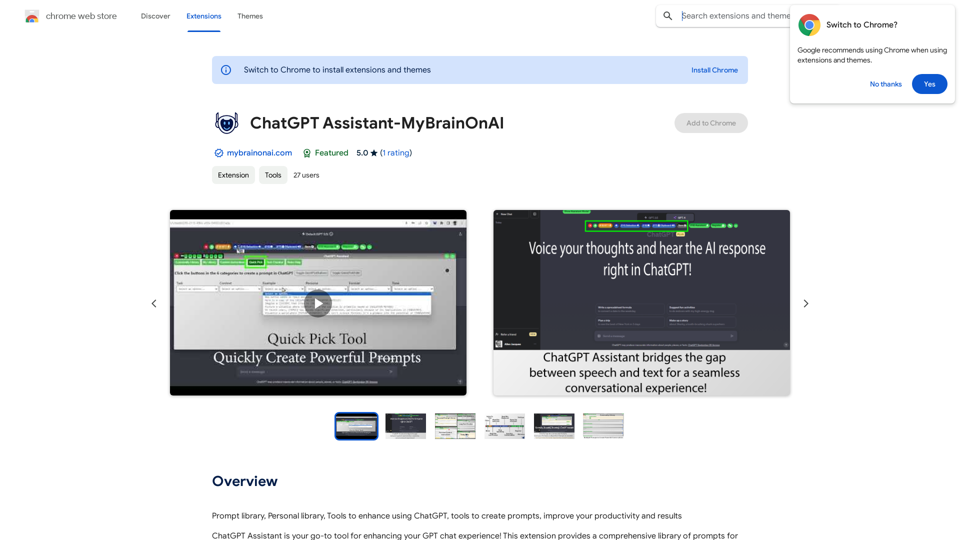
Prompt Library Personal Library Tools to enhance using ChatGPT Tools to create prompts Improve your productivity and results
193.90 M
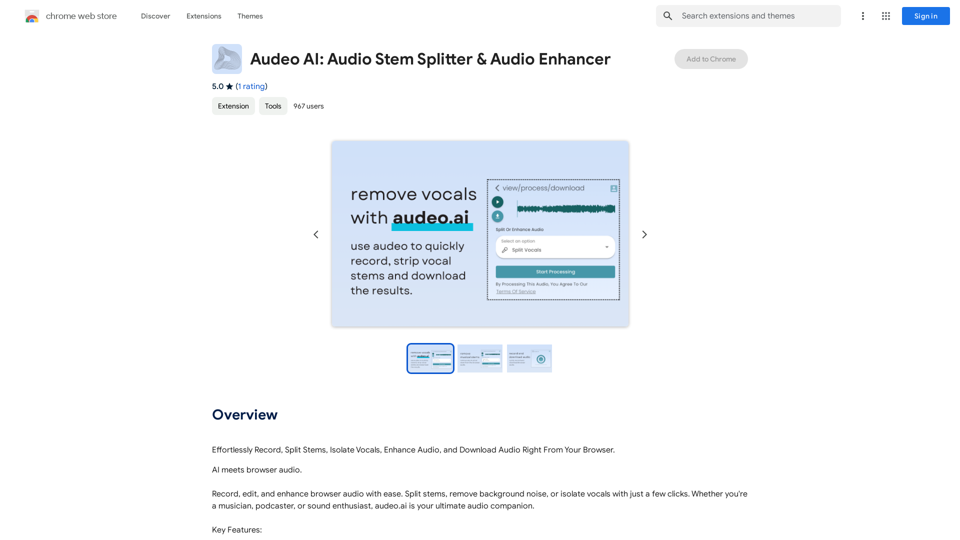
Easily record, separate stems, isolate vocals, improve audio quality, and download audio directly from your web browser.
193.90 M
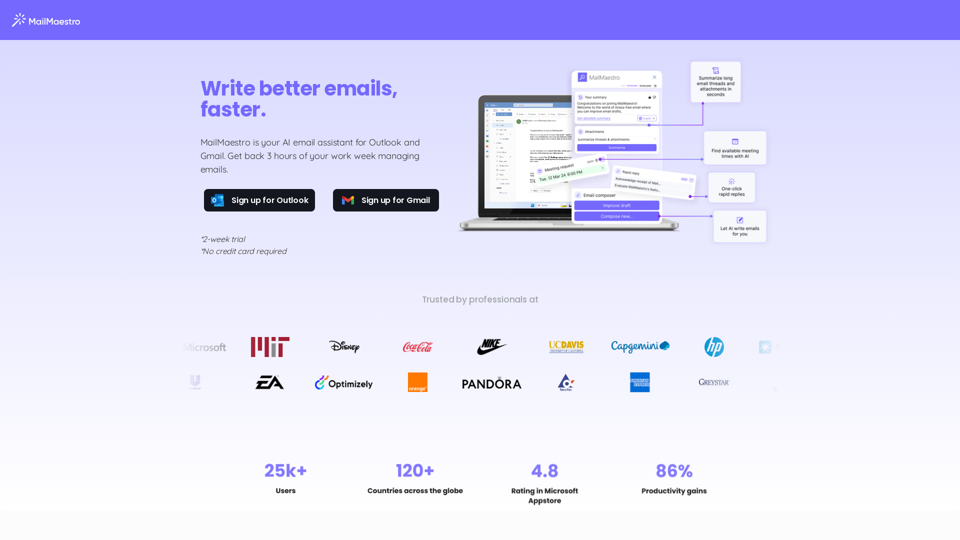
Enhance your email productivity with MailMaestro. Enjoy AI-assisted email summaries, unique style personalization, and top-quality drafts. Check our features today!
222.20 K
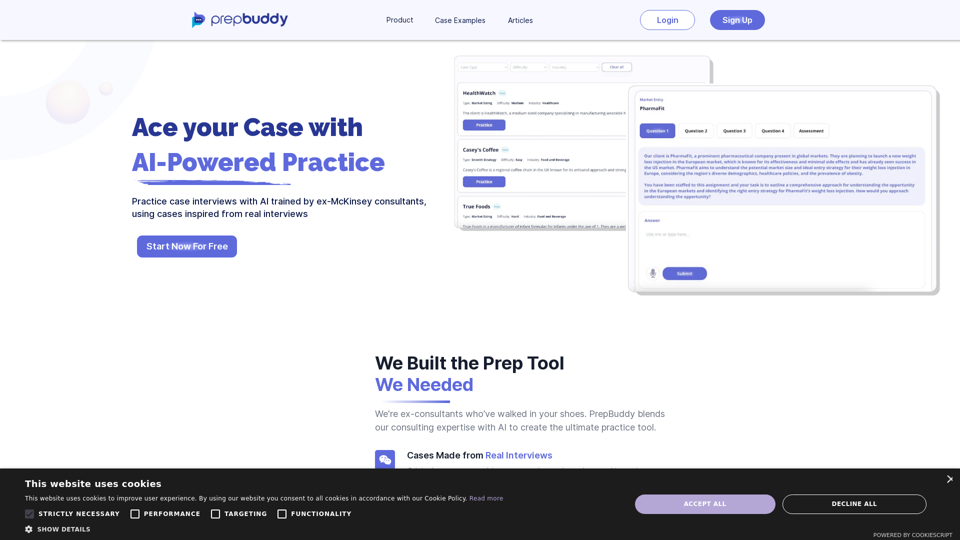
PrepBuddy offers AI-powered practice for consulting case interviews. Learn with materials from former McKinsey consultants and get instant feedback. Start your free trial today!
2.63 K
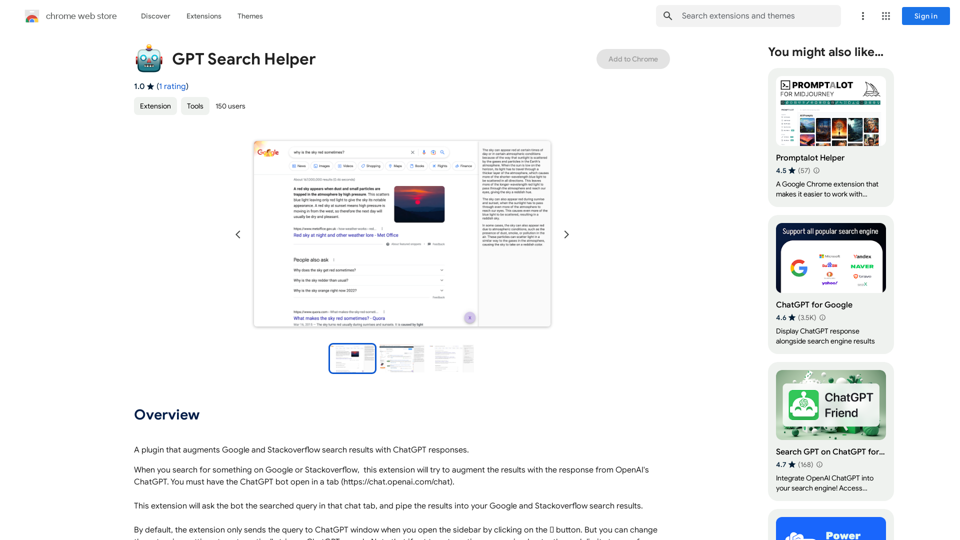
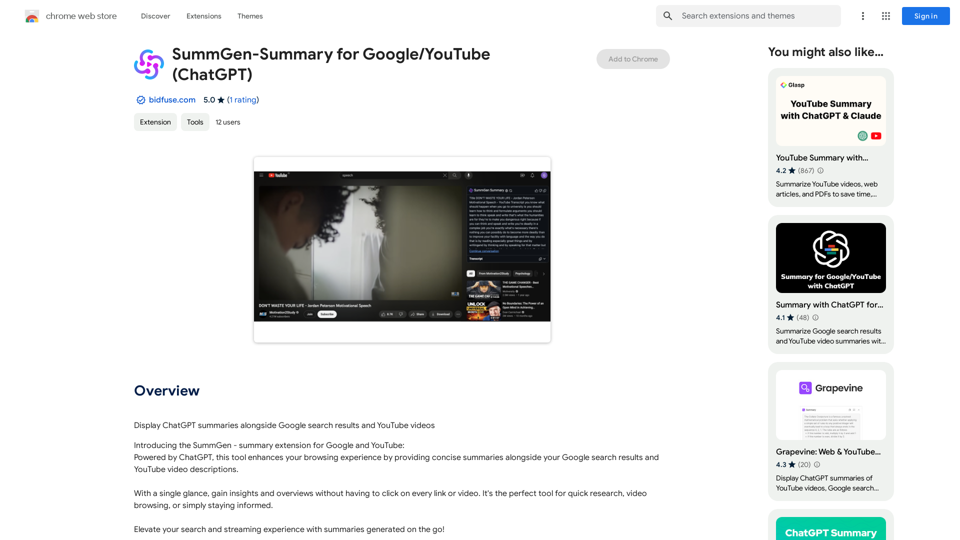
SummGen-Summary for Google/YouTube (ChatGPT) This is a summary of the capabilities and potential uses of SummGen, a text summarization model, specifically in the context of Google and YouTube. * What is SummGen? SummGen is a powerful text summarization model developed by Google DeepMind. It excels at condensing large amounts of text into concise and informative summaries. * How can SummGen be used with Google Search? Imagine searching Google for a complex topic. SummGen could analyze the top search results and generate a brief, clear summary of the key information, saving you time and effort. * Applications for YouTube: * Video Summaries: SummGen could automatically generate summaries of YouTube videos, making it easier for viewers to quickly understand the content. * Closed Captions: SummGen could enhance closed captions by providing more accurate and concise summaries of the spoken words. * Content Discovery: YouTube could use SummGen to create summaries of trending videos, helping users discover new content based on their interests. * Benefits: * Efficiency: SummGen saves time by providing concise summaries of large amounts of text. * Accessibility: Summaries can make information more accessible to people with visual or cognitive impairments. * Improved Understanding: Summaries can help users grasp complex topics more easily. SummGen has the potential to revolutionize how we interact with information on Google and YouTube, making it more efficient, accessible, and understandable.
SummGen-Summary for Google/YouTube (ChatGPT) This is a summary of the capabilities and potential uses of SummGen, a text summarization model, specifically in the context of Google and YouTube. * What is SummGen? SummGen is a powerful text summarization model developed by Google DeepMind. It excels at condensing large amounts of text into concise and informative summaries. * How can SummGen be used with Google Search? Imagine searching Google for a complex topic. SummGen could analyze the top search results and generate a brief, clear summary of the key information, saving you time and effort. * Applications for YouTube: * Video Summaries: SummGen could automatically generate summaries of YouTube videos, making it easier for viewers to quickly understand the content. * Closed Captions: SummGen could enhance closed captions by providing more accurate and concise summaries of the spoken words. * Content Discovery: YouTube could use SummGen to create summaries of trending videos, helping users discover new content based on their interests. * Benefits: * Efficiency: SummGen saves time by providing concise summaries of large amounts of text. * Accessibility: Summaries can make information more accessible to people with visual or cognitive impairments. * Improved Understanding: Summaries can help users grasp complex topics more easily. SummGen has the potential to revolutionize how we interact with information on Google and YouTube, making it more efficient, accessible, and understandable.Display ChatGPT Summaries Alongside Google Search Results and YouTube Videos This feature would allow users to see concise summaries generated by ChatGPT directly integrated with their Google search results and YouTube video pages. Imagine searching for a topic on Google and seeing a ChatGPT-generated summary at the top of the results, providing a quick overview of the key points. Or, watching a YouTube video and having a ChatGPT summary appear below, highlighting the main takeaways. This integration could significantly enhance the user experience by: * Saving time: Quickly grasp the essence of information without having to read through lengthy articles or watch entire videos. * Improving comprehension: ChatGPT summaries can rephrase complex information in a more accessible way. * Encouraging exploration: Summaries can spark curiosity and lead users to explore related content further.
193.90 M