Audimee is an innovative AI-driven platform offering unlimited vocals and creative freedom. It provides users with a wide range of features, including vocal conversion, voice training, and copyright-free cover vocal creation. The platform aims to empower creators with AI-powered tools, supporting various vocal-related tasks and offering royalty-free voices for unrestricted use in projects.
Audimee - Unlimited Vocals, Unlimited Creative Freedom
Convert your vocals with our royalty-free voices, train your own voices, create copyright-free cover vocals, and much more.
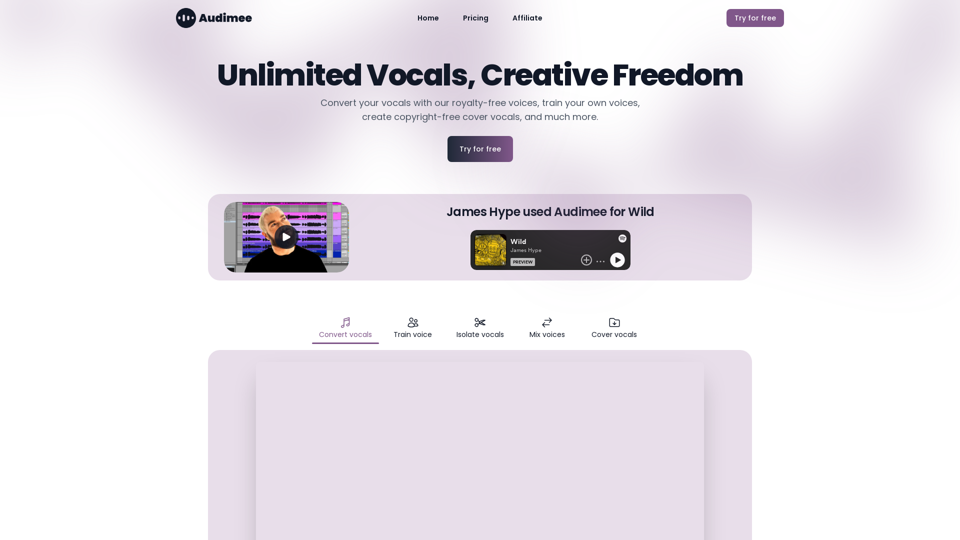
Introduction
Feature
Unlimited Vocals and Voice Library
Audimee provides access to an extensive library of royalty-free voices, allowing users to convert their vocals effortlessly and explore a wide range of vocal options.
AI-Powered Voice Conversion
Users can convert their vocals using advanced AI technology, enabling them to experiment with different voices and styles for their projects.
Custom Voice Training
Audimee offers the ability to train custom voices, giving users the opportunity to create unique vocal sounds tailored to their specific needs.
Copyright-Free Cover Vocals
Create cover vocals without worrying about copyright issues, thanks to Audimee's royalty-free voice library and AI-powered tools.
Vocal Isolation and Mixing
The platform includes features for isolating vocals from existing tracks and mixing different voices, enhancing the flexibility of vocal production.
Multi-Language Support
Audimee supports vocals in multiple languages, catering to a diverse user base and enabling global creativity.
Affordable Pricing
Users can try Audimee for free and upgrade to paid plans for additional conversion time, making it accessible to creators with various budgets.
FAQ
What is Audimee?
Audimee is an AI-driven platform offering unlimited vocals, creative freedom, and a wide range of AI-powered features for vocal conversion, training, and creation.
How do I get started with Audimee?
You can start by trying Audimee for free, which allows you to explore the platform's features and capabilities before committing to a paid plan.
What rights do I have over the vocals generated through Audimee?
Audimee provides royalty-free voices, allowing you to use the generated vocals in your projects without copyright concerns.
Why might the output not meet my expectations?
Audimee's AI models are continuously improving. If you're unsatisfied with the output, you can try re-converting the vocals or contact the support team for assistance.
What options do I have if I run out of conversion time?
You can upgrade to a paid plan or try the free version again to get more conversion time, depending on your needs and budget.
Related Websites
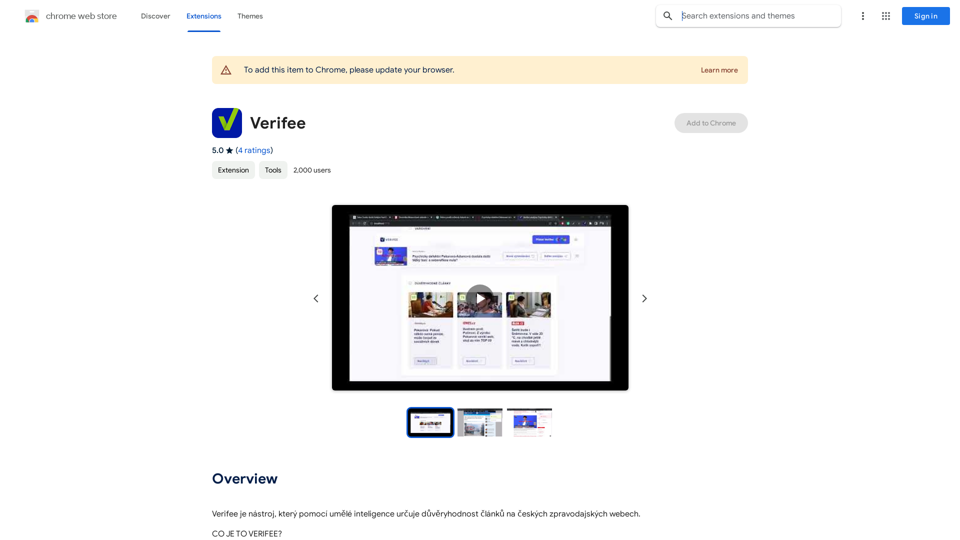
Verify is a tool that uses artificial intelligence to determine the trustworthiness of articles on Czech news websites.
193.90 M
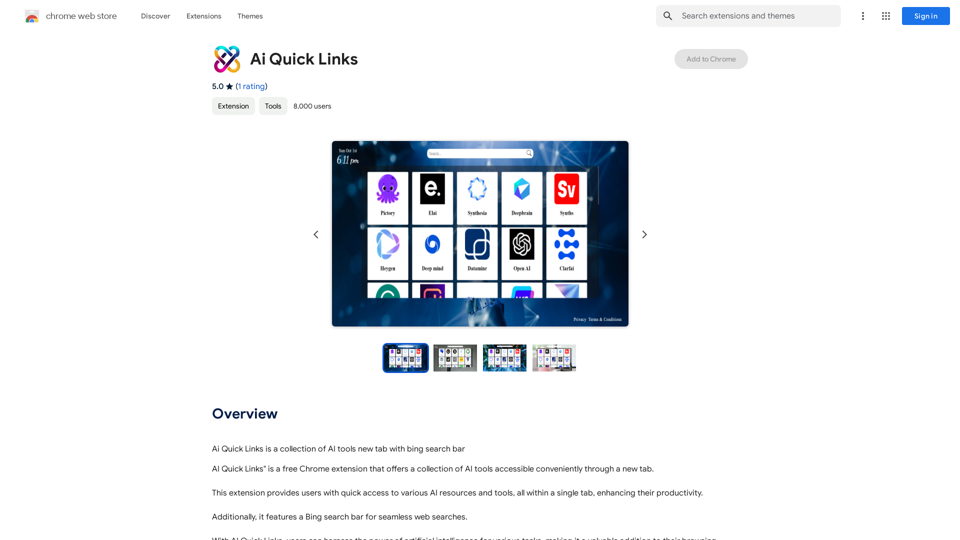
Ai Quick Links is a collection of AI tools for your new tab page, which also includes a Bing search bar.
193.90 M
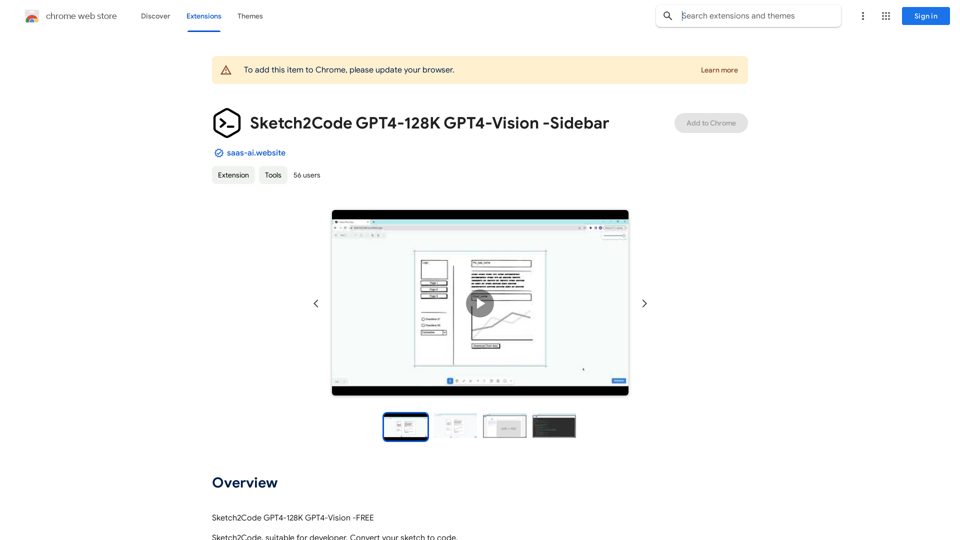
Sketch2Code GPT4-128K GPT4-Vision - Sidebar This is a simple sidebar for a Sketch2Code application powered by GPT4-128K and GPT4-Vision. It likely contains: * Upload Sketch: A button or area to upload an image sketch. * Code Generation Options: Settings to choose the programming language, desired code complexity, or other generation parameters. * Output Code: A display area to show the generated code. * Clear Output: A button to clear the generated code. Let me know if you'd like me to elaborate on any specific aspect of the sidebar!
Sketch2Code GPT4-128K GPT4-Vision - Sidebar This is a simple sidebar for a Sketch2Code application powered by GPT4-128K and GPT4-Vision. It likely contains: * Upload Sketch: A button or area to upload an image sketch. * Code Generation Options: Settings to choose the programming language, desired code complexity, or other generation parameters. * Output Code: A display area to show the generated code. * Clear Output: A button to clear the generated code. Let me know if you'd like me to elaborate on any specific aspect of the sidebar!Sketch2Code GPT4-128K GPT4-Vision - FREE
193.90 M
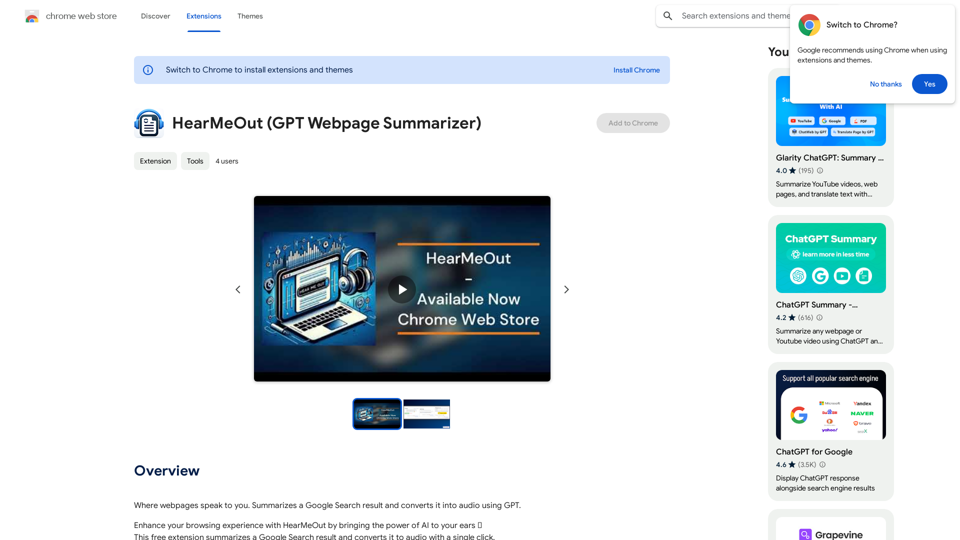
Where webpages speak to you. Summarizes a Google Search result and converts it into audio using GPT.
193.90 M
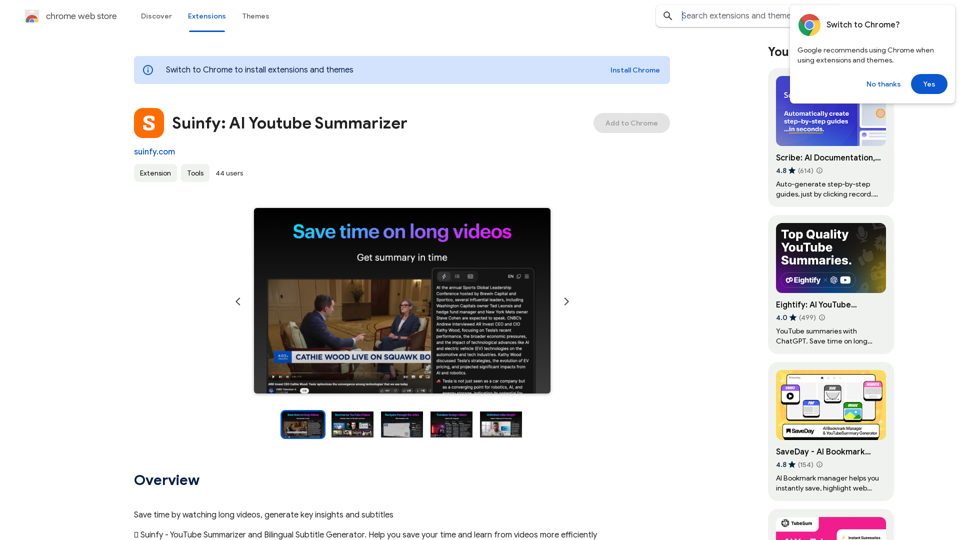
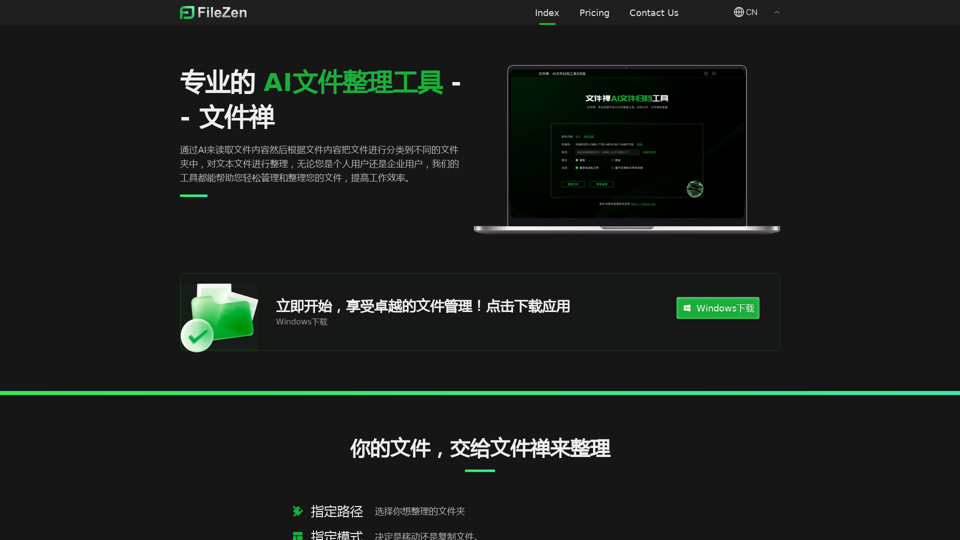
File Zen, a tool for AI-powered intelligent file organization and classification.
File Zen, a tool for AI-powered intelligent file organization and classification.FileNeatAI is a professional AI-powered file organization tool designed to streamline the process of categorizing and organizing text files on your computer. By leveraging advanced AI capabilities, FileNeatAI reads the content of each file within a specified folder and intelligently categorizes these files into different folders based on their content.
2.42 K
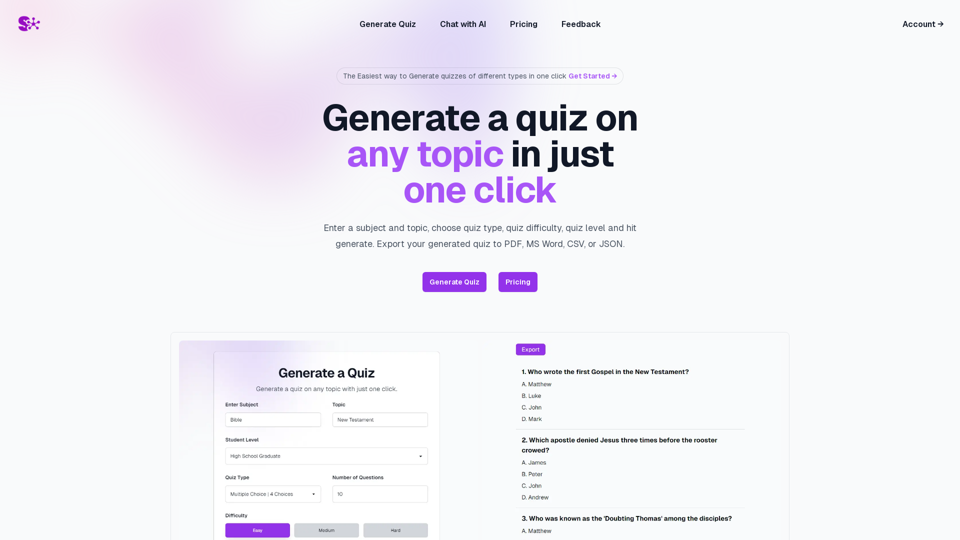
Quiz Generation Made Easy! ============================= With just one click, you can generate a quiz on any topic you want! Whether you're a teacher, student, or just a curious learner, this feature is perfect for you. How it Works --------------- 1. Choose Your Topic: Select the topic you want to generate a quiz on. It can be anything from history to science, literature to music, or even pop culture! 2. Click the Button: Simply click the "Generate Quiz" button, and our AI-powered algorithm will do the rest. 3. Get Your Quiz: In an instant, you'll receive a comprehensive quiz with multiple-choice questions, true/false questions, and short-answer questions. Features ------------ * Customizable: You can adjust the difficulty level, question type, and even add your own questions to make the quiz more personalized. * Instant Feedback: Get instant feedback on your answers, so you can track your progress and identify areas for improvement. * Shareable: Share your quiz with friends, classmates, or even on social media to spark a fun competition! Try it Out! -------------- Click the "Generate Quiz" button below to get started! [Generate Quiz Button] Happy quizzing!
0