AI ABSOLUT is a comprehensive AI toolkit that enhances your web experience by seamlessly integrating into daily online activities. It provides global AI chat access, an omnibar prompt command, text selection interaction, and an expansive prompt library. This free Chrome extension is designed to boost productivity and creativity across various online platforms.
AI ABSOLUT: Prompts, Chat Popup, Select & Chat, +!
AI Lover's Essential Partner! AI Chat Popup From Any Page, Prompt Master List For Any Need, 1 Click Chat To Any Text & More!
Introduction
Feature
Global AI Chat Access
Access AI chat popup on any webpage, enabling instant assistance without interrupting your browsing flow.
Omnibar Prompt Command
Send prompts to AI ABSOLUT by typing "gpt" in your address bar for efficient AI assistance.
Text Selection Interaction
Select and right-click text on any webpage to get explanations, summaries, translations, and more instantly.
Expansive Prompt Library
Explore a vast collection of prompts tailored for various platforms and fields:
| Platform/Field | Examples |
|---|---|
| Google Sheets | Data analysis, formatting |
| Google Docs | Writing assistance, proofreading |
| YouTube | Video summaries, content ideas |
| Programming | Code explanations, debugging tips |
One-Click Prompt Utilization
Use any prompt from the extensive library with a single click, designed for maximum efficiency.
FAQ
What is AI ABSOLUT?
AI ABSOLUT is a comprehensive AI toolkit that seamlessly integrates into your daily online activities, enhancing your web experience with the power of AI.
How do I use AI ABSOLUT?
AI ABSOLUT is designed to be user-friendly. You can engage with AI anywhere on the web, access an AI chat popup on any webpage, and utilize various features to boost your online productivity and creativity.
Is AI ABSOLUT free?
Yes, AI ABSOLUT is a free extension available for download from the Chrome Web Store, offering a range of features and benefits without any subscription or payment requirements.
Related Websites
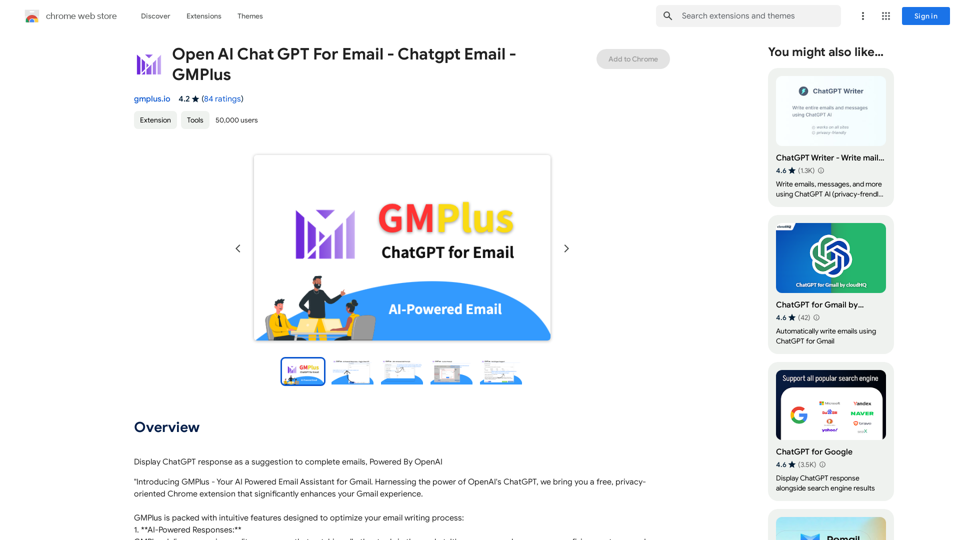
Email Completion Suggestions ============================= Powered by OpenAI, this feature provides intelligent suggestions to complete your emails, saving you time and effort. How it Works --------------- 1. Start Writing: Begin composing your email as you normally would. 2. AI Takes Over: Our AI engine, powered by OpenAI, kicks in and analyzes the context of your email. 3. Suggestions Appear: Relevant and contextual suggestions will appear, helping you complete your email quickly and efficiently. Benefits ------------ * Save Time: Get suggestions in real-time, reducing the time spent on writing emails. * Improve Quality: Enhance the clarity and coherence of your emails with AI-driven suggestions. * Boost Productivity: Focus on more important tasks while our AI handles the email completion. Get Started -------------- Try our email completion suggestions today and experience the power of AI-driven productivity!
193.90 M
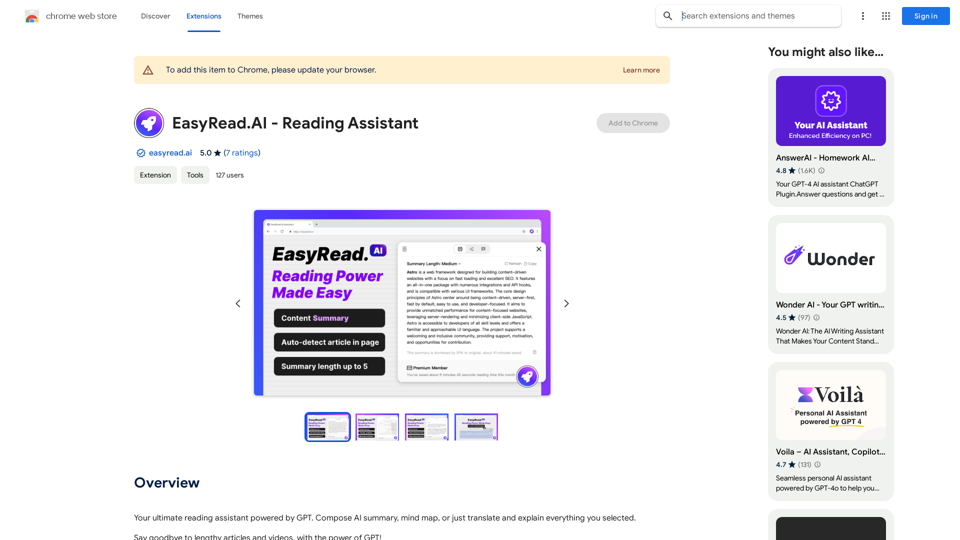
Your ultimate reading assistant powered by GPT. Compose AI summaries, mind maps, or just translate and explain everything you select.
193.90 M
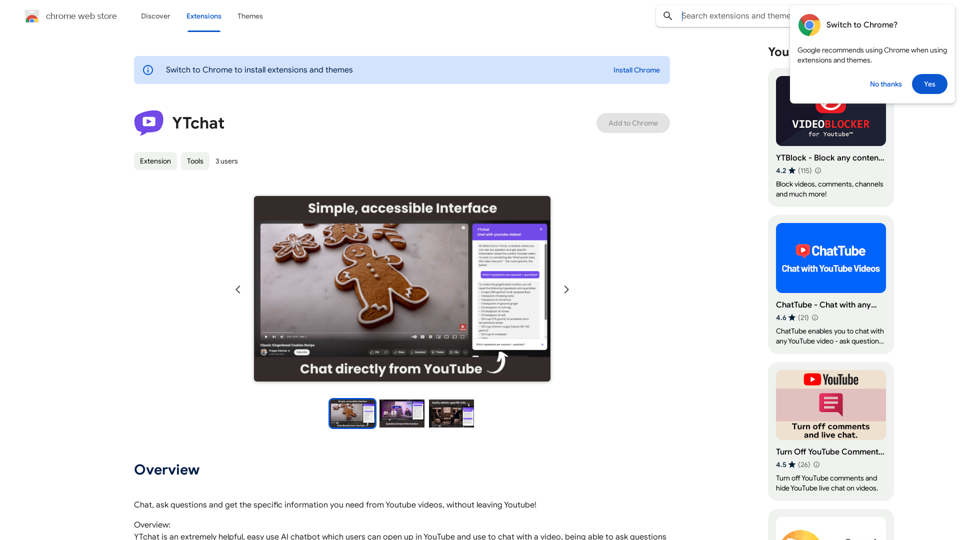
Talk to a chatbot, ask questions, and get the exact information you need from YouTube videos, all without leaving YouTube!
193.90 M

Genspark Genspark is a technology company that provides AI-powered education and talent development solutions.
Genspark Genspark is a technology company that provides AI-powered education and talent development solutions.GenSpark GenSpark is a training program that focuses on providing skills and knowledge to individuals in the field of software development, data science, and other related technologies. The program aims to bridge the gap between the skills possessed by the students and the requirements of the industry.
8.76 M
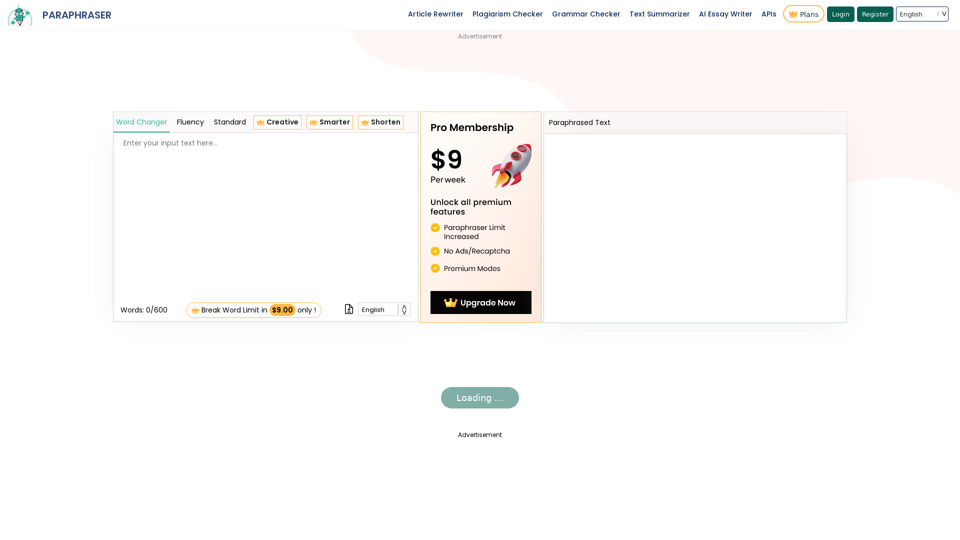
Paraphraser is a complimentary rephrasing tool that utilizes AI algorithms to assist you in rewording text, sentences, and paragraphs, enabling you to convey ideas using your own language.
1.18 M