Open-source RightAI Tools Directory
  • Discover AI
  • Submit
  • Startup
  • Blog
Open-source RightAI Tools Directory
Discover the best AI tools of 2025 with the RightAI Tools Directory!

Friend Links

AI Anime GeneratorToolsApp AI

Support

Tap4
Privacy policyTerms & ConditionsContact Us
Loading...
loading...

Background Remover for Images

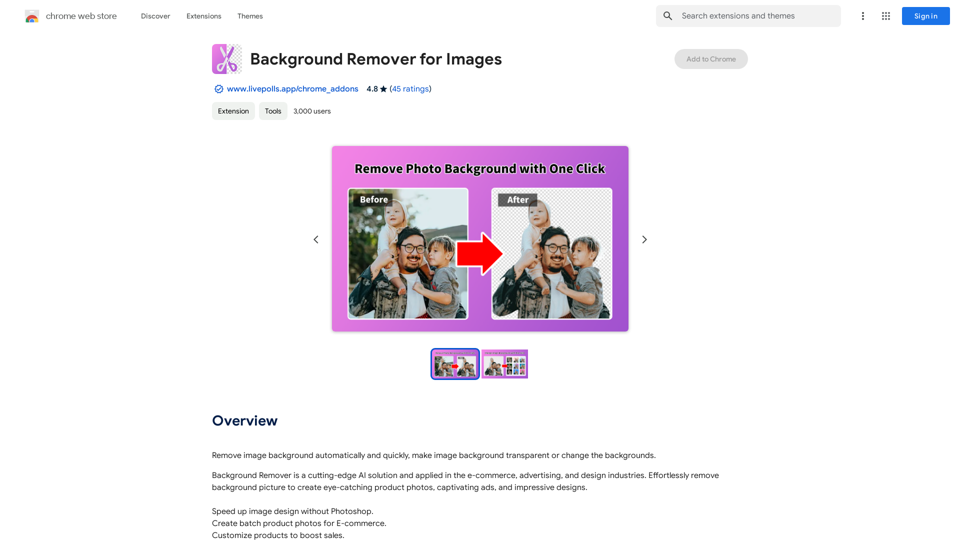
Automatically and quickly remove image backgrounds, making image backgrounds transparent or changing the backgrounds.
Visit Website
Background Remover for Images
Visit Website

Introduction

Background Remover for Images is an AI-powered tool that automatically and quickly removes image backgrounds. It's widely used in e-commerce, advertising, and design industries. This advanced solution helps create stunning visuals, boost sales, and streamline design processes using cutting-edge algorithms.

Feature

AI-Powered Background Removal

Effortlessly remove backgrounds from images using advanced AI technology, saving time and effort in image editing.

Background Customization

Unleash your creativity by changing backgrounds to suit your needs, allowing for versatile image manipulation.

E-commerce Optimization

Boost sales with high-quality product images that stand out, perfect for online marketplaces and product catalogs.

Streamlined Design Process

Efficiently erase backgrounds to speed up your design workflow, ideal for graphic designers and marketers.

Photography Enhancement

Improve your photography workflow by easily removing backgrounds, enabling more creative freedom in post-processing.

User-Friendly Interface

Simple to use with no technical expertise required. Upload an image, select the background removal option, and let AI handle the rest.

Customization Options

Personalize your images further by adding text, applying filters, or making other adjustments after background removal.

Free to Use

Enjoy unlimited use of the tool without any subscription fees or hidden costs, making it accessible to all users.

FAQ

Is Background Remover for Images free?

Yes, Background Remover for Images is completely free to use, with no subscription fees or hidden costs.

How do I use Background Remover for Images?

Using the tool is simple:

  1. Upload your image
  2. Select the background removal option
  3. Let the AI process the image
  4. Download or further customize your result

Can I customize my image after removing the background?

Yes, you can customize your image by:

  • Changing the background
  • Adding text
  • Applying filters
  • Making other adjustments as needed

Is this tool suitable for e-commerce businesses?

Absolutely. Background Remover for Images is popular in the e-commerce industry for creating high-quality product images that can help boost sales and improve product presentation.

Latest Traffic Insights

  • Monthly Visits

    193.90 M

  • Bounce Rate

    56.27%

  • Pages Per Visit

    2.71

  • Time on Site(s)

    115.91

  • Global Rank

    -

  • Country Rank

    -

Recent Visits

Traffic Sources

  • Social Media:
    0.48%
  • Paid Referrals:
    0.55%
  • Email:
    0.15%
  • Referrals:
    12.81%
  • Search Engines:
    16.21%
  • Direct:
    69.81%
More Data

Related Websites

Bing ChatGPT

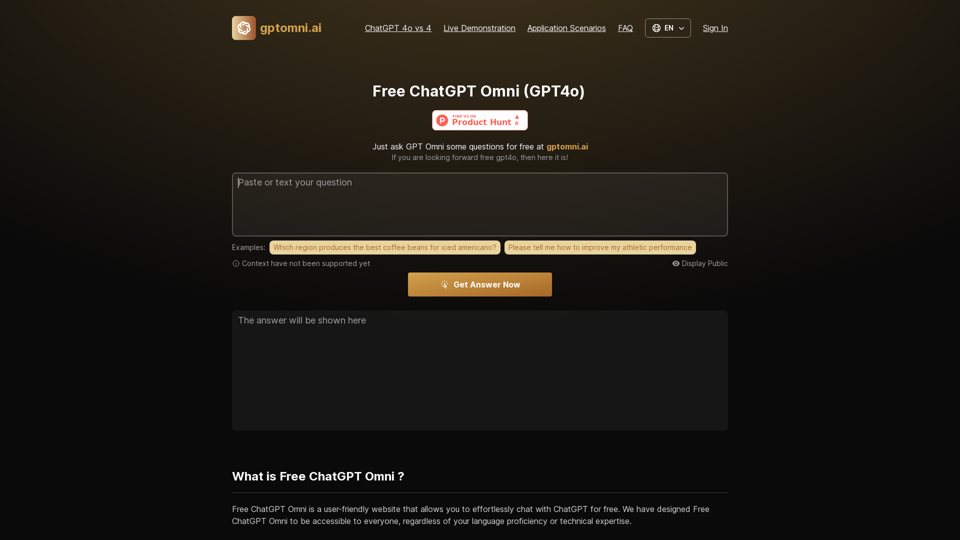
Bing ChatGPT is a conversational AI powered by Microsoft Bing and OpenAI's ChatGPT technology. It's a chatbot that allows users to have natural conversations, ask questions, and get accurate answers.
View Detail

Bing ChatGPT Bing ChatGPT is a conversational AI powered by Microsoft Bing and OpenAI's ChatGPT technology. It's a chatbot that allows users to have natural conversations, ask questions, and get accurate answers.

Bing ChatGPT Bing ChatGPT is a conversational AI powered by Microsoft Bing and OpenAI's ChatGPT technology. It's a chatbot that allows users to have natural conversations, ask questions, and get accurate answers.

Bing ChatGPT is a free AI app. Use Bing with an AI chatbot simultaneously on your browser's new tab page.

193.90 M
Bookmark GPT
View Detail

Bookmark GPT

Bookmark GPT

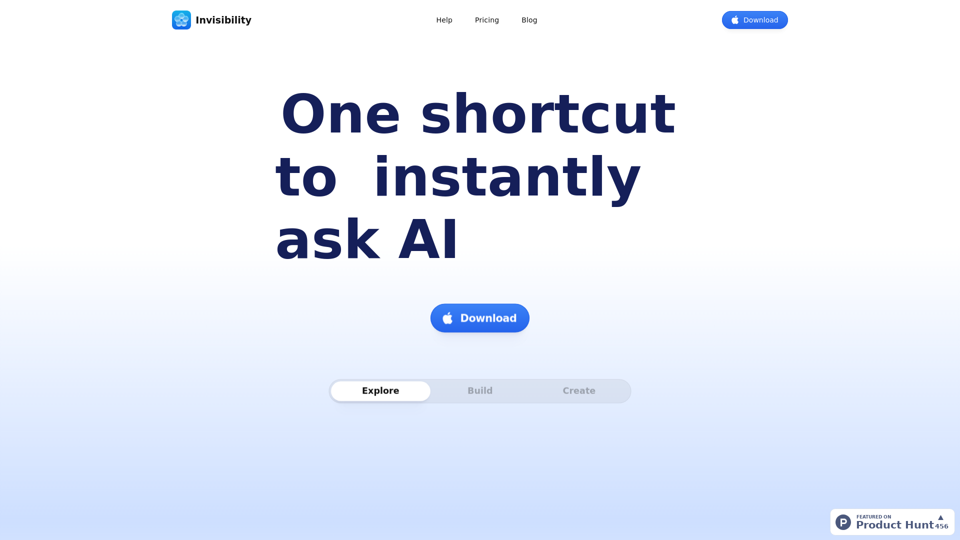
Save the best GPT response, no need to get lost of the best response anymore! Discover the power of seamless bookmarking with...

193.90 M
No CAPTCHA Solver
View Detail

No CAPTCHA Solver

No CAPTCHA Solver

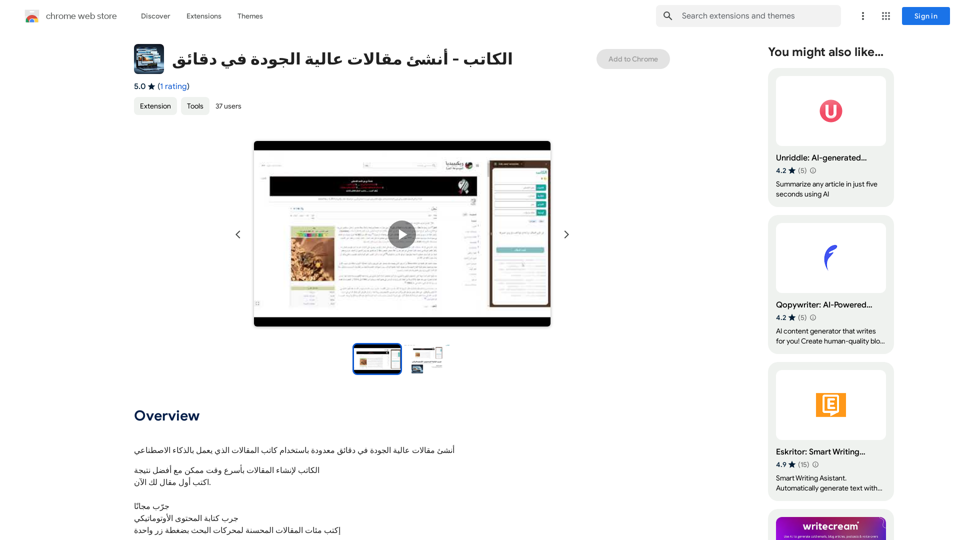
Solve CAPTCHA challenges, such as reCAPTCHA and hCAPTCHA.

193.90 M
YouTube Comment Analyzer
View Detail

YouTube Comment Analyzer

YouTube Comment Analyzer

Youtube comments analyzing

193.90 M
Simple TODOs from Customer Feedback 

- Improve search functionality: Customers are having trouble finding specific products.
- Add more product filters:  Allow users to narrow down search results by category, price, etc.
- Implement a wishlist feature: Let customers save items they are interested in for later.
- Enhance mobile responsiveness:  The website is not displaying correctly on all mobile devices.
- Provide clearer product descriptions:  Some descriptions are too vague or lack important details.
- Offer more payment options:  Expand the list of accepted payment methods.
- Simplify the checkout process:  Reduce the number of steps required to complete a purchase.
- Improve customer support:  Make it easier for customers to contact support and get timely responses.
View Detail

Simple TODOs from Customer Feedback - Improve search functionality: Customers are having trouble finding specific products. - Add more product filters: Allow users to narrow down search results by category, price, etc. - Implement a wishlist feature: Let customers save items they are interested in for later. - Enhance mobile responsiveness: The website is not displaying correctly on all mobile devices. - Provide clearer product descriptions: Some descriptions are too vague or lack important details. - Offer more payment options: Expand the list of accepted payment methods. - Simplify the checkout process: Reduce the number of steps required to complete a purchase. - Improve customer support: Make it easier for customers to contact support and get timely responses.

Simple TODOs from Customer Feedback - Improve search functionality: Customers are having trouble finding specific products. - Add more product filters: Allow users to narrow down search results by category, price, etc. - Implement a wishlist feature: Let customers save items they are interested in for later. - Enhance mobile responsiveness: The website is not displaying correctly on all mobile devices. - Provide clearer product descriptions: Some descriptions are too vague or lack important details. - Offer more payment options: Expand the list of accepted payment methods. - Simplify the checkout process: Reduce the number of steps required to complete a purchase. - Improve customer support: Make it easier for customers to contact support and get timely responses.

FeedMonky.com creates simple to-do lists from lengthy customer reviews. It uses a state-of-the-art language model that has been specially trained.

0
Hottalks.ai - Enjoy the Ultimate AI Girlfriend Experience
View Detail

Hottalks.ai - Enjoy the Ultimate AI Girlfriend Experience

Hottalks.ai - Enjoy the Ultimate AI Girlfriend Experience

Your dream companion awaits! Uncensored AI chat experience with NSFW AI images. Experience adaptive AI-driven role-plays today.

40.45 K
Open ChatGPT in a New Tab

You can open ChatGPT in a new tab by following these steps:

#Method 1: Using the Browser's Context Menu

1. Right-click on the ChatGPT link or button.
2. Select "Open in new tab" or "Open link in new tab" from the context menu.

#Method 2: Using the Keyboard Shortcut

1. Press `Ctrl + Click` (Windows/Linux) or `Cmd + Click` (Mac) on the ChatGPT link or button.

#Method 3: Using the Browser's Toolbar

1. Click on the ChatGPT link or button while holding down the `Ctrl` key (Windows/Linux) or `Cmd` key (Mac).
2. Release the key after the new tab is opened.

By following these methods, you can easily open ChatGPT in a new tab and start chatting without leaving your current page.
View Detail

Open ChatGPT in a New Tab You can open ChatGPT in a new tab by following these steps: #Method 1: Using the Browser's Context Menu 1. Right-click on the ChatGPT link or button. 2. Select "Open in new tab" or "Open link in new tab" from the context menu. #Method 2: Using the Keyboard Shortcut 1. Press `Ctrl + Click` (Windows/Linux) or `Cmd + Click` (Mac) on the ChatGPT link or button. #Method 3: Using the Browser's Toolbar 1. Click on the ChatGPT link or button while holding down the `Ctrl` key (Windows/Linux) or `Cmd` key (Mac). 2. Release the key after the new tab is opened. By following these methods, you can easily open ChatGPT in a new tab and start chatting without leaving your current page.

Open ChatGPT in a New Tab You can open ChatGPT in a new tab by following these steps: #Method 1: Using the Browser's Context Menu 1. Right-click on the ChatGPT link or button. 2. Select "Open in new tab" or "Open link in new tab" from the context menu. #Method 2: Using the Keyboard Shortcut 1. Press `Ctrl + Click` (Windows/Linux) or `Cmd + Click` (Mac) on the ChatGPT link or button. #Method 3: Using the Browser's Toolbar 1. Click on the ChatGPT link or button while holding down the `Ctrl` key (Windows/Linux) or `Cmd` key (Mac). 2. Release the key after the new tab is opened. By following these methods, you can easily open ChatGPT in a new tab and start chatting without leaving your current page.

New Tab with Quick ChatGPT Access

193.90 M
SF Explorer
View Detail

SF Explorer

SF Explorer

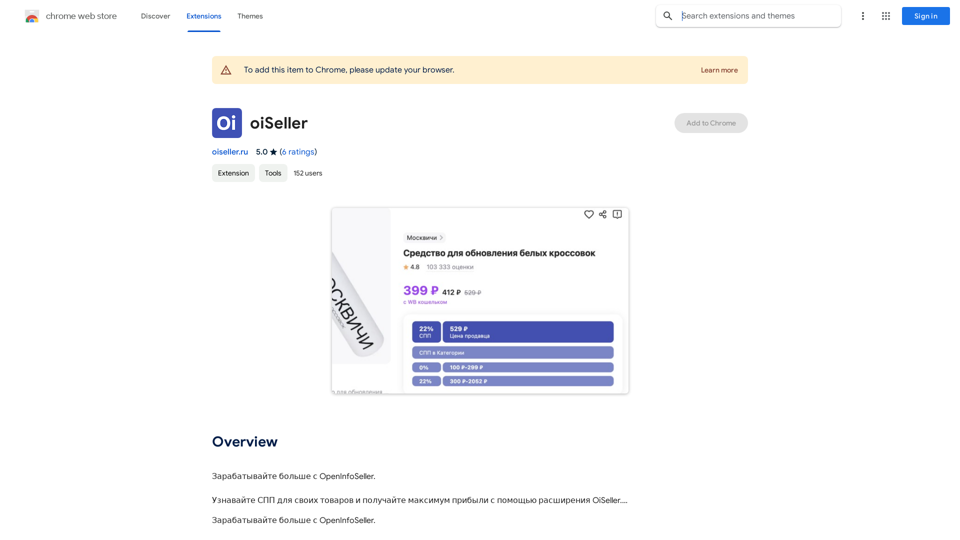
Productivity tool for Salesforce admins and developers

193.90 M