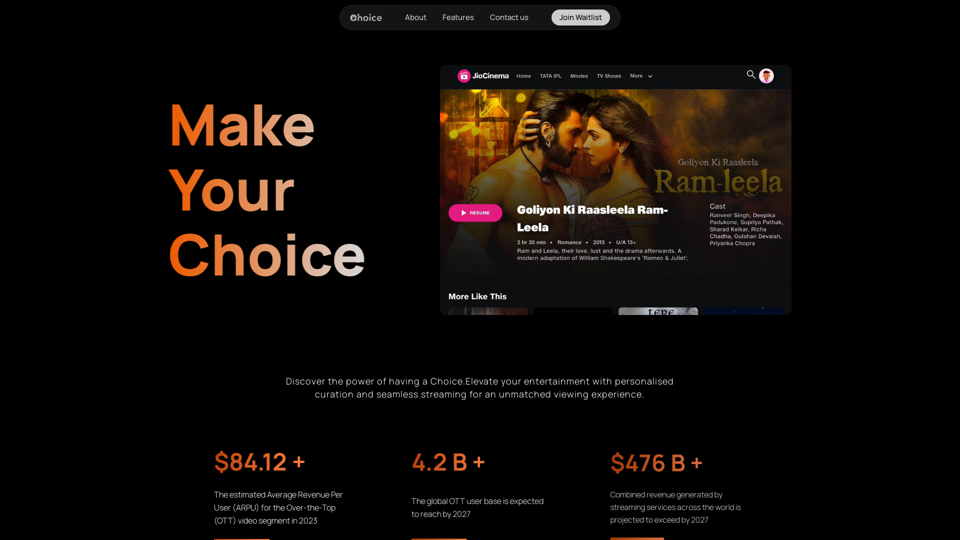
Choice AI revolutionizes entertainment content consumption through advanced AI technology. It empowers viewers with personalized recommendations, detailed descriptions, and category-skipping options. The platform seamlessly integrates with popular services like YouTube, offering a tailored and family-friendly viewing experience.
Choice AI
Choice AI: Choice AI is an AI-powered tool that offers personalized controls to specifically watch and skip specific content/scenes on OTT platforms.
Introduction
Feature
Personalized Content Discovery
Choice AI utilizes cutting-edge AI algorithms to provide personalized movie and TV show recommendations based on user interests and preferred genres.
Customizable Viewing Experience
Users can skip categories, implement parental controls, and make informed decisions about their content consumption, putting them in control of their entertainment choices.
Smart Search and Navigation
The platform offers an intelligent search function with detailed content insights, allowing users to easily find their favorite movies and TV shows.
Timestamped Categories
Choice AI enhances content discovery with detailed timestamps for specific categories, improving navigation and allowing users to dive into desired content sections effortlessly.
Family-Friendly Settings
Customizable parental control features ensure a safe viewing environment, catering to family preferences and cultural sensitivities.
Profile Customization
Users can create personalized profiles with default viewing preferences, enhancing their experience with tailored content recommendations.
Seamless Platform Integration
Choice AI effortlessly connects with popular OTT platforms like YouTube, providing an uninterrupted and enhanced viewing experience.
FAQ
What is Choice AI?
Choice AI is an innovative AI-driven platform that transforms entertainment content consumption. It empowers viewers with personalized recommendations, detailed descriptions, and the ability to skip categories, revolutionizing the way people interact with their favorite content.
What are the main features of Choice AI?
Choice AI offers:
- Personalized content recommendations
- Category skipping options
- Parental controls
- Smart search functionality
- Timestamped categories
- Custom user profiles
- Seamless integration with popular OTT platforms like YouTube
How user-friendly is Choice AI?
Choice AI is designed with simplicity in mind. Its intuitive interface allows users to easily discover new content, customize their viewing experience, and enjoy seamless integration with popular platforms, making it accessible for users of all technical levels.
Related Websites
TextFlip: ChatGPT Rewriter, AI Humanizer, Chat PDF and Summarizer
TextFlip: ChatGPT Rewriter, AI Humanizer, Chat PDF and SummarizerPowerful Chrome extension offering text rewriting, making it sound more natural, PDF processing, and summarization features.
193.90 M
ChatGPT Plus, DALL-E 3, Productivity Tools * Notifications * Download All * Retrieve Image Prompt
193.90 M
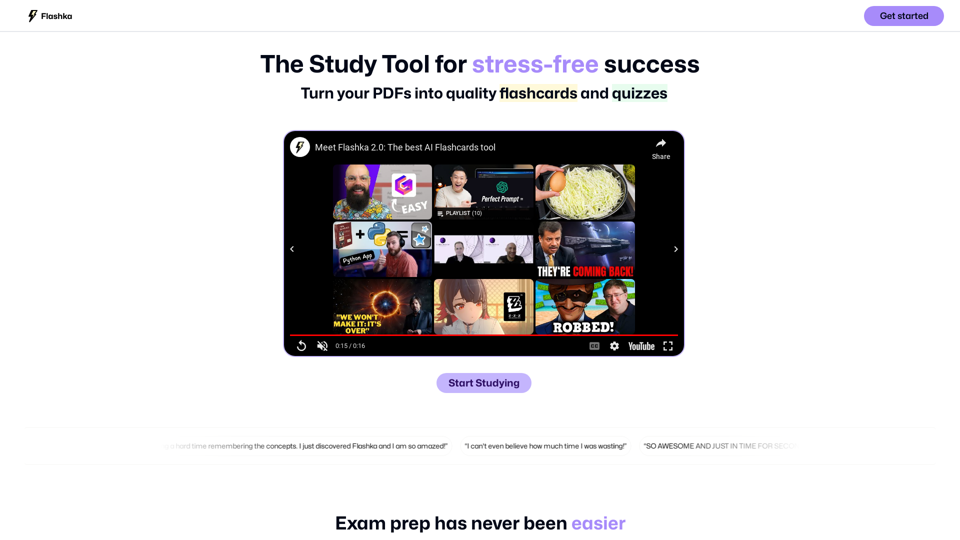
Flashka helps you learn by automatically generating flashcards and aiding you in the learning process.
287.56 K
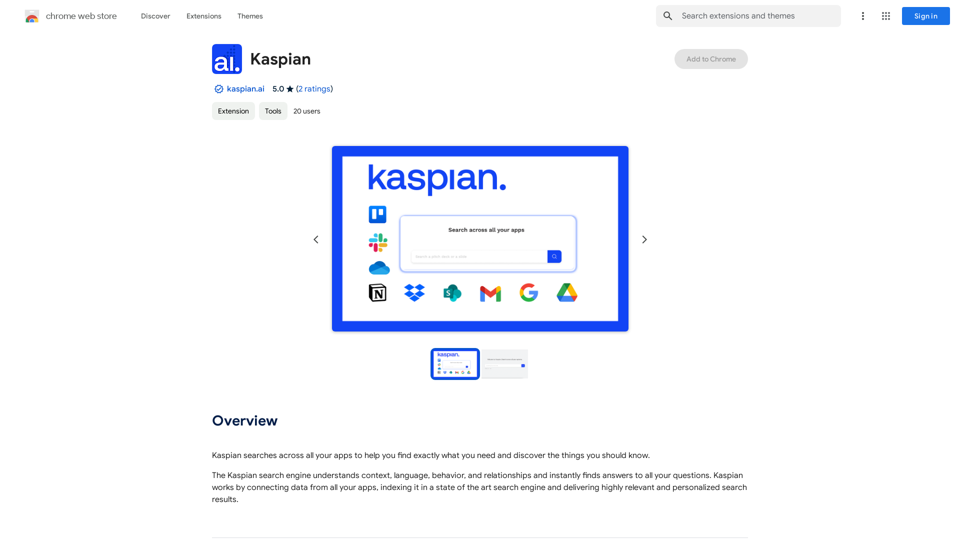
Kaspian searches through all your apps to help you find exactly what you need and discover things you should know.
193.90 M
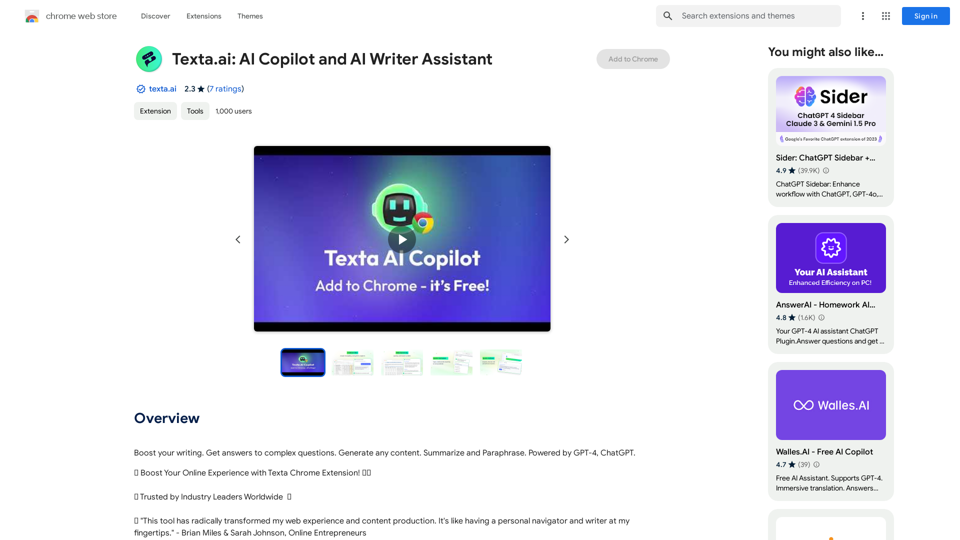
Boost your writing. Get answers to complex questions. Generate any content. Summarize and Paraphrase. Powered by GPT-4, ChatGPT.
193.90 M
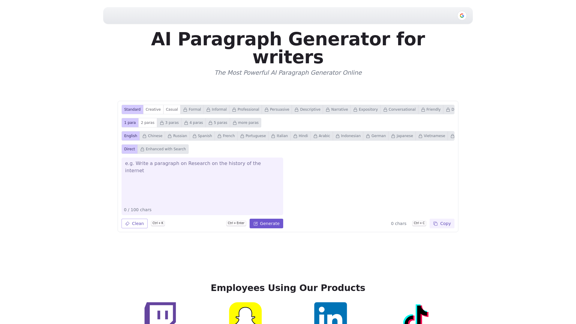
AI Paragraph Generator is a powerful tool that transforms your ideas into well-structured and engaging paragraphs. Artificial Intelligence Paragraph Generator meets all your content needs, from blogs to academic papers, with our tool ensuring originality, relevance and professionalism in every use case.
0
Please provide me with the text you'd like me to summarize and translate. I'm ready! 😊
Please provide me with the text you'd like me to summarize and translate. I'm ready! 😊I can help you with that! Just paste the web page URL here, and I'll use Claude's powerful abilities to: * Summarize the main points of the page in clear, concise language. * Translate the entire page into English for you. Let me know if you have a page you'd like me to work on!
193.90 M