Open-source RightAI Tools Directory
  • Discover AI
  • Submit
  • Startup
  • Blog
Open-source RightAI Tools Directory
Discover the best AI tools of 2025 with the RightAI Tools Directory!

Friend Links

AI Anime GeneratorToolsApp AI

Support

Tap4
Privacy policyTerms & ConditionsContact Us
Loading...
loading...

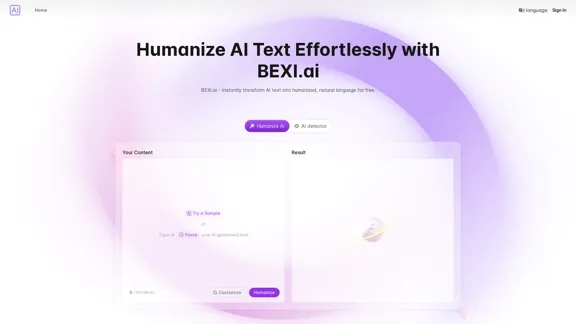
BEXI.ai - Humanize AI Text | Free AI Humanizer Tool for Natural Language

BEXI.ai is a free tool for making AI-generated text more natural and undetectable. With support for multiple languages and customizable styles, BEXI.ai helps you easily create engaging, human-like content.
Visit Website
BEXI.ai - Humanize AI Text | Free AI Humanizer Tool for Natural Language
Visit Website

Introduction

BEXI.ai offers a free AI humanizer tool that transforms AI-generated text into natural language, making it more relatable and engaging. Users can easily customize the style and tone of the text to fit their needs without the requirement of logging in. The platform supports multiple languages, catering to a global audience.

Feature

  1. Humanize AI Text

    BEXI.ai effectively reduces detectable AI patterns, creating a seamless reading experience that mimics human writing.

  2. Customize Language Style

    Users can adjust the tone and style of the text to align with their brand or personal preferences, ensuring a unique output.

  3. Free and No Login Required

    The service is completely free and does not require any login, making it accessible to everyone.

  4. Supports Multiple Languages

    BEXI.ai accommodates a diverse user base by supporting various languages, allowing for effective communication across different regions.

  5. Instant Text Generation

    Users can quickly generate humanized text by simply pasting their AI-generated content and selecting their desired style.

How to Use?

  1. Paste your AI-generated text into the designated text box on BEXI.ai's platform.
  2. Choose a custom language style or tone to enhance the naturalness of the output.
  3. Click the generate button to receive your humanized text almost instantly.

FAQ

What is BEXI.ai?

BEXI.ai is a free tool designed to transform AI-generated text into human-like language, making it more engaging and relatable.

Is BEXI.ai really free?

Yes, BEXI.ai offers its services for free without requiring users to create an account.

Does BEXI.ai work with multiple languages?

Yes, BEXI.ai supports multiple languages, allowing users from different regions to humanize their AI text.

How does BEXI.ai humanize AI-generated text?

BEXI.ai analyzes the input text and modifies it to reduce AI patterns, resulting in a more natural reading experience.

Can I customize the tone of the text?

Yes, users can select a custom language style or tone to match their desired output.

Is there a word limit for text on BEXI.ai?

The platform allows users to input up to 200 words at a time for humanization.

Price

  • Free: $0/month
The price is for reference only, please refer to the latest official data for actual information.

Evaluation

  1. BEXI.ai effectively transforms AI-generated text into a more natural and engaging format, making it a valuable tool for content creators and marketers.
  2. The customization options for tone and style enhance the user experience, allowing for tailored outputs.
  3. The absence of a login requirement simplifies access, appealing to a broader audience.
  4. However, the 200-word limit may restrict users with longer texts, which could be a drawback for some.
  5. Overall, BEXI.ai is a practical solution for those looking to humanize their AI content, though expanding the word limit could further improve its utility.

Latest Traffic Insights

  • Monthly Visits

    33.18 K

  • Bounce Rate

    45.25%

  • Pages Per Visit

    1.18

  • Time on Site(s)

    5.03

  • Global Rank

    1033985

  • Country Rank

    Indonesia 66721

Recent Visits

Traffic Sources

  • Social Media:
    5.67%
  • Paid Referrals:
    1.28%
  • Email:
    0.25%
  • Referrals:
    11.71%
  • Search Engines:
    36.33%
  • Direct:
    43.93%
More Data

Related Websites

OneClick AI
View Detail

OneClick AI

OneClick AI

Instantly understand web content and extract key points with AI-powered summarization and translation with just one click.

193.90 M
Google for Jobs Structured Data by Tarta.ai
View Detail

Google for Jobs Structured Data by Tarta.ai

Google for Jobs Structured Data by Tarta.ai

SEO Job Postings Structured Data by Tarta.ai is an AI-driven platform that enhances job postings with structured data for improved search engine optimization.

193.90 M
Coursera Summary with ChatGPT and Take Notes
=====================================================

What is Coursera?

Coursera is an online learning platform that partners with top universities and organizations to offer courses and degree programs in a wide range of fields.

What is ChatGPT?

ChatGPT is a conversational AI tool that can understand and respond to human input in a human-like way. It can be used to generate text, answer questions, and even create content.

How to Use ChatGPT for Coursera Summary?

You can use ChatGPT to summarize Coursera courses by:

* Providing the course material or lecture notes to ChatGPT
* Asking ChatGPT to summarize the key points or main ideas
* Reviewing and editing the summary generated by ChatGPT

Benefits of Using ChatGPT for Coursera Summary

Using ChatGPT for Coursera summary can help you:

* Save time by automating the summarization process
* Improve understanding and retention of course material
* Focus on key concepts and ideas
* Enhance learning experience

How to Take Notes with ChatGPT?

You can use ChatGPT to take notes by:

* Providing the course material or lecture notes to ChatGPT
* Asking ChatGPT to generate notes or key points
* Reviewing and editing the notes generated by ChatGPT
* Organizing and structuring the notes for easy reference

Benefits of Using ChatGPT for Taking Notes

Using ChatGPT for taking notes can help you:

* Save time by automating the note-taking process
* Improve organization and structure of notes
* Enhance understanding and retention of course material
* Focus on key concepts and ideas
View Detail

Coursera Summary with ChatGPT and Take Notes ===================================================== What is Coursera? Coursera is an online learning platform that partners with top universities and organizations to offer courses and degree programs in a wide range of fields. What is ChatGPT? ChatGPT is a conversational AI tool that can understand and respond to human input in a human-like way. It can be used to generate text, answer questions, and even create content. How to Use ChatGPT for Coursera Summary? You can use ChatGPT to summarize Coursera courses by: * Providing the course material or lecture notes to ChatGPT * Asking ChatGPT to summarize the key points or main ideas * Reviewing and editing the summary generated by ChatGPT Benefits of Using ChatGPT for Coursera Summary Using ChatGPT for Coursera summary can help you: * Save time by automating the summarization process * Improve understanding and retention of course material * Focus on key concepts and ideas * Enhance learning experience How to Take Notes with ChatGPT? You can use ChatGPT to take notes by: * Providing the course material or lecture notes to ChatGPT * Asking ChatGPT to generate notes or key points * Reviewing and editing the notes generated by ChatGPT * Organizing and structuring the notes for easy reference Benefits of Using ChatGPT for Taking Notes Using ChatGPT for taking notes can help you: * Save time by automating the note-taking process * Improve organization and structure of notes * Enhance understanding and retention of course material * Focus on key concepts and ideas

Coursera Summary with ChatGPT and Take Notes ===================================================== What is Coursera? Coursera is an online learning platform that partners with top universities and organizations to offer courses and degree programs in a wide range of fields. What is ChatGPT? ChatGPT is a conversational AI tool that can understand and respond to human input in a human-like way. It can be used to generate text, answer questions, and even create content. How to Use ChatGPT for Coursera Summary? You can use ChatGPT to summarize Coursera courses by: * Providing the course material or lecture notes to ChatGPT * Asking ChatGPT to summarize the key points or main ideas * Reviewing and editing the summary generated by ChatGPT Benefits of Using ChatGPT for Coursera Summary Using ChatGPT for Coursera summary can help you: * Save time by automating the summarization process * Improve understanding and retention of course material * Focus on key concepts and ideas * Enhance learning experience How to Take Notes with ChatGPT? You can use ChatGPT to take notes by: * Providing the course material or lecture notes to ChatGPT * Asking ChatGPT to generate notes or key points * Reviewing and editing the notes generated by ChatGPT * Organizing and structuring the notes for easy reference Benefits of Using ChatGPT for Taking Notes Using ChatGPT for taking notes can help you: * Save time by automating the note-taking process * Improve organization and structure of notes * Enhance understanding and retention of course material * Focus on key concepts and ideas

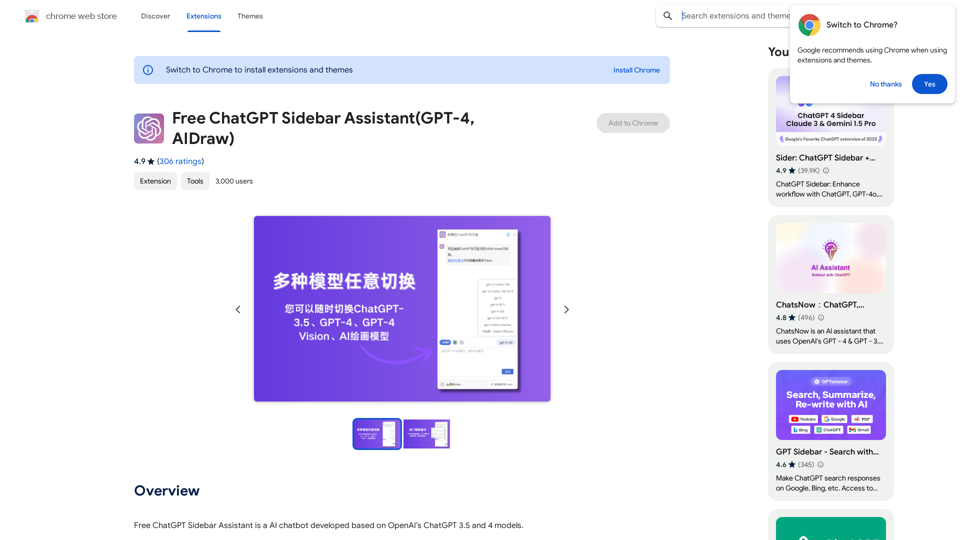
Automate Your Learning: Coursera Videos Transcript and Summary with ChatGPT ============================================================ Are you tired of manually taking notes while watching Coursera videos? Do you wish you had a summary of the video to review later? Look no further! With the power of ChatGPT, you can now generate transcripts and summaries of Coursera videos with ease. How it Works --------------- 1. Transcribe the Video: Use a transcription tool to convert the audio from the Coursera video into text. 2. Feed it to ChatGPT: Input the transcript into ChatGPT, and it will generate a concise summary of the video. 3. Review and Refine: Review the summary, refine it as needed, and you're good to go! Benefits ------------ * Save Time: No more manual note-taking or re-watching videos to understand the content. * Improve Retention: A summary of the video helps you retain information better and review it quickly. * Enhance Learning: Focus on understanding the concepts rather than taking notes. Get Started -------------- Try it out today and take your learning to the next level!

193.90 M
PixCleaner
View Detail

PixCleaner

PixCleaner

Remove the background from an image using pixcleaner background remover. Remove the background from any image online URL, simply...

193.90 M
PromptForge
View Detail

PromptForge

PromptForge

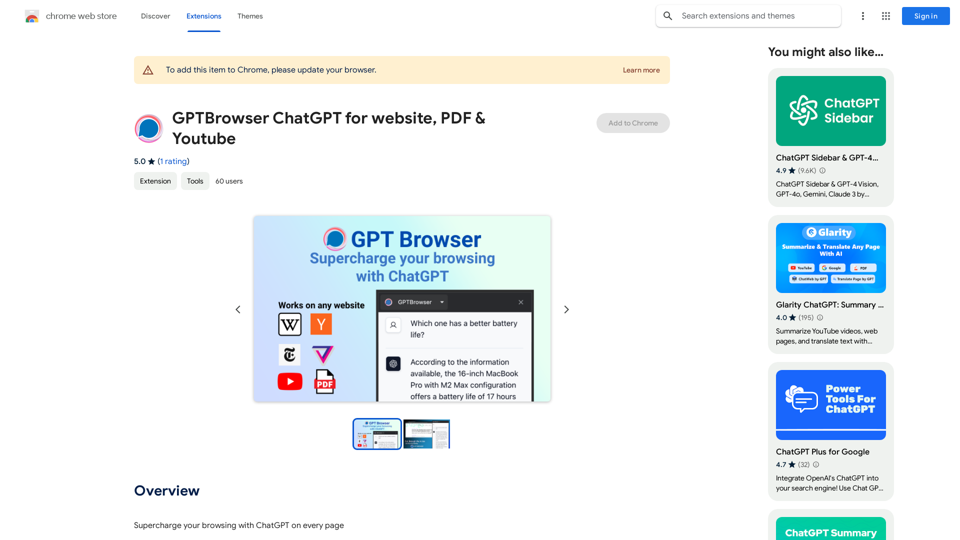
PromptForge offers easy, diverse one-click prompts right inside ChatGPT, Gemini and more.

193.90 M
Save ChatGPT to Feishu
View Detail

Save ChatGPT to Feishu

Save ChatGPT to Feishu

Save ChatGPT conversations to Feishu with one click. Export ChatGPT conversations.

193.90 M
AI Photo Caption - Text Generator on the App Store
View Detail

AI Photo Caption - Text Generator on the App Store

AI Photo Caption - Text Generator on the App Store

Welcome to PhotoCaption AI – where your photos speak a thousand words in multiple languages! Do you often find yourself struggling to come up with the perfect caption for your amazing photos?

654.73 K
SpeechGenius β€” Best Speech to Text
View Detail

SpeechGenius β€” Best Speech to Text

SpeechGenius β€” Best Speech to Text

AI-powered speech-to-text for faster, easier writing

193.90 M