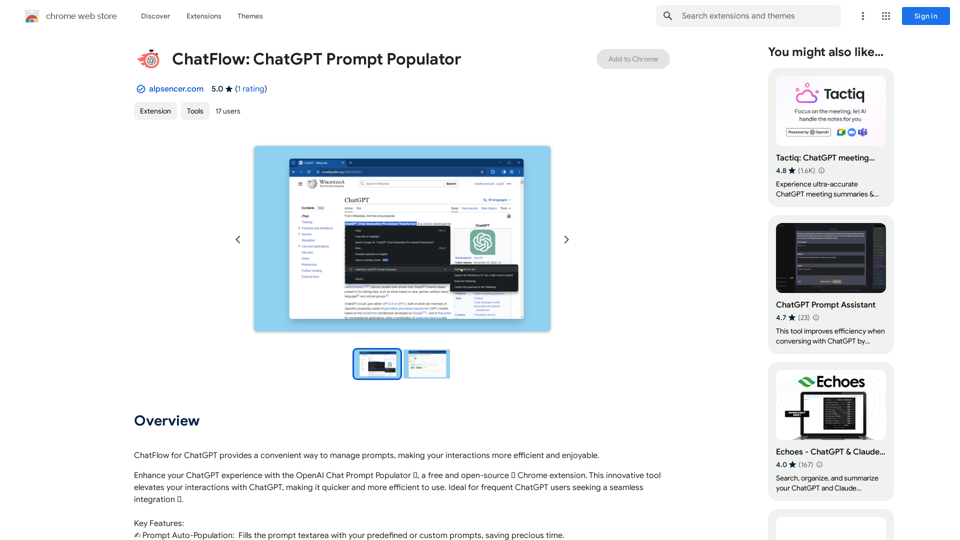
Vöiston is an AI-powered platform designed to assist doctors in interpreting unstructured data from various sources. This innovative tool integrates with existing systems as an extension, acting as a virtual assistant to help medical professionals make sense of complex information. By leveraging artificial intelligence, Vöiston aims to streamline data analysis and provide valuable insights to support informed decision-making in healthcare.
Vöiston
Vöiston Integration Extension
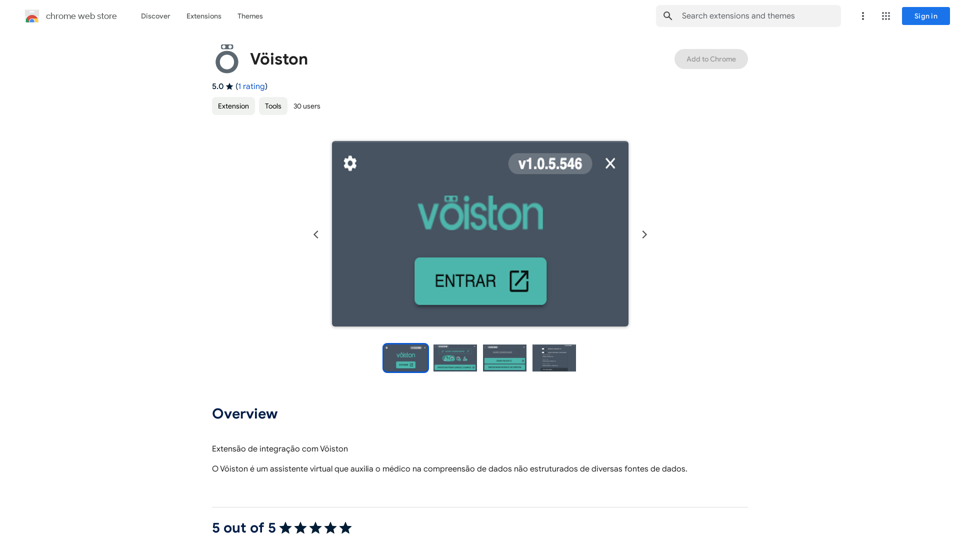
Introduction
Feature
Data Analysis from Multiple Sources
Vöiston excels in handling data from diverse origins, including website content, medical records, and other relevant sources. This comprehensive approach ensures that doctors have access to a wide range of information for their analysis.
AI-Powered Insights
The platform utilizes advanced artificial intelligence algorithms to analyze data and generate valuable insights. This feature helps doctors uncover patterns, trends, and correlations that might not be immediately apparent, enhancing their diagnostic and treatment capabilities.
Customizable Interface
Vöiston offers a high degree of customization, allowing each doctor to tailor the platform to their specific needs and preferences. This flexibility ensures that the tool can be adapted to various medical specialties and individual working styles.
Report Generation
Users can easily generate comprehensive reports based on the analyzed data. This feature facilitates clear communication of findings and supports collaborative decision-making among healthcare professionals.
Privacy and Security
Vöiston prioritizes data confidentiality and security. The platform does not use user data for training purposes, ensuring that sensitive medical information remains protected and compliant with healthcare regulations.
FAQ
How do I start using Vöiston?
To begin using Vöiston, simply install the extension and start analyzing your data. The platform will immediately provide valuable insights to assist in your decision-making process.
Is Vöiston widely adopted in the medical community?
Vöiston is used by doctors worldwide for data analysis and informed decision-making, indicating a growing adoption in the medical community.
How can I optimize my use of Vöiston?
To maximize the benefits of Vöiston, customize the extension to align with your specific needs and leverage the AI-powered insights to inform your clinical decisions.
Are there different subscription levels for Vöiston?
Yes, Vöiston offers premium services for users who require advanced features and enhanced data analysis capabilities. A subscription may be necessary to access these additional functionalities.
Related Websites
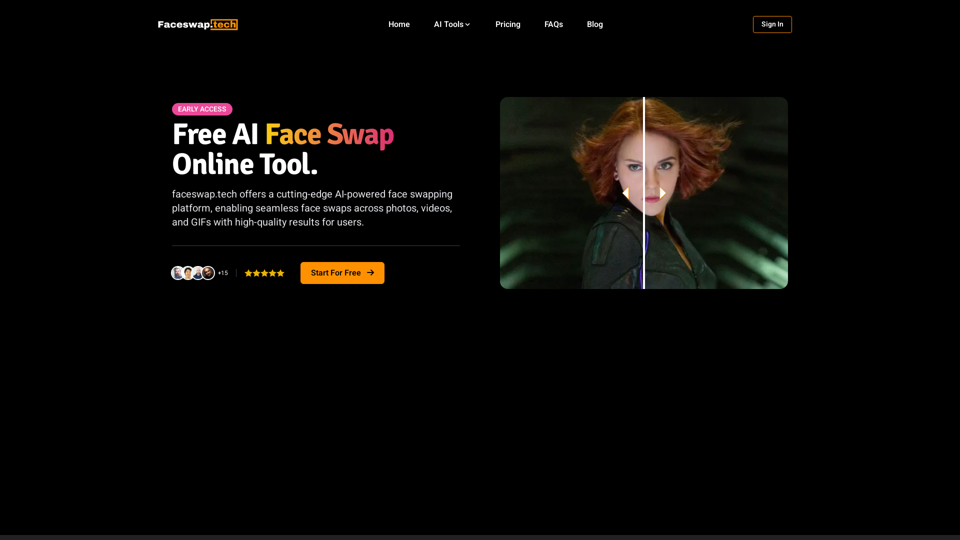
Free AI Face Swap Online Tool for Videos, GIFs and Photos | Faceswap.tech
Free AI Face Swap Online Tool for Videos, GIFs and Photos | Faceswap.techTry our free online face swap tool to swap faces in photos, videos, and GIFs. Easy, fast, and powered by AI for amazing results. Swap faces now!
1.81 K
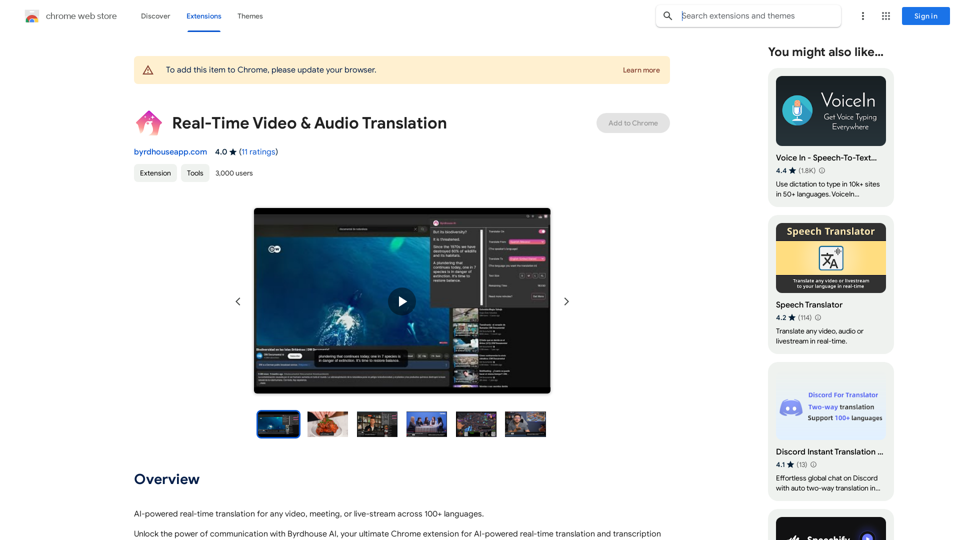
AI-powered real-time translation for any video, meeting, or live-stream across 100+ languages.
193.90 M
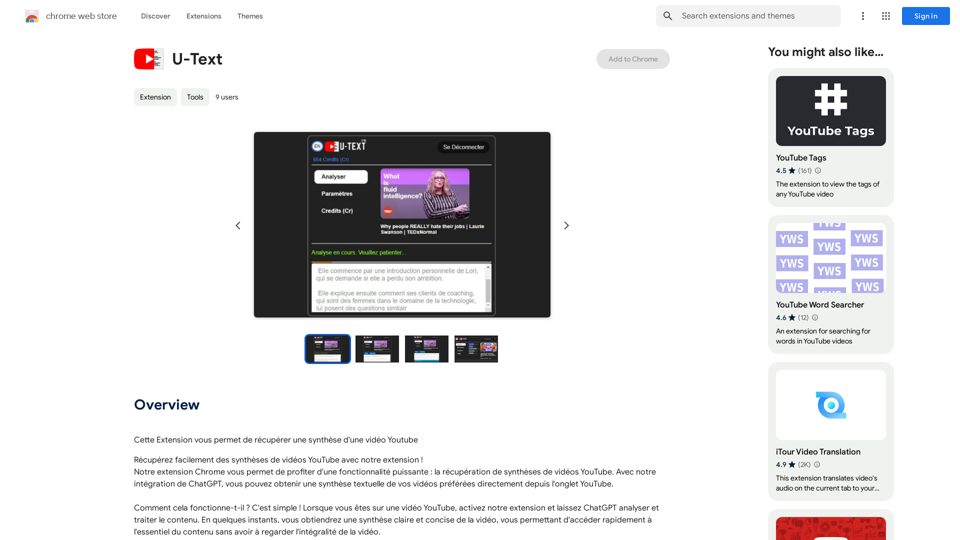
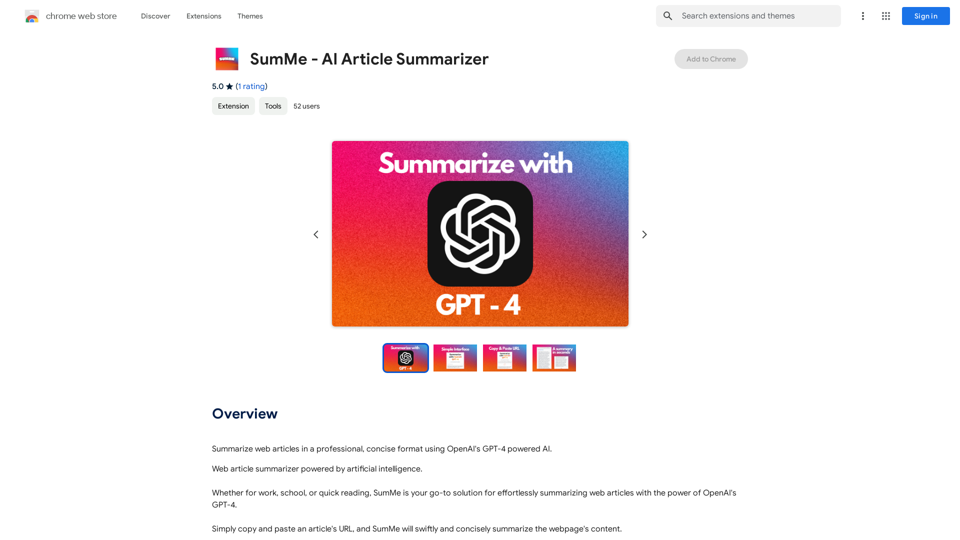
I can do that! Just paste the web article text here, and I'll generate a professional and concise summary using OpenAI's powerful GPT-4 model.
193.90 M
![AIScraper
This is a Python library for scraping data from websites that use the Amazon Interactive Search (AIS) API.
Features:
* Easy to use: Simply provide a search query and the library will return a list of product results.
* Flexible: You can customize your scraping by specifying filters, such as price range, brand, and category.
* Efficient: The library uses asynchronous requests to speed up the scraping process.
* Reliable: The library is designed to handle rate limits and other website restrictions.
Installation:
```bash
pip install aiscraper
```
Usage:
```python
from aiscraper import AIScraper
Create an instance of the AIScraper class
scraper = AIScraper()
Perform a search for "laptops"
results = scraper.search("laptops")
Print the product titles
for result in results:
print(result["title"])
```
Documentation:
https://github.com/aiscraper/aiscraper](https://static.right-ai.com/tools/2024/7/4/chromewebstore-google-com-detail-aiscraper-mfjniiodgjhlmleaakofgijfccdgppbc-thumbnail-1720072105.png "AIScraper
This is a Python library for scraping data from websites that use the Amazon Interactive Search (AIS) API.
Features:
* Easy to use: Simply provide a search query and the library will return a list of product results.
* Flexible: You can customize your scraping by specifying filters, such as price range, brand, and category.
* Efficient: The library uses asynchronous requests to speed up the scraping process.
* Reliable: The library is designed to handle rate limits and other website restrictions.
Installation:
```bash
pip install aiscraper
```
Usage:
```python
from aiscraper import AIScraper
Create an instance of the AIScraper class
scraper = AIScraper()
Perform a search for \"laptops\"
results = scraper.search(\"laptops\")
Print the product titles
for result in results:
print(result[\"title\"])
```
Documentation:
https://github.com/aiscraper/aiscraper")
AIScraper This is a Python library for scraping data from websites that use the Amazon Interactive Search (AIS) API. Features: * Easy to use: Simply provide a search query and the library will return a list of product results. * Flexible: You can customize your scraping by specifying filters, such as price range, brand, and category. * Efficient: The library uses asynchronous requests to speed up the scraping process. * Reliable: The library is designed to handle rate limits and other website restrictions. Installation: ```bash pip install aiscraper ``` Usage: ```python from aiscraper import AIScraper Create an instance of the AIScraper class scraper = AIScraper() Perform a search for "laptops" results = scraper.search("laptops") Print the product titles for result in results: print(result["title"]) ``` Documentation: https://github.com/aiscraper/aiscraper
AIScraper This is a Python library for scraping data from websites that use the Amazon Interactive Search (AIS) API. Features: * Easy to use: Simply provide a search query and the library will return a list of product results. * Flexible: You can customize your scraping by specifying filters, such as price range, brand, and category. * Efficient: The library uses asynchronous requests to speed up the scraping process. * Reliable: The library is designed to handle rate limits and other website restrictions. Installation: ```bash pip install aiscraper ``` Usage: ```python from aiscraper import AIScraper Create an instance of the AIScraper class scraper = AIScraper() Perform a search for "laptops" results = scraper.search("laptops") Print the product titles for result in results: print(result["title"]) ``` Documentation: https://github.com/aiscraper/aiscraperWeb scraper, powered by AI! Collect structured data from web pages in just a few clicks! What's new 🔹Simplified data collection…
193.90 M
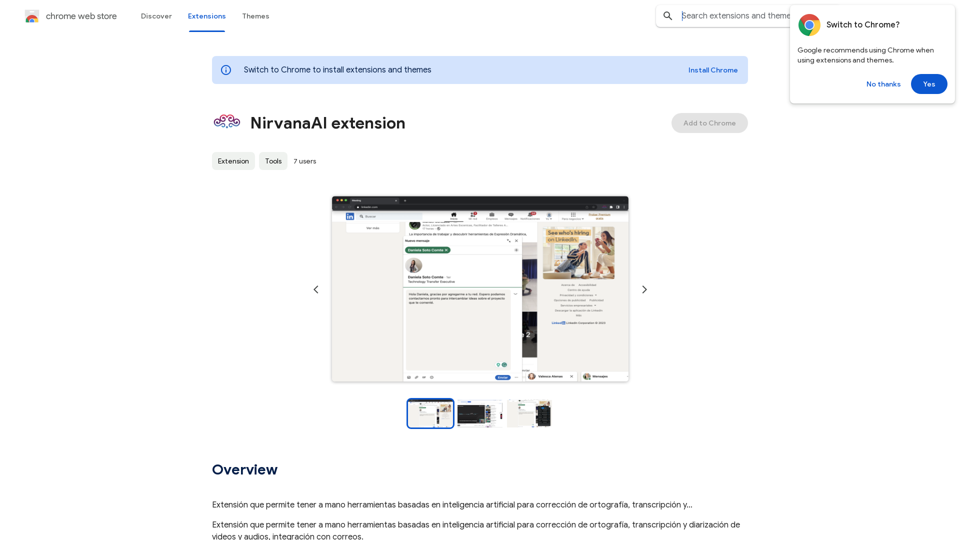
Extension that allows you to have AI-powered tools for grammar correction, transcription, and...
193.90 M
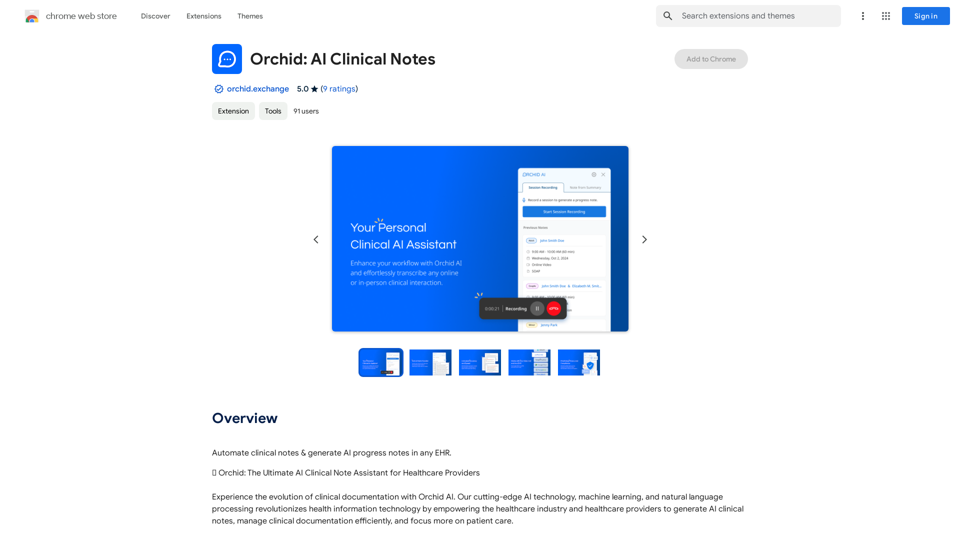
Automatically create clinical notes and generate AI-powered progress notes in any electronic health record (EHR) system.
193.90 M