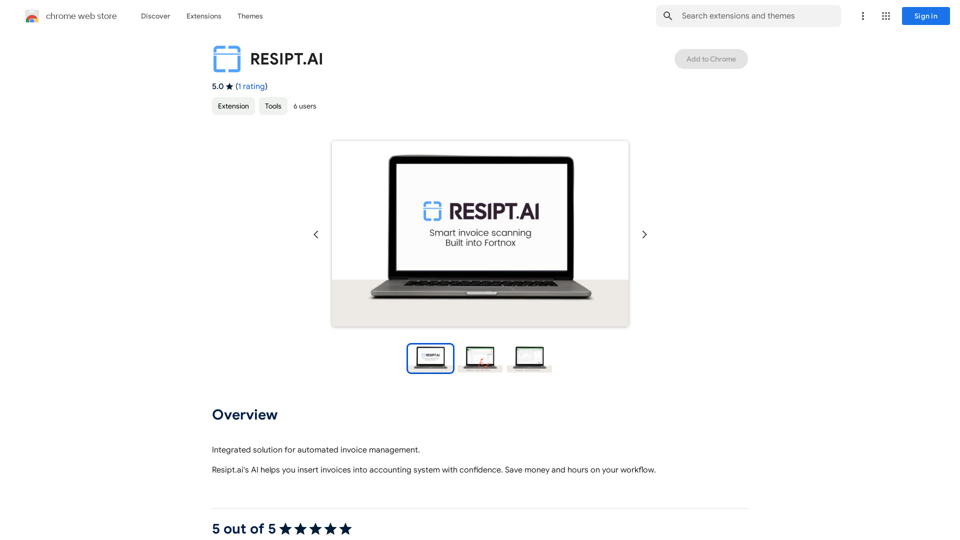
AI The Name is a comprehensive AI-powered name generator platform offering a wide range of naming solutions for various categories. It provides users with personalized, unique, and creative names for people, pets, brands, fantasy characters, and more. The platform aims to simplify the naming process, making it accessible and enjoyable for everyone.
AI The Name & Latest AI Names Generator in 2024
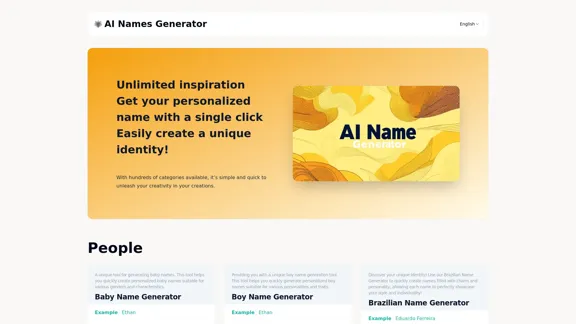
Explore our name generator to easily create unique names! Whether it's for a business name or a character name, we offer a wide variety of options, and each name comes with a detailed meaning. Try it now to discover creative names that add charm to your projects or pets!
Introduction
Feature
Diverse Category Options
AI The Name offers numerous categories for name generation, including:
- People: Baby names, boy names, girl names, gender-neutral names
- Cultural names: Brazilian, British, Japanese
- Pet names: Cat names, dog names
- Brand names: Company names
- Fantasy names: DND character names, dwarf names, elf names
- Gaming: Game nicknames
- Art: Band names, rap names
One-Click Name Generation
Users can generate personalized names with a single click, making the process quick and effortless.
Customization Options
The platform allows users to input specific characteristics or preferences to tailor the generated names to their needs.
Name Meanings and Descriptions
Each generated name comes with a detailed explanation of its meaning, origin, and cultural significance, providing users with valuable context.
Multilingual Support
The platform supports multiple languages, making it accessible to a global audience.
User-Friendly Interface
The website features an intuitive and easy-to-navigate design, enhancing the user experience.
Unlimited Inspiration
Users have access to an endless supply of name ideas, fostering creativity and helping them find the perfect name.
FAQ
What is AI The Name?
AI The Name is an advanced AI-powered name generator platform that creates unique and personalized names for various categories, including people, pets, brands, fantasy characters, and more.
How does AI The Name work?
The platform uses artificial intelligence to analyze user inputs and preferences, then generates names based on these criteria. Users can select a category, input specific characteristics if desired, and receive personalized name suggestions instantly.
Is AI The Name free to use?
The website doesn't provide information about pricing. Users should check the platform directly for details on any potential costs or subscription plans.
Can I use the names generated by AI The Name for commercial purposes?
The website doesn't specify usage rights for generated names. It's advisable to contact the platform directly or review their terms of service for information on commercial use of generated names.
How often is AI The Name updated with new features or name options?
The platform claims to be the "Latest AI Names Generator in 2024," suggesting regular updates. However, specific update frequencies are not mentioned. Users can likely expect ongoing improvements and additions to the name database.
Related Websites
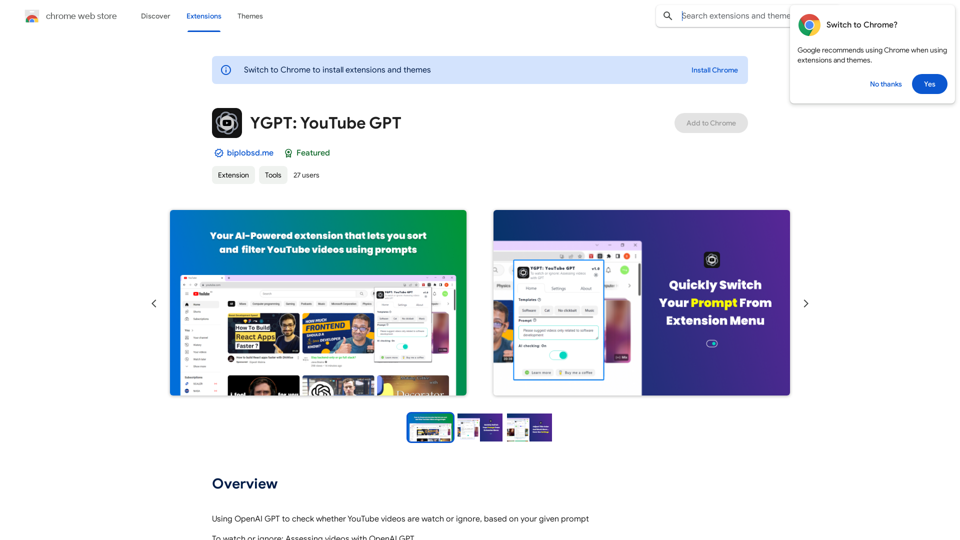
Using OpenAI's GPT to determine if YouTube videos have been watched or ignored, based on your instructions.
193.90 M
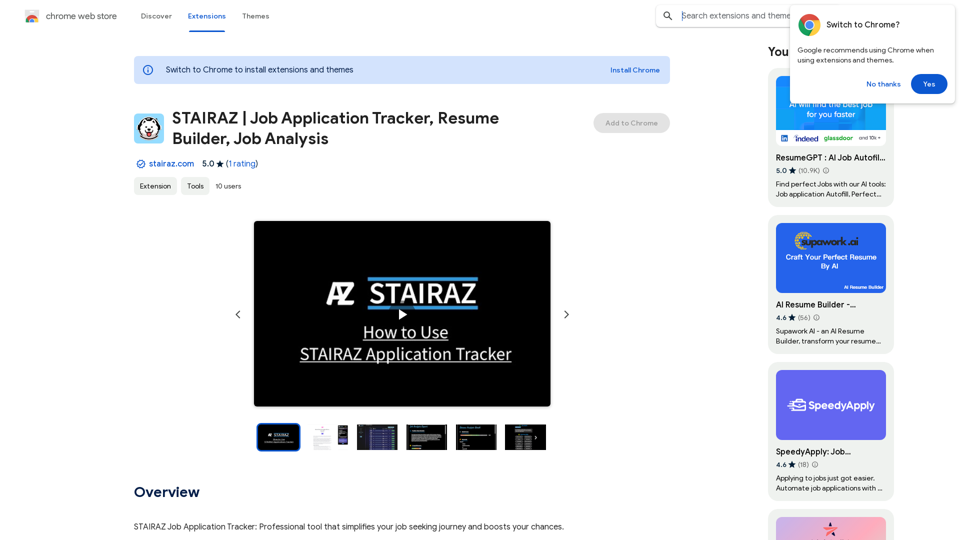
STAIRAZ Job Application Tracker, Resume Builder, Job Analysis
STAIRAZ Job Application Tracker, Resume Builder, Job AnalysisSTAIRAZ Job Application Tracker: A professional tool that simplifies your job search and increases your chances of getting hired.
193.90 M
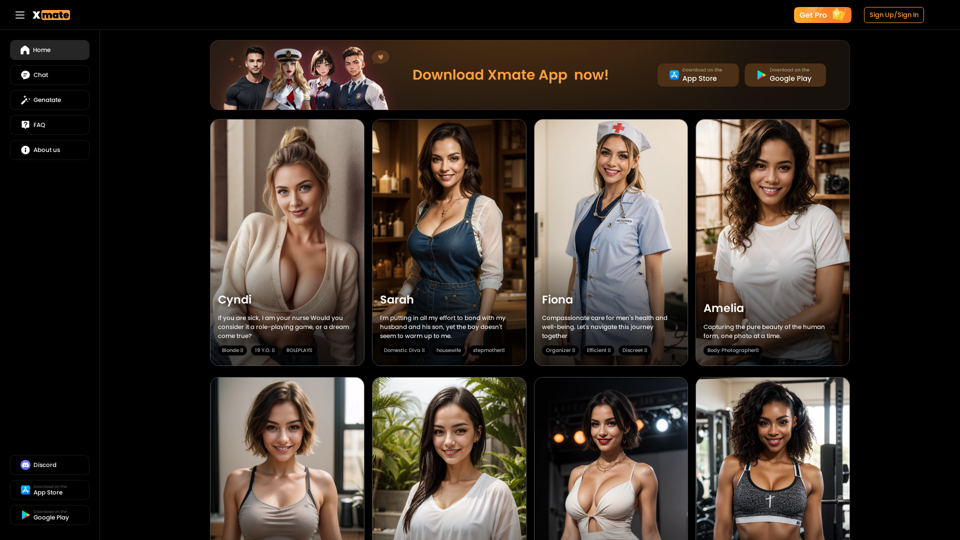
Xmate: AI Girlfriend for Adults & Porn Chat & More
Xmate: AI Girlfriend for Adults & Porn Chat & MoreExperience the ultimate thrill with NSFW Character AI Roleplay, where boundaries disappear. Engage in unrestricted AI conversations and uncensored NSFW AI interactions, and even request images from your virtual partner.
886
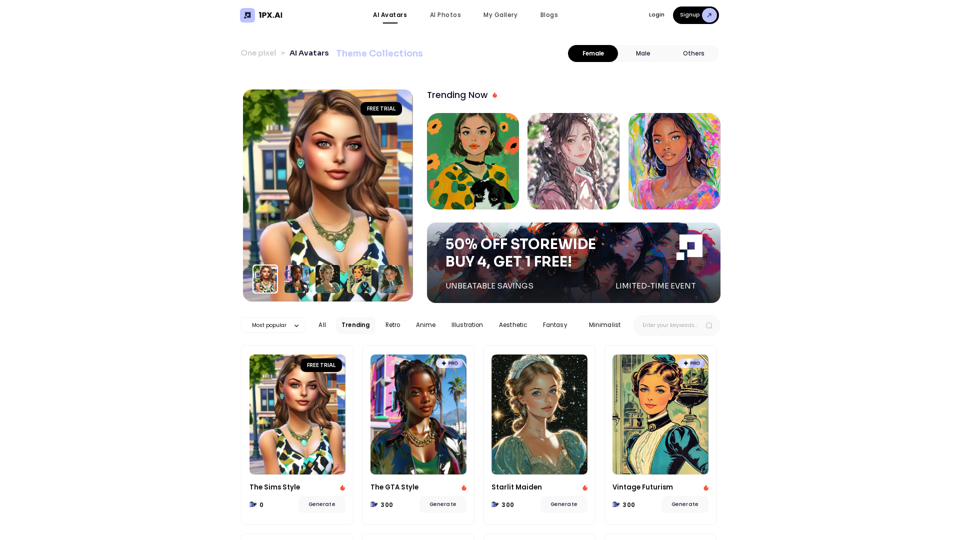
Here is the translation: AI Photo, Photo AI, AI Photo Editing, AI Generated Photos, Free AI Photo Editor, AI Photo Generator, AI Avatar Generator
105
WriteFastAI-ChatGPT on Demand, on Any Website This is a powerful idea! Imagine being able to seamlessly integrate the capabilities of both FastAI and ChatGPT directly into any website. Here's a breakdown of what this could mean: * On-Demand AI Assistance: Users could access powerful AI tools like text generation, summarization, question answering, and more, right from the website they're already using. * Personalized Experiences: Websites could leverage AI to tailor content and interactions to individual user preferences, creating a more engaging and relevant experience. * Increased Efficiency: Businesses could automate tasks, generate reports, and analyze data faster and more accurately with the help of AI. Making it a Reality: This vision requires a combination of: * API Integration: FastAI and ChatGPT both offer APIs that allow developers to integrate their functionalities into applications. * Web Development Expertise: Developers would need to build the necessary infrastructure to connect the APIs to the website and handle user interactions. * Data Management: Websites would need to manage and secure the data used by the AI models. Potential Applications: The possibilities are endless! Here are just a few examples: * E-commerce: AI-powered chatbots could provide personalized product recommendations and customer support. * Education: Websites could offer interactive learning experiences with AI-powered tutors and personalized feedback. * News and Media: AI could be used to generate summaries of articles, create personalized news feeds, and even write original content. Let me know if you'd like to explore any of these applications in more detail!
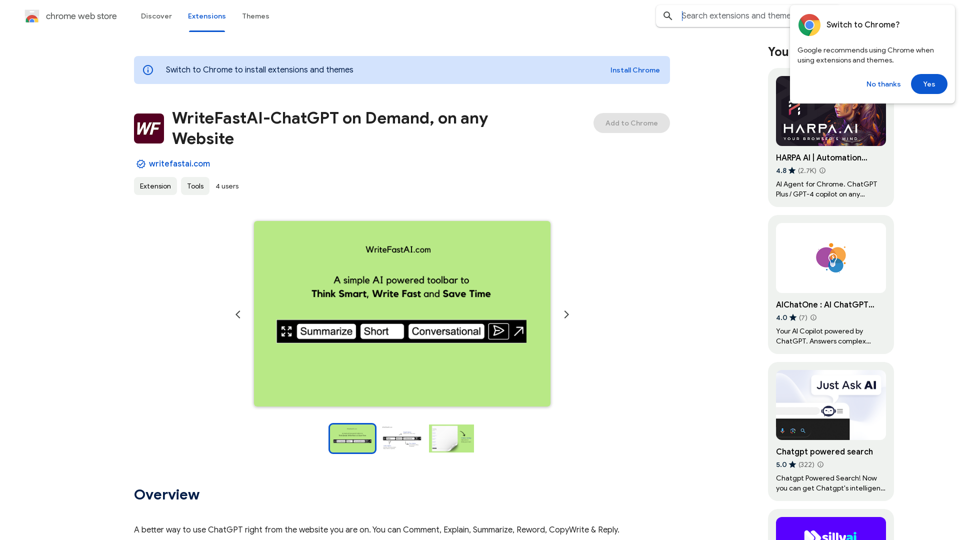
WriteFastAI-ChatGPT on Demand, on Any Website This is a powerful idea! Imagine being able to seamlessly integrate the capabilities of both FastAI and ChatGPT directly into any website. Here's a breakdown of what this could mean: * On-Demand AI Assistance: Users could access powerful AI tools like text generation, summarization, question answering, and more, right from the website they're already using. * Personalized Experiences: Websites could leverage AI to tailor content and interactions to individual user preferences, creating a more engaging and relevant experience. * Increased Efficiency: Businesses could automate tasks, generate reports, and analyze data faster and more accurately with the help of AI. Making it a Reality: This vision requires a combination of: * API Integration: FastAI and ChatGPT both offer APIs that allow developers to integrate their functionalities into applications. * Web Development Expertise: Developers would need to build the necessary infrastructure to connect the APIs to the website and handle user interactions. * Data Management: Websites would need to manage and secure the data used by the AI models. Potential Applications: The possibilities are endless! Here are just a few examples: * E-commerce: AI-powered chatbots could provide personalized product recommendations and customer support. * Education: Websites could offer interactive learning experiences with AI-powered tutors and personalized feedback. * News and Media: AI could be used to generate summaries of articles, create personalized news feeds, and even write original content. Let me know if you'd like to explore any of these applications in more detail!A better way to use ChatGPT right from the website you are on. You can comment, explain, summarize, reword, copywrite, and reply.
193.90 M