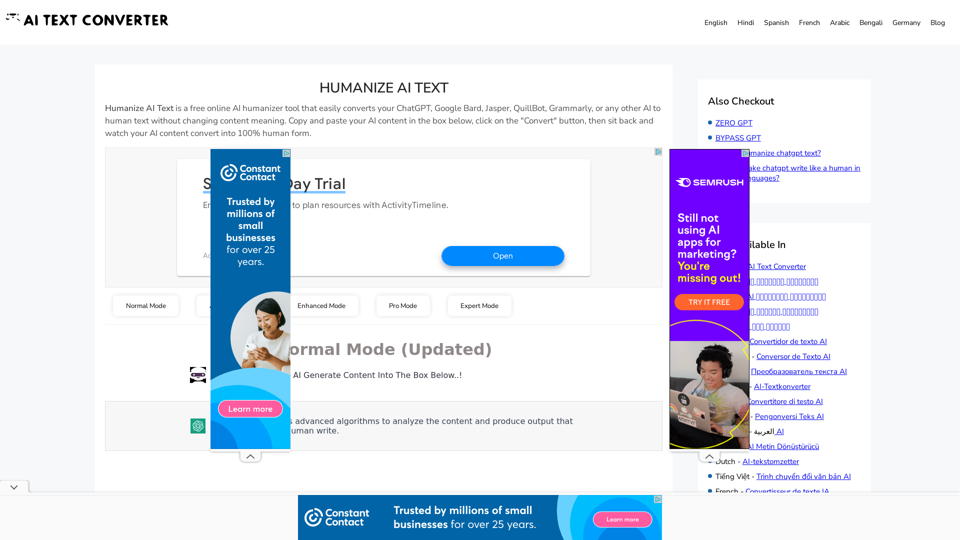
Humanize AI Text is a free online tool designed to convert AI-generated content into human-like text. It addresses the growing concern of easily detectable AI-written content by transforming it into more natural, human-sounding text without altering the original meaning. This tool caters to various users, including writers, bloggers, teachers, and marketers, offering a simple solution to enhance content quality and avoid potential issues with AI detection.
Humanize AI Text - Convert AI to Human-Like Text Instantly Are you tired of robotic AI-generated content that lacks the personal touch? Do you want to breathe life into your AI-written text and make it sound more human? Look no further! Our AI humanizer tool is here to help you convert your AI text into engaging, natural-sounding content that resonates with your audience. How Does it Work? Our advanced AI humanizer uses sophisticated algorithms to analyze your AI-generated text and identify areas that need improvement. It then applies a range of linguistic and stylistic adjustments to make your text more relatable, conversational, and authentic. The result is a rewritten text that sounds like it was written by a human, not a machine. Benefits of Humanizing AI Text * Increased Engagement: Human-like text is more likely to capture your audience's attention and keep them engaged. * Improved Credibility: Authentic-sounding content builds trust and credibility with your readers. * Enhanced Readability: Our AI humanizer ensures that your text is easy to read and understand, making it more accessible to a wider audience. Try Our AI Humanizer Today! Don't settle for robotic AI-generated content. Convert your AI text into human-like content that resonates with your audience. Try our AI humanizer tool now and see the difference for yourself!
Humanize AI Text is a free online tool that converts AI-generated text into human-like text, helping to evade AI detection and improving the quality of your writing to match that of a human.
Introduction
Feature
AI to Human Text Conversion
Converts AI-generated content from various sources (ChatGPT, Google Bard, Jasper, QuillBot, Grammarly) into human-like text, maintaining the original meaning.
Multiple Conversion Modes
Offers versatile modes: Normal, Advanced, Enhanced, Pro, and Expert, allowing users to choose based on their specific needs and preferences.
User-Friendly Interface
Provides a simple, easy-to-use interface for quick and efficient content conversion.
Free and Unlimited Usage
The tool is completely free to use and allows unlimited conversions without any charges.
Fast and Reliable
Delivers quick results while ensuring reliability in the conversion process.
Language Support
Supports multiple languages, making it accessible to a diverse user base.
No Registration Required
Users can access and use the tool without the need for registration or account creation.
Safe Browsing
Ensures a secure environment for users to convert their content.
FAQ
What is Humanize AI Text?
Humanize AI Text is a free online tool that converts AI-generated content into human-like text without changing the original meaning. It's designed to address issues related to AI content detection.
How does the Humanize AI Text tool work?
Users can simply copy and paste their AI-generated content into the provided box on the website, enter a verification code, and click the "Convert" button. The tool then processes the content and converts it into human-like text.
Who can benefit from using Humanize AI Text?
The tool is useful for various professionals, including writers, bloggers, teachers, and marketers who want to enhance the quality of AI-generated content and make it more natural-sounding.
Is registration required to use the Humanize AI Text tool?
No, registration is not required. The tool is freely accessible to all users without the need for an account.
Can this tool produce fully human-like text?
While the tool aims to convert AI-generated content into more natural-sounding text, it's important to note that the quality of the output may vary. Users should review and potentially edit the converted content for best results.
Related Websites
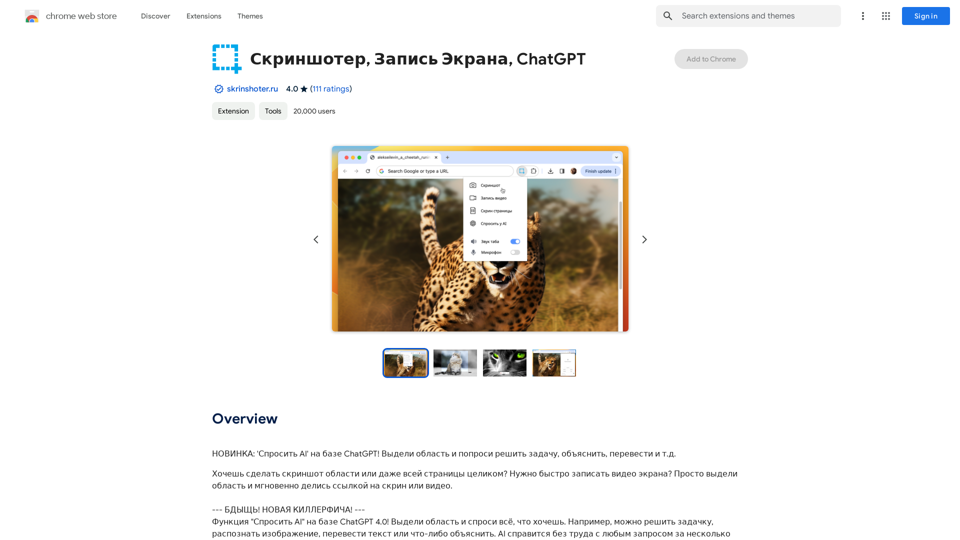
NEW FEATURE: 'Ask AI' based on ChatGPT! Highlight an area and ask it to solve a problem, explain, translate, and more!
193.90 M
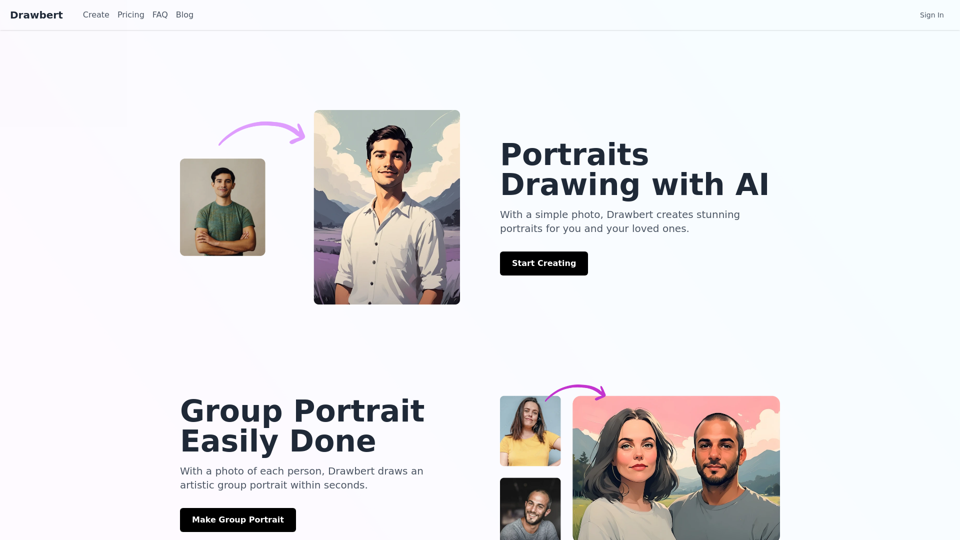
Drawbert creates beautiful paintings for you within seconds and at low cost. You can choose from watercolor, sketch, oil painting, comic, cartoon, caricature and more styles, plus the option to customize the painting to your liking.
0
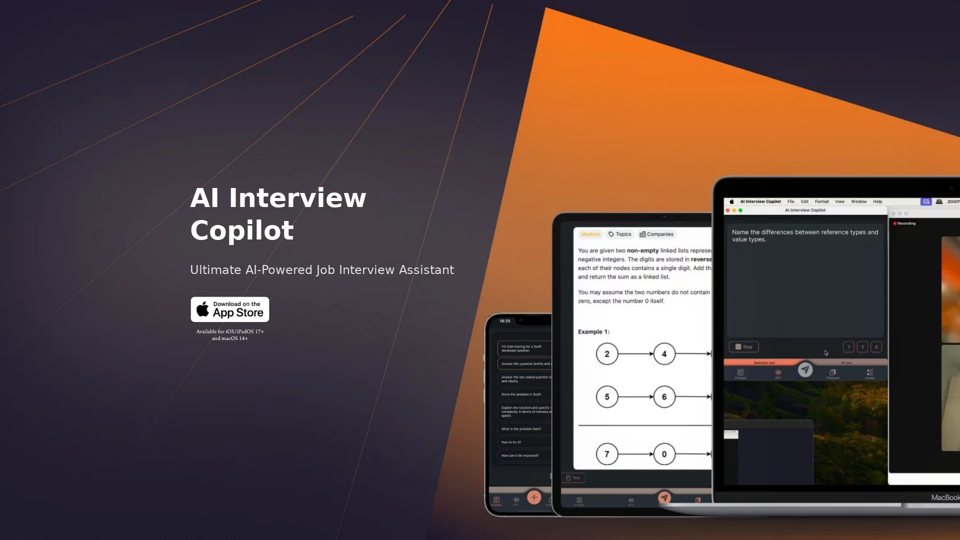
AI Interview Copilot: Cracking the Coding Interview for Real
AI Interview Copilot: Cracking the Coding Interview for RealAn application designed to generate real-time answers to job interview questions, solve algorithmic problems, assist with live coding, and offer advice
211
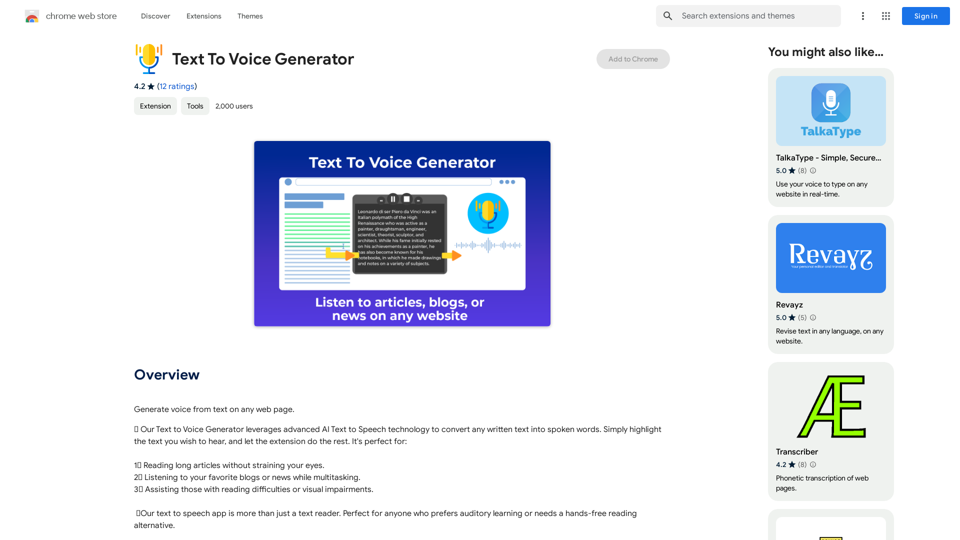
Text to Voice Generator ========================== A text-to-voice generator, also known as a text-to-speech (TTS) system, is a software that converts written text into a spoken voice output. This technology has been widely used in various applications, including virtual assistants, audiobooks, and language learning platforms. How it Works --------------- The process of generating voice from text involves several steps: 1. Text Analysis: The input text is analyzed to identify the language, syntax, and semantics. 2. Phonetic Transcription: The text is converted into a phonetic transcription, which represents the sounds of the spoken language. 3. Prosody Generation: The phonetic transcription is then used to generate the prosody, or rhythm and intonation, of the spoken voice. 4. Waveform Generation: The prosody and phonetic transcription are combined to generate the audio waveform, which is the final spoken voice output. Types of Text-to-Voice Generators ----------------------------------- There are two main types of text-to-voice generators: Rule-Based Systems These systems use a set of predefined rules to generate the spoken voice output. They are often limited in their ability to produce natural-sounding voices and may sound robotic. Machine Learning-Based Systems These systems use machine learning algorithms to learn from large datasets of spoken voices and generate more natural-sounding voices. They are often more advanced and can produce high-quality voice outputs. Applications of Text-to-Voice Generators ----------------------------------------- Text-to-voice generators have a wide range of applications, including: Virtual Assistants Virtual assistants, such as Siri and Alexa, use text-to-voice generators to respond to user queries. Audiobooks Text-to-voice generators can be used to create audiobooks from written texts, making it easier for people to access written content. Language Learning Language learning platforms use text-to-voice generators to provide pronunciation guidance and practice exercises for learners. Accessibility Text-to-voice generators can be used to assist people with disabilities, such as visual impairments, by providing an auditory interface to written content.
Text to Voice Generator ========================== A text-to-voice generator, also known as a text-to-speech (TTS) system, is a software that converts written text into a spoken voice output. This technology has been widely used in various applications, including virtual assistants, audiobooks, and language learning platforms. How it Works --------------- The process of generating voice from text involves several steps: 1. Text Analysis: The input text is analyzed to identify the language, syntax, and semantics. 2. Phonetic Transcription: The text is converted into a phonetic transcription, which represents the sounds of the spoken language. 3. Prosody Generation: The phonetic transcription is then used to generate the prosody, or rhythm and intonation, of the spoken voice. 4. Waveform Generation: The prosody and phonetic transcription are combined to generate the audio waveform, which is the final spoken voice output. Types of Text-to-Voice Generators ----------------------------------- There are two main types of text-to-voice generators: Rule-Based Systems These systems use a set of predefined rules to generate the spoken voice output. They are often limited in their ability to produce natural-sounding voices and may sound robotic. Machine Learning-Based Systems These systems use machine learning algorithms to learn from large datasets of spoken voices and generate more natural-sounding voices. They are often more advanced and can produce high-quality voice outputs. Applications of Text-to-Voice Generators ----------------------------------------- Text-to-voice generators have a wide range of applications, including: Virtual Assistants Virtual assistants, such as Siri and Alexa, use text-to-voice generators to respond to user queries. Audiobooks Text-to-voice generators can be used to create audiobooks from written texts, making it easier for people to access written content. Language Learning Language learning platforms use text-to-voice generators to provide pronunciation guidance and practice exercises for learners. Accessibility Text-to-voice generators can be used to assist people with disabilities, such as visual impairments, by providing an auditory interface to written content.Generate Voice from Text on Any Web Page With the advancement of technology, it is now possible to generate voice from text on any web page. This feature is particularly useful for people who prefer listening to content rather than reading it. Here's how you can do it: #Method 1: Using Browser Extension You can use a browser extension like Read Aloud or SpeakIt! to generate voice from text on any web page. These extensions are available for both Google Chrome and Mozilla Firefox browsers. #Method 2: Using Online Tools There are several online tools available that can convert text to speech. Some popular tools include NaturalReader, Voice Dream Reader, and Google Text-to-Speech. You can copy and paste the text from any web page into these tools to generate voice. #Method 3: Using Screen Reader If you are using a Windows operating system, you can use the built-in Narrator screen reader to generate voice from text on any web page. For Mac users, you can use VoiceOver. By using any of these methods, you can easily generate voice from text on any web page and enjoy a more convenient and accessible reading experience.
193.90 M
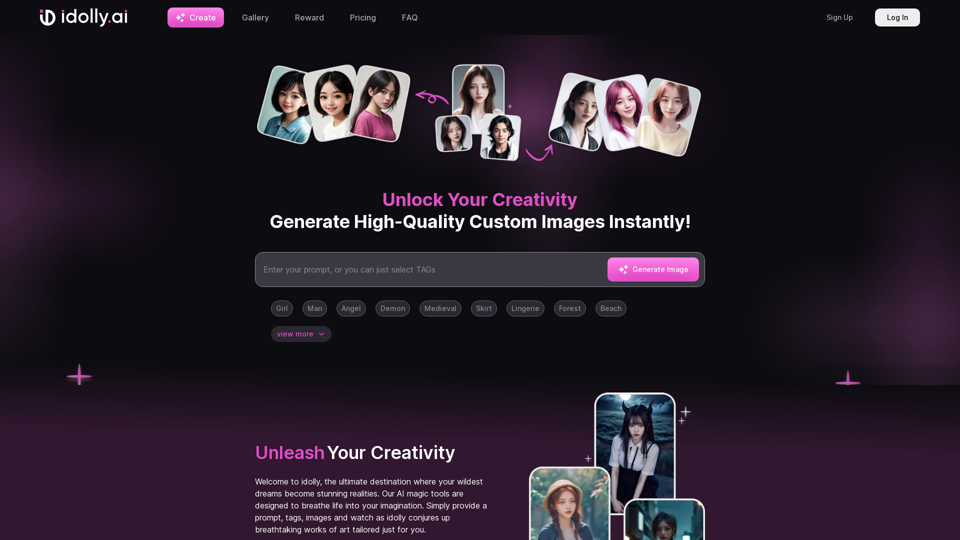
Explore idolly.ai, where imagination meets AI image creation and BlockChain. Create stunning visuals with ease using our Face Transfer and Mood Fusion technology.
9.70 K
Abacus.AI - Effortlessly Embed Cutting-Edge AI in Your Applications.
Abacus.AI - Effortlessly Embed Cutting-Edge AI in Your Applications.Abacus.AI is the world’s first AI super assistant built on our state-of-the-art generative AI technology. Abacus Enterprise is a fully featured AI platform where AI, not humans, builds enterprise-scale applied AI systems and agents. ChatLLM is our AI super assistant for small teams and individuals.
3.84 M
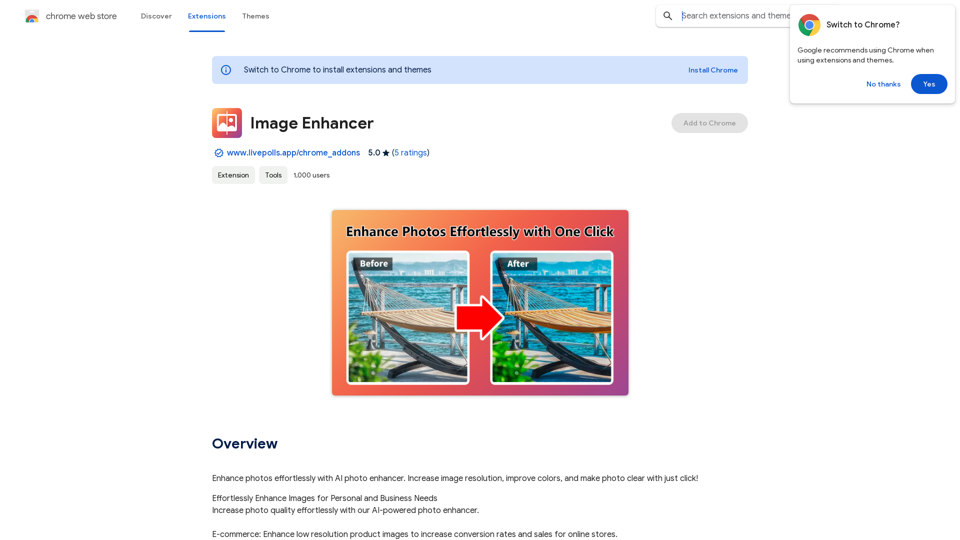
Enhance photos effortlessly with AI photo enhancer. Increase image resolution, improve colors, and make photo clear with just a click!
193.90 M
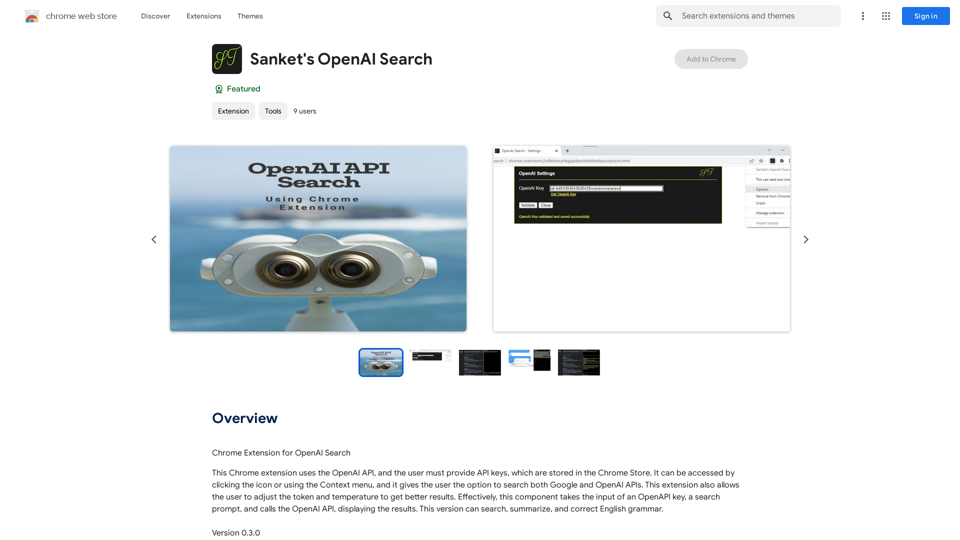
Chrome Extension for OpenAI Search This is a Chrome extension that integrates OpenAI's powerful search capabilities directly into your browser. Features: * Seamless Search: Access OpenAI's search results directly from your address bar or by clicking a dedicated button. * Contextual Understanding: The extension leverages OpenAI's advanced language models to understand the context of your search queries, delivering more relevant and insightful results. * Summarization and Insights: Get concise summaries and key takeaways from search results, saving you time and effort. * Customizable Settings: Tailor your search experience with options to adjust parameters like temperature and top_p for fine-tuned results. Benefits: * Enhanced Research: Uncover deeper insights and explore information more effectively. * Improved Productivity: Quickly find the information you need and streamline your workflow. * New Ways to Explore: Discover unexpected connections and gain a broader understanding of topics.
193.90 M