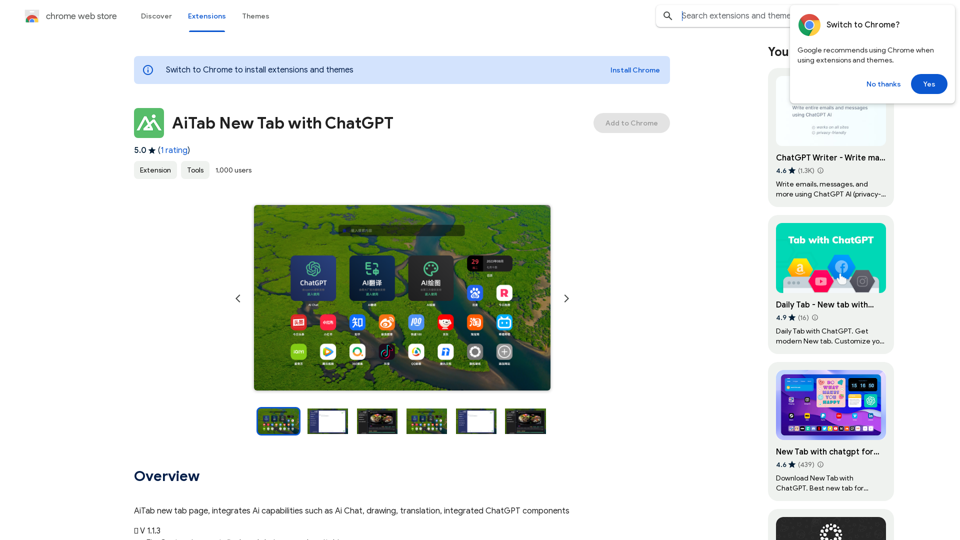
AiReelGenerator is an innovative app that automates the creation of faceless videos using advanced AI technology. It enables users to generate and upload new videos to their social media accounts daily without manual effort. This tool is designed to streamline content creation for social media marketers, influencers, and businesses looking to maintain a consistent online presence.
AiReelGenerator.com | Faceless Videos on Autopilot.
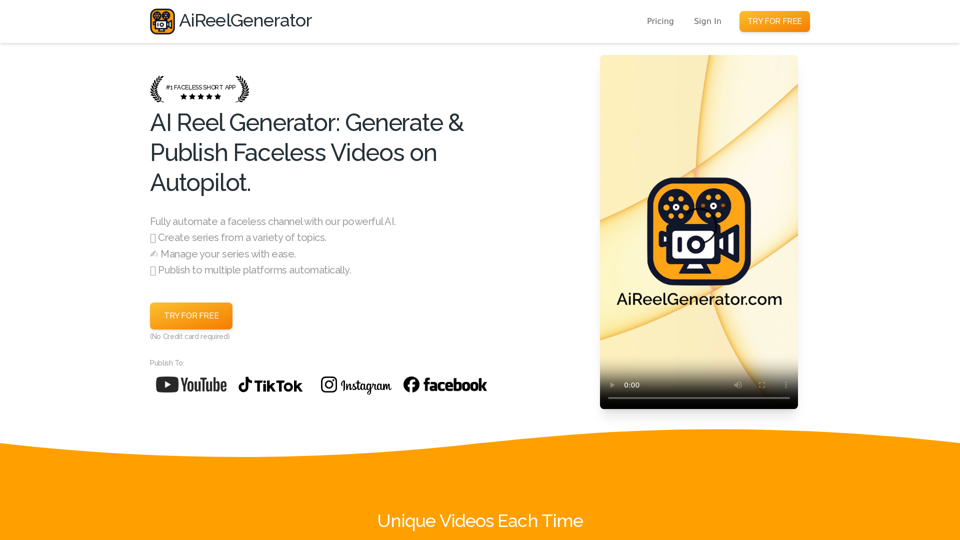
Discover AiReelGenerator, the newest app that automatically makes videos without faces. Just pick a subject, and our AI will make and upload fresh videos to your YouTube, TikTok, Instagram, or Facebook account every day.
Introduction
Feature
Faceless Video Generation
AiReelGenerator utilizes AI to create unique, faceless videos for social media channels based on user-selected topics and schedules.
Customizable Series
Users can create video series on chosen topics, with AI generating new content daily. Series can be tailored to specific needs and preferences.
Automatic Publishing
Generated videos are automatically published on designated social media platforms according to user-defined schedules.
HD Video Resolution
All videos are produced in high-definition, ensuring top-quality content for viewers.
Background Music Integration
Users can enhance their videos by adding background music, increasing engagement and entertainment value.
No Watermark
Unlike many competitors, AiReelGenerator does not add watermarks to generated videos.
Video Download Option
Users have the ability to download their generated videos for use outside the platform.
User-Friendly Interface
The app offers a simple three-step process: create a series, preview and edit, and publish.
Flexible Pricing Plans
AiReelGenerator provides various pricing options, including a free plan, starter plan, and growth plan to suit different needs and budgets.
FAQ
Is there a free trial available?
Yes, AiReelGenerator offers a free trial for users to test the platform.
How do I create a video using AiReelGenerator?
To create a video, you need to set up a series by choosing a topic and schedule. The AI will then generate your first video based on these parameters.
Can I edit the videos before publishing?
Yes, you can edit your video's script, title, and caption at any time before it is scheduled to post.
Are the generated videos unique?
Each video created by AiReelGenerator is unique and generated using AI technology.
What tips can help me make the most of AiReelGenerator?
- Always preview videos before posting to ensure appropriateness for your audience.
- Use custom prompts to generate varied content within a general category.
- For new accounts, consider posting less frequently initially to avoid being flagged as spam.
How can I get support if I have questions?
If you need assistance or have any questions, you can contact the AiReelGenerator support team via email.
Related Websites
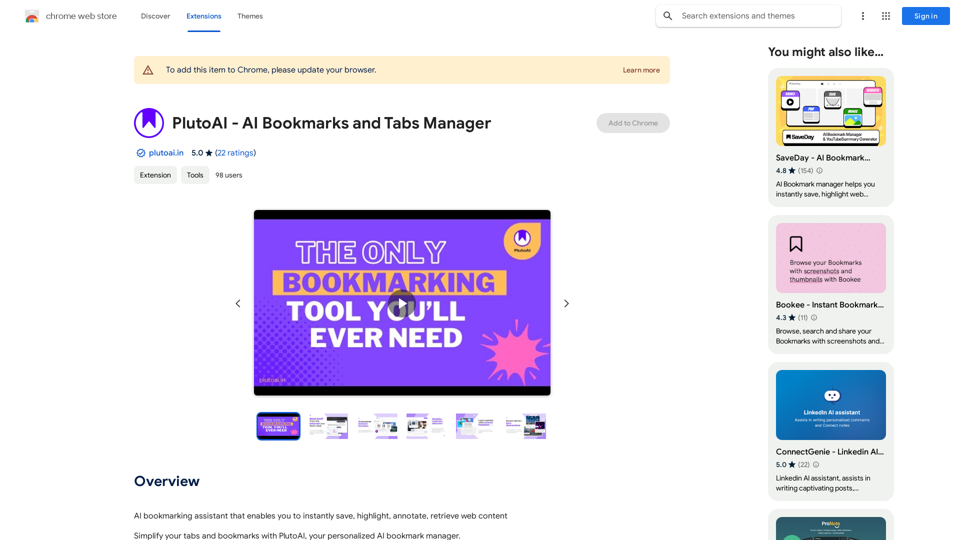
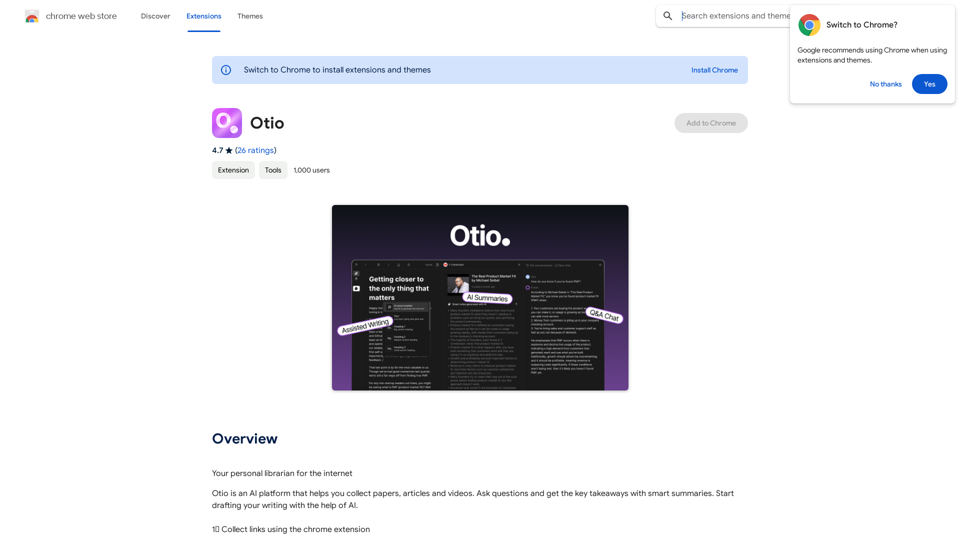
An AI-powered bookmarking assistant that lets you quickly save, highlight, add notes to, and find web pages.
193.90 M
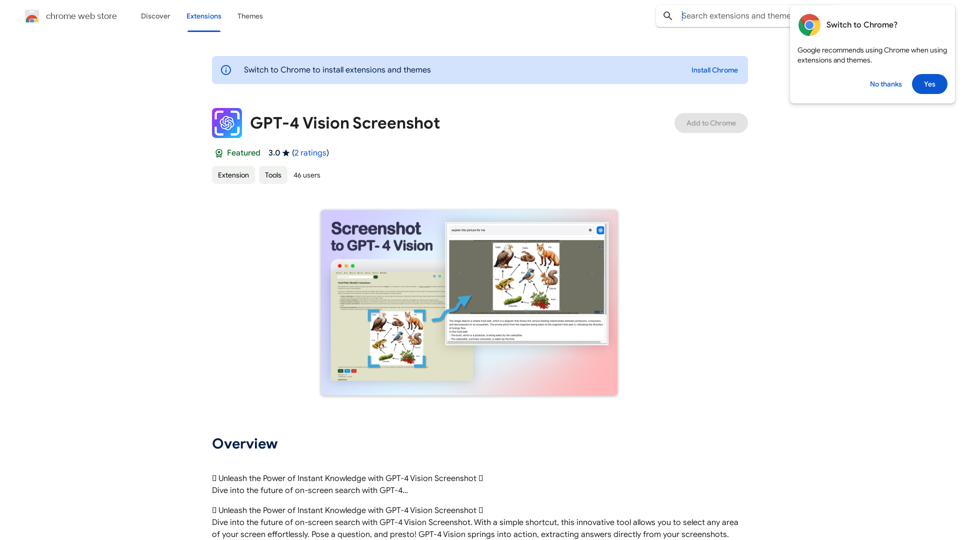
✨ Unleash the Power of Instant Knowledge with GPT-4 Vision Screenshot ✨ Dive into the future of on-screen search with GPT-4...
193.90 M
Converting JPG Images to Text Converting a JPG image to text is a process known as Optical Character Recognition (OCR). This technology enables you to extract text from images, scanned documents, and photos. Here's how to do it: Method 1: Online OCR Tools You can use online OCR tools to convert JPG images to text. Here are the steps: 1. Upload your JPG image: Go to an online OCR tool website, such as Online OCR Tools or OCR.space, and upload your JPG image. 2. Select the language: Choose the language of the text in your image. 3. Click on "Convert": The tool will convert the image to text. 4. Download the text: You can download the extracted text as a Word document, PDF, or plain text file. Method 2: Google Drive You can also use Google Drive to convert JPG images to text. Here's how: 1. Upload your JPG image: Upload your JPG image to Google Drive. 2. Right-click on the image: Right-click on the uploaded image and select "Open with" > "Google Docs". 3. The image will be converted: Google Docs will automatically convert the image to text. 4. Edit and download: You can edit the extracted text and download it as a Word document or PDF. Method 3: Adobe Acrobat If you have Adobe Acrobat installed on your computer, you can use it to convert JPG images to text. Here's how: 1. Open Adobe Acrobat: Open Adobe Acrobat on your computer. 2. Create a new document: Create a new document and click on "Tools" > "Recognize Text". 3. Select the image: Select the JPG image you want to convert. 4. Click on "Recognize": Adobe Acrobat will convert the image to text. 5. Edit and save: You can edit the extracted text and save it as a Word document or PDF. These are the three methods to convert JPG images to text. Choose the method that works best for you!
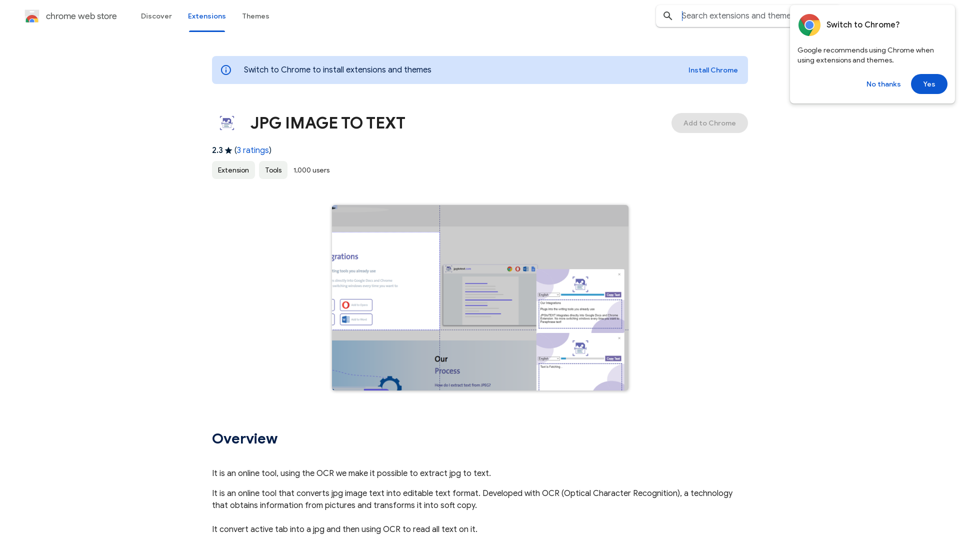
Converting JPG Images to Text Converting a JPG image to text is a process known as Optical Character Recognition (OCR). This technology enables you to extract text from images, scanned documents, and photos. Here's how to do it: Method 1: Online OCR Tools You can use online OCR tools to convert JPG images to text. Here are the steps: 1. Upload your JPG image: Go to an online OCR tool website, such as Online OCR Tools or OCR.space, and upload your JPG image. 2. Select the language: Choose the language of the text in your image. 3. Click on "Convert": The tool will convert the image to text. 4. Download the text: You can download the extracted text as a Word document, PDF, or plain text file. Method 2: Google Drive You can also use Google Drive to convert JPG images to text. Here's how: 1. Upload your JPG image: Upload your JPG image to Google Drive. 2. Right-click on the image: Right-click on the uploaded image and select "Open with" > "Google Docs". 3. The image will be converted: Google Docs will automatically convert the image to text. 4. Edit and download: You can edit the extracted text and download it as a Word document or PDF. Method 3: Adobe Acrobat If you have Adobe Acrobat installed on your computer, you can use it to convert JPG images to text. Here's how: 1. Open Adobe Acrobat: Open Adobe Acrobat on your computer. 2. Create a new document: Create a new document and click on "Tools" > "Recognize Text". 3. Select the image: Select the JPG image you want to convert. 4. Click on "Recognize": Adobe Acrobat will convert the image to text. 5. Edit and save: You can edit the extracted text and save it as a Word document or PDF. These are the three methods to convert JPG images to text. Choose the method that works best for you!It is an online tool that uses Optical Character Recognition (OCR) to make it possible to extract text from images in JPG format.
193.90 M
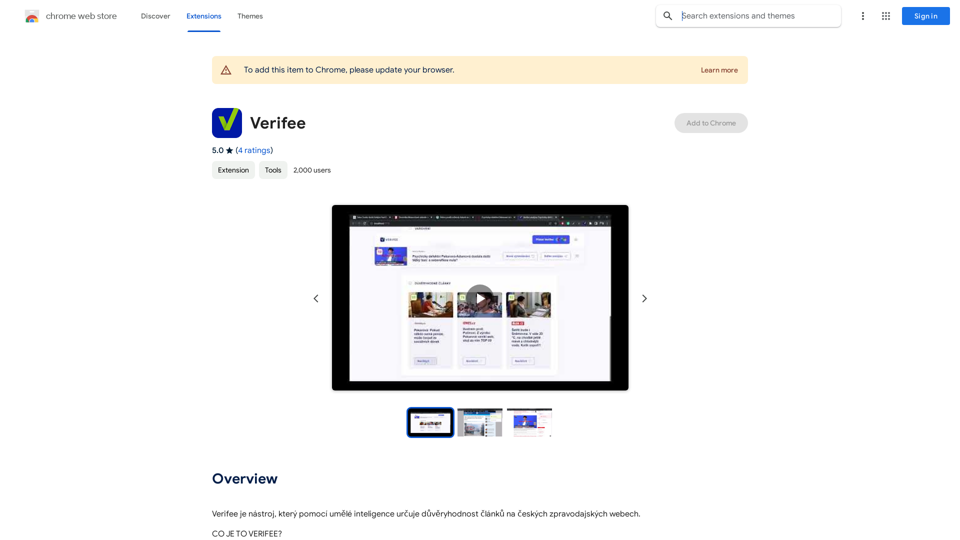
Verify is a tool that uses artificial intelligence to determine the trustworthiness of articles on Czech news websites.
193.90 M