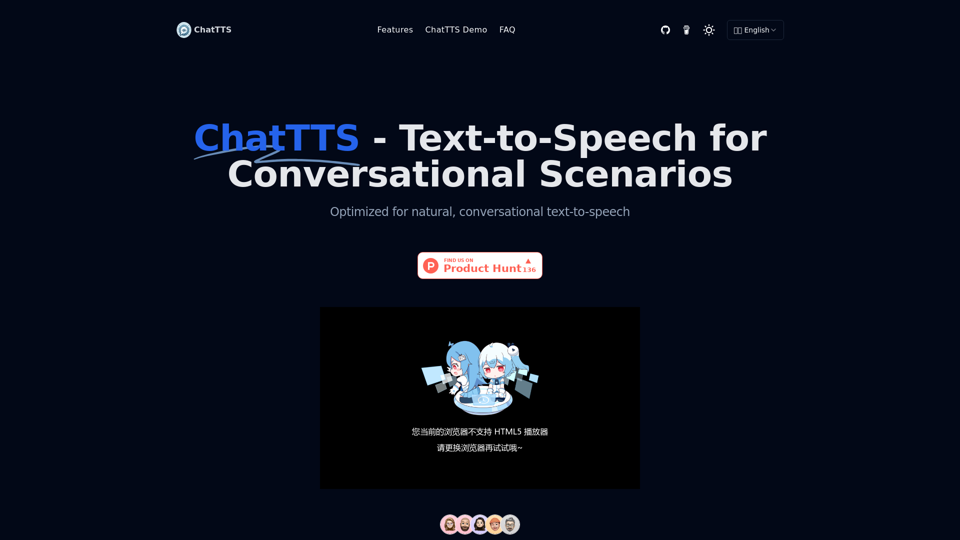
ChatTTS is a sophisticated text-to-speech model tailored for conversational scenarios, particularly for dialogue tasks of large language model (LLM) assistants and applications like conversational audio and video introductions. It offers support for both Chinese and English languages, leveraging approximately 100,000 hours of training data to deliver high-quality and natural speech synthesis.
ChatTTS: Speech Synthesis for Conversations
ChatTTS is a voice generation model on GitHub at 2noise/chattts. Chat TTS is specifically designed for conversational scenarios. It is ideal for applications such as dialogue tasks for large language model assistants, as well as conversational audio and video introductions. The model supports both Chinese and English, demonstrating high quality and naturalness in speech synthesis. This level of performance is achieved through training on approximately 100,000 hours of Chinese and English data. Additionally, the project team plans to open-source a basic model trained with 40,000 hours of data, which will aid the academic and developer communities in further research and development.
Introduction
Feature
Multi-language Support
ChatTTS excels in supporting multiple languages, including English and Chinese, enabling it to cater to a diverse user base and overcome language barriers effectively.
Large-scale Data Training
The model has undergone extensive training using approximately 10 million hours of Chinese and English data, resulting in exceptionally high-quality and natural-sounding voice synthesis.
Dialog Task Compatibility
ChatTTS is specifically designed to handle dialog tasks typically assigned to large language models (LLMs). It can generate responses for conversations, providing a more natural and fluid interaction experience when integrated into various applications and services.
Easy Integration Process
Getting started with ChatTTS involves a straightforward process:
- Download from GitHub
- Install Dependencies
- Import Required Libraries
- Initialize ChatTTS
- Prepare Your Text
- Generate Speech
- Play the Audio
Free Availability
ChatTTS is offered as a free online text-to-speech tool, making it accessible to a wide range of users without any pricing constraints.
FAQ
What are the primary use cases for ChatTTS?
ChatTTS can be utilized for various applications, including:
- Conversational tasks for large language model assistants
- Generating dialogue speech
- Video introductions
- Educational and training content speech synthesis
- Any application or service requiring text-to-speech functionality
How can developers integrate ChatTTS into their applications?
Developers can integrate ChatTTS into their applications by utilizing the provided API and SDKs. This allows for seamless incorporation of the text-to-speech functionality into various software projects.
What are some key features that set ChatTTS apart?
ChatTTS distinguishes itself through:
- Optimization for natural, conversational text-to-speech
- Support for both Chinese and English languages
- Training on a vast dataset to ensure high-quality, natural speech synthesis
- Compatibility with dialog tasks typically handled by large language models
Related Websites
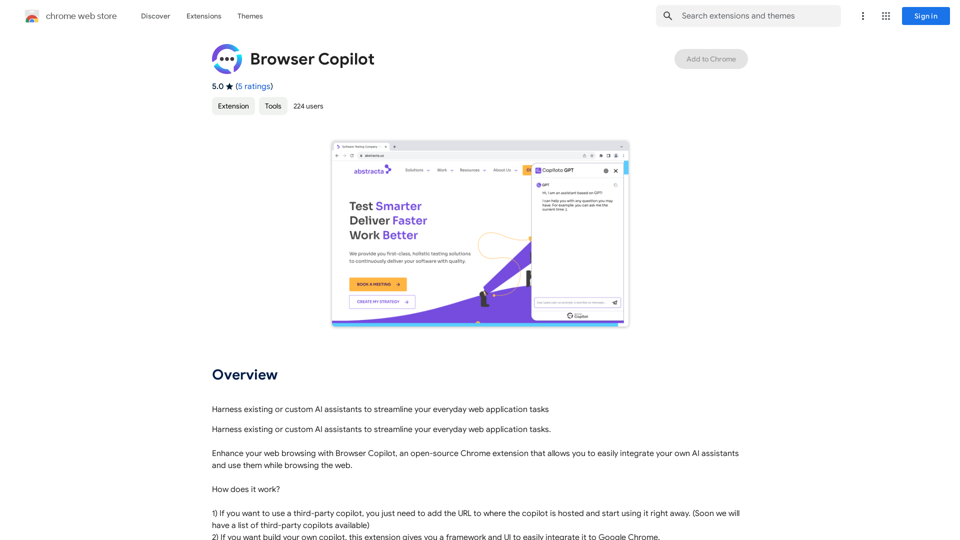
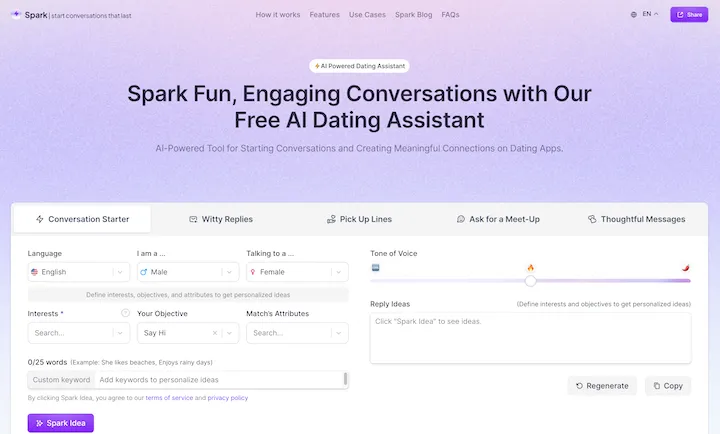
WithSpark.ai - The #1 Free AI Powered Dating Assistant
WithSpark.ai - The #1 Free AI Powered Dating AssistantSpark Fun, Engaging Conversations with Our Free AI Dating Assistant
0
Enhance your browser with new features and tailor your browsing experience to your preferences.
193.90 M
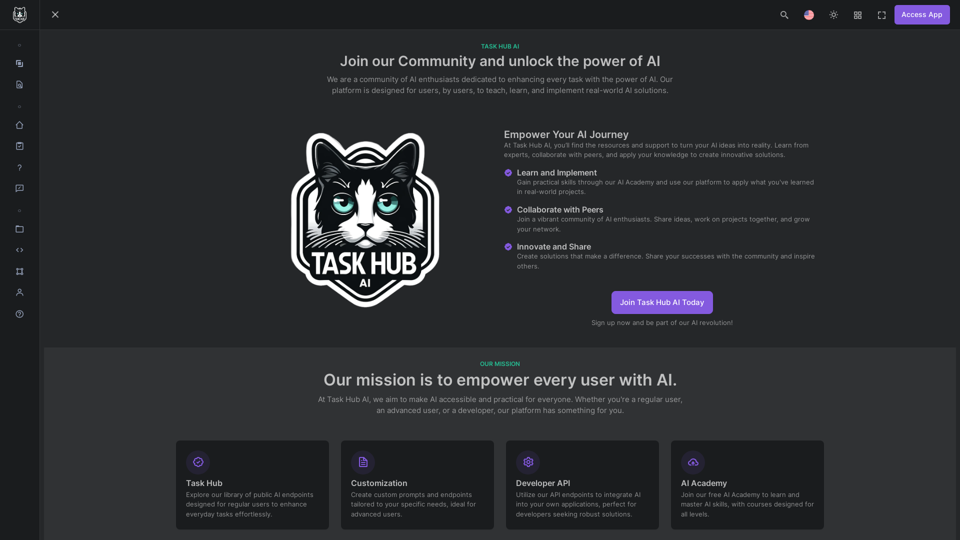
Unlock the power of AI with Task Hub AI. Learn from experts, collaborate with peers, and innovate with our AI community. Sign up now to turn your AI ideas into reality!
0
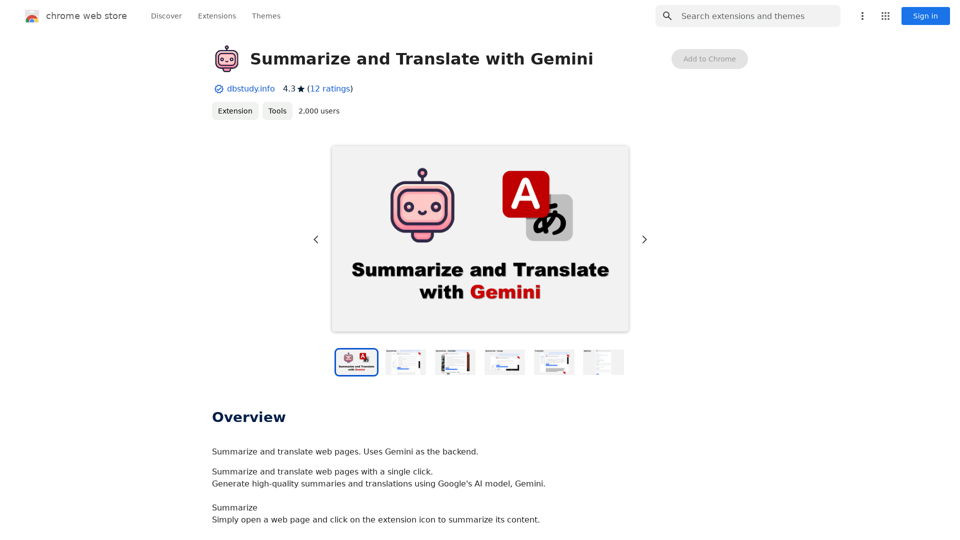
Summarize and Translate with Gemini Gemini是一个基于人工智能的多语言翻译和文本摘要工具。它可以将长篇文本转换为简洁的摘要,同时提供多种语言的翻译选项。 #Key Features * Multilingual Translation: Gemini支持多种语言的翻译,包括英语、法语、德语、西班牙语、葡萄牙语、意大利语、荷兰语、俄语、中文、日语和韩语等。 * Text Summarization: Gemini可以将长篇文本转换为简洁的摘要,帮助用户快速了解文本的主要内容。 * AI-powered: Gemini基于人工智能技术,能够智能地识别和处理语言,提供高质量的翻译和摘要结果。 #How to Use Gemini 1. Copy and Paste: 将需要翻译或摘要的文本复制并粘贴到Gemini的输入框中。 2. Select Language: 选择需要翻译的语言或摘要的格式。 3. Get Result: Gemini将提供翻译或摘要结果,用户可以根据需要进行调整和编辑。 #Benefits * Save Time: Gemini可以快速地翻译和摘要长篇文本,节省用户的时间和精力。 * Improve Efficiency: Gemini的翻译和摘要结果可以帮助用户更好地理解和处理文本,提高工作效率。 * Enhance Productivity: Gemini可以帮助用户更好地与他人交流和合作,提高生产力和效率。
Summarize and Translate with Gemini Gemini是一个基于人工智能的多语言翻译和文本摘要工具。它可以将长篇文本转换为简洁的摘要,同时提供多种语言的翻译选项。 #Key Features * Multilingual Translation: Gemini支持多种语言的翻译,包括英语、法语、德语、西班牙语、葡萄牙语、意大利语、荷兰语、俄语、中文、日语和韩语等。 * Text Summarization: Gemini可以将长篇文本转换为简洁的摘要,帮助用户快速了解文本的主要内容。 * AI-powered: Gemini基于人工智能技术,能够智能地识别和处理语言,提供高质量的翻译和摘要结果。 #How to Use Gemini 1. Copy and Paste: 将需要翻译或摘要的文本复制并粘贴到Gemini的输入框中。 2. Select Language: 选择需要翻译的语言或摘要的格式。 3. Get Result: Gemini将提供翻译或摘要结果,用户可以根据需要进行调整和编辑。 #Benefits * Save Time: Gemini可以快速地翻译和摘要长篇文本,节省用户的时间和精力。 * Improve Efficiency: Gemini的翻译和摘要结果可以帮助用户更好地理解和处理文本,提高工作效率。 * Enhance Productivity: Gemini可以帮助用户更好地与他人交流和合作,提高生产力和效率。Summarize and Translate Web Pages This tool utilizes Gemini as its backend to provide a convenient way to summarize and translate web pages.
193.90 M
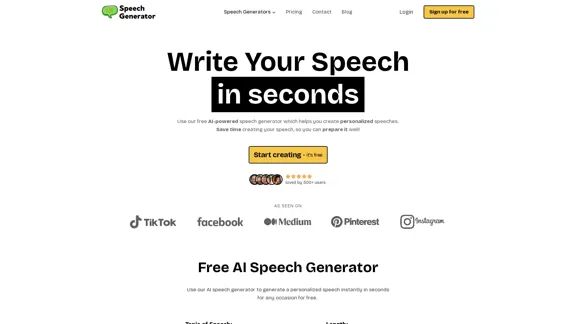
SpeechGeneratorAI - Write Speeches in Seconds with AI
SpeechGeneratorAI - Write Speeches in Seconds with AINeed to write a speech instantly? Use our free AI speech writer to create a speech for any occasion in seconds!
63.54 K
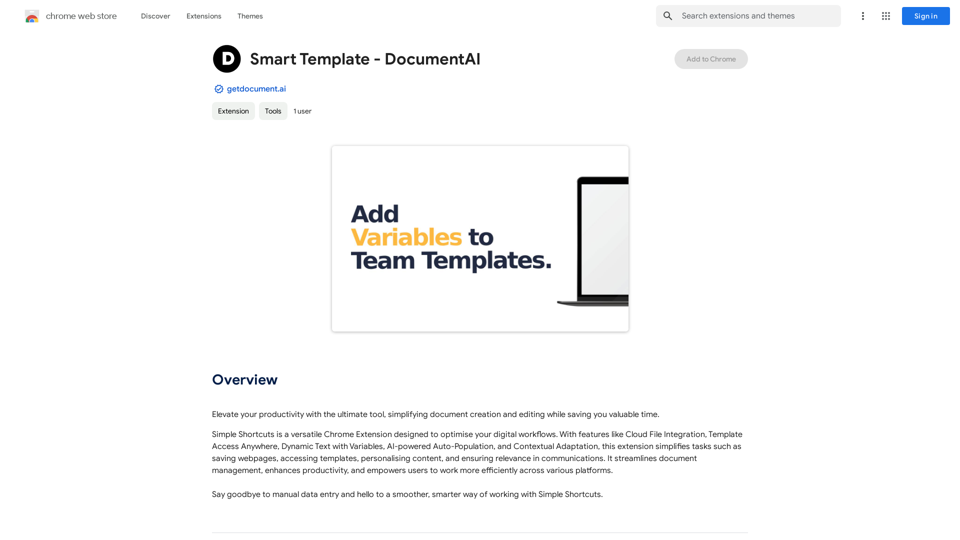
Smart Template - DocumentAI This is a placeholder for content about Smart Templates in DocumentAI. Please provide me with the content you'd like me to translate.
Smart Template - DocumentAI This is a placeholder for content about Smart Templates in DocumentAI. Please provide me with the content you'd like me to translate.Boost your productivity with the best tool around, making it easy to create and edit documents and saving you precious time.
193.90 M
ChatGPT Context Menu * Copy: Copies the selected text. * Paste: Pastes the copied text. * Delete: Deletes the selected text. * Edit: Opens a text editor to modify the selected text. * Generate: Uses ChatGPT to generate new text based on the selected context. * Summarize: Creates a concise summary of the selected text. * Translate: Translates the selected text into another language. * Translate to English: Translates the selected text into English. * Code: Attempts to identify and format the selected text as code. * Help: Provides information about the context menu options.
ChatGPT Context Menu * Copy: Copies the selected text. * Paste: Pastes the copied text. * Delete: Deletes the selected text. * Edit: Opens a text editor to modify the selected text. * Generate: Uses ChatGPT to generate new text based on the selected context. * Summarize: Creates a concise summary of the selected text. * Translate: Translates the selected text into another language. * Translate to English: Translates the selected text into English. * Code: Attempts to identify and format the selected text as code. * Help: Provides information about the context menu options.Please provide the text you would like to send to ChatGPT.
193.90 M