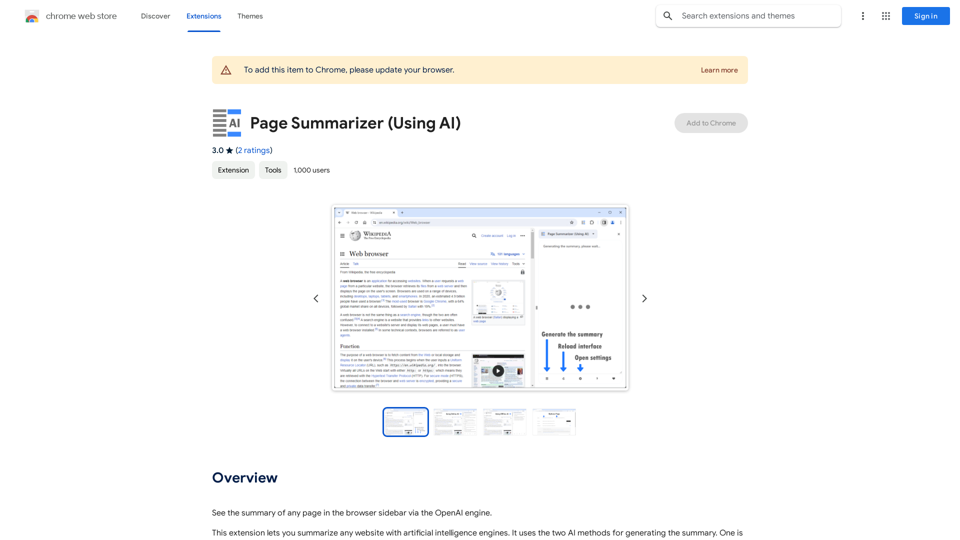
Page Summarizer is a Chrome extension that leverages artificial intelligence to provide concise summaries of web pages directly in the browser sidebar. It offers users the flexibility of choosing between online and offline AI methods for summary generation, catering to different needs and preferences.
Page Summarizer (Using AI)
View a summary of any webpage in your browser sidebar powered by the OpenAI engine.
Introduction
Feature
AI-Powered Summarization
Page Summarizer utilizes two AI methods to generate summaries:
- Online method: Uses OpenAI API
- Offline method: Employs Transformers.js
Customizable AI Settings
- Users can select their preferred AI method
- Option to add OpenAI API key for the online method
User-Friendly Interface
- Summaries are displayed in the browser sidebar
- Easy-to-use toolbar button and summarize button at the sidebar footer
Personalization Options
- Customizable font color and size
- Field for adding custom prompts to tailor summaries
Summary Management
- Ability to re-generate summaries
- Option to refresh existing summaries
FAQ
How do I start using Page Summarizer?
- Open the options page and select an AI method
- Add your OpenAI API key if using the online method
- Navigate to the desired webpage
- Click the toolbar button or summarize button in the sidebar
- Wait for the summary to generate and appear in the sidebar
What are the costs associated with Page Summarizer?
The extension itself doesn't have a fixed cost. However, users need to pay for the OpenAI API key if using the online method. The cost varies depending on the chosen OpenAI plan.
Can I customize the summary output?
Yes, Page Summarizer offers several customization options:
- Font color and size adjustments
- Custom prompts for tailored summaries
- Choice between online and offline AI methods
Is there a way to refresh or regenerate summaries?
Yes, the extension provides options to:
- Re-generate summaries
- Refresh existing summaries as needed
Related Websites
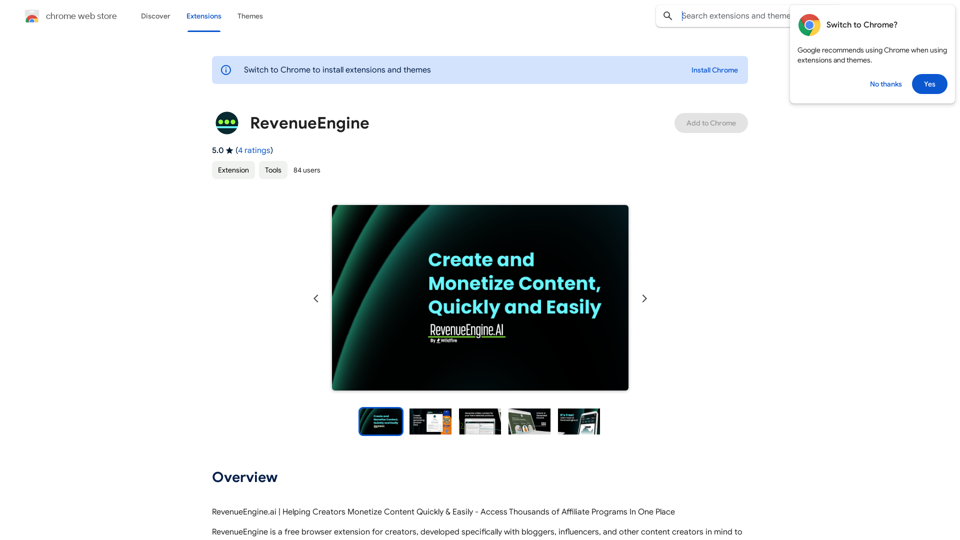
RevenueEngine.ai | Helping Creators Monetize Content Quickly & Easily - Access Thousands of Affiliate Programs In One Place
193.90 M
-akpofpnbjlhfdmcmnolgbpagpdkfkbef-thumbnail-1720093897.png "Text Generation for X (formerly Twitter)")
This is a Chrome extension that analyzes images you want to post to X (formerly Twitter) and automatically generates alternative text for them.
193.90 M
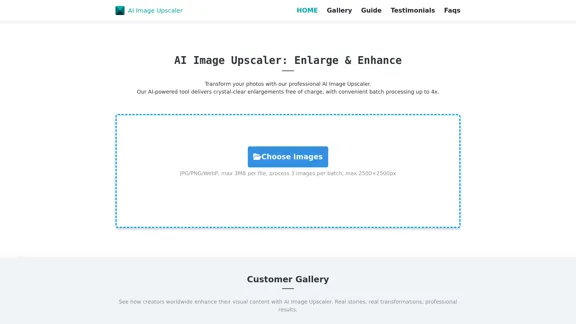

With the AI-powered tool, you can easily remove the background from a photo, or further replace the transparent backdrop with colors.
193.90 M
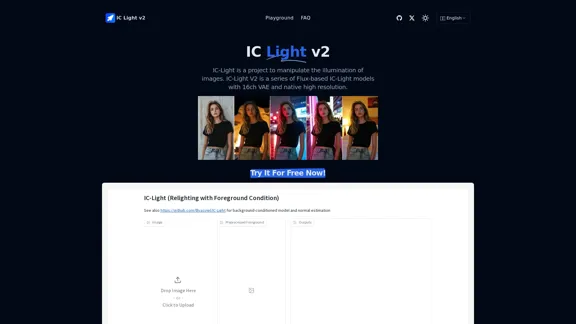
IC-Light is a project to manipulate the illumination of images. IC-Light V2 is a series of Flux-based IC-Light models with 16ch VAE and native high resolution.
0

Image Describer - AI Describe Image or Picture Online With the advancement of Artificial Intelligence (AI), it is now possible to describe images or pictures online using an Image Describer. This innovative tool uses computer vision and machine learning algorithms to analyze and identify the contents of an image, generating a descriptive text of what it sees. How it Works The process is quite simple: 1. Upload an Image: You can upload an image or enter the URL of an online image to the Image Describer tool. 2. AI Analysis: The AI algorithm analyzes the image, detecting objects, people, animals, and other elements within the picture. 3. Generate Description: The AI generates a descriptive text based on the analysis, providing a clear and concise description of the image. Applications of Image Describer The Image Describer has numerous applications, including: * Accessibility: Helping visually impaired individuals to understand the content of an image. * E-commerce: Providing product descriptions for online shopping platforms. * Search Engine Optimization (SEO): Generating alt tags and descriptions for images to improve search engine rankings. * Content Creation: Assisting writers and content creators with image descriptions. Benefits of Image Describer The Image Describer offers several benefits, including: * Time-Saving: Automating the process of image description, saving time and effort. * Accuracy: Providing accurate and objective descriptions of images. * Efficiency: Enabling individuals to focus on other tasks while the AI handles image description. Try it Out Experience the power of AI-driven image description today! Upload an image or enter a URL to see the Image Describer in action.
Image Describer - AI Describe Image or Picture Online With the advancement of Artificial Intelligence (AI), it is now possible to describe images or pictures online using an Image Describer. This innovative tool uses computer vision and machine learning algorithms to analyze and identify the contents of an image, generating a descriptive text of what it sees. How it Works The process is quite simple: 1. Upload an Image: You can upload an image or enter the URL of an online image to the Image Describer tool. 2. AI Analysis: The AI algorithm analyzes the image, detecting objects, people, animals, and other elements within the picture. 3. Generate Description: The AI generates a descriptive text based on the analysis, providing a clear and concise description of the image. Applications of Image Describer The Image Describer has numerous applications, including: * Accessibility: Helping visually impaired individuals to understand the content of an image. * E-commerce: Providing product descriptions for online shopping platforms. * Search Engine Optimization (SEO): Generating alt tags and descriptions for images to improve search engine rankings. * Content Creation: Assisting writers and content creators with image descriptions. Benefits of Image Describer The Image Describer offers several benefits, including: * Time-Saving: Automating the process of image description, saving time and effort. * Accuracy: Providing accurate and objective descriptions of images. * Efficiency: Enabling individuals to focus on other tasks while the AI handles image description. Try it Out Experience the power of AI-driven image description today! Upload an image or enter a URL to see the Image Describer in action.AI Image Describer is a tool to describe images or pictures online. It can be used as an image description and caption generator. Additionally, it supports image-to-prompt and text extraction from photos.
5.16 K
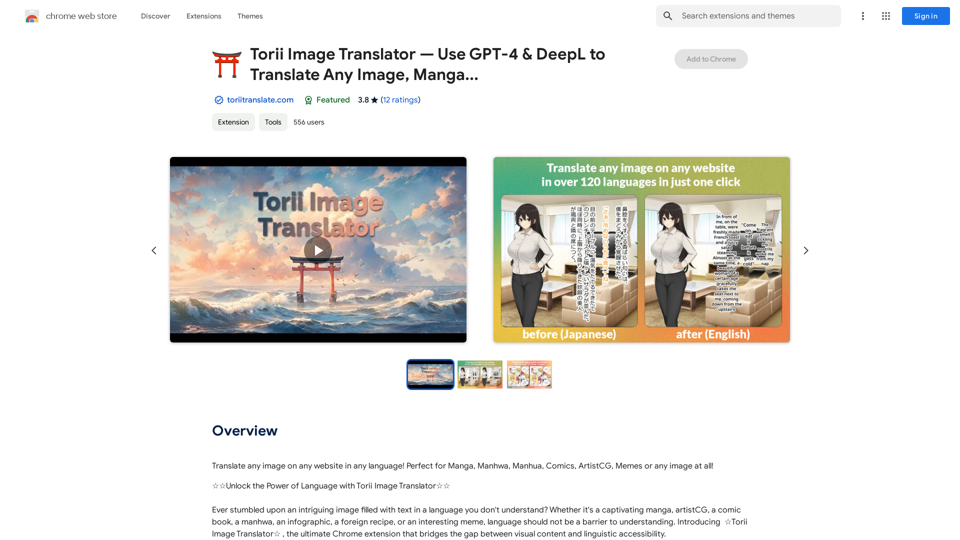
Torii Image Translator — Use GPT-4 & DeepL to Translate Any Image, Manga...
Torii Image Translator — Use GPT-4 & DeepL to Translate Any Image, Manga...Translate any image on any website into any language! Perfect for Manga, Manhwa, Manhua, Comics, ArtistCG, Memes, or any image at all!
193.90 M