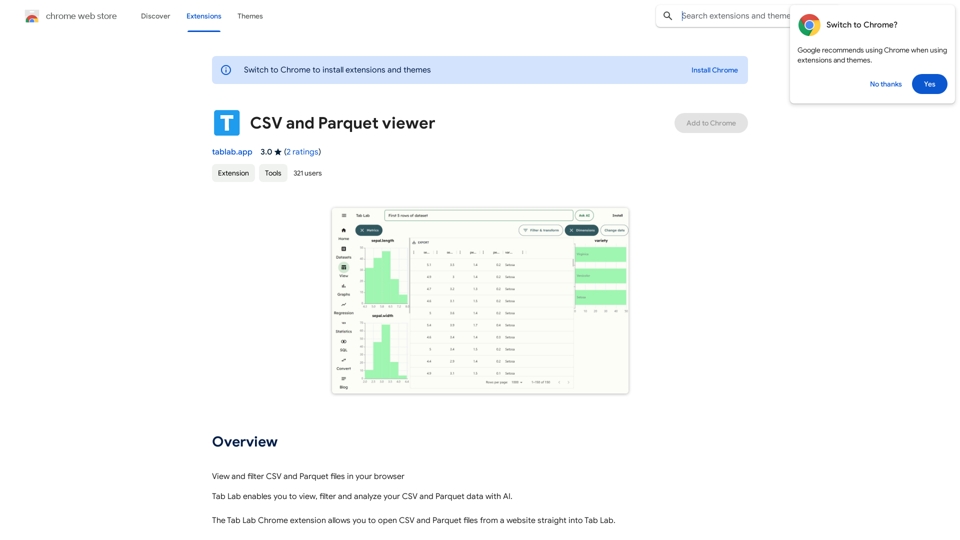
Tab Lab is a Chrome extension designed to enhance data analysis capabilities for CSV and Parquet files. It offers AI-powered viewing, filtering, and analysis tools, allowing users to open and examine data directly from websites. This extension simplifies the process of working with large datasets and provides valuable insights through its AI-driven features.
CSV and Parquet Viewer
View and filter CSV and Parquet files in your browser.
Introduction
Feature
CSV and Parquet Viewer
Tab Lab provides a user-friendly interface for viewing and filtering CSV and Parquet data. The AI-powered filtering capabilities make it easy to navigate through large datasets and find specific information quickly.
AI-Powered Analysis
The extension leverages artificial intelligence to analyze data, uncovering insights and patterns that might be difficult to detect manually. This feature helps users gain a deeper understanding of their data and make more informed decisions.
Easy Data Import
Tab Lab allows users to import CSV and Parquet files directly from websites into the extension. This seamless integration streamlines the data analysis workflow and saves time by eliminating the need for manual file downloads and uploads.
Multiple File Import
Users can import multiple CSV and Parquet files simultaneously, making it convenient to work with large datasets or compare information from various sources.
Free to Use
Tab Lab is available as a free Chrome extension, with no subscription fees or hidden costs. This accessibility ensures that users can benefit from its powerful features without financial constraints.
FAQ
Is Tab Lab free to use?
Yes, Tab Lab is a completely free Chrome extension. There are no subscription fees or costs associated with using the tool.
Can I import multiple CSV and Parquet files at once?
Yes, Tab Lab supports importing multiple CSV and Parquet files simultaneously, making it convenient to work with large datasets or compare information from various sources.
Does Tab Lab use AI to analyze data?
Yes, Tab Lab utilizes AI technology to analyze data, providing insights and patterns that may not be immediately visible through manual examination. This AI-powered analysis helps users gain deeper insights into their datasets.
Related Websites
TeamCreate AI: Build Your AI Dream Team in Minutes!
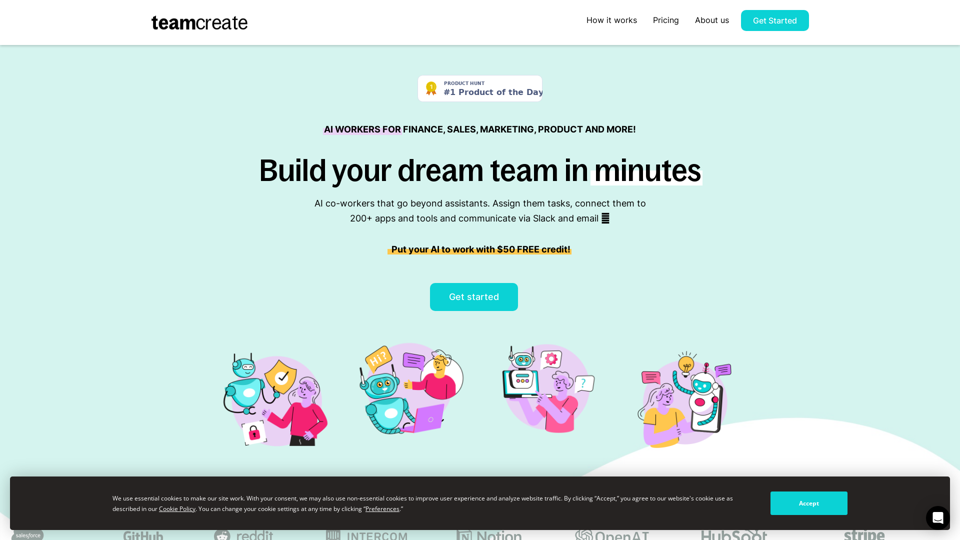
TeamCreate AI: Build Your AI Dream Team in Minutes!What if you could grow your team and boost productivity without the usual financial or hiring constraints? Teamcreate enables companies of all sizes to create AI workers for hundreds of roles in Sales, Finance, Product and more.
422
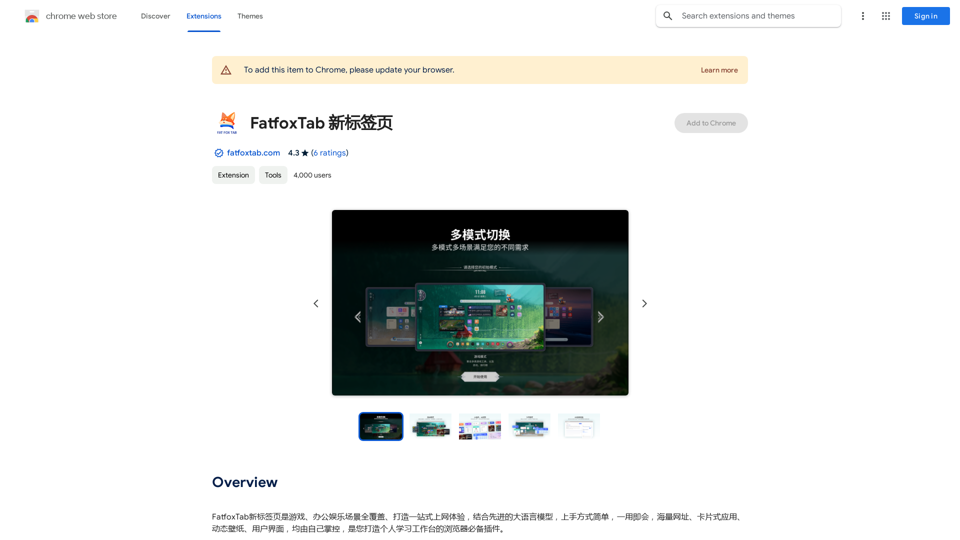
FatfoxTab, a new tab page, provides an all-around online experience covering gaming, office, and entertainment scenarios. With advanced language models, it's easy to get started and use, offering a vast array of websites, card-style apps, dynamic wallpapers, and a customizable user interface, all at your fingertips. It's a must-have browser plugin for building your personalized learning and working platform.
193.90 M
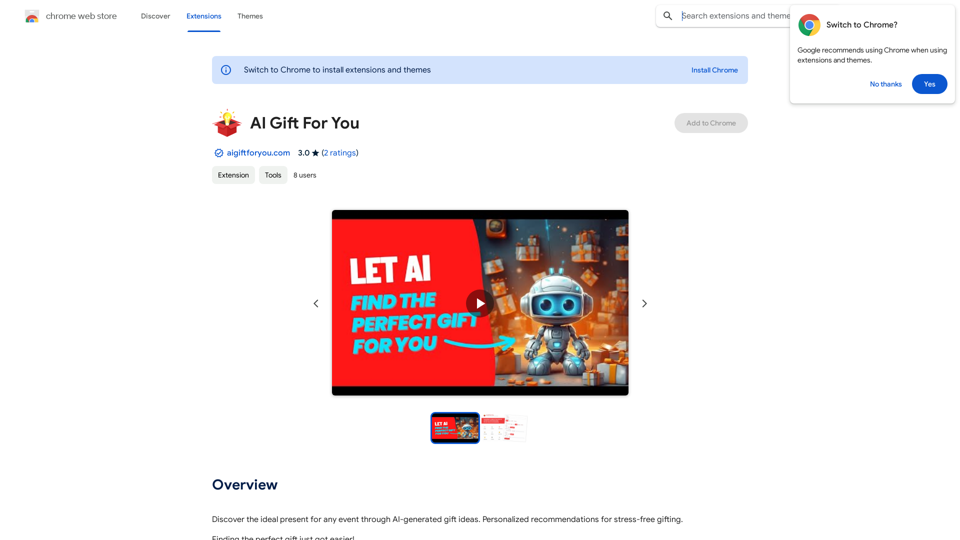
Find the perfect gift for any occasion with AI-powered gift suggestions. Get personalized recommendations for easy and stress-free gift giving.
193.90 M
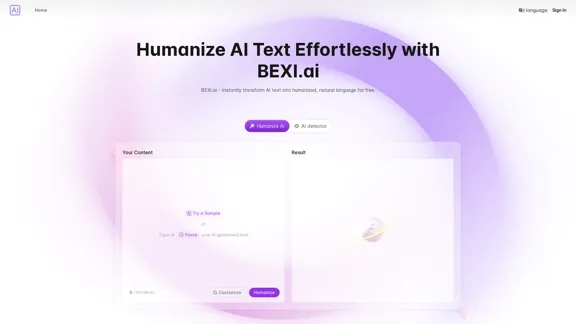
BEXI.ai - Humanize AI Text | Free AI Humanizer Tool for Natural Language
BEXI.ai - Humanize AI Text | Free AI Humanizer Tool for Natural LanguageBEXI.ai is a free tool for making AI-generated text more natural and undetectable. With support for multiple languages and customizable styles, BEXI.ai helps you easily create engaging, human-like content.
33.18 K
Chat with Web-LLM Models in the Browser You can interact with Web-LLM models directly in your web browser without requiring any additional setup or installation. This allows you to easily experiment with and explore the capabilities of these models. Getting Started To get started, simply open a web browser and navigate to the Web-LLM model's website or platform. Once you're on the website, you can usually find a chat interface or text input field where you can enter your prompts or questions. How it Works When you enter a prompt or question, the Web-LLM model processes your input and generates a response. This response is then displayed in the chat interface or output field, allowing you to read and interact with the model's output. Benefits The benefits of chatting with Web-LLM models in the browser include: * Convenience: No need to install any software or set up any development environments. * Accessibility: Anyone with a web browser can interact with the model, regardless of their technical expertise. * Ease of use: The chat interface provides a user-friendly way to interact with the model, making it easy to experiment and explore its capabilities. Use Cases Some potential use cases for chatting with Web-LLM models in the browser include: * Research and development: Quickly experiment with different models and prompts to explore their capabilities and limitations. * Education and learning: Use the chat interface to teach students about AI and language models, or to provide interactive learning experiences. * Creative writing and ideation: Use the model as a tool to generate ideas, write stories, or create poetry. Overall, chatting with Web-LLM models in the browser provides a convenient and accessible way to interact with these powerful language models, and can be a valuable tool for a wide range of applications.
2.59 K
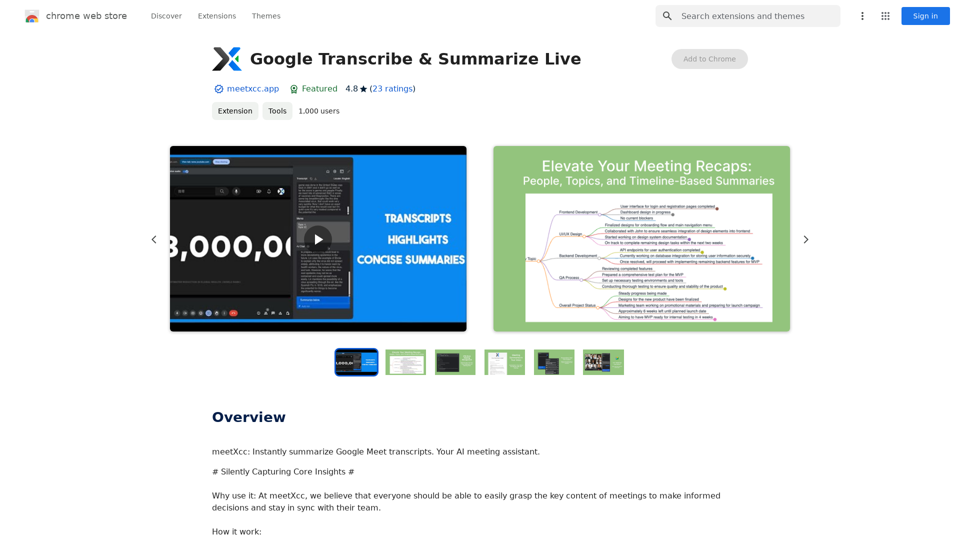
Google Transcribe & Summarize Live Automatically transcribe and summarize live audio and video streams in real-time using Google's AI technology.
Google Transcribe & Summarize Live Automatically transcribe and summarize live audio and video streams in real-time using Google's AI technology.meetXcc: Instantly summarize Google Meet transcripts. Your AI meeting assistant.
193.90 M
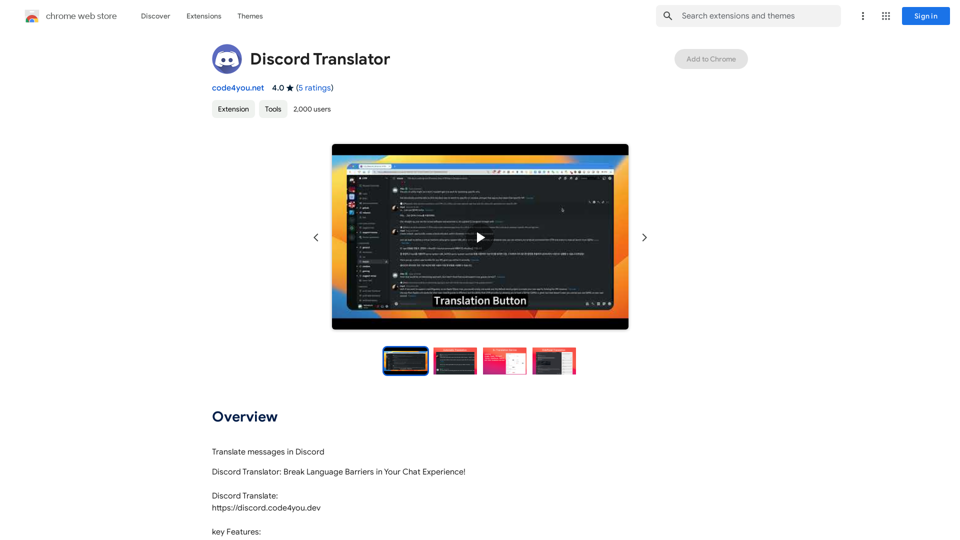
Translate Messages in Discord ============================= What is the "Translate" feature in Discord? The "Translate" feature in Discord allows users to translate messages in real-time, making it easier for people who speak different languages to communicate with each other. How to use the "Translate" feature in Discord? #1. Enable the "Translate" feature To enable the "Translate" feature, you need to go to the "User Settings" and click on the "Language" tab. Then, toggle the switch next to "Translator" to the "On" position. #2. Set your preferred language After enabling the "Translate" feature, you need to set your preferred language. You can do this by clicking on the "Language" dropdown menu and selecting your preferred language from the list. #3. Translate messages Once you've set your preferred language, you can start translating messages. To translate a message, simply hover over the message and click on the "Translate" button that appears. #4. View translated messages After clicking the "Translate" button, the message will be translated into your preferred language. You can view the translated message below the original message. Benefits of the "Translate" feature in Discord The "Translate" feature in Discord has several benefits, including: * Improved communication: The "Translate" feature helps to break down language barriers, making it easier for people who speak different languages to communicate with each other. * Increased accessibility: The "Translate" feature makes Discord more accessible to people who may not speak the dominant language of a server or community. * Enhanced collaboration: The "Translate" feature enables people to collaborate more effectively, even if they speak different languages.
193.90 M