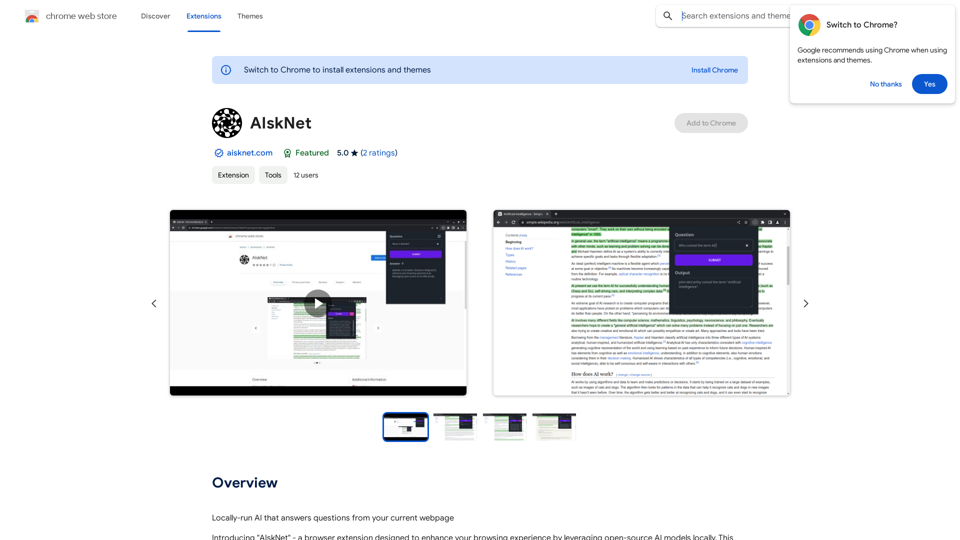
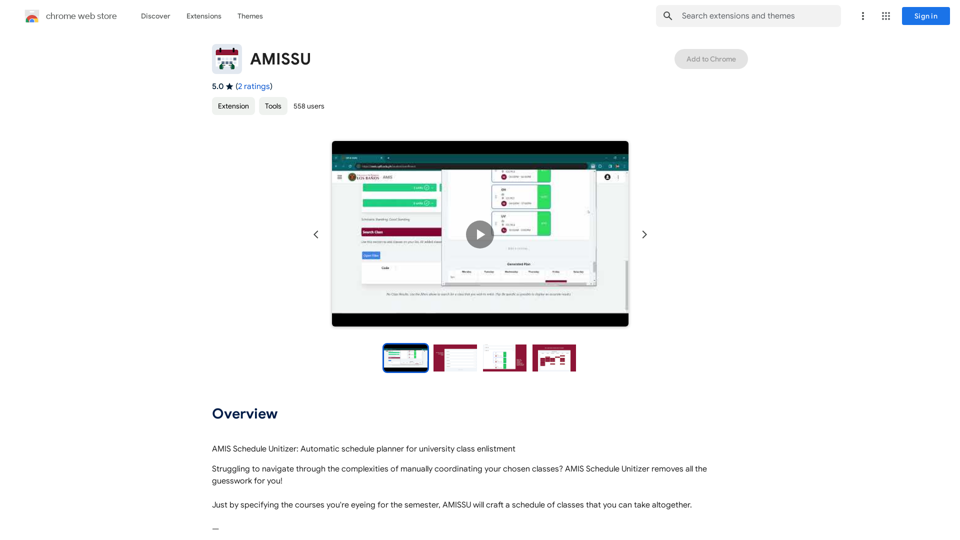
AMIS Schedule Unitizer is an AI-powered platform designed for University of the Philippines Los Baños (UPLB) students. It simplifies the complex process of coordinating class schedules by automatically generating a compatible timetable based on the courses selected by the student. This free Chrome extension is exclusively tailored for users of the UPLB Academic Management Information System, offering a time-saving and user-friendly solution for academic planning.
AMISSU
AMIS Schedule Unitizer: Automatic Schedule Planner for University Class Enrollment
Introduction
Feature
Automatic Schedule Generation
AMIS Schedule Unitizer eliminates guesswork by automatically creating a cohesive class schedule based on the courses specified by the student.
UPLB-Specific Design
The platform is exclusively tailored for UPLB students, integrating seamlessly with the university's Academic Management Information System.
User-Friendly Interface
With a simple input process, students can easily specify their desired courses and receive an optimized schedule, making it accessible even for those who are not tech-savvy.
Time-Efficient Planning
By automating the schedule creation process, AMIS Schedule Unitizer saves students significant time and effort in academic planning.
Free Accessibility
Available as a free extension on the Chrome Web Store, AMIS Schedule Unitizer is accessible to all UPLB students without any cost.
FAQ
What is AMIS Schedule Unitizer?
AMIS Schedule Unitizer is an AI-driven platform that helps UPLB students automatically generate compatible class schedules based on their selected courses for the semester.
How do I use AMIS Schedule Unitizer?
To use AMIS Schedule Unitizer, simply specify the courses you're interested in taking for the semester. The platform will then craft a schedule of classes that you can take altogether.
Is AMIS Schedule Unitizer exclusive to UPLB students?
Yes, AMIS Schedule Unitizer is tailored exclusively for users of the UPLB Academic Management Information System, currently the students of the University of the Philippines Los Baños.
How much does AMIS Schedule Unitizer cost?
AMIS Schedule Unitizer is a free extension, available for download on the Chrome Web Store.
What are some helpful tips for using AMIS Schedule Unitizer?
Make sure to specify your desired courses accurately to get the best results. It's also recommended to use AMIS Schedule Unitizer regularly to stay on top of your schedule and avoid conflicts.
Related Websites
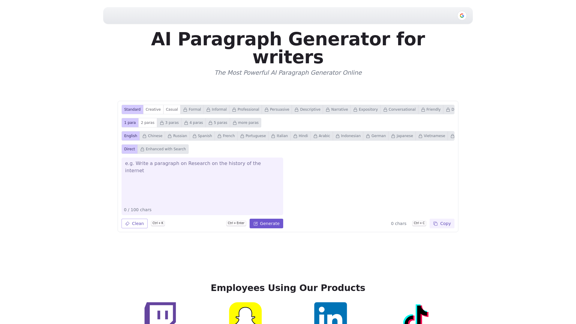
AI Paragraph Generator is a powerful tool that transforms your ideas into well-structured and engaging paragraphs. Artificial Intelligence Paragraph Generator meets all your content needs, from blogs to academic papers, with our tool ensuring originality, relevance and professionalism in every use case.
0
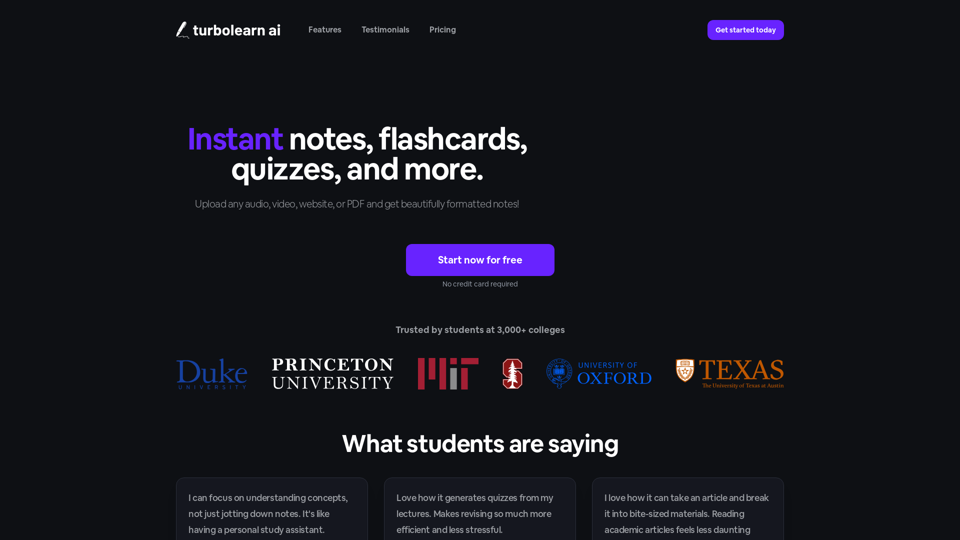
TurboLearn AI quickly makes complete notes, interactive flashcards, and custom quizzes from your lectures. Made to help you learn better and remember more, TurboLearn AI changes to fit your specific learning needs. Make the most of your study time today!
292.80 K
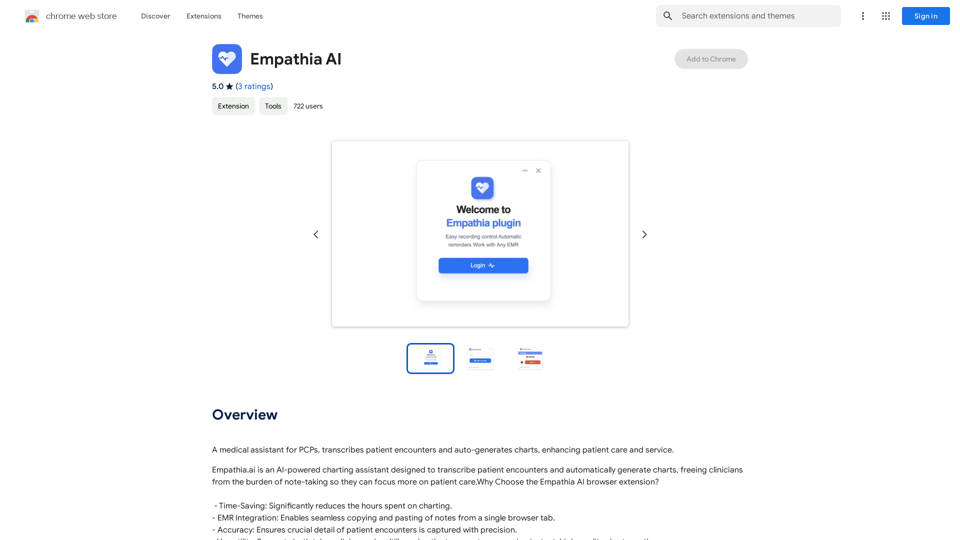
A medical assistant for primary care physicians, transcribes patient visits and automatically creates medical records, improving patient care and service.
193.90 M
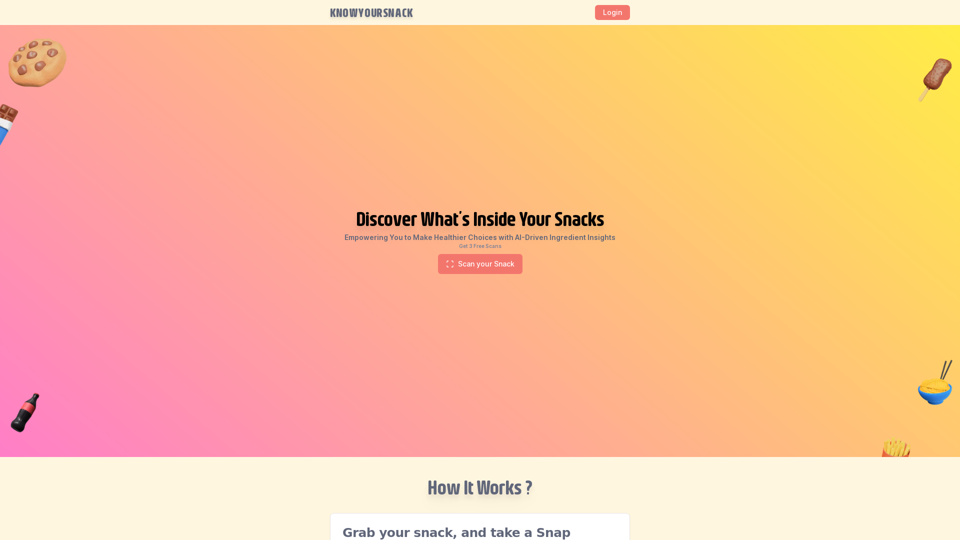
Knowyoursnack - Discover What’s Inside Your Snacks
Knowyoursnack - Discover What’s Inside Your SnacksKnowYourSnack is your personal guide to understanding snack ingredients. Simply snap a photo of the ingredients list on any snack package, and our AI-powered app will identify harmful substances, provide detailed information, and help you make healthier choices.
0
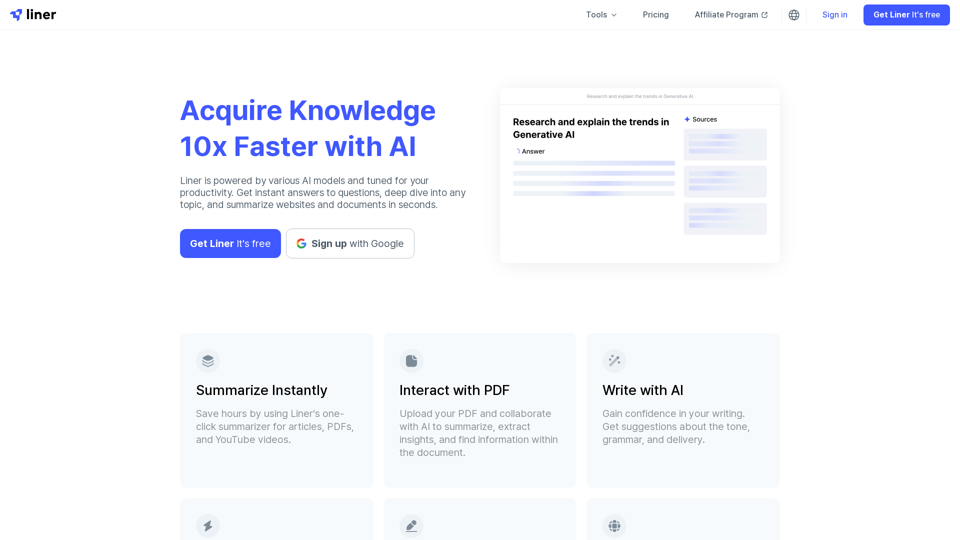
Liner | AI Copilot on Your Workspace, Powered by ChatGPT
Liner | AI Copilot on Your Workspace, Powered by ChatGPTTry Liner. Boost productivity and optimize your workflow with AI Copilot by summarizing articles, generating code, and composing emails.
6.20 M