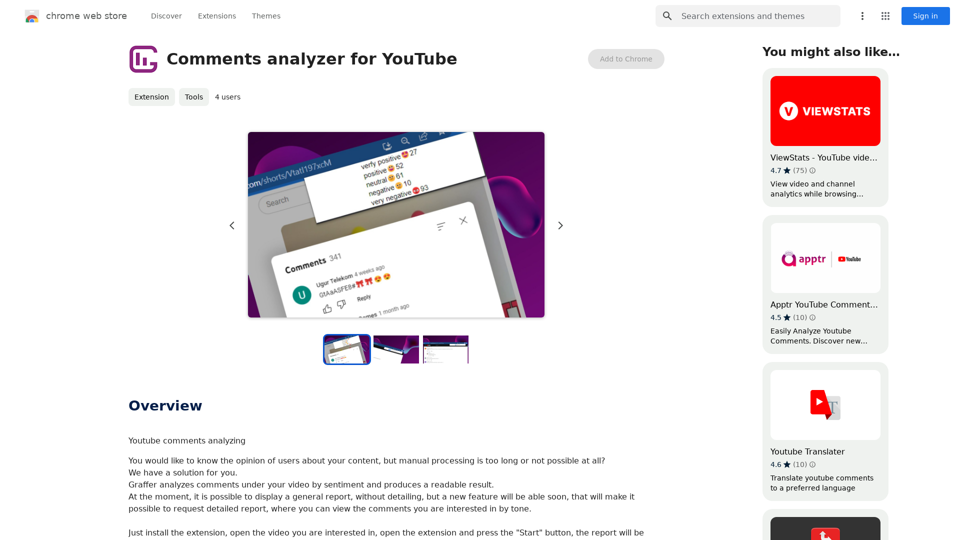
Comments Analyzer for YouTube is a powerful extension designed to help content creators understand their audience better. By analyzing comments on YouTube videos, it provides valuable insights into viewer sentiment, enabling creators to gauge audience reactions and improve their content strategy. This tool simplifies the process of sifting through numerous comments, offering a comprehensive overview of viewer opinions without the need for manual analysis.
YouTube Comment Analyzer
Youtube comments analyzing
Introduction
Feature
Sentiment Analysis of YouTube Comments
The extension performs sentiment analysis on comments under YouTube videos, providing creators with a general report on viewer opinions. This feature helps in understanding the overall reception of the content.
Upcoming Detailed Report Feature
A new feature is in development that will allow users to request a detailed report. This report will categorize specific comments by tone, offering a more in-depth analysis of viewer feedback.
User-Friendly Installation and Operation
The extension boasts a simple installation process and easy-to-use interface. Users can quickly analyze comments by following these steps:
- Install the extension
- Open the desired YouTube video
- Launch the extension
- Click the "Start" button to generate the report
Free to Use
The Comments Analyzer for YouTube is available at no cost, with no subscription fees required. This makes it accessible to all content creators, regardless of their budget.
Data Privacy and Security
The extension prioritizes user data protection:
- Data is used solely for the extension's core functionality
- No data is transferred or used for unrelated purposes
- User information is not sold to third parties outside of approved use cases
FAQ
How does the Comments Analyzer for YouTube work?
The extension analyzes comments on YouTube videos by sentiment, providing a readable report on viewer opinions. Users simply need to install the extension, open their desired video, launch the extension, and click "Start" to generate the analysis.
Is there a cost associated with using the Comments Analyzer?
No, the extension is completely free to use. There are no subscription fees or hidden charges.
Can I get a more detailed analysis of the comments?
A new feature is coming soon that will allow users to request a detailed report. This report will provide specific comments categorized by tone, offering a more comprehensive analysis of viewer feedback.
How can content creators benefit from using this extension?
Content creators can use the general report to get an overview of user opinions, helping them understand their audience better. By analyzing comments, creators can improve their content and engage more effectively with their viewers, potentially leading to increased audience satisfaction and growth.
Related Websites
Transcript Helper for Chorus.ai This is a tool designed to help you work with transcripts generated by Chorus.ai. Let me know what you need help with! For example, you can ask me to: * Summarize a transcript: Give me a transcript and I'll provide a concise summary of the main points. * Find specific information: Tell me what you're looking for (e.g., "find all mentions of product X") and I'll search the transcript for relevant text. * Identify key speakers: I can analyze the transcript and tell you who the main speakers are. * Generate action items: Based on the transcript, I can help you identify tasks that need to be completed. * Translate the transcript: I can translate the transcript into another language. What can I do for you today?
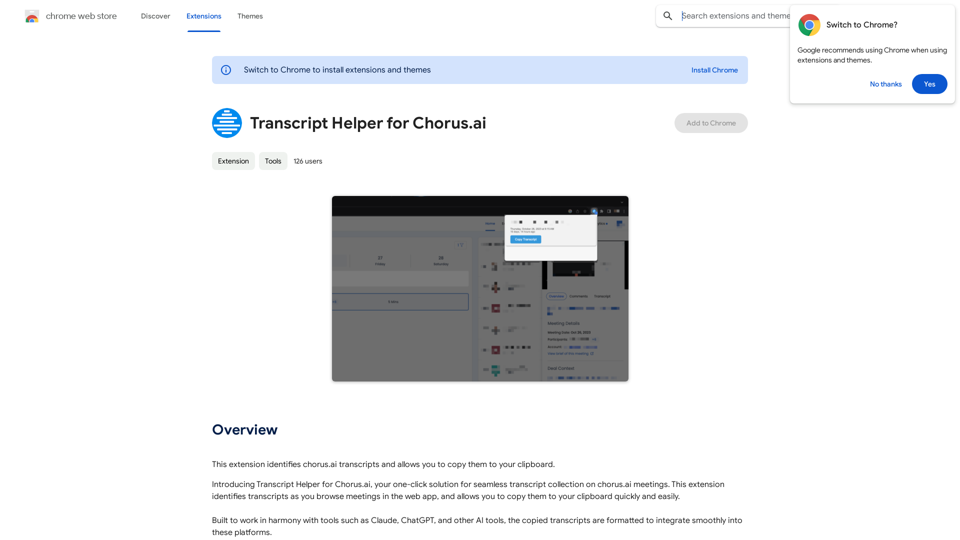
Transcript Helper for Chorus.ai This is a tool designed to help you work with transcripts generated by Chorus.ai. Let me know what you need help with! For example, you can ask me to: * Summarize a transcript: Give me a transcript and I'll provide a concise summary of the main points. * Find specific information: Tell me what you're looking for (e.g., "find all mentions of product X") and I'll search the transcript for relevant text. * Identify key speakers: I can analyze the transcript and tell you who the main speakers are. * Generate action items: Based on the transcript, I can help you identify tasks that need to be completed. * Translate the transcript: I can translate the transcript into another language. What can I do for you today?This extension finds chorus.ai transcripts and lets you copy them to your clipboard.
193.90 M
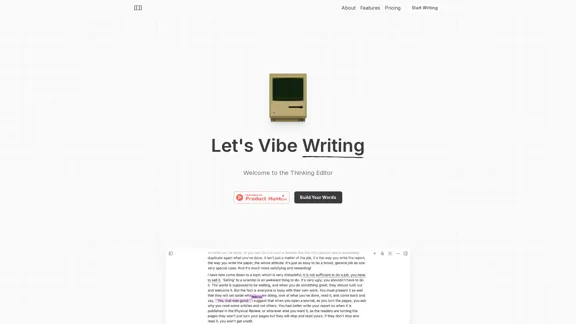
The most powerful AI text editor. Coherent editing. Customized styling. Collaborate seamlessly.
1.36 K
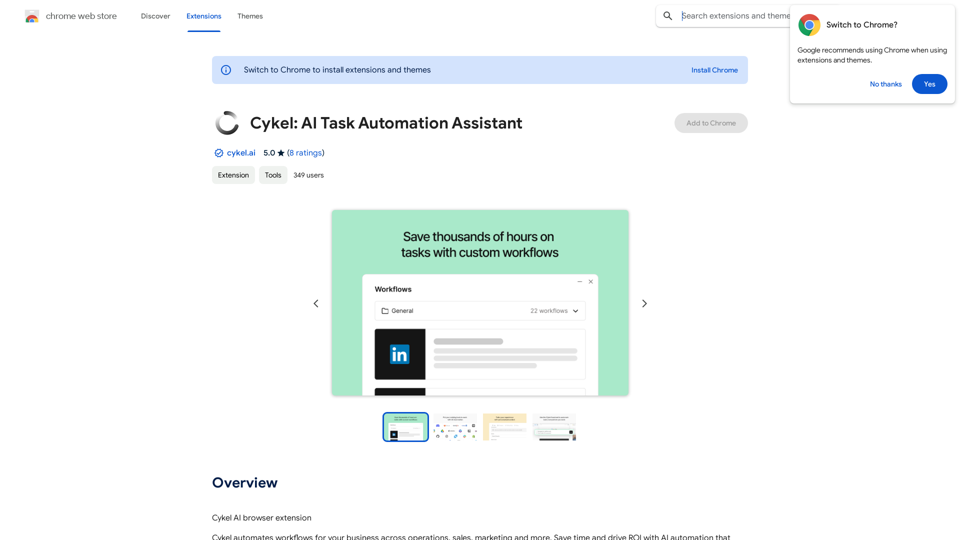
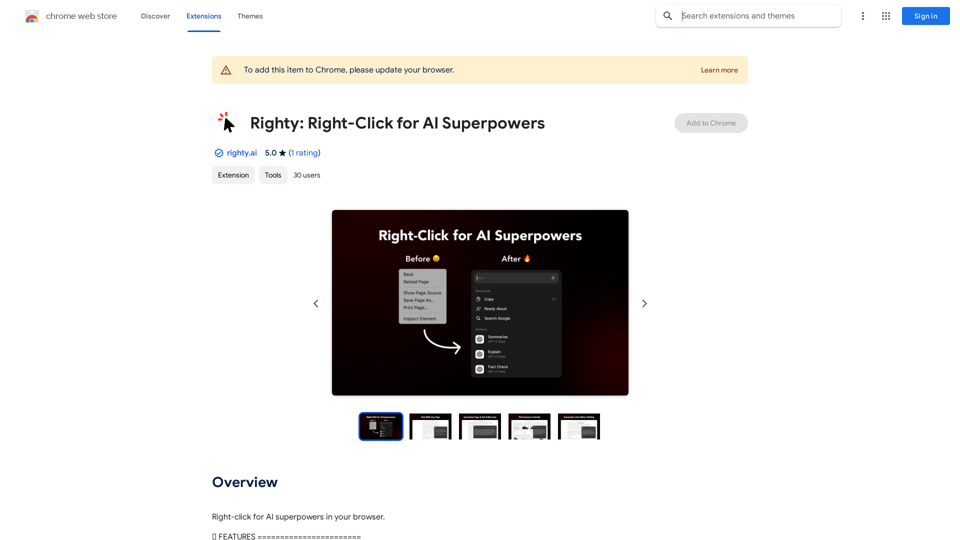
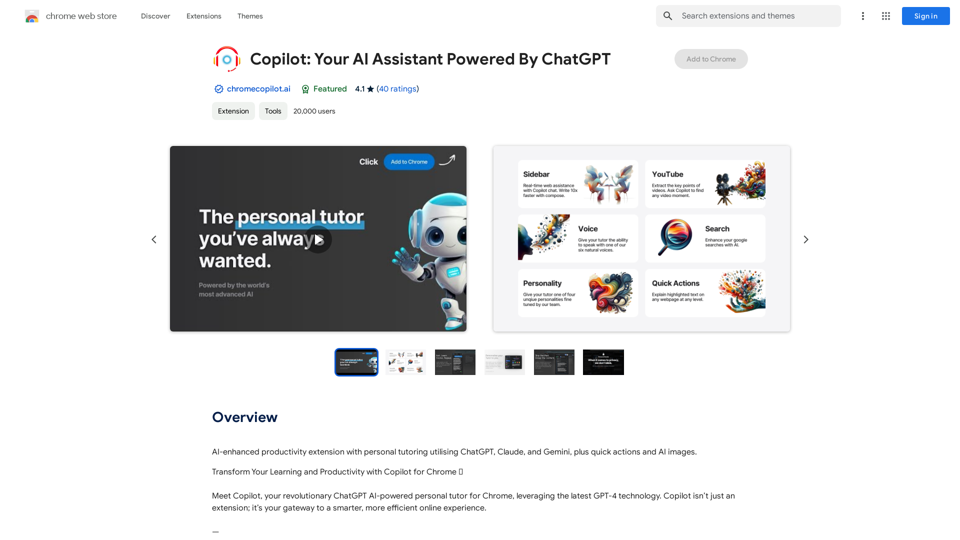
AI-powered productivity extension with personalized coaching using ChatGPT, Claude, and Gemini, plus rapid actions and AI-generated images.
193.90 M
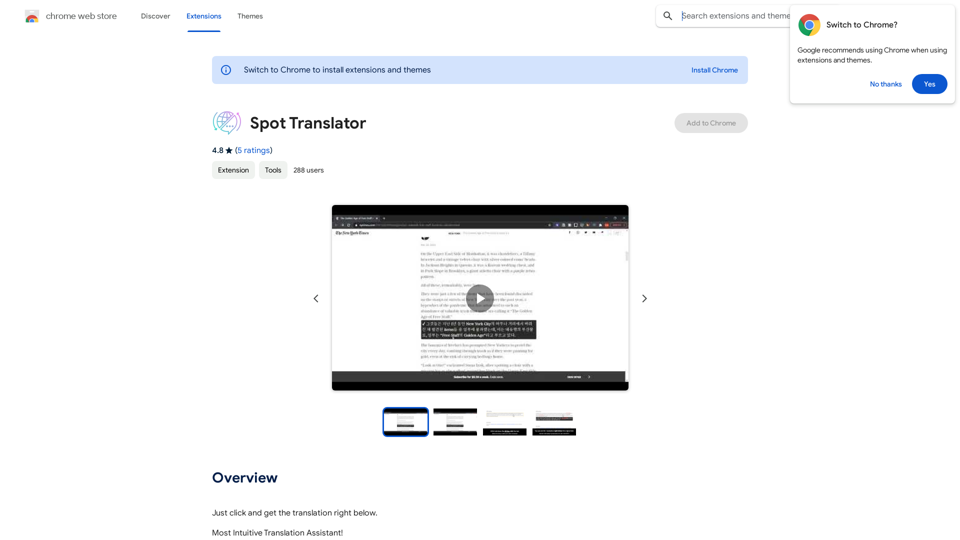
Spot Translator This is a simple tool to translate text from one language to another. How to use: 1. Enter the text you want to translate in the input box. 2. Choose the source language from the dropdown menu. 3. Choose the target language from the dropdown menu. 4. Click the "Translate" button. The translated text will appear in the output box.
Spot Translator This is a simple tool to translate text from one language to another. How to use: 1. Enter the text you want to translate in the input box. 2. Choose the source language from the dropdown menu. 3. Choose the target language from the dropdown menu. 4. Click the "Translate" button. The translated text will appear in the output box.Just click and get the translation right below.
193.90 M