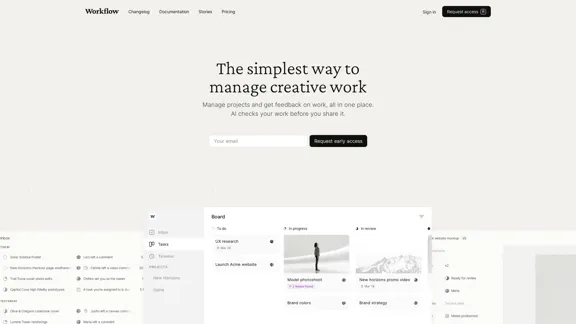
Workflow is a comprehensive project management tool designed specifically for creative professionals. It offers a streamlined approach to managing projects, facilitating feedback, and organizing tasks in a visually appealing interface. The platform integrates AI-powered checks to ensure work quality before sharing, making it an all-in-one solution for creative teams.
Workflow – The simplest way to manage creative work
A minimalist collaboration platform for creative teams. Manage tasks, get AI reviews, and share work, all in one place.
Introduction
Feature
-
Project Management
- Inbox for notifications and updates
- Task management with status tracking
- Timeline view for project progress
- Project organization with boards and lists
-
Feedback System
- In-context feedback on various file types (websites, Figma files, images, videos, PDFs)
- Video commenting feature
- Easy sharing with external reviewers
-
AI-Powered Quality Checks
- Detects design issues (padding, alignment, readability)
- Performs copy review (typos, grammar, brand consistency)
- Checks responsiveness across devices
- Customizable AI tests
-
Version Control
- Track and compare different versions of assets
- Easy access to revision history
-
Collaboration Tools
- Comments, mentions, and reactions
- Unlimited guest invitations
- Notifications via Workflow, Slack, or email
-
Integrations
- Figma plugin for direct uploads
- Compatible with popular tools (Slack, Adobe suite, Miro, Zapier)
-
Security
- AES-256 encryption
- Secure sharing links
-
Cross-Platform Accessibility
- Browser-based
- Mobile app
- Desktop application
How to Use?
-
Utilize the AI-powered checks before sharing work to catch potential issues early.
-
Take advantage of the video commenting feature for clearer communication of complex ideas.
-
Customize AI tests to align with your specific brand guidelines and project requirements.
-
Use the Figma plugin to streamline your workflow between design and project management.
-
Leverage the unlimited guest invitations to collaborate seamlessly with clients and external stakeholders.
-
Organize your projects using boards, lists, and timelines to get a comprehensive view of your work.
-
Make use of the version control feature to track changes and easily revert to previous versions if needed.
FAQ
How does Workflow differ from other project management tools?
Workflow is specifically designed for creative work, offering features like in-context feedback on visual assets, AI-powered quality checks, and integrations with design tools. This makes it more suitable for creative teams compared to general project management tools.
Can I use Workflow with my existing tools?
Yes, Workflow integrates with popular tools like Slack, Adobe suite, Figma, Miro, and Zapier, allowing you to incorporate it into your existing workflow seamlessly.
Is there a limit to the number of projects or team members I can add?
Workflow allows for unlimited projects and team members. You can also invite unlimited guests to collaborate on tasks or projects.
How secure is my data on Workflow?
Workflow uses AES-256 encryption and secure links to keep your content safe, ensuring a high level of security for your projects and data.
Price
The pricing information is not provided in the given content. However, there is a mention of a waitlist and early access request, suggesting that the product might be in a pre-launch phase or offering limited access.
The price is for reference only, please refer to the latest official data for actual information.
Evaluation
-
Workflow offers a comprehensive suite of features tailored specifically for creative professionals, addressing many pain points in project management and collaboration for visual work.
-
The AI-powered quality checks are a standout feature, potentially saving significant time and improving work quality before sharing with clients or team members.
-
The platform's focus on visual feedback and in-context commenting is particularly valuable for creative teams, offering a more intuitive way to collaborate on design projects.
-
The integration with popular design tools and the Figma plugin demonstrates a deep understanding of the creative workflow, making it easier for teams to adopt the platform.
-
While the features are impressive, the lack of clear pricing information makes it difficult to assess the value proposition fully. This could be a potential barrier for some teams considering adoption.
-
The platform's emphasis on simplicity and intuitive design is commendable, potentially reducing the learning curve for new users.
-
Areas for improvement might include more detailed information about the AI capabilities and how they can be customized, as well as clearer information about the product's availability and pricing structure.
Latest Traffic Insights
Monthly Visits
5.88 K
Bounce Rate
18.76%
Pages Per Visit
9.42
Time on Site(s)
513.03
Global Rank
1984548
Country Rank
Australia 205819
Recent Visits
Traffic Sources
- Social Media:5.01%
- Paid Referrals:0.90%
- Email:0.07%
- Referrals:7.47%
- Search Engines:38.40%
- Direct:48.14%
Related Websites
Monitor your sleep, strain, recovery, and health with the most advanced fitness and health wearable available today. WHOOP helps you uncover data-driven insights for a healthier, more empowered life.
4.21 M
.webp "Rock AI")
Run and fine-tune open source models, and deploy custom models at scale, all with just one line of code
630
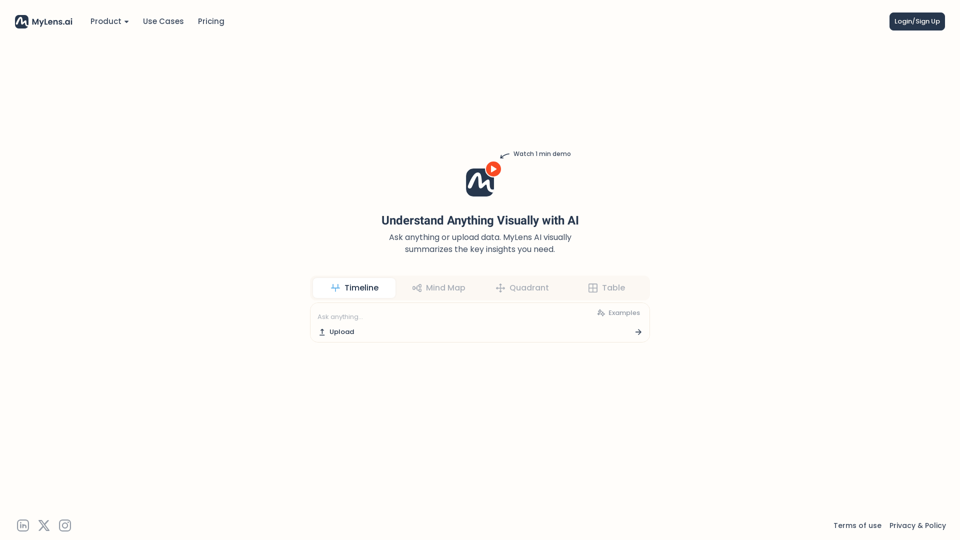
Discover the intersections of history with our AI-powered timelines. Dive deep into the narratives of the past and see where two unique histories meet. Create, explore, and connect stories seamlessly.
193.06 K
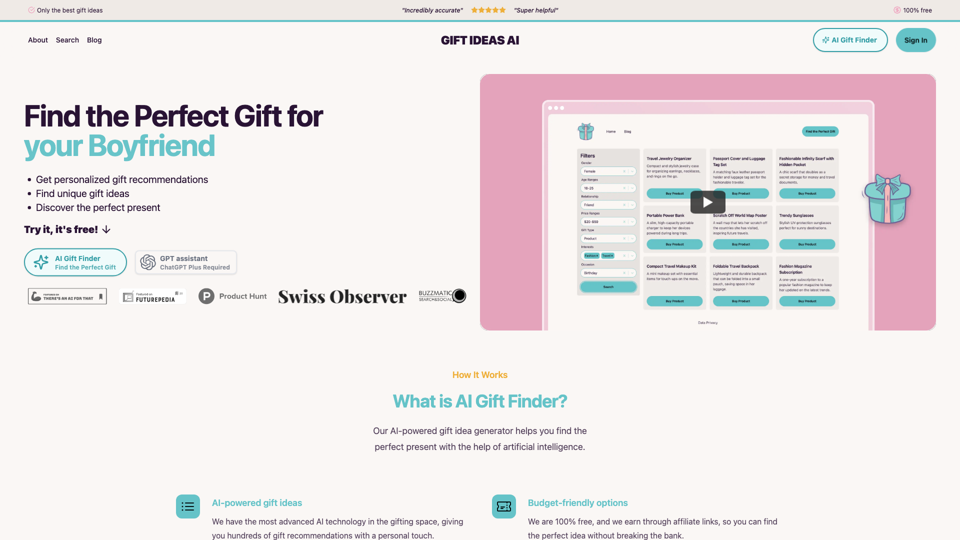
Gift Ideas AI: Free AI Gift Finder & Idea Generator
Gift Ideas AI: Free AI Gift Finder & Idea GeneratorDiscover the ideal present for those dear to you with our AI-powered gift finder. Receive customized gift suggestions for any occasion.
3.60 K
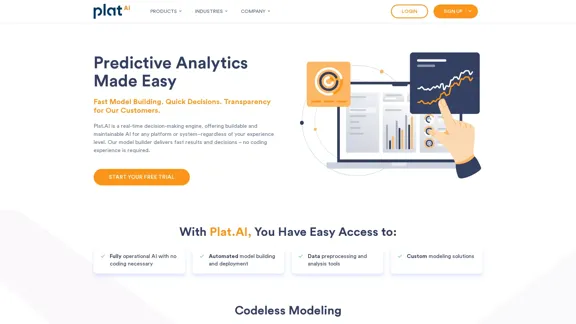
Plat.AI is predictive analytics software for building and deploying custom models using machine learning and deep learning algorithms for real-time predictions.
10.79 K
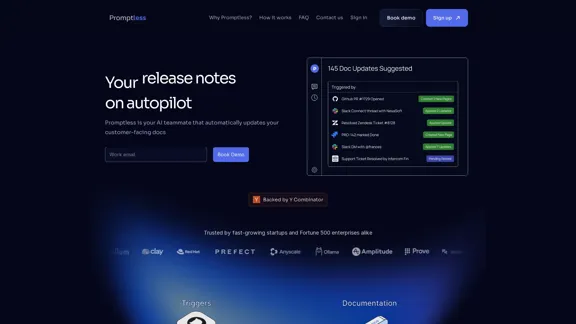
Promptless keeps your technical documents up to date by automatically drafting document updates from GitHub pull requests, enhancing customer satisfaction and increasing free user conversions while reducing implementation time and support requests.
2.23 K