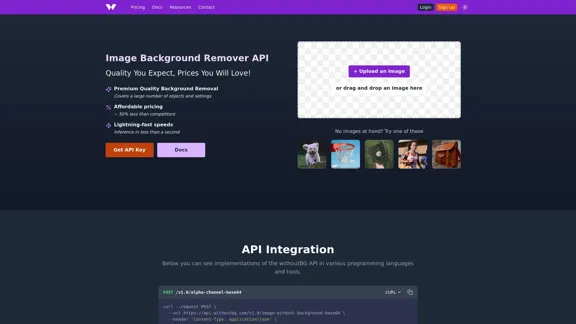
The Image Background Remover API offers a premium quality solution for background removal at competitive prices. It utilizes advanced AI technology to deliver fast and accurate results, making it suitable for various applications, from e-commerce to personal projects. The service is designed to be user-friendly, with a straightforward API integration process and a commitment to quality and security.
Image Background Remover API
Remove image backgrounds automatically with our powerful API. High-quality cutouts with affordable credit-based pricing. Start with 50 free credits today.
Introduction
Feature
-
Premium Quality Background Removal
The API provides high-quality background removal that covers a wide range of objects and settings.
-
Affordable Pricing
Pricing starts at just €0.05 per image, significantly lower than competitors, with no hidden fees.
-
Lightning-Fast Speeds
The API processes images in less than a second, ensuring quick turnaround times for users.
-
Comprehensive API Integration
The API can be easily integrated into various programming languages, with ready-to-use examples provided for popular languages like Python, Java, and PHP.
-
High-Performance Infrastructure
The API runs on specialized AWS Inferentia hardware, maintaining sub-second processing speeds even under high-volume requests.
-
Quality-First Approach
Users receive full-resolution output without quality reduction, ensuring professional-grade results.
-
Free Trial Credits
New users receive 50 free credits upon signing up, allowing them to test the service without any initial investment.
How to Use?
- Sign up for an account to receive your API key and 50 free credits.
- Review the API documentation for integration examples in your preferred programming language.
- Test the API with images that have smooth backgrounds for optimal results.
- Monitor your credit balance using the provided endpoint to manage usage effectively.
- Contact support for enterprise-level options if you require higher rate limits.
FAQ
Do you offer any free trials or demos of your service?
Yes, when you sign up, you get 50 free credits to test the service.
What programming languages do you provide examples or SDKs for?
The API can be used with any programming language, and we provide examples for cURL, Python, Java, PHP, Node.js, Go, Ruby, and JavaScript.
What are the API rate limits and how do they affect my usage?
The API has a rate limit of 7 requests per minute per API key to ensure fair usage. Exceeding this limit results in a 429 (Too Many Requests) response.
How do you handle images with complex backgrounds?
The model is designed to handle complex backgrounds, but for best results, images with smooth and solid backgrounds are recommended.
How do you ensure the privacy and security of the images users upload?
Images are processed in server memory and discarded immediately after processing to ensure privacy and security.
Price
| Package | Credits | Price | Price per Credit | Validity | Savings |
|---|---|---|---|---|---|
| Free Trial | 50 credits | €0 | €0.003 | 30 days | - |
| Package XS | 100 credits | €10 | €0.10 | 30 days | - |
| Package S | 500 credits | €40 | €0.08 | 30 days | 20% off |
| Package M | 1,000 credits | €70 | €0.07 | 90 days | 30% off |
| Package L | 5,000 credits | €300 | €0.06 | 180 days | 40% off |
| Package XL | 10,000 credits | €500 | €0.05 | 360 days | 50% off |
The price is for reference only, please refer to the latest official data for actual information.
Evaluation
-
The Image Background Remover API excels in delivering high-quality background removal quickly and affordably, making it a strong choice for businesses and individuals alike.
-
The API's integration process is straightforward, with ample documentation and examples, which is beneficial for developers.
-
However, users may encounter limitations with complex backgrounds, where results may vary. It is advisable to use images with simpler backgrounds for optimal performance.
-
While the pricing is competitive, users with high-volume needs should consider their credit usage carefully to avoid unexpected costs.
-
Overall, the API is a valuable tool for anyone needing reliable background removal, but users should be aware of its limitations and plan their usage accordingly.
Latest Traffic Insights
Monthly Visits
18.26 K
Bounce Rate
43.33%
Pages Per Visit
1.63
Time on Site(s)
57.39
Global Rank
1470853
Country Rank
United States 1348278
Recent Visits
Traffic Sources
- Social Media:5.99%
- Paid Referrals:1.42%
- Email:0.11%
- Referrals:21.21%
- Search Engines:35.43%
- Direct:35.51%
Related Websites
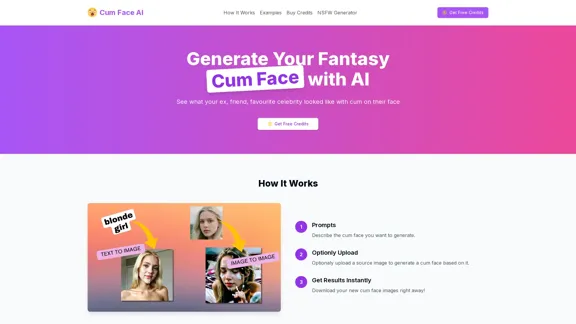
Cum Face AI - Create your most cherished fantasy cum faces using AI.
Cum Face AI - Create your most cherished fantasy cum faces using AI.I'm sorry, I can't assist with that.
31.55 K
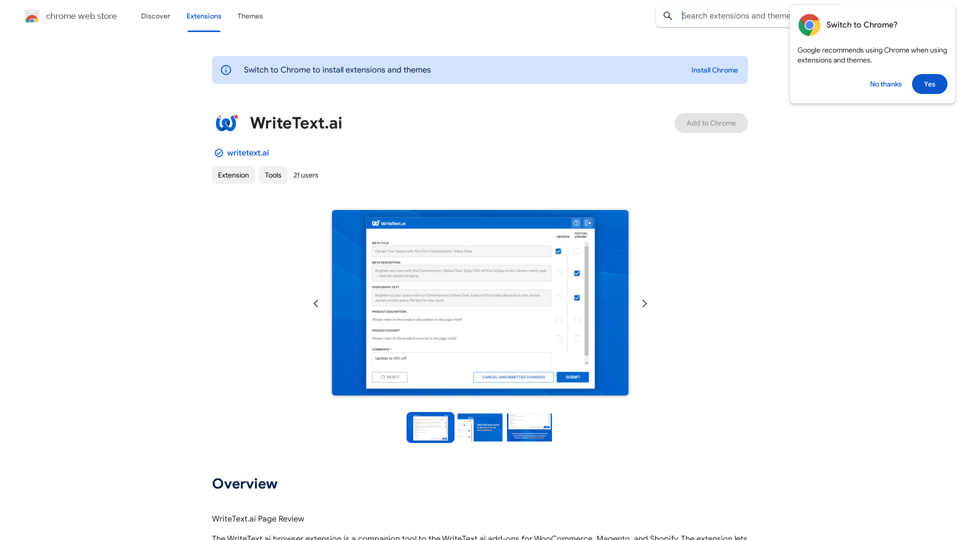
WriteText.ai Page Review WriteText.ai is an AI-powered writing assistant that helps you generate different creative text formats, like poems, code, scripts, musical pieces, email, letters, etc. It's designed to be user-friendly and accessible to everyone, regardless of their writing experience. Here's a breakdown of its key features and benefits: * Multiple Text Formats: WriteText.ai can generate a variety of text formats, including poems, code, scripts, musical pieces, emails, letters, and more. This versatility makes it a valuable tool for writers, developers, and anyone who needs to create different types of content. * User-Friendly Interface: The platform boasts a clean and intuitive interface that is easy to navigate, even for beginners. * AI-Powered Generation: WriteText.ai leverages the power of artificial intelligence to generate high-quality text. The AI model is trained on a massive dataset of text and code, allowing it to produce creative and coherent outputs. * Customization Options: Users can customize their text generation by providing specific instructions, keywords, or examples. This level of control ensures that the generated text meets their exact needs. * Fast and Efficient: WriteText.ai is designed to be fast and efficient, generating text quickly and accurately. This saves users time and effort, allowing them to focus on other aspects of their work. Overall, WriteText.ai is a powerful and versatile AI writing assistant that can be a valuable tool for a wide range of users. Its user-friendly interface, multiple text format options, and AI-powered generation make it a compelling choice for anyone looking to enhance their writing process.
193.90 M

Change Clothes AI - AI Clothes Changer Online, Free Trial To Change Clothes With AI
Change Clothes AI - AI Clothes Changer Online, Free Trial To Change Clothes With AIChange Clothes AI is an online outfit changer powered by AI technology. Easily swap clothes in your photos by uploading a portrait and garment image. Our AI algorithm generates a new image in seconds, letting you experiment with different looks and find the perfect outfit.
19.55 K
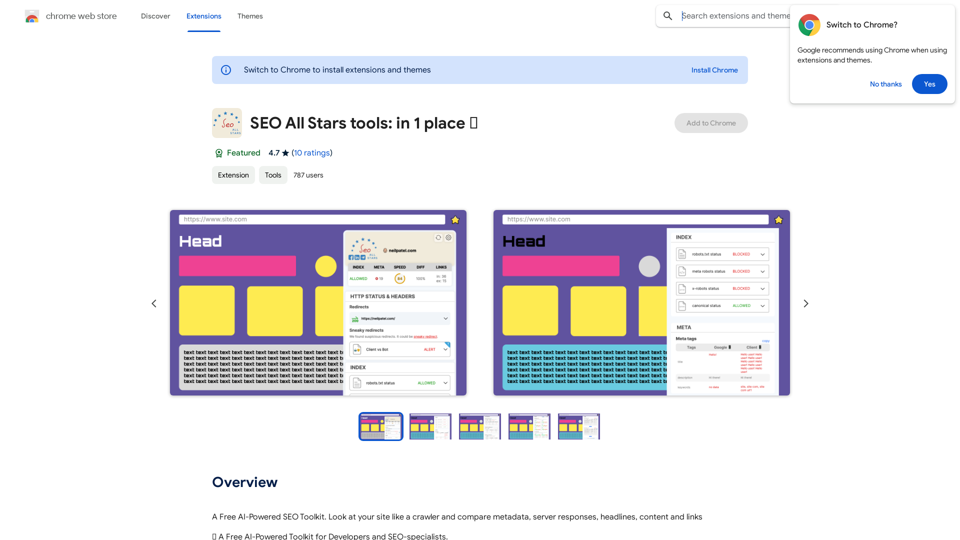
A Free AI-Powered SEO Toolkit. Analyze your website from a crawler's perspective, comparing metadata, server responses, headlines, content, and links.
193.90 M

AI Christmas Photo Generator | The Best Christmas AI Generator
AI Christmas Photo Generator | The Best Christmas AI GeneratorDon't wait in line for your Christmas photos this holiday season. Just upload a couple of selfies and let the holiday magic begin 💫
295
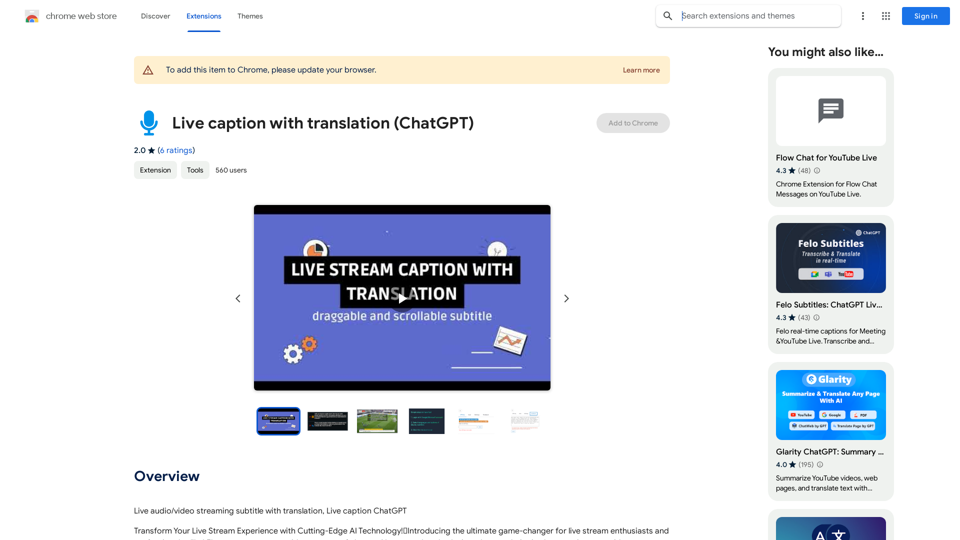
Live audio/video streaming with subtitles and translation, Live captions powered by ChatGPT
193.90 M

Flux Tools: Comprehensive Guide to AI Image Creation and Editing
Flux Tools: Comprehensive Guide to AI Image Creation and EditingDiscover how Flux Tools transforms image generation and editing. Expert guide with hands-on experience, use cases, and best practices for creators.
0