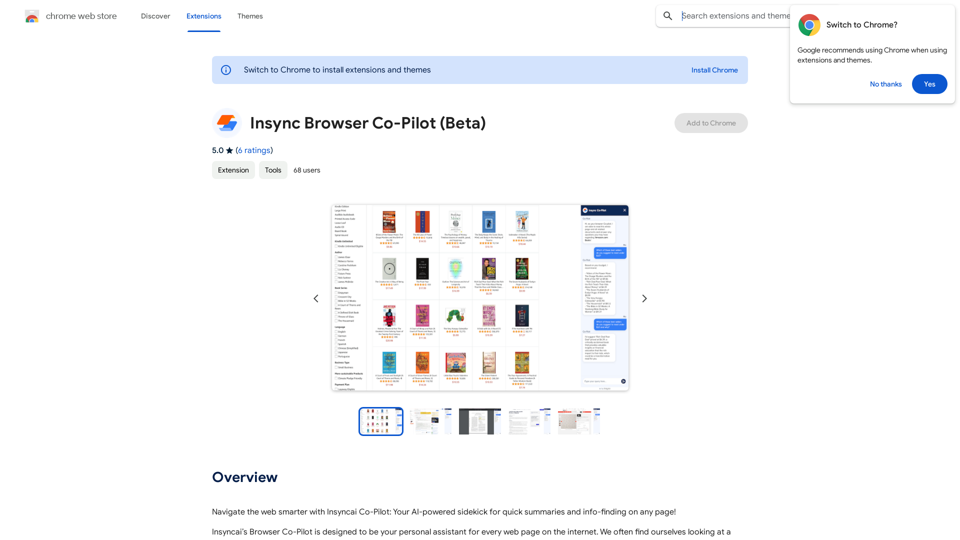
AI Localizer is an advanced translation tool designed for developers to effortlessly localize their Xcode-built iOS or macOS apps into over 35 languages. This AI-powered solution automates the process of finding and translating all localizable text within an app, significantly reducing time and effort in the localization process.
AI Localizer - Easily Translate Your Project Code
Seamlessly add localized translations to your Xcode projects. Add up to 37 languages to your app automatically, using the power of AI.
Introduction
Feature
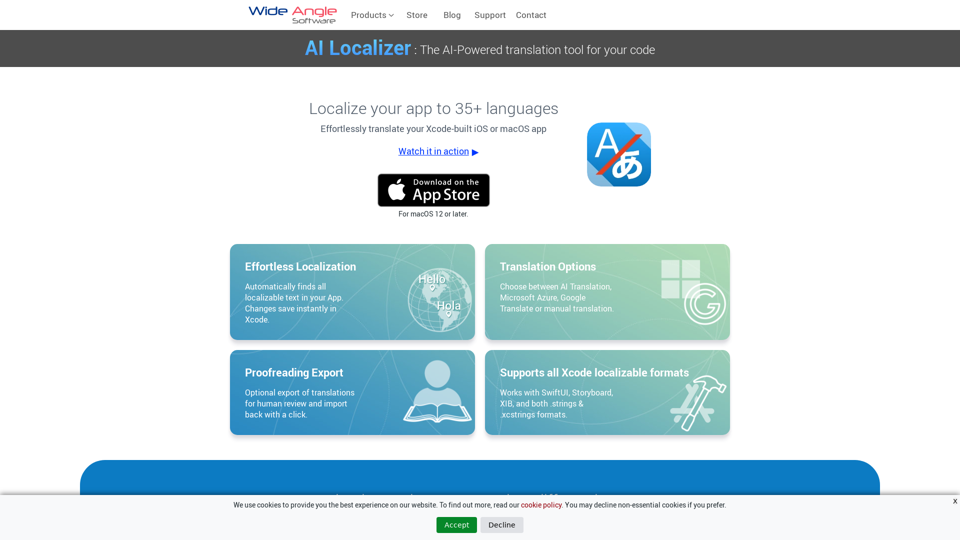
Effortless Localization
- Automatically detects all localizable text in your app
- Instant saving of changes in Xcode
Flexible Translation Options
- Choose from AI Translation, Microsoft Azure, Google Translate, or manual translation
- Export translations for human review and easy re-import
Comprehensive Xcode Support
- Compatible with SwiftUI, Storyboard, XIB, .strings, and .xcstrings formats
Streamlined Setup
- Automatic loading of all localizable resources from your Xcode project
Multi-Language Support
- Translate your macOS or iOS app into up to 37 languages
AI-Powered Translation
- Utilizes powerful AI Translation Service for project strings
- One-click saving of changes directly back to Xcode
Custom Translation Service Integration
- Configure to use your own Microsoft Azure or Google Translate accounts
Manual Translation Editing
- Edit translated strings directly within the app interface
FAQ
What languages does AI Localizer support?
AI Localizer supports over 35 languages for translating macOS and iOS applications.
Can I use my own translation service with AI Localizer?
Yes, AI Localizer allows configuration to use your personal Microsoft Azure or Google Translate service accounts.
Is manual editing of translations possible in AI Localizer?
Absolutely. You can easily edit translated strings directly within the app interface by simply clicking on the string and typing your changes.
Does AI Localizer support exporting translations for review?
Yes, AI Localizer offers the ability to export translations to CSV format for external review. After review, you can easily import any changes back into the app.
Related Websites
Help me read | GPT Reading Assistant, a free Chrome browser extension, summarizes any webpage using ChatGPT, supporting the use of GPT-3.5 or GPT-4 models. ...
193.90 M
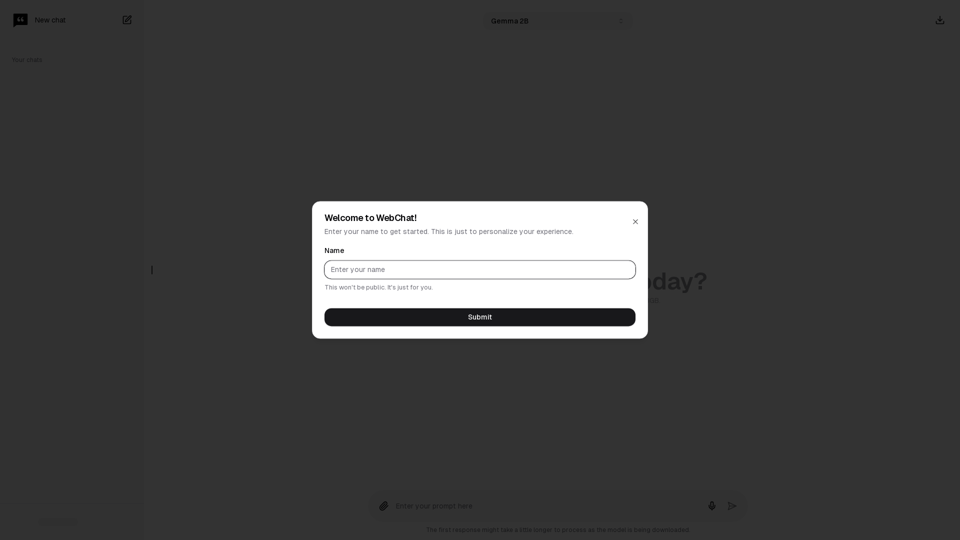
Chat with Web-LLM Models in the Browser You can interact with Web-LLM models directly in your web browser without requiring any additional setup or installation. This allows you to easily experiment with and explore the capabilities of these models. Getting Started To get started, simply open a web browser and navigate to the Web-LLM model's website or platform. Once you're on the website, you can usually find a chat interface or text input field where you can enter your prompts or questions. How it Works When you enter a prompt or question, the Web-LLM model processes your input and generates a response. This response is then displayed in the chat interface or output field, allowing you to read and interact with the model's output. Benefits The benefits of chatting with Web-LLM models in the browser include: * Convenience: No need to install any software or set up any development environments. * Accessibility: Anyone with a web browser can interact with the model, regardless of their technical expertise. * Ease of use: The chat interface provides a user-friendly way to interact with the model, making it easy to experiment and explore its capabilities. Use Cases Some potential use cases for chatting with Web-LLM models in the browser include: * Research and development: Quickly experiment with different models and prompts to explore their capabilities and limitations. * Education and learning: Use the chat interface to teach students about AI and language models, or to provide interactive learning experiences. * Creative writing and ideation: Use the model as a tool to generate ideas, write stories, or create poetry. Overall, chatting with Web-LLM models in the browser provides a convenient and accessible way to interact with these powerful language models, and can be a valuable tool for a wide range of applications.
2.59 K

Kartiv: Automated Visual Content for eCommerce & Marketing Agencies
Kartiv: Automated Visual Content for eCommerce & Marketing AgenciesElevate your brand with Kartiv's AI-powered design solutions. Perfect for eCommerce businesses and marketing agencies.
440
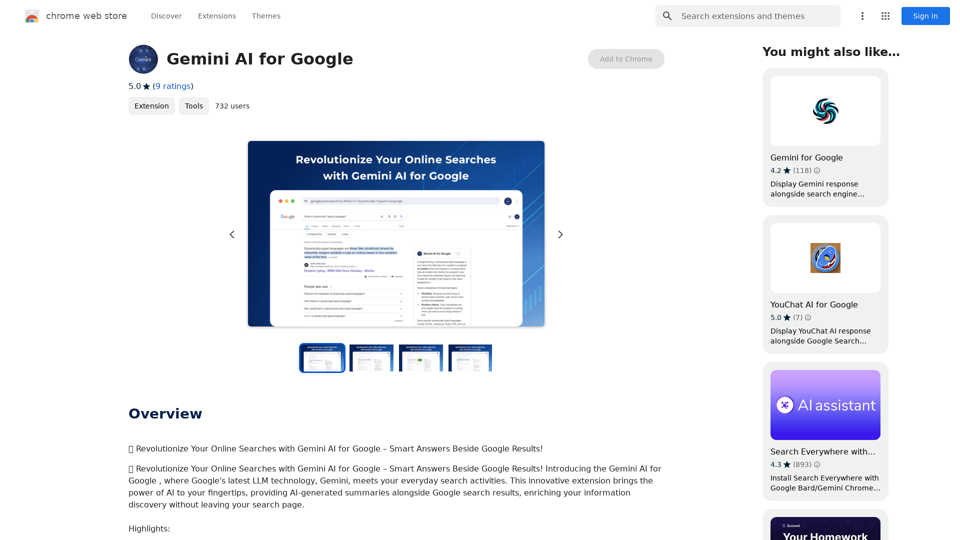
Gemini AI for Google Gemini AI is an innovative artificial intelligence (AI) model designed to revolutionize the way Google interacts with its users. This cutting-edge technology is capable of understanding and responding to natural language inputs, making it an ideal solution for enhancing user experience on Google's platforms. Key Features: * Conversational Interface: Gemini AI enables users to interact with Google using conversational language, making it easier to find information and perform tasks. * Contextual Understanding: The AI model can understand the context of a user's query, providing more accurate and relevant results. * Personalized Experience: Gemini AI can learn a user's preferences and tailor the search results and recommendations to their individual needs. * Multitasking Capability: The AI model can handle multiple tasks simultaneously, allowing users to perform complex queries and tasks with ease. Benefits: * Enhanced User Experience: Gemini AI provides a more intuitive and user-friendly experience, making it easier for users to find what they're looking for on Google. * Improved Accuracy: The AI model's ability to understand context and nuances of language reduces the likelihood of irrelevant search results. * Increased Productivity: Gemini AI's multitasking capability and personalized experience enable users to accomplish more in less time. Potential Applications: * Google Assistant: Gemini AI can be integrated into Google Assistant, enabling users to have more natural and conversational interactions with the virtual assistant. * Google Search: The AI model can be used to improve the search engine's ability to understand complex queries and provide more accurate results. * Google Workspace: Gemini AI can be applied to Google Workspace (formerly G Suite) to enhance the productivity and collaboration capabilities of the platform.
Gemini AI for Google Gemini AI is an innovative artificial intelligence (AI) model designed to revolutionize the way Google interacts with its users. This cutting-edge technology is capable of understanding and responding to natural language inputs, making it an ideal solution for enhancing user experience on Google's platforms. Key Features: * Conversational Interface: Gemini AI enables users to interact with Google using conversational language, making it easier to find information and perform tasks. * Contextual Understanding: The AI model can understand the context of a user's query, providing more accurate and relevant results. * Personalized Experience: Gemini AI can learn a user's preferences and tailor the search results and recommendations to their individual needs. * Multitasking Capability: The AI model can handle multiple tasks simultaneously, allowing users to perform complex queries and tasks with ease. Benefits: * Enhanced User Experience: Gemini AI provides a more intuitive and user-friendly experience, making it easier for users to find what they're looking for on Google. * Improved Accuracy: The AI model's ability to understand context and nuances of language reduces the likelihood of irrelevant search results. * Increased Productivity: Gemini AI's multitasking capability and personalized experience enable users to accomplish more in less time. Potential Applications: * Google Assistant: Gemini AI can be integrated into Google Assistant, enabling users to have more natural and conversational interactions with the virtual assistant. * Google Search: The AI model can be used to improve the search engine's ability to understand complex queries and provide more accurate results. * Google Workspace: Gemini AI can be applied to Google Workspace (formerly G Suite) to enhance the productivity and collaboration capabilities of the platform.🗨️ Revolutionize Your Online Searches with Gemini AI for Google – Get Smart Answers Right Beside Google Results!
193.90 M
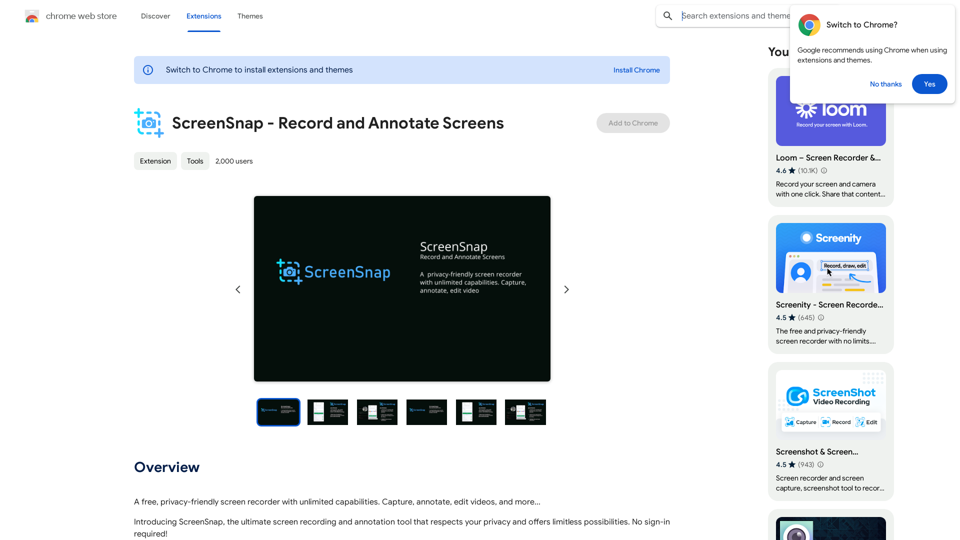
A free, privacy-friendly screen recorder with unlimited capabilities. Capture, annotate, edit videos, and more...
193.90 M