Open-source RightAI Tools Directory
  • Discover AI
  • Submit
  • Startup
  • Blog
Open-source RightAI Tools Directory
Discover the best AI tools of 2025 with the RightAI Tools Directory!

Friend Links

AI Anime GeneratorToolsApp AI

Support

Tap4
Privacy policyTerms & ConditionsContact Us
Loading...
loading...

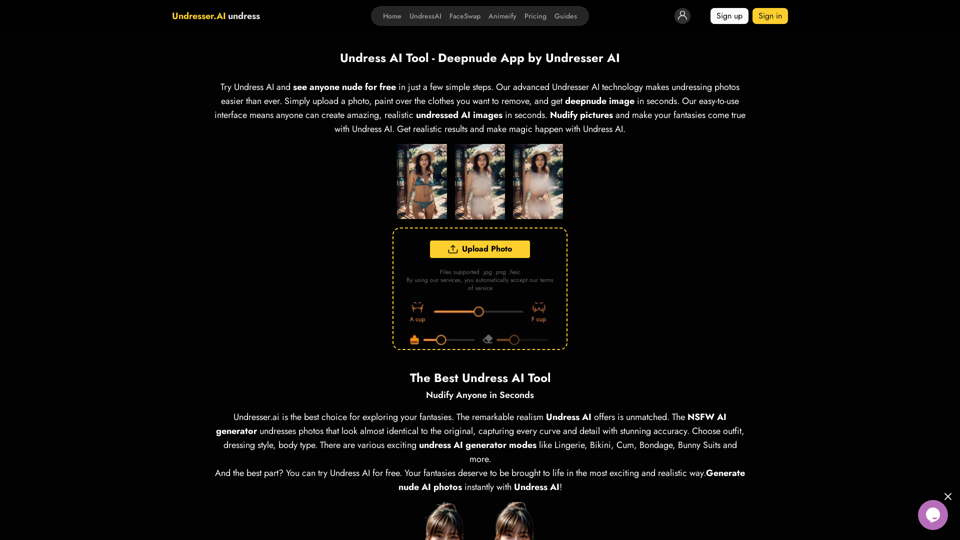
Undress AI App - Create Deepnude Images for FREE | Undresser.AI Undress

Introducing Undresser.AI undress, the ultimate AI-powered app for creating stunning nude photos in seconds. With our advanced deepnude AI technology, you can easily turn any image into a realistic nude. Experience the best in photo nudification with Undresser.AI, where AI meets artistry.
Visit Website
Undress AI App - Create Deepnude Images for FREE | Undresser.AI Undress
Visit Website

Introduction

Undress AI is an AI-powered platform offering a range of services including image manipulation, text generation, and image creation. It provides users with the ability to create deepnude images through a simple process. The platform boasts advanced AI technology, an easy-to-use interface, and free access to its tools. Undress AI also offers text-to-image generation capabilities and access to numerous GPT models for various applications.

Feature

Advanced AI Technology

Undress AI employs sophisticated AI algorithms to manipulate images, specifically for removing clothing from individual photos. This technology aims to produce realistic results quickly and efficiently.

User-Friendly Interface

The platform is designed with simplicity in mind, allowing users of all skill levels to create AI-generated images with ease. The interface streamlines the process, enabling quick results.

Free Access

Undress AI offers its services free of charge, allowing users to experiment with the technology without financial commitment.

Text-to-Image Generation

Users can create images from text descriptions, leveraging GPT-4o for a comprehensive creative experience.

Extensive GPT Model Library

The platform provides access to nearly 200,000 GPT models, covering a wide range of applications for work, study, and daily life.

Privacy Protection

Undress AI prioritizes user privacy, ensuring that personal information and uploaded data are not used for training purposes. Users have the option to delete their accounts and associated data at any time.

FAQ

How does Undress AI work?

Undress AI has been trained on hundreds of thousands of images, enabling it to create accurate representations of individuals without clothing. The AI analyzes the input image and generates a new image based on its training data.

Are AI-created images copyrighted?

Yes, images created by AI are subject to copyright protection.

How is user privacy maintained?

Undress AI does not store uploading history or make uploaded photos or generated images visible to others. All data is kept confidential, and generated photos are removed immediately after creation.

What should I do if I get unsatisfactory results?

If you're not satisfied with the results, you can try again or contact the support team for assistance. Support can be reached through the website or via email.

Does Undress AI offer API services?

Yes, Undress AI provides image processing APIs for those interested in launching their own AI image services.

Related Websites
Orbitt Pro AI
View Detail

Orbitt Pro AI

Orbitt Pro AI

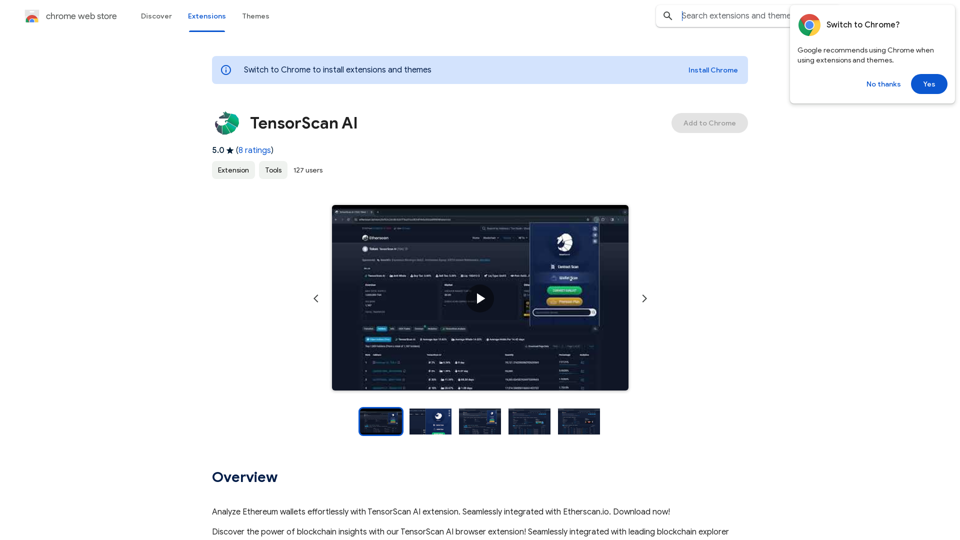
Orbitt PRO uniquely combines the power of artificial intelligence and a convenient Chrome Extension, redefining the cryptocurrency trading experience.

193.90 M
Course Decode
View Detail

Course Decode

Course Decode

Here is the translation into English: See which degrees are actually used by their graduates. Based on analysis of 349,996 LinkedIn profiles.

0
Leminda AI Fake Checker
View Detail

Leminda AI Fake Checker

Leminda AI Fake Checker

An AI-powered extension that protects your X feed from false information and scams.

193.90 M
Text to Voice Generator
==========================

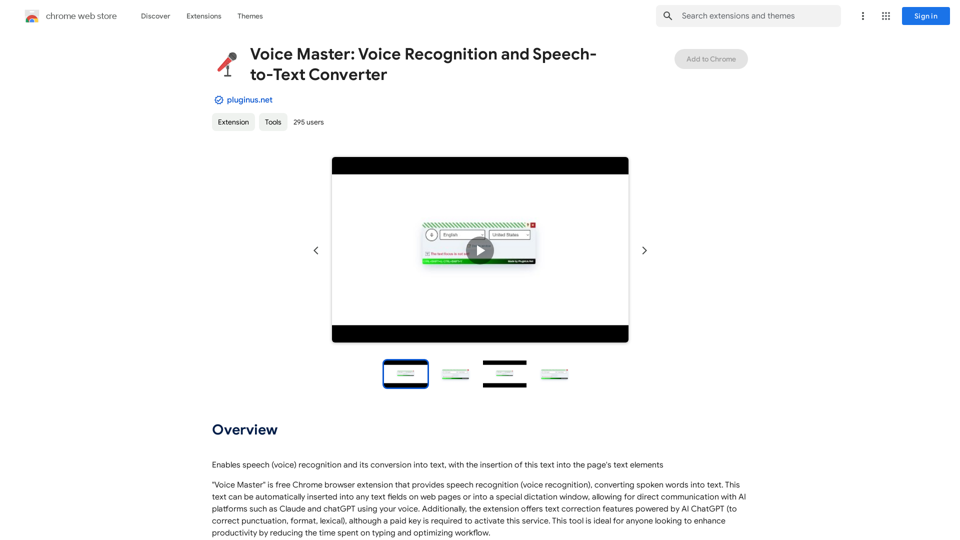
A text-to-voice generator, also known as a text-to-speech (TTS) system, is a software that converts written text into a spoken voice output. This technology has been widely used in various applications, including virtual assistants, audiobooks, and language learning platforms.

How it Works
---------------

The process of generating voice from text involves several steps:

1. Text Analysis: The input text is analyzed to identify the language, syntax, and semantics.
2. Phonetic Transcription: The text is converted into a phonetic transcription, which represents the sounds of the spoken language.
3. Prosody Generation: The phonetic transcription is then used to generate the prosody, or rhythm and intonation, of the spoken voice.
4. Waveform Generation: The prosody and phonetic transcription are combined to generate the audio waveform, which is the final spoken voice output.

Types of Text-to-Voice Generators
-----------------------------------

There are two main types of text-to-voice generators:

Rule-Based Systems

These systems use a set of predefined rules to generate the spoken voice output. They are often limited in their ability to produce natural-sounding voices and may sound robotic.

Machine Learning-Based Systems

These systems use machine learning algorithms to learn from large datasets of spoken voices and generate more natural-sounding voices. They are often more advanced and can produce high-quality voice outputs.

Applications of Text-to-Voice Generators
-----------------------------------------

Text-to-voice generators have a wide range of applications, including:

Virtual Assistants

Virtual assistants, such as Siri and Alexa, use text-to-voice generators to respond to user queries.

Audiobooks

Text-to-voice generators can be used to create audiobooks from written texts, making it easier for people to access written content.

Language Learning

Language learning platforms use text-to-voice generators to provide pronunciation guidance and practice exercises for learners.

Accessibility

Text-to-voice generators can be used to assist people with disabilities, such as visual impairments, by providing an auditory interface to written content.
View Detail

Text to Voice Generator ========================== A text-to-voice generator, also known as a text-to-speech (TTS) system, is a software that converts written text into a spoken voice output. This technology has been widely used in various applications, including virtual assistants, audiobooks, and language learning platforms. How it Works --------------- The process of generating voice from text involves several steps: 1. Text Analysis: The input text is analyzed to identify the language, syntax, and semantics. 2. Phonetic Transcription: The text is converted into a phonetic transcription, which represents the sounds of the spoken language. 3. Prosody Generation: The phonetic transcription is then used to generate the prosody, or rhythm and intonation, of the spoken voice. 4. Waveform Generation: The prosody and phonetic transcription are combined to generate the audio waveform, which is the final spoken voice output. Types of Text-to-Voice Generators ----------------------------------- There are two main types of text-to-voice generators: Rule-Based Systems These systems use a set of predefined rules to generate the spoken voice output. They are often limited in their ability to produce natural-sounding voices and may sound robotic. Machine Learning-Based Systems These systems use machine learning algorithms to learn from large datasets of spoken voices and generate more natural-sounding voices. They are often more advanced and can produce high-quality voice outputs. Applications of Text-to-Voice Generators ----------------------------------------- Text-to-voice generators have a wide range of applications, including: Virtual Assistants Virtual assistants, such as Siri and Alexa, use text-to-voice generators to respond to user queries. Audiobooks Text-to-voice generators can be used to create audiobooks from written texts, making it easier for people to access written content. Language Learning Language learning platforms use text-to-voice generators to provide pronunciation guidance and practice exercises for learners. Accessibility Text-to-voice generators can be used to assist people with disabilities, such as visual impairments, by providing an auditory interface to written content.

Text to Voice Generator ========================== A text-to-voice generator, also known as a text-to-speech (TTS) system, is a software that converts written text into a spoken voice output. This technology has been widely used in various applications, including virtual assistants, audiobooks, and language learning platforms. How it Works --------------- The process of generating voice from text involves several steps: 1. Text Analysis: The input text is analyzed to identify the language, syntax, and semantics. 2. Phonetic Transcription: The text is converted into a phonetic transcription, which represents the sounds of the spoken language. 3. Prosody Generation: The phonetic transcription is then used to generate the prosody, or rhythm and intonation, of the spoken voice. 4. Waveform Generation: The prosody and phonetic transcription are combined to generate the audio waveform, which is the final spoken voice output. Types of Text-to-Voice Generators ----------------------------------- There are two main types of text-to-voice generators: Rule-Based Systems These systems use a set of predefined rules to generate the spoken voice output. They are often limited in their ability to produce natural-sounding voices and may sound robotic. Machine Learning-Based Systems These systems use machine learning algorithms to learn from large datasets of spoken voices and generate more natural-sounding voices. They are often more advanced and can produce high-quality voice outputs. Applications of Text-to-Voice Generators ----------------------------------------- Text-to-voice generators have a wide range of applications, including: Virtual Assistants Virtual assistants, such as Siri and Alexa, use text-to-voice generators to respond to user queries. Audiobooks Text-to-voice generators can be used to create audiobooks from written texts, making it easier for people to access written content. Language Learning Language learning platforms use text-to-voice generators to provide pronunciation guidance and practice exercises for learners. Accessibility Text-to-voice generators can be used to assist people with disabilities, such as visual impairments, by providing an auditory interface to written content.

Generate Voice from Text on Any Web Page With the advancement of technology, it is now possible to generate voice from text on any web page. This feature is particularly useful for people who prefer listening to content rather than reading it. Here's how you can do it: #Method 1: Using Browser Extension You can use a browser extension like Read Aloud or SpeakIt! to generate voice from text on any web page. These extensions are available for both Google Chrome and Mozilla Firefox browsers. #Method 2: Using Online Tools There are several online tools available that can convert text to speech. Some popular tools include NaturalReader, Voice Dream Reader, and Google Text-to-Speech. You can copy and paste the text from any web page into these tools to generate voice. #Method 3: Using Screen Reader If you are using a Windows operating system, you can use the built-in Narrator screen reader to generate voice from text on any web page. For Mac users, you can use VoiceOver. By using any of these methods, you can easily generate voice from text on any web page and enjoy a more convenient and accessible reading experience.

193.90 M
The "Local Art" on the App Store
View Detail

The "Local Art" on the App Store

The "Local Art" on the App Store

Experience the power of local AI art generation with our innovative iOS app. By utilizing your local computer's GPU through API proxy, you can create stunning AI-generated artwork without relying on cloud services, ensuring faster processing speeds and greater control over your creative vision.

124.77 M
Gtres AI
View Detail

Gtres AI

Gtres AI

Find similar images

193.90 M
TubeX: Your YouTube AI Copilot (Free Tool)
View Detail

TubeX: Your YouTube AI Copilot (Free Tool)

TubeX: Your YouTube AI Copilot (Free Tool)

Integrate the power of Gemini AI and Google Translate into your YouTube, making it a great tool for learning foreign languages

193.90 M
Grab 'n Tag
View Detail

Grab 'n Tag

Grab 'n Tag

Download a group of images at once and give each one a name based on what's in the picture.

193.90 M