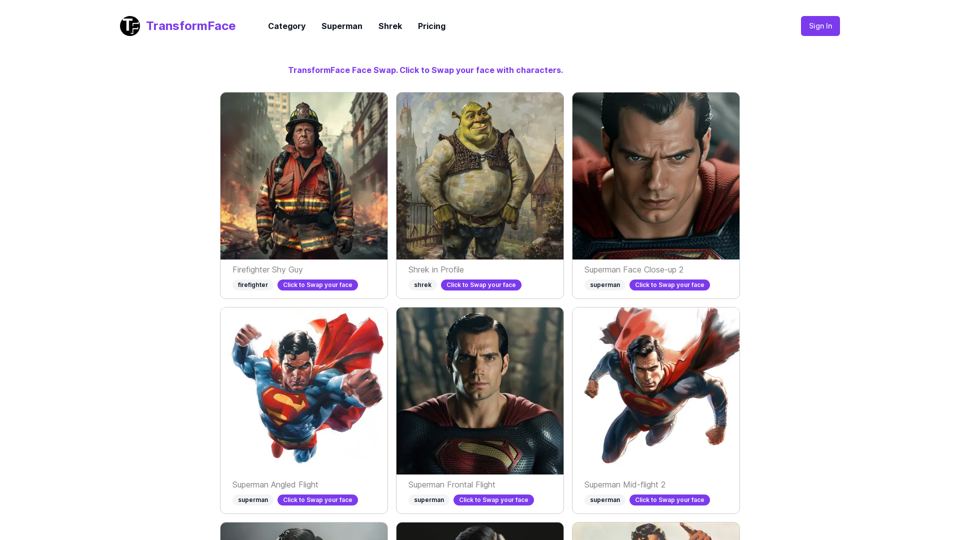
TransformFace is an innovative online face swap tool that utilizes advanced AI technology to allow users to easily swap their faces onto various templates. This user-friendly platform offers creative expression opportunities, visual effects, and potential applications in scientific and medical fields. Powered by the latest developments in computer vision and deep learning, TransformFace provides a robust solution for face swapping needs.
TransformFace Swap with AI. Click to add your photo/face. or in a more natural English tone: Transform Your Face Swap with AI. Click to Upload Your Photo!
Upload your face or photo and swap faces with TransformFace. Free Download Image. TransformFace
Introduction
Feature
Easy-to-Use Interface
TransformFace offers a simple, step-by-step process for face swapping:
- Select a template or target image
- Upload your photo
- Click the Start button
- Download or generate another swapped image
Wide Range of Templates
Users can choose from a variety of templates, including:
- Superheroes
- Professionals
- And many more
Credit System
| Feature | Details |
|---|---|
| Free Credits | 3 for new users |
| Cost per Swap | 1 credit |
| Failed Swaps | No charge |
| Downloads | Free |
Mobile-Friendly
The tool is accessible from any device with a web browser, making it convenient for users on-the-go.
Quick Processing
Face swaps are typically completed in under 1 minute, with processing times varying based on server load and internet connection.
Supported File Formats
TransformFace currently accepts JPG and PNG image formats for uploading.
FAQ
What file formats can I upload for the face swap?
TransformFace currently supports JPG and PNG image formats.
Can I swap multiple faces in one image?
No, the face swap tool can only process one face per image. If your uploaded image has multiple faces, one will be selected randomly.
How long does the face swap process take?
The face swap is usually completed in under 1 minute, but processing times may vary depending on server load and your internet connection speed.
Can I use the face swap tool on my mobile device?
Yes, the TransformFace tool is mobile-friendly and can be accessed from any device with a web browser.
Do you offer any advanced editing tools?
Currently, the face swap is the primary feature. TransformFace does not have integrated editing tools, but users can download the result and use their preferred photo editing software for further modifications.
Related Websites
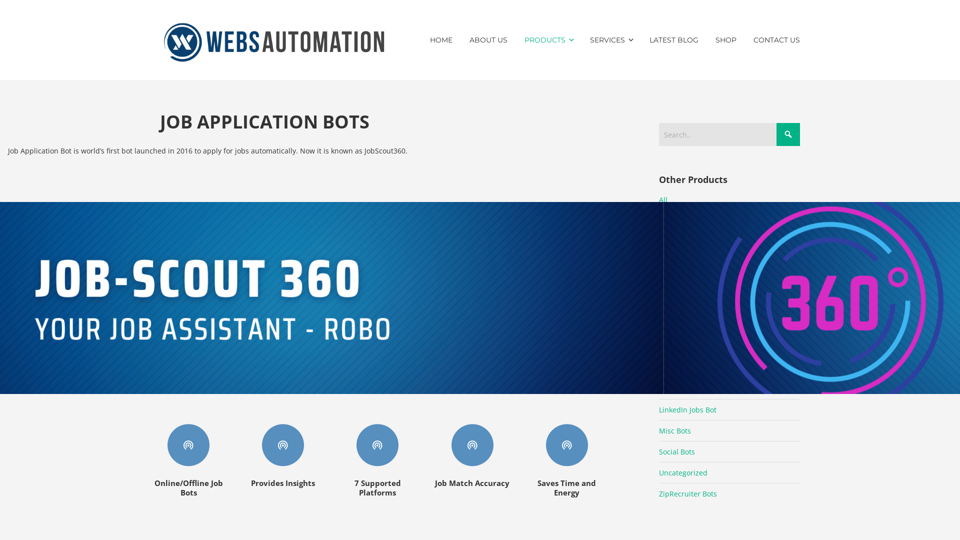
Best AI Job Application Bot 2024 | Webs-Automation This AI-powered job application bot is designed to simplify and streamline the job application process for both job seekers and employers. With its advanced automation capabilities, this bot can efficiently search for job openings, tailor resumes and cover letters, and even submit applications on behalf of the job seeker.
Best AI Job Application Bot 2024 | Webs-Automation This AI-powered job application bot is designed to simplify and streamline the job application process for both job seekers and employers. With its advanced automation capabilities, this bot can efficiently search for job openings, tailor resumes and cover letters, and even submit applications on behalf of the job seeker.Enhance Your Job Search with the Ultimate AI Job Application Bot! Simplify the Application Process and Boost Your Prospects with Our Top Job Application Bot.
2.69 K
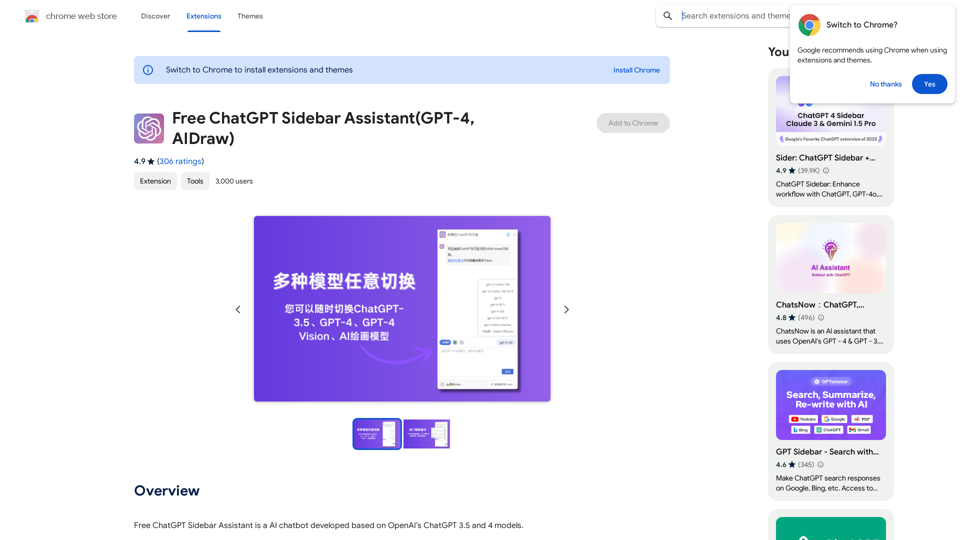
Free ChatGPT Sidebar Assistant is an AI chatbot developed based on OpenAI's ChatGPT 3.5 and 4 models.
193.90 M
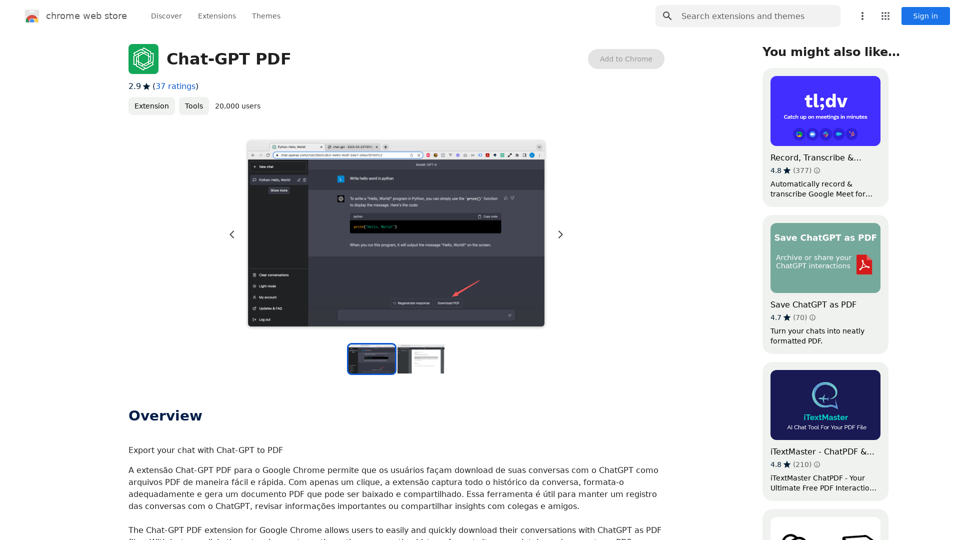
Chat-GPT PDF What is Chat-GPT PDF? Chat-GPT PDF is a tool that allows users to generate PDF files from Chat-GPT conversations. This innovative tool enables users to save and share their conversations in a more organized and visually appealing format. How does Chat-GPT PDF work? The process is simple and straightforward. Here's a step-by-step guide: 1. Copy the conversation: Copy the entire conversation from the Chat-GPT platform. 2. Paste the conversation: Paste the copied conversation into the Chat-GPT PDF tool. 3. Customize the layout: Customize the layout, font, and design of the PDF file according to your preferences. 4. Generate the PDF: Click the "Generate PDF" button to create a downloadable PDF file. Features of Chat-GPT PDF Chat-GPT PDF offers several features that make it an essential tool for users: * Customizable layout: Customize the layout, font, and design of the PDF file to suit your needs. * Easy sharing: Share the PDF file with others via email, social media, or messaging apps. * Offline access: Access your conversations offline, even without an internet connection. * Organization: Organize your conversations in a neat and tidy format, making it easier to review and reference. Benefits of Chat-GPT PDF The benefits of using Chat-GPT PDF are numerous: * Improved productivity: Save time and increase productivity by having all your conversations in one place. * Enhanced collaboration: Collaborate with others more effectively by sharing conversations in a clear and concise format. * Better organization: Keep your conversations organized, making it easier to review and reference them later. Conclusion Chat-GPT PDF is a game-changer for anyone who uses Chat-GPT regularly. With its ease of use, customization options, and benefits, it's an essential tool for anyone looking to get the most out of their conversations.
Chat-GPT PDF What is Chat-GPT PDF? Chat-GPT PDF is a tool that allows users to generate PDF files from Chat-GPT conversations. This innovative tool enables users to save and share their conversations in a more organized and visually appealing format. How does Chat-GPT PDF work? The process is simple and straightforward. Here's a step-by-step guide: 1. Copy the conversation: Copy the entire conversation from the Chat-GPT platform. 2. Paste the conversation: Paste the copied conversation into the Chat-GPT PDF tool. 3. Customize the layout: Customize the layout, font, and design of the PDF file according to your preferences. 4. Generate the PDF: Click the "Generate PDF" button to create a downloadable PDF file. Features of Chat-GPT PDF Chat-GPT PDF offers several features that make it an essential tool for users: * Customizable layout: Customize the layout, font, and design of the PDF file to suit your needs. * Easy sharing: Share the PDF file with others via email, social media, or messaging apps. * Offline access: Access your conversations offline, even without an internet connection. * Organization: Organize your conversations in a neat and tidy format, making it easier to review and reference. Benefits of Chat-GPT PDF The benefits of using Chat-GPT PDF are numerous: * Improved productivity: Save time and increase productivity by having all your conversations in one place. * Enhanced collaboration: Collaborate with others more effectively by sharing conversations in a clear and concise format. * Better organization: Keep your conversations organized, making it easier to review and reference them later. Conclusion Chat-GPT PDF is a game-changer for anyone who uses Chat-GPT regularly. With its ease of use, customization options, and benefits, it's an essential tool for anyone looking to get the most out of their conversations.Exporting Chat History to PDF You can export your chat history with Chat-GPT to a PDF file using the following methods: #Method 1: Browser Print Function 1. Open your chat conversation with Chat-GPT in a web browser. 2. Press `Ctrl + P` (Windows) or `Cmd + P` (Mac) to open the print dialog box. 3. Select "Save as PDF" as the printer destination. 4. Choose a location to save the PDF file and set the file name. 5. Click "Save" to export the chat history to a PDF file. #Method 2: Online PDF Conversion Tools 1. Copy the entire chat conversation by pressing `Ctrl + A` (Windows) or `Cmd + A` (Mac) and then `Ctrl + C` (Windows) or `Cmd + C` (Mac). 2. Go to an online PDF conversion tool, such as SmallPDF or Convertio. 3. Paste the chat conversation into the conversion tool's text box. 4. Select the PDF format and click "Convert" to generate the PDF file. 5. Download the PDF file to your computer. #Method 3: Browser Extensions 1. Install a browser extension, such as Print Friendly & PDF or FireShot, that allows you to save web pages as PDF files. 2. Open your chat conversation with Chat-GPT in a web browser. 3. Click the browser extension's icon in the toolbar. 4. Select the "Save as PDF" option and choose a location to save the file. 5. Click "Save" to export the chat history to a PDF file. By following these methods, you can easily export your chat history with Chat-GPT to a PDF file for future reference or sharing.
193.90 M
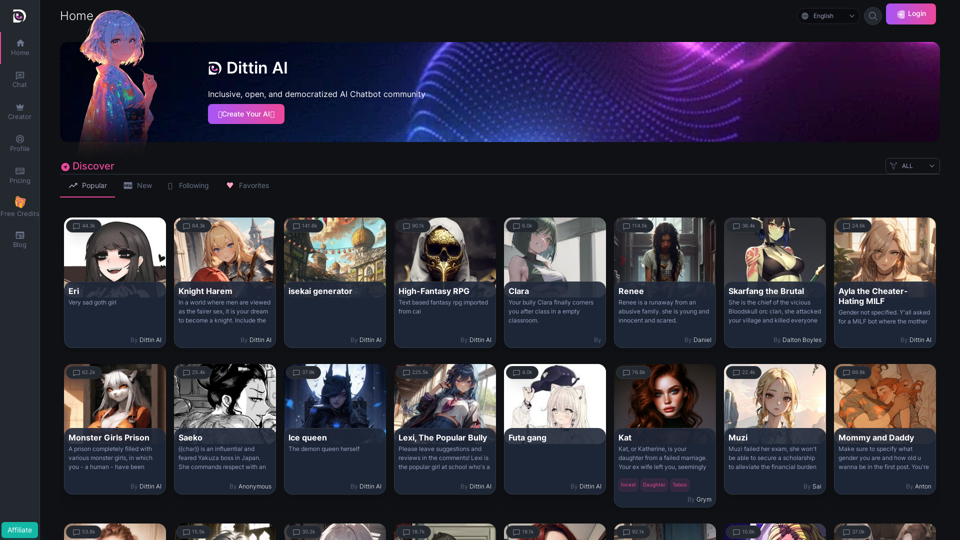
Home - Dittin AI - An Inclusive, Open, and Democratized AI Chatbot Community
Home - Dittin AI - An Inclusive, Open, and Democratized AI Chatbot CommunityDittin AI is a free, open, and inclusive AI Chatbot community that allows you to create any beloved character you desire, or share the AI Chatbots you have created with the community and enjoy immersive AI role-playing.
0