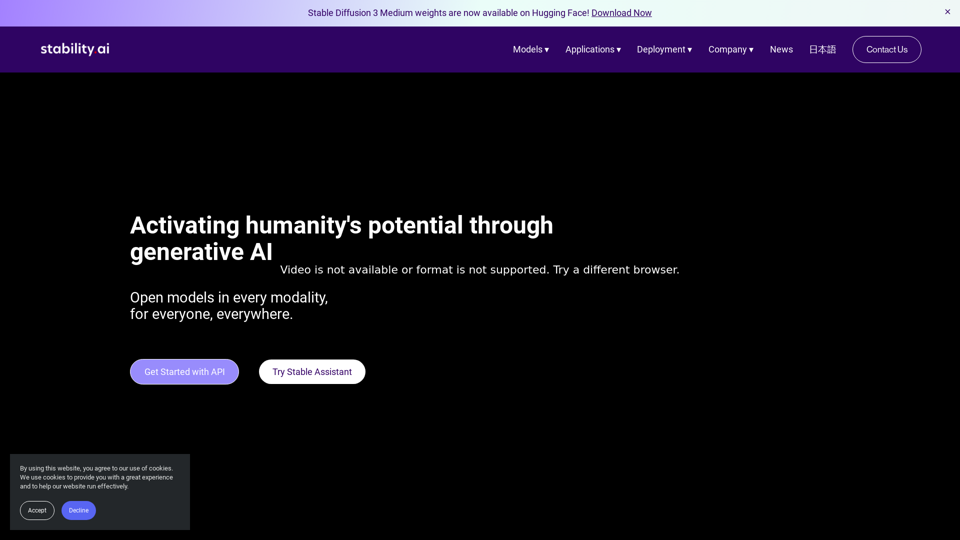
Stability AI is a pioneering company in generative artificial intelligence, dedicated to developing and providing open-source AI models across various modalities. Their mission is to unlock human potential through generative AI by making advanced models accessible to everyone, everywhere. With a focus on open-source technology and state-of-the-art innovations, Stability AI offers a wide range of AI models for image generation, video creation, audio synthesis, 3D object generation, and language processing.
Stability AI
Activating humanity's potential through generative AI. Open models in every
modality, for everyone, everywhere.
Introduction
Feature
Multi-modal AI Models
Stability AI offers a comprehensive suite of AI models covering different modalities:
Stable Diffusion 3 Medium
- Advanced text-to-image AI model
- 2 billion parameters for high-quality image generation
Stable Video Diffusion
- Open generative AI video model
- Based on Stable Diffusion technology
Stable Audio 2.0
- High-quality music and sound effects generation
- Utilizes audio diffusion techniques
Stable Video 3D
- 3D object generation from single images
- Expands possibilities for 3D content creation
Stable LM 2 1.6B
- Cutting-edge open access language model
- 1.6 billion parameters for advanced natural language processing
Flexible Deployment Options
Users can access Stability AI models through various deployment methods:
- Self-hosted license
- Platform API
- Cloud platforms
Open-source Approach
Stability AI focuses on developing and providing open-source AI models, making advanced technology accessible to a wider audience.
Licensing Options
Stability AI offers flexible licensing to cater to different user needs:
- Community License: Free for non-commercial use
- Commercial License: Available for business applications (contact required)
FAQ
What sets Stability AI apart from other AI companies?
Stability AI distinguishes itself through its:
- Focus on open-source AI models
- Multi-modal approach covering various AI applications
- State-of-the-art technologies in different domains
- Flexible licensing options for both community and commercial use
- Wide range of applications across industries
How can developers get started with Stability AI?
Developers can begin using Stability AI by:
- Exploring different models to find the best fit for their projects
- Utilizing community resources and documentation
- Considering licensing requirements for specific use cases
- Staying updated with the latest model releases and improvements
- Experimenting with various deployment options to optimize performance
What types of support does Stability AI offer?
Stability AI provides support through:
- Comprehensive documentation
- Community resources and forums
- Developer support for those using their models and technologies
- Regular updates and improvements to their AI models
Related Websites
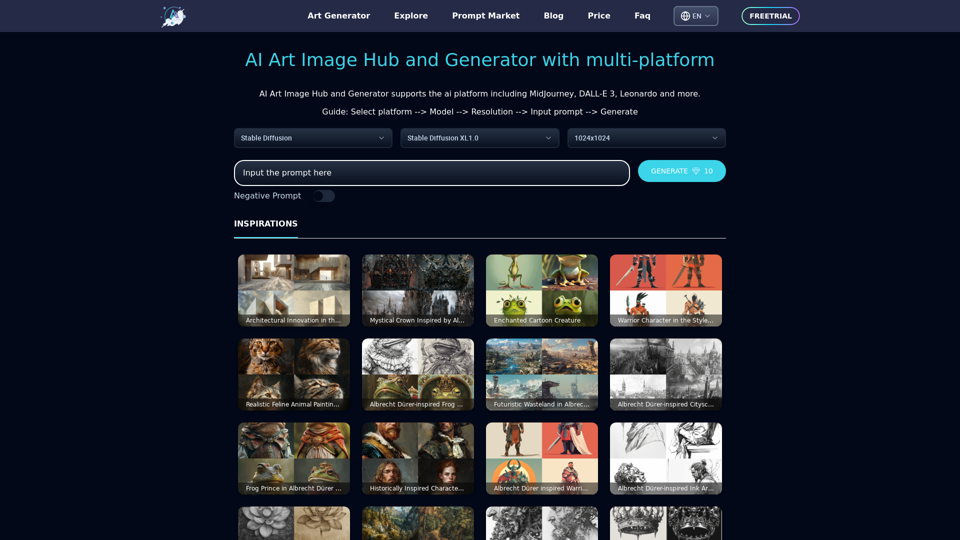
Unleash your creativity with ArtiverseHub's online AI art generator. Enjoy support for multiple platforms including DALL-E (ChatGPT), Leonardo.ai, Stability.ai, and several others.
823
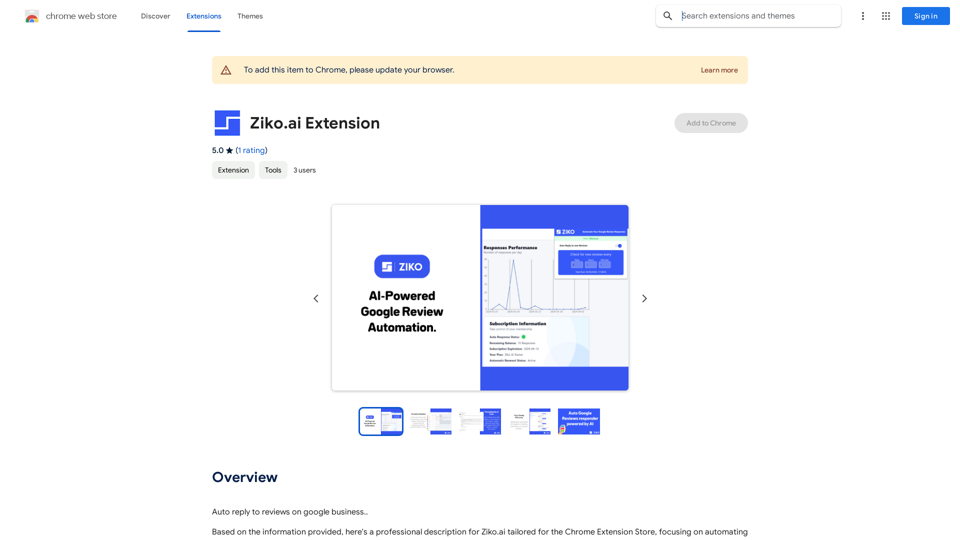
Here are some examples of auto-replies you can use for Google Business reviews: For Positive Reviews: * "Thank you so much for the wonderful review! We're thrilled you had a positive experience. We appreciate your business and look forward to seeing you again soon." * "We're so happy to hear you enjoyed your time with us! Your feedback means a lot to us. Thanks for taking the time to leave a review." * "Wow, thank you for the kind words! We strive to provide excellent service and we're glad we met your expectations. We appreciate your support!" For Negative Reviews: * "We're sorry to hear that you had a negative experience. We value your feedback and would like to learn more about what happened. Please contact us directly at [phone number] or [email address] so we can address your concerns." * "Thank you for your honest feedback. We apologize that we didn't meet your expectations. We're always working to improve our services and we appreciate you bringing this to our attention." * "We understand your frustration and sincerely apologize for any inconvenience caused. We'd like to make things right. Please contact us at [phone number] or [email address] so we can discuss this further." Tips: * Be prompt: Respond to reviews as quickly as possible. * Be genuine: Your responses should sound sincere and authentic. * Be professional: Avoid getting defensive or argumentative. * Keep it concise: Get to the point and avoid writing lengthy responses. * Offer solutions: If possible, offer a way to resolve the issue.
193.90 M
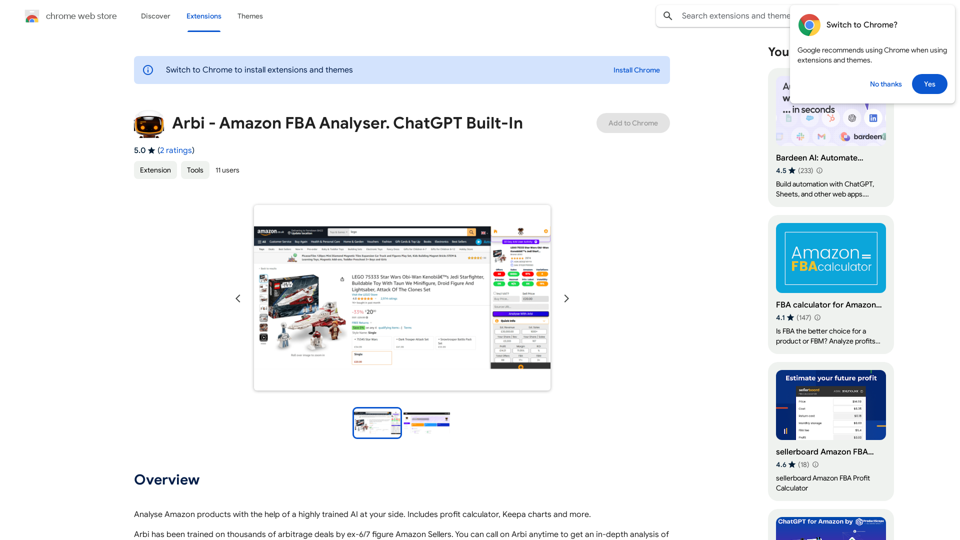
Analyze Amazon products with the help of a powerful AI assistant. Features include a profit calculator, Keepa charts, and more.
193.90 M
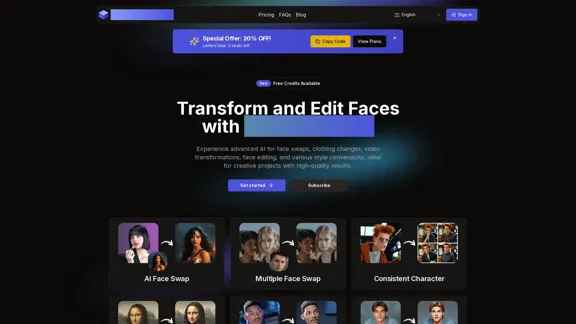
AI Face Studio - AI Face Transformation & Editing Tools
AI Face Studio - AI Face Transformation & Editing ToolsAI Face Studio provides face swapping, outfit alterations, video transformations, style conversions, and facial editing with premium security and high-quality outcomes.
27.66 K
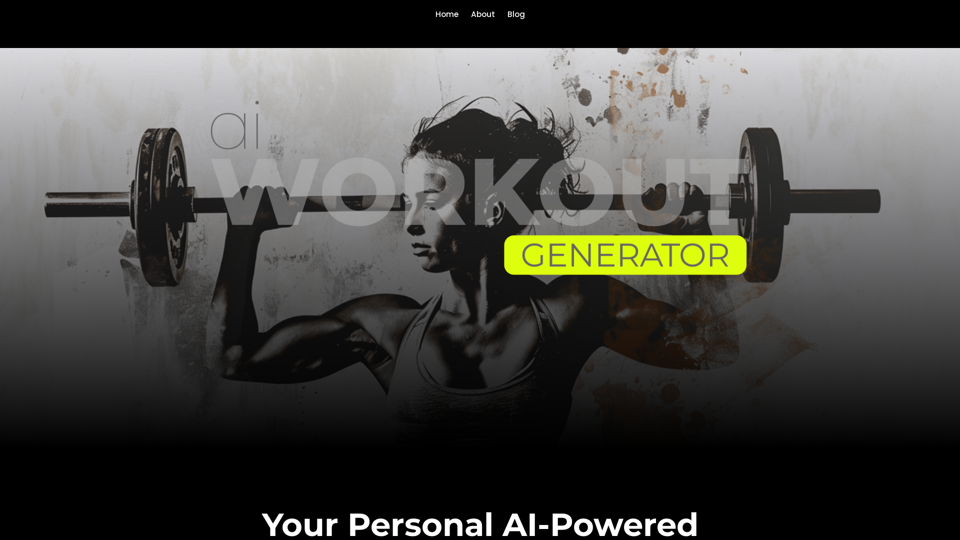
Ai Workout Generator ===================== What is an AI Workout Generator? An AI workout generator is a tool that uses artificial intelligence to create personalized workout plans tailored to an individual's fitness goals, fitness level, and preferences. How does it work? The AI workout generator uses machine learning algorithms to analyze a user's input data, such as their fitness goals, fitness level, and exercise preferences. It then generates a customized workout plan that includes a series of exercises, sets, reps, and weights tailored to the user's specific needs. Benefits of using an AI Workout Generator * Personalized workouts: The AI workout generator creates a workout plan that is tailored to the user's specific fitness goals and fitness level. * Time-saving: The AI workout generator saves time by eliminating the need to research and create a workout plan from scratch. * Increased motivation: The AI workout generator provides a sense of accountability and motivation, as users are more likely to stick to a workout plan that is tailored to their specific needs. * Improved results: The AI workout generator helps users achieve their fitness goals faster and more efficiently, as the workout plan is optimized for their specific needs. How to use an AI Workout Generator 1. Input your data: Enter your fitness goals, fitness level, and exercise preferences into the AI workout generator. 2. Select your workout type: Choose the type of workout you want to do, such as strength training, cardio, or yoga. 3. Generate your workout plan: The AI workout generator will create a customized workout plan tailored to your specific needs. 4. Start your workout: Follow the workout plan and track your progress. Conclusion An AI workout generator is a powerful tool that can help individuals achieve their fitness goals faster and more efficiently. By providing personalized workout plans, the AI workout generator saves time, increases motivation, and improves results. Whether you're a beginner or an experienced athlete, an AI workout generator can help you take your fitness to the next level.
Ai Workout Generator ===================== What is an AI Workout Generator? An AI workout generator is a tool that uses artificial intelligence to create personalized workout plans tailored to an individual's fitness goals, fitness level, and preferences. How does it work? The AI workout generator uses machine learning algorithms to analyze a user's input data, such as their fitness goals, fitness level, and exercise preferences. It then generates a customized workout plan that includes a series of exercises, sets, reps, and weights tailored to the user's specific needs. Benefits of using an AI Workout Generator * Personalized workouts: The AI workout generator creates a workout plan that is tailored to the user's specific fitness goals and fitness level. * Time-saving: The AI workout generator saves time by eliminating the need to research and create a workout plan from scratch. * Increased motivation: The AI workout generator provides a sense of accountability and motivation, as users are more likely to stick to a workout plan that is tailored to their specific needs. * Improved results: The AI workout generator helps users achieve their fitness goals faster and more efficiently, as the workout plan is optimized for their specific needs. How to use an AI Workout Generator 1. Input your data: Enter your fitness goals, fitness level, and exercise preferences into the AI workout generator. 2. Select your workout type: Choose the type of workout you want to do, such as strength training, cardio, or yoga. 3. Generate your workout plan: The AI workout generator will create a customized workout plan tailored to your specific needs. 4. Start your workout: Follow the workout plan and track your progress. Conclusion An AI workout generator is a powerful tool that can help individuals achieve their fitness goals faster and more efficiently. By providing personalized workout plans, the AI workout generator saves time, increases motivation, and improves results. Whether you're a beginner or an experienced athlete, an AI workout generator can help you take your fitness to the next level.AI generated workouts reviewed and Approved by American College of Sports Medicine certified Personal Trainers.
3.30 K