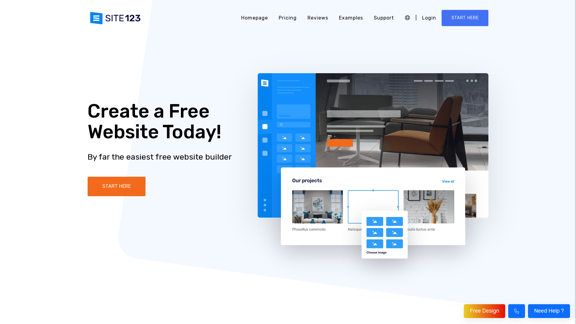
SITE123 is a user-friendly website builder that enables users to create professional websites quickly and easily. It offers a range of features including an intuitive editor, mobile-friendly design, free hosting, SEO tools, custom domains, and e-commerce capabilities. The platform is designed to be accessible to users with no coding experience, making it an ideal solution for beginners and small businesses looking to establish an online presence.
Free Website Builder 100% Off | Create a Free Website - SITE123
Create a free website with SITE123. No design or coding skills needed. SITE123 is the simplest free website builder by far. Make your website now!
Introduction
Feature
Easy-to-Use Website Editor
- Intuitive interface for effortless website creation
- No coding skills required
- More efficient than traditional drag-and-drop builders
- Complete website setup in less than an hour
Mobile-Friendly Design
- Responsive web design ensures optimal viewing on all devices
- Automatic adjustment for various screen sizes
Free Hosting and CDN
- Secure and reliable hosting provided at no cost
- Content Distribution Network (CDN) for faster loading times
SEO Optimization Tools
- Built-in tools to improve search engine visibility
- Helps drive organic traffic to your website
Domain Options
- Free subdomain provided for all users
- Option to connect a custom domain (paid feature)
E-commerce Functionality
- Create and manage an online store
- Sell products globally through your website
Comprehensive Support
- 24/7 live chat support available
- Guidance provided throughout the website creation process
FAQ
What are the pricing options for SITE123?
SITE123 offers a free plan with basic features. For users who want to connect a custom domain, plans start at $10.8 per month with an annual subscription.
Do I need coding skills to use SITE123?
No, SITE123 is designed to be user-friendly and does not require any coding skills. The intuitive interface allows you to create a professional website without technical expertise.
Can I sell products through a SITE123 website?
Yes, SITE123 offers e-commerce capabilities that allow you to create an online store and sell products globally.
How long does it take to create a website with SITE123?
The entire process of creating a website with SITE123 can be completed in less than an hour, allowing you to establish your online presence quickly.
Is customer support available for SITE123 users?
Yes, SITE123 provides 24/7 live chat support and offers guidance throughout the website creation process.
Latest Traffic Insights
Monthly Visits
611.72 K
Bounce Rate
41.28%
Pages Per Visit
4.35
Time on Site(s)
222.90
Global Rank
67523
Country Rank
United States 71213
Recent Visits
Traffic Sources
- Social Media:1.87%
- Paid Referrals:0.81%
- Email:0.10%
- Referrals:6.68%
- Search Engines:46.34%
- Direct:44.20%
Related Websites
Save any webpage with one click and explore it with AI. Quickly get the main points with AI summaries and find new understandings with AI-powered question and answer.
47.24 K
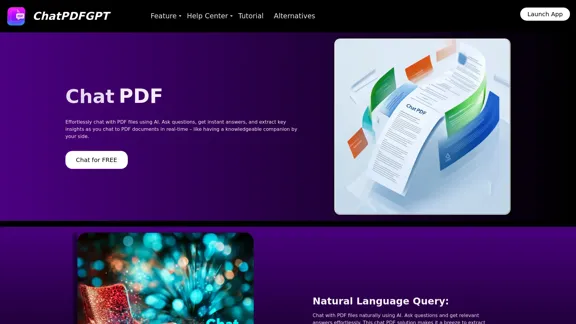
Here is the English translation: Engage PDFs. Read, analyze, summarize, translate. Chat to PDF, ask. Chat with PDF, gain insights. For students, professionals, researchers - on any device.
341
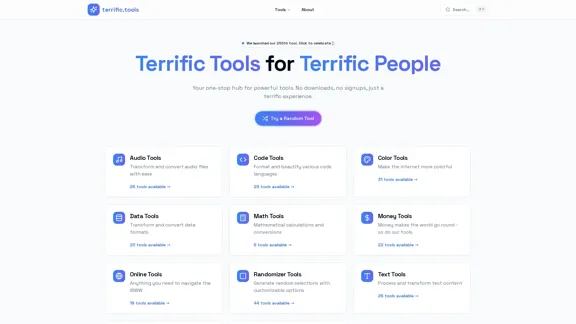
A modern collection of free, browser-based tools for everyone. Transform images, convert audio, format code, and much more.
52.91 K
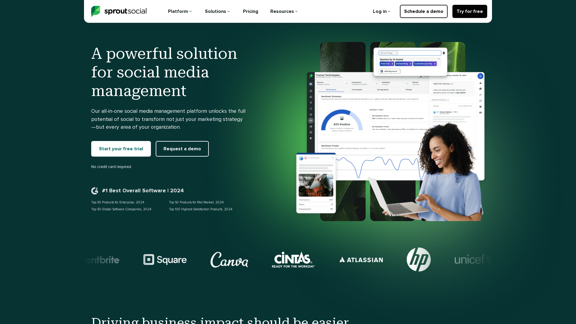
Reimagine how social media can boost your business with Sprout Social. Experience our social media management tools firsthand. Begin your free trial today.
1.75 M
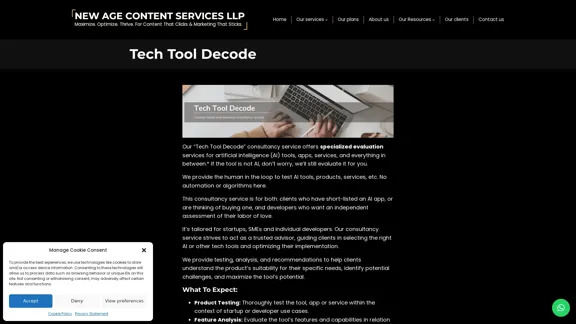
Our "Tech Tool Decode" consultancy service offers specialized evaluation services for artificial intelligence (AI) tools, apps, services, and everything in between.* If the tool is not AI, don't worry, we'll still evaluate it for you. We provide the human in the loop to test AI tools, products, services, etc. No automation or algorithms here. This
0
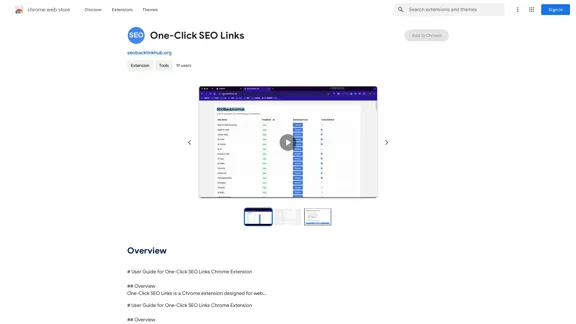
# User Guide for One-Click SEO Links Chrome Extension ## Overview One-Click SEO Links is a Chrome extension designed for web developers and SEO professionals. It allows users to quickly generate and copy various SEO-related links for the current webpage with just one click. ## Features - Generate and copy Google Cache link - Generate and copy Google Index link - Generate and copy Wayback Machine link - Generate and copy PageSpeed Insights link - Generate and copy Mobile-Friendly Test link - Generate and copy Rich Results Test link ## Installation 1. Open the Chrome Web Store 2. Search for "One-Click SEO Links" 3. Click "Add to Chrome" 4. Confirm the installation when prompted ## How to Use 1. Navigate to the webpage you want to analyze 2. Click on the One-Click SEO Links extension icon in your Chrome toolbar 3. Select the desired link type from the dropdown menu 4. The link will be automatically copied to your clipboard 5. Paste the link into your desired location (e.g., browser address bar, document, etc.) ## Troubleshooting If you encounter any issues: - Ensure you have the latest version of the extension installed - Try refreshing the webpage - Restart your Chrome browser - If problems persist, please contact our support team ## Privacy Policy We do not collect or store any personal data. The extension only accesses the current tab's URL to generate the SEO links. ## Feedback and Support For feedback, suggestions, or support, please email us at [email protected] or visit our website www.oneclickseolinks.com. Thank you for using One-Click SEO Links!
193.90 M