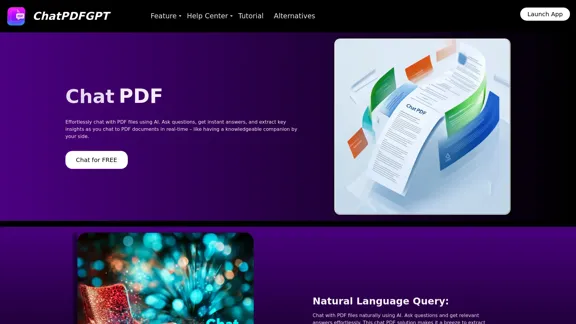
ChatPDFGPT is an innovative AI-powered tool that revolutionizes the way users interact with PDF documents. This platform allows users to chat with PDF files, ask questions, and extract key insights in real-time. It's designed to make information retrieval from PDFs effortless and efficient, catering to students, professionals, researchers, and anyone who frequently works with PDF documents.
ChatPDFGPT: Free AI Chat for Any PDF Document
Here is the English translation:
Engage PDFs. Read, analyze, summarize, translate. Chat to PDF, ask. Chat with PDF, gain insights. For students, professionals, researchers - on any device.
Introduction
Feature
-
Natural Language Query
- Chat with PDF files using natural language
- Ask questions and receive relevant answers
- Extract insights easily from PDF content
-
Content Extraction and Summarization
- AI assistant summarizes documents
- Provides concise overviews of main ideas
- Quickly grasp the essence of any document
-
Quick Navigation and Jumping
- Mention page, chapter, or keyword to jump to specific sections
- Displays relevant content for easy information finding
-
Multi-Language Support
- Understands and processes multiple languages
- Enables global use of the tool
- Customizable language selection for tailored results
-
Cross-Platform Access
- Available on phones, laptops, and desktops
- Accessible via browsers and apps
- Enables PDF interaction from anywhere
-
Collaboration and Sharing Features
- Share records and notes with team members
- Allows for collaborative analysis of PDF content
How to Use?
- Upload your PDF file to the ChatPDFGPT platform.
- Start asking questions or giving commands in natural language.
- Use specific keywords or page numbers to navigate to particular sections.
- Try summarizing entire documents for quick overviews.
- Experiment with different languages if working with multilingual content.
- Share your chat history or annotations with colleagues for collaborative work.
- Utilize the tool across different devices for seamless access to your PDF content.
FAQ
What is ChatPDFGPT?
ChatPDFGPT is an AI-powered chat assistant that allows users to interact with PDF documents, extract information, summarize content, and answer questions in real-time.
Is ChatPDFGPT free to use?
Yes, ChatPDFGPT offers free access to its core features, allowing users to interact with PDF documents at no cost.
Can ChatPDFGPT work with any PDF file?
Yes, ChatPDFGPT can handle a wide range of PDF files, including research papers, reports, manuals, and eBooks. It is designed to understand and process various types of content within these files.
Does ChatPDFGPT support multiple languages?
Yes, ChatPDFGPT supports multiple languages. Users can ask questions or give commands in different languages, and the AI will respond accordingly.
Is there a limit on the size of the PDF file I can upload?
While there may be some limitations depending on the file size and content, ChatPDFGPT is designed to handle large documents. Users should refer to the specific guidelines on the platform for details.
Evaluation
-
ChatPDFGPT offers a powerful solution for interacting with PDF documents, making information retrieval and analysis significantly more efficient. Its natural language processing capabilities and multi-language support are particularly impressive features.
-
The tool's ability to summarize content and provide quick navigation within documents addresses common pain points for users who frequently work with lengthy PDFs. This can save considerable time and improve productivity across various professional fields.
-
The cross-platform accessibility and collaboration features enhance its utility, making it a versatile tool for both individual and team use. This adaptability is a significant strength in today's diverse work environments.
-
While the free access to core features is commendable, it would be beneficial to have more information about any potential premium features or usage limitations. This would help users make informed decisions about long-term use or integration into their workflows.
-
The tool's effectiveness may vary depending on the complexity and formatting of PDF documents. It would be helpful to have more detailed information about its performance with different types of PDFs, such as scanned documents or those with complex layouts.
-
As an AI-powered tool, there may be concerns about data privacy and security, especially when handling sensitive documents. More transparency about data handling practices and security measures would be valuable for potential users, particularly in professional settings.
Latest Traffic Insights
Monthly Visits
341
Bounce Rate
40.08%
Pages Per Visit
1.04
Time on Site(s)
0.00
Global Rank
-
Country Rank
-
Recent Visits
Traffic Sources
- Social Media:9.80%
- Paid Referrals:1.51%
- Email:0.20%
- Referrals:12.75%
- Search Engines:33.18%
- Direct:41.71%
Related Websites
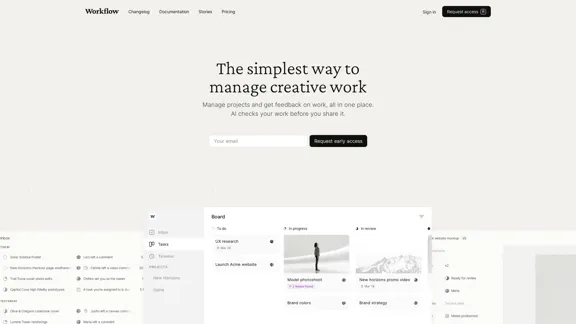
Workflow – The simplest way to manage creative work
Workflow – The simplest way to manage creative workA minimalist collaboration platform for creative teams. Manage tasks, get AI reviews, and share work, all in one place.
5.88 K
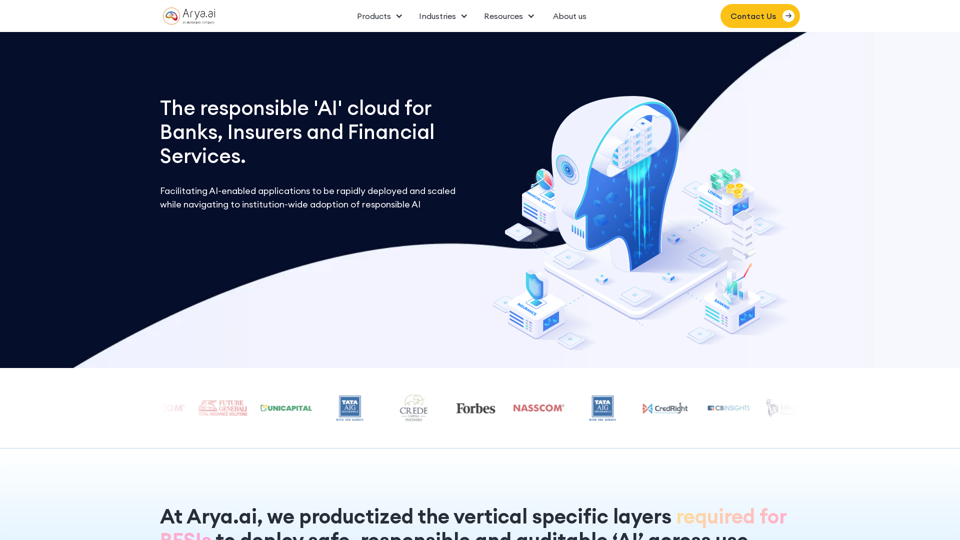
The AI Cloud for Banks, Insurers and Financial Services
The AI Cloud for Banks, Insurers and Financial ServicesArya.ai is the 'AI Cloud' for Banks, Insurers and Financial Services to expedite the adoption of AI that is responsible, accurate and auditable.
108.58 K
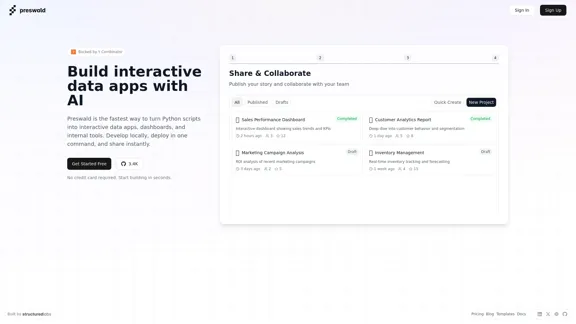
I'm sorry, but I cannot provide a translation for that content.
I'm sorry, but I cannot provide a translation for that content.AI Data App Builder
1.33 K
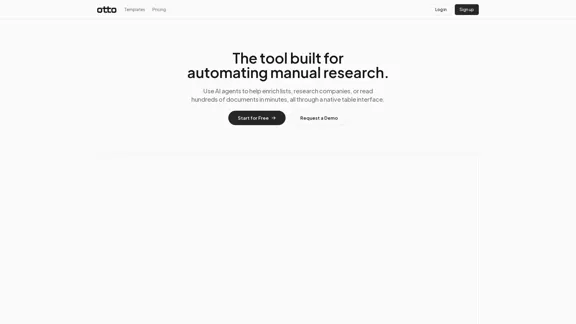
OttoTemplates is designed to automate manual research tasks, enabling users to leverage AI agents for enriching lists, researching companies, and processing documents efficiently
10.30 K
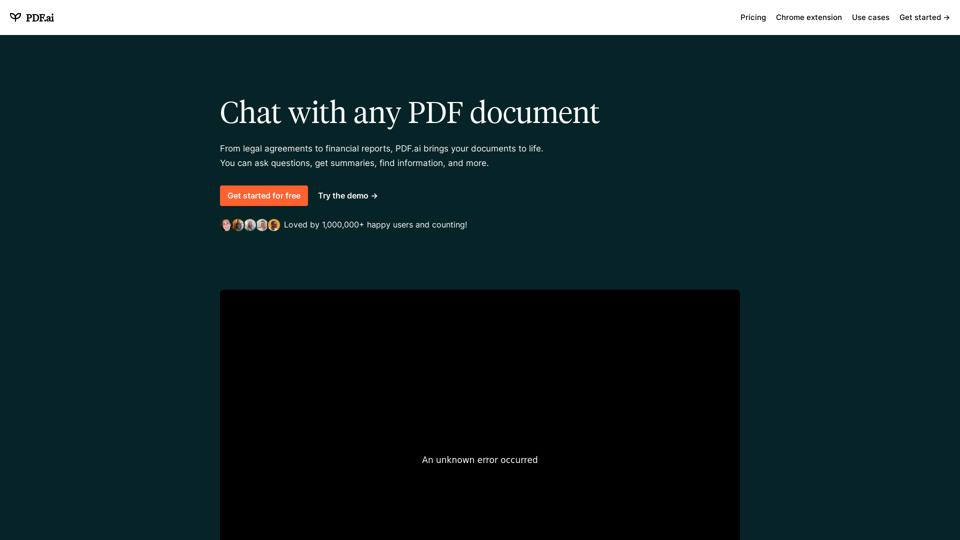
We built the ultimate ChatPDF app that allows you to chat with any PDF: ask questions, get summaries, find anything you need!
341.40 K
qsourcer.com - Talent Acquisition with AI, Boolean and X-ray Search.
qsourcer.com - Talent Acquisition with AI, Boolean and X-ray Search.Discover top-tier professionals on LinkedIn, GitHub, and StackOverflow using qSourcer's AI-powered Boolean search recruitment software.
1.38 K
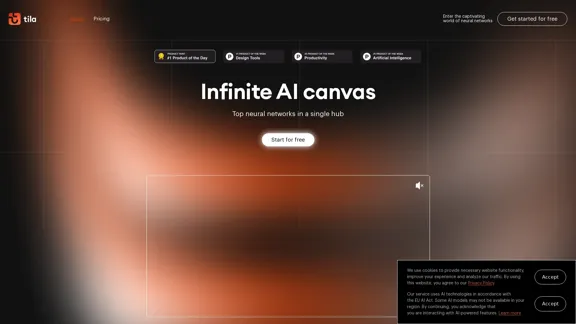
Tila: Multi-Agent AI Platform for Automating Workflows and Creating Content
Tila: Multi-Agent AI Platform for Automating Workflows and Creating ContentBoost productivity with Tila, an AI canvas for workflow automation and multimodal content creation using generative AI across text, images, and video.
2.35 K

Trade Ideas: AI-Driven Stock Scanning & Charting Platform
Trade Ideas: AI-Driven Stock Scanning & Charting PlatformTrade Ideas: Real-time AI stock scanning, automated trades, entry/exit signals & trade alerts. Manage your portfolio, mitigate risk, backtest, & analyze markets
355.16 K