Media Vault AI is an innovative AI-powered media curator and cloud storage solution tailored for generative AI. It offers a centralized platform for storing prompts, metadata, and media, enabling users to effortlessly search and comprehend their content. This tool is designed to enhance the creative process by maintaining relationships between prompts and outputs, providing intelligent curation, and offering powerful analytics capabilities.
Media Vault AI | Your AI-Powered Media Curator and Cloud Storage Solution
Media Vault AI is your comprehensive solution for media storage, curation, and analysis. Seamlessly integrating with your favorite generative AI tools, our platform provides AI-powered file naming, tagging, and unique folder structures, a powerful semantic search feature, and insightful analytics tools. Visit Discord today for early access.

Introduction
Feature
Intelligent Media Curation
Media Vault AI expertly manages your media assets, preserving the connections between prompts and outputs. This feature allows users to:
- Better understand their creative processes
- Make informed decisions based on past work
- Easily track the evolution of their projects
Semantic Search
The platform offers an advanced AI chat function for interacting with your data:
- Cross-platform search results related to media content
- Supports various media types: images, text, code, video, audio, and 3D
- Natural language queries for intuitive searching
Data Autonomy
Media Vault AI ensures complete control over your creative assets:
- Centralized storage for prompts, metadata, and media
- Minimizes risk of asset loss
- Builds file lineage for commercial applications of generative AI
Analytics
Unlock deeper insights into your creative process:
- Mine content for valuable information
- Learn about your creative patterns and tendencies
- Create feedback loops with downstream integrations
- Implement continuous improvement in AI tool interactions
User-Friendly Interface
The platform is designed for ease of use:
- Simple storage and management of generative AI tool outputs
- AI-powered curation for quick content discovery
- Intuitive organization of creative projects
FAQ
What is Media Vault AI?
Media Vault AI is an AI-powered media curator and cloud storage solution specifically designed for generative AI. It provides a centralized location to store prompts, metadata, and media, allowing users to easily search and understand their content.
How does Media Vault AI work?
Media Vault AI intelligently manages media by maintaining relationships between prompts and outputs. It uses AI-powered curation to organize content, offers semantic search capabilities, and provides analytics for deeper insights into the creative process.
What are the benefits of using Media Vault AI?
The key benefits include:
- Data autonomy and centralized storage
- Intelligent media curation
- Semantic search across various media types
- Analytics for process improvement
- Risk reduction in asset management
- Enhanced understanding of creative processes
Can Media Vault AI handle different types of media?
Yes, Media Vault AI supports various media types including images, text, code, video, audio, and 3D files. This versatility makes it suitable for a wide range of creative projects and generative AI applications.
Is Media Vault AI suitable for commercial applications?
Absolutely. Media Vault AI builds file lineage for commercial applications of generative AI, making it an excellent choice for businesses and professionals working with AI-generated content.
Related Websites
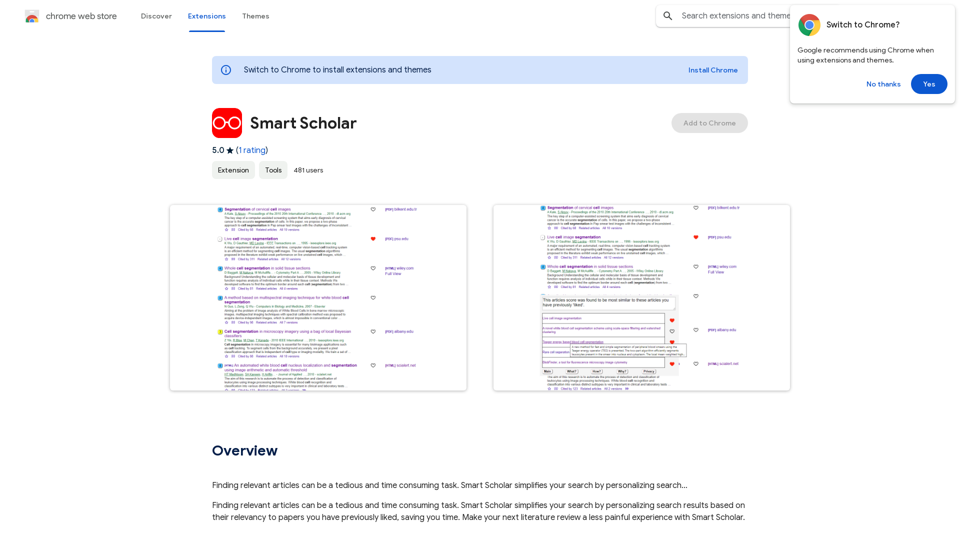
Finding relevant articles can be a tedious and time-consuming task. Smart Scholar simplifies your search by personalizing search results based on your interests and preferences.
193.90 M
HotBot: Smarter Answers. AI Made Easy. Ask Your Question Now.
HotBot: Smarter Answers. AI Made Easy. Ask Your Question Now.HotBot is AI made simple. We made searching the web better in 1996, and now we're making AI easier in 2024. Just type in your question and receive your answer, all powered by ChatGPT 4. HotBot is totally free to use and no sign-up is required.
708.64 K
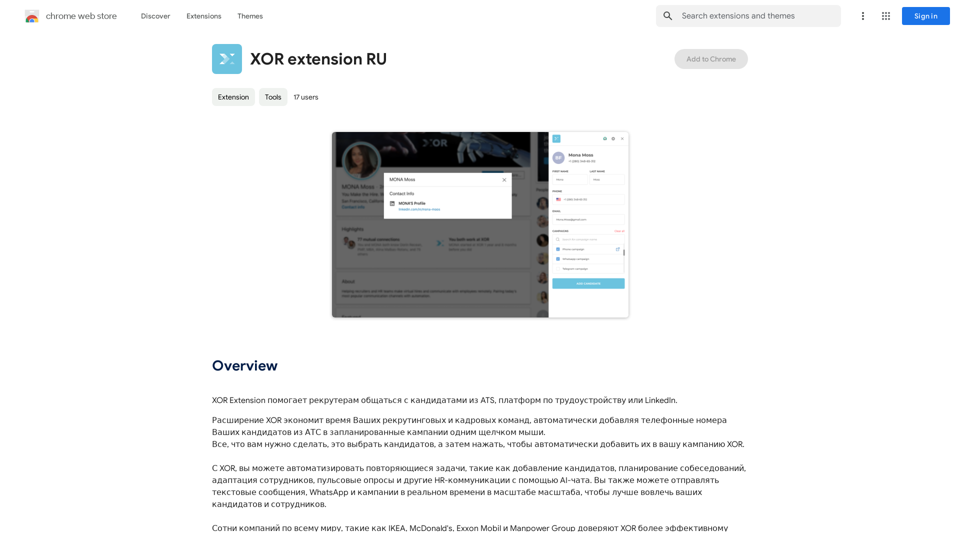
XOR Extension helps recruiters communicate with candidates from ATS, job boards, or LinkedIn.
193.90 M
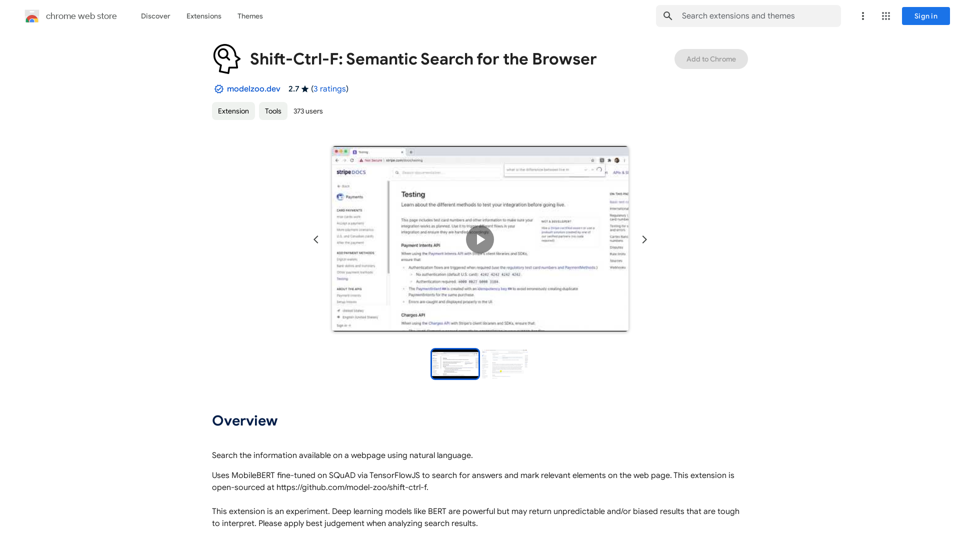

JuicyChat.Ai - Spicy NSFW Character AI Chat - AI Girlfriend
JuicyChat.Ai - Spicy NSFW Character AI Chat - AI GirlfriendJuicyChat.ai - Immerse yourself in provocative NSFW character AI conversations and indulge in the excitement of unrestricted, personal interactions with your AI partner.
11.47 M
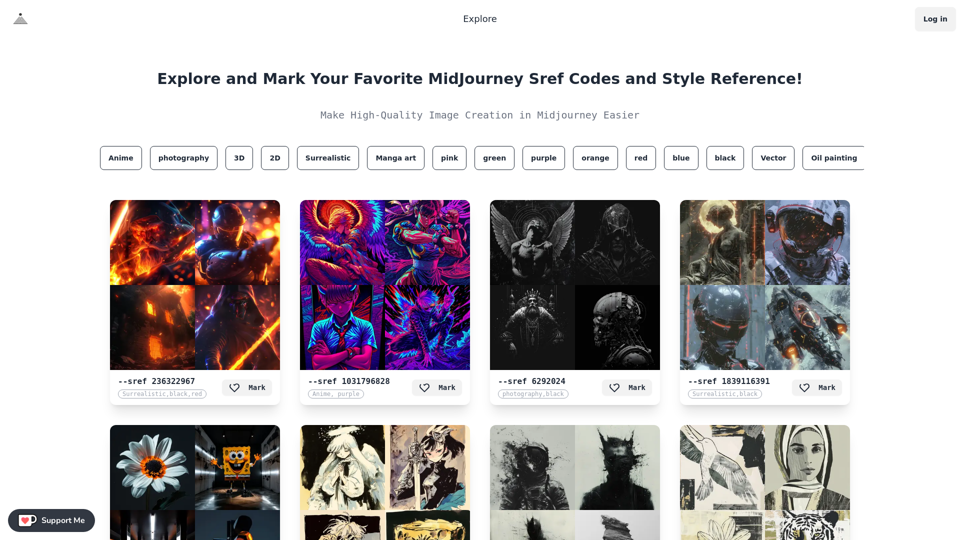
Midjourney SREF Codes Library for Style Reference What are SREF Codes? SREF codes are special text strings used in Midjourney to quickly and easily apply specific artistic styles to your image generations. How to Use SREF Codes: Simply add an SREF code to your Midjourney prompt. For example: `/imagine a majestic dragon, SREF:cyberpunk` SREF Code Library: This library contains a collection of SREF codes categorized by style. * Art Styles: * `photorealistic`: Creates images with high levels of realism. * `impressionistic`: Captures the essence of a scene with loose brushstrokes and vibrant colors. * `cubist`: Breaks down objects into geometric shapes. * `surrealist`: Creates dreamlike and fantastical images. * `abstract`: Focuses on form, color, and composition rather than representational imagery. * Visual Effects: * `cinematic`: Gives images a cinematic look and feel. * `HDR`: Creates images with high dynamic range, resulting in greater detail and contrast. * `neon`: Adds vibrant neon lights to the image. * `pixel art`: Generates images in a retro pixel art style. * Other Styles: * `anime`: Creates images in the style of Japanese animation. * `manga`: Similar to anime, but with a more comic book aesthetic. * `sketch`: Generates images that resemble pencil sketches. * `watercolor`: Creates images with the look and feel of watercolor paintings. Note: This is just a small sample of the many SREF codes available. Explore and Experiment: The best way to learn about SREF codes is to experiment with them! Try combining different codes to create unique and interesting styles.
Midjourney SREF Codes Library for Style Reference What are SREF Codes? SREF codes are special text strings used in Midjourney to quickly and easily apply specific artistic styles to your image generations. How to Use SREF Codes: Simply add an SREF code to your Midjourney prompt. For example: `/imagine a majestic dragon, SREF:cyberpunk` SREF Code Library: This library contains a collection of SREF codes categorized by style. * Art Styles: * `photorealistic`: Creates images with high levels of realism. * `impressionistic`: Captures the essence of a scene with loose brushstrokes and vibrant colors. * `cubist`: Breaks down objects into geometric shapes. * `surrealist`: Creates dreamlike and fantastical images. * `abstract`: Focuses on form, color, and composition rather than representational imagery. * Visual Effects: * `cinematic`: Gives images a cinematic look and feel. * `HDR`: Creates images with high dynamic range, resulting in greater detail and contrast. * `neon`: Adds vibrant neon lights to the image. * `pixel art`: Generates images in a retro pixel art style. * Other Styles: * `anime`: Creates images in the style of Japanese animation. * `manga`: Similar to anime, but with a more comic book aesthetic. * `sketch`: Generates images that resemble pencil sketches. * `watercolor`: Creates images with the look and feel of watercolor paintings. Note: This is just a small sample of the many SREF codes available. Explore and Experiment: The best way to learn about SREF codes is to experiment with them! Try combining different codes to create unique and interesting styles.Explore a list of 177 unique Midjourney sref codes and style references to find your perfect Midjourney sref code effect.
149.96 K

BEXI.ai - Humanize AI Text | Free AI Humanizer Tool for Natural Language
BEXI.ai - Humanize AI Text | Free AI Humanizer Tool for Natural LanguageBEXI.ai is a free tool for making AI-generated text more natural and undetectable. With support for multiple languages and customizable styles, BEXI.ai helps you easily create engaging, human-like content.
33.18 K
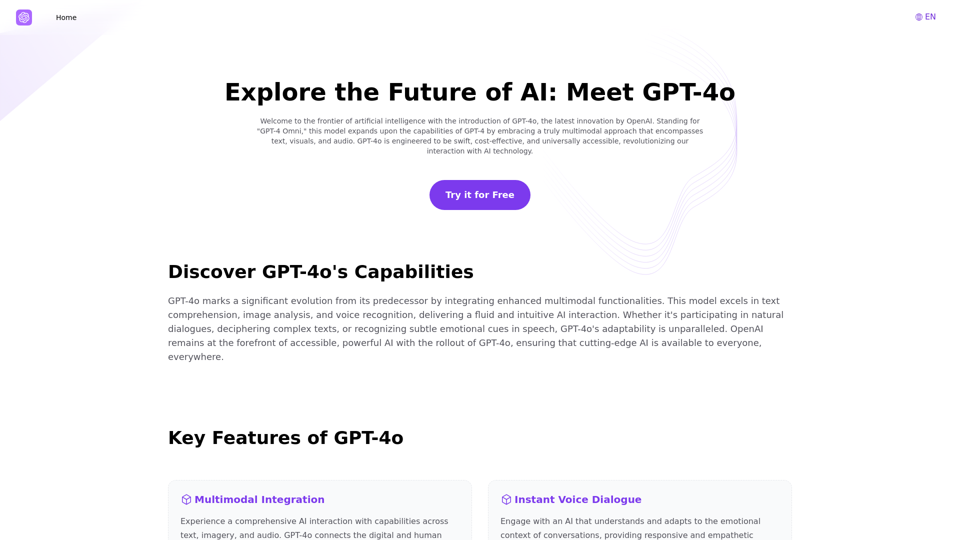
Explore GPT-4 for Free Online: OpenAI's Cutting-Edge Multimodal AI Platform
Explore GPT-4 for Free Online: OpenAI's Cutting-Edge Multimodal AI PlatformExplore the future of AI with GPT-4o, OpenAI's groundbreaking multimodal platform that interprets and generates text, visuals, and audio. Experience unparalleled speed, cost efficiency, and accessibility in AI technology. Dive into GPT-4o's capabilities and learn how it can revolutionize your interaction with AI. Perfect for tech enthusiasts, developers, and businesses aiming to enhance operational efficiency and engagement.
1.33 K