Smart Scholar is an AI-powered browser extension designed to streamline the process of finding relevant academic articles. By personalizing search results based on previously liked papers, it significantly reduces the time and effort required for literature reviews. This innovative tool caters to researchers, students, and academics, making scholarly searches more efficient and less daunting.
Smart Scholar
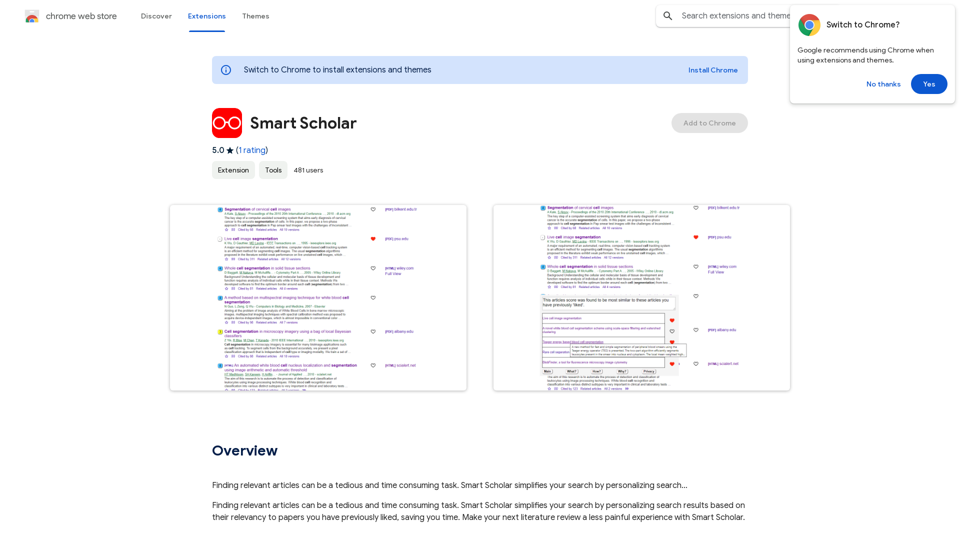
Finding relevant articles can be a tedious and time-consuming task. Smart Scholar simplifies your search by personalizing search results based on your interests and preferences.
Introduction
Feature
Personalized Search Results
Smart Scholar leverages AI technology to analyze user search history and preferences, delivering tailored article recommendations that align with individual research interests.
Time-Efficient Literature Review
By providing customized search results, Smart Scholar dramatically reduces the time spent on finding relevant articles, allowing users to focus on core research activities.
User-Friendly Interface
The extension boasts an intuitive design, making it easy to install and navigate. Users can seamlessly integrate Smart Scholar into their research workflow without a steep learning curve.
Cost-Free Access
Smart Scholar is available as a free extension, offering unrestricted access to its features without any subscription fees or hidden costs.
AI-Driven Article Analysis
The extension employs advanced AI algorithms to comprehend user preferences and deliver highly relevant search results, enhancing the overall research experience.
Continuous Learning
Smart Scholar adapts to user behavior over time, continuously improving its recommendations to provide increasingly accurate and useful search results.
FAQ
How does Smart Scholar function?
Smart Scholar utilizes AI technology to analyze your search history and provide personalized search results tailored to your research interests and preferences.
Is there a cost associated with using Smart Scholar?
No, Smart Scholar is completely free to use. There are no subscription fees or hidden costs associated with the extension.
How user-friendly is Smart Scholar?
Smart Scholar is designed with user experience in mind. It features an intuitive interface that makes installation and usage straightforward, allowing users to easily navigate and find the information they need.
Can Smart Scholar help me stay updated with recent research in my field?
Yes, by providing personalized search results based on your interests, Smart Scholar can help you discover the latest research articles relevant to your field of study.
Related Websites
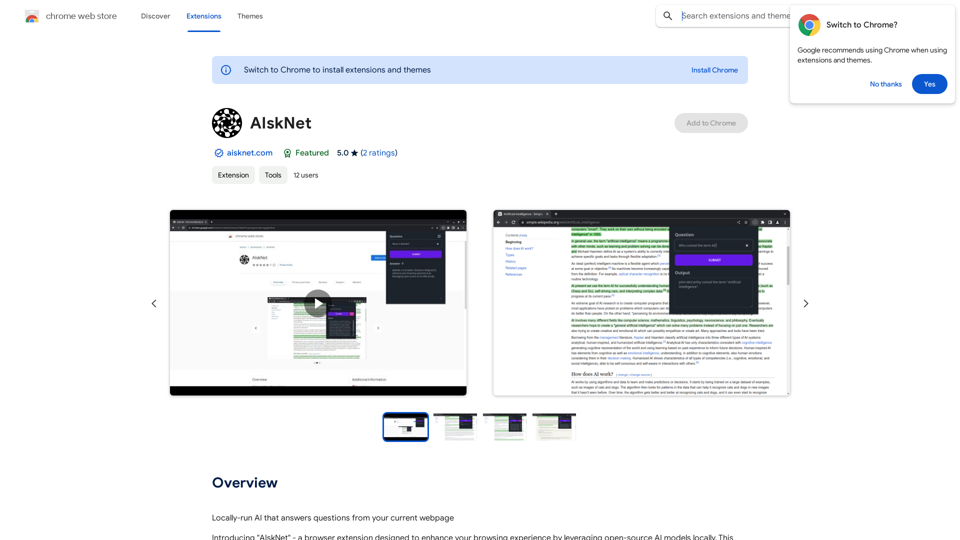
AI that runs on your computer and answers questions about the web page you are currently viewing.
193.90 M
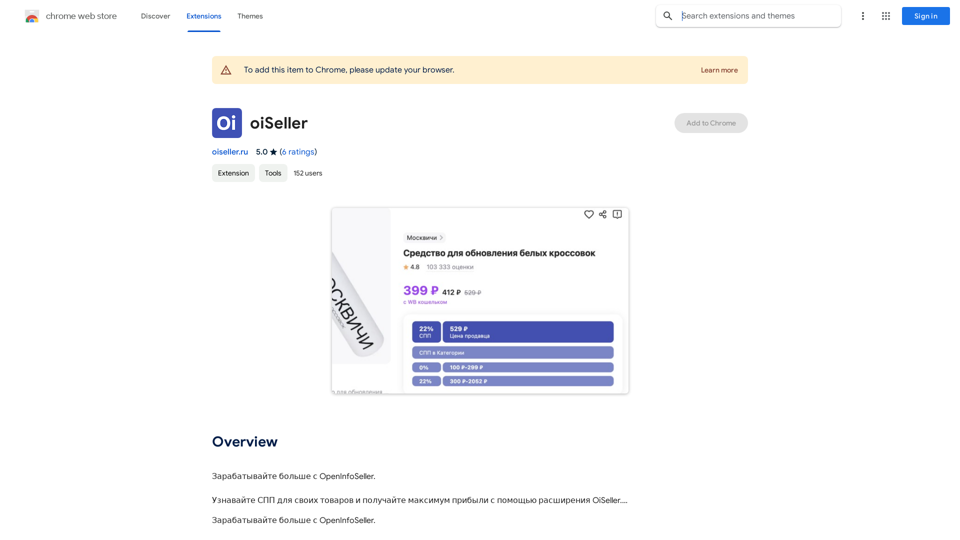
Earn more with OpenInfoSeller. Find SPP for your products and maximize your profits with the OiSeller extension...
193.90 M
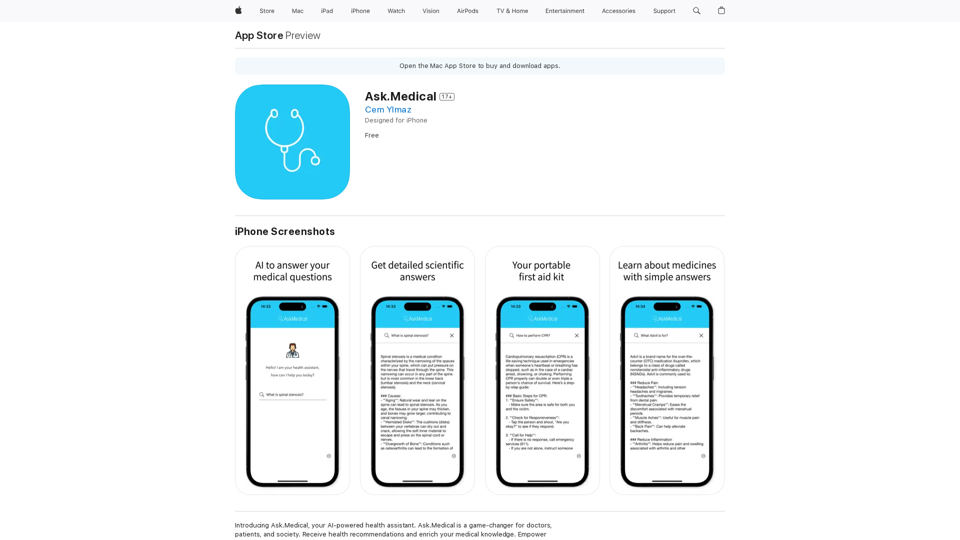
Introducing Ask.Medical, your AI-powered health assistant. Ask.Medical is a game-changer for doctors, patients, and society. Receive health recommendations and personalized guidance from a trusted and knowledgeable ally.
124.77 M

With just one URL link, you can quickly generate videos in multiple styles using AI. It supports secondary editing and ensures controllable results.
193.90 M
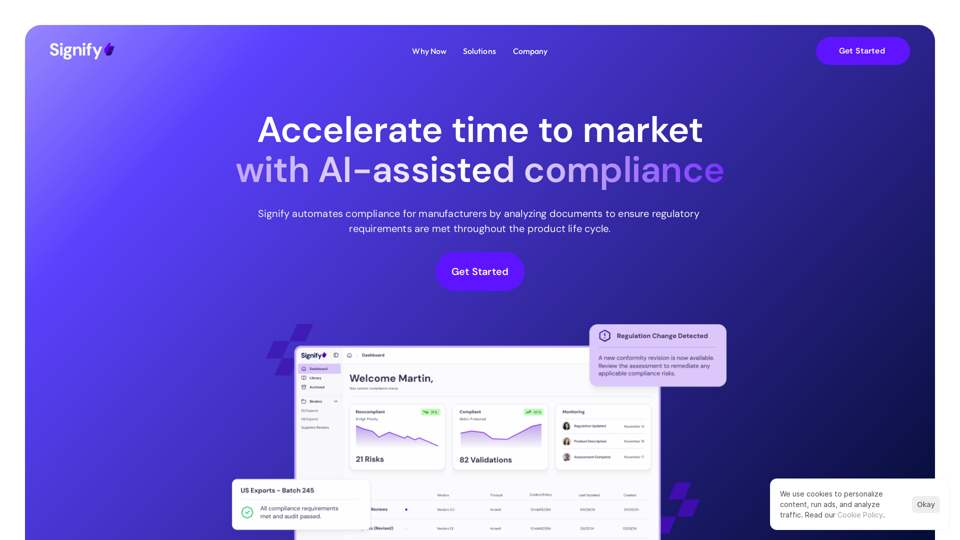
Signify - Compliance Management System for Manufacturing
Signify - Compliance Management System for ManufacturingSignify automates compliance for manufacturers by analyzing documents to ensure regulatory requirements are met throughout the product lifecycle.
3.17 K

Genspark Genspark is a technology company that provides AI-powered education and talent development solutions.
Genspark Genspark is a technology company that provides AI-powered education and talent development solutions.GenSpark GenSpark is a training program that focuses on providing skills and knowledge to individuals in the field of software development, data science, and other related technologies. The program aims to bridge the gap between the skills possessed by the students and the requirements of the industry.
8.76 M