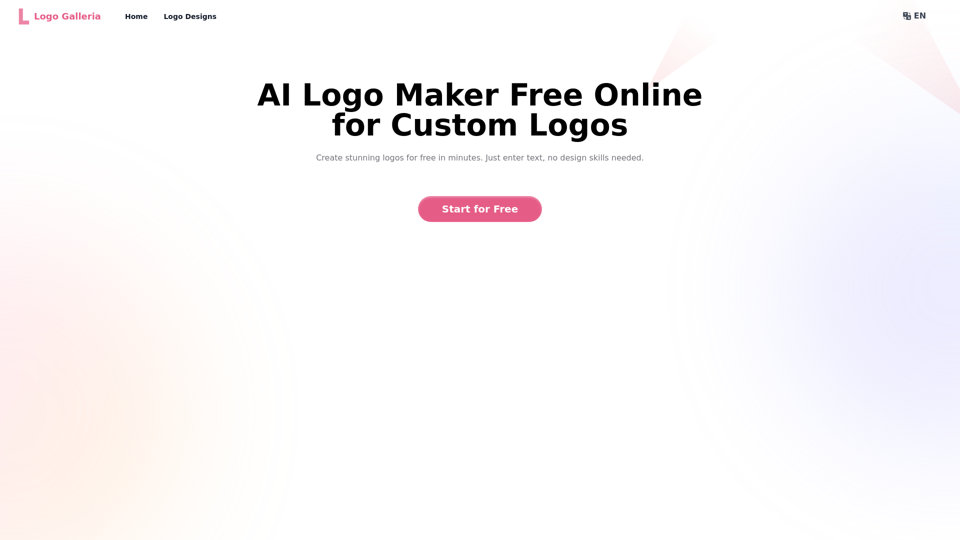
Logo Galleria is an innovative AI-powered logo creation platform that simplifies the process of designing professional and unique logos. It offers a user-friendly interface where businesses and individuals can generate high-quality, customizable logo designs quickly and affordably. The platform caters to various industries and design preferences, making it an ideal solution for startups, content creators, and established companies looking to rebrand.
Logo Galleria: AI Logo Maker Free Online
Discover how our AI logo maker can generate unique, professional logos quickly and affordably. With AI logo maker free online features, customizable designs, and watermark-free options, Logo Galleria offers the best solutions for startups, YouTube channels, and more.
Introduction
Feature
AI-Powered Logo Generation
Logo Galleria utilizes advanced artificial intelligence to create unique and professional logo designs based on user input, including business name, industry, and design preferences.
User-Friendly Interface
The platform offers an intuitive design process, allowing users to easily input their requirements and generate logos without needing graphic design skills.
Rapid Design Process
Users can create powerful logos in just one minute, significantly faster than traditional design methods.
Customization Options
The AI logo maker provides advanced customization features, enabling users to modify fonts, colors, layers, and other elements to perfect their logo design.
Watermark-Free Designs
Logo Galleria generates professional-quality logos without watermarks, ensuring a clean and polished final product.
Cost-Effective Solution
As a free online tool, Logo Galleria offers an affordable alternative to hiring premium graphic designers for logo creation.
Diverse Industry Support
The platform caters to a wide range of industries and branding needs, making it versatile for various business types.
High-Quality Output
Users can download their finalized logos in high-quality PNG format, suitable for immediate use across different mediums.
FAQ
What makes Logo Galleria different from traditional logo design tools?
Logo Galleria leverages AI technology to generate unique and professional logo designs quickly. Unlike traditional tools, it requires no design skills and can produce multiple concepts in minutes based on user input.
How does the AI logo generator work?
The AI logo generator analyzes user inputs such as business name, industry, and design preferences. It then uses this information to create tailored logo concepts that align with the user's requirements and industry trends.
Can I customize the logos created by Logo Galleria?
Yes, Logo Galleria offers advanced customization options. Users can modify fonts, colors, layers, and other elements to refine their logo design and ensure it perfectly matches their vision.
How can content creators benefit from Logo Galleria's YouTube logo maker AI?
Content creators can quickly design unique and professional logos for their YouTube channels using Logo Galleria. The tool understands the specific needs of video content branding, allowing creators to generate logos that stand out and represent their channel's theme effectively.
How does Logo Galleria ensure my logo is unique and not a copy of another design?
Logo Galleria's AI generates 100% unique logos based on the specific inputs provided by each user. The combination of business name, industry, design preferences, and AI-driven creativity ensures that each logo is original and tailored to the user's needs.
Can Logo Galleria help in creating logos for multiple business industries?
Yes, Logo Galleria is designed to cater to diverse branding needs across various industries. The AI is trained on a wide range of design trends and industry-specific elements, allowing it to generate appropriate logos for different business sectors.
How long does it take to generate a logo using Logo Galleria?
Logo Galleria can create powerful logos in just one minute, making it significantly faster than traditional design processes. This rapid generation allows users to quickly explore multiple design options.
Can logos created with Logo Galleria be used for commercial purposes?
Yes, logos created using Logo Galleria can be used for commercial purposes. The platform provides high-quality, watermark-free logos that are suitable for various business applications, including branding, marketing materials, and official documents.
Related Websites
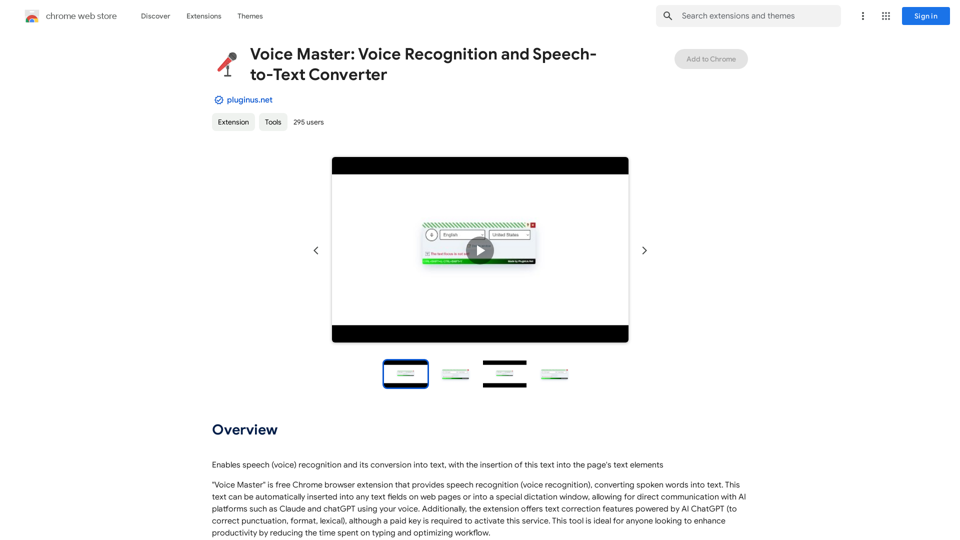
Voice Master: Voice Recognition and Speech-to-Text Converter
Voice Master: Voice Recognition and Speech-to-Text ConverterAllows you to speak and have your words recognized as text, which is then added to the text parts of the webpage.
193.90 M
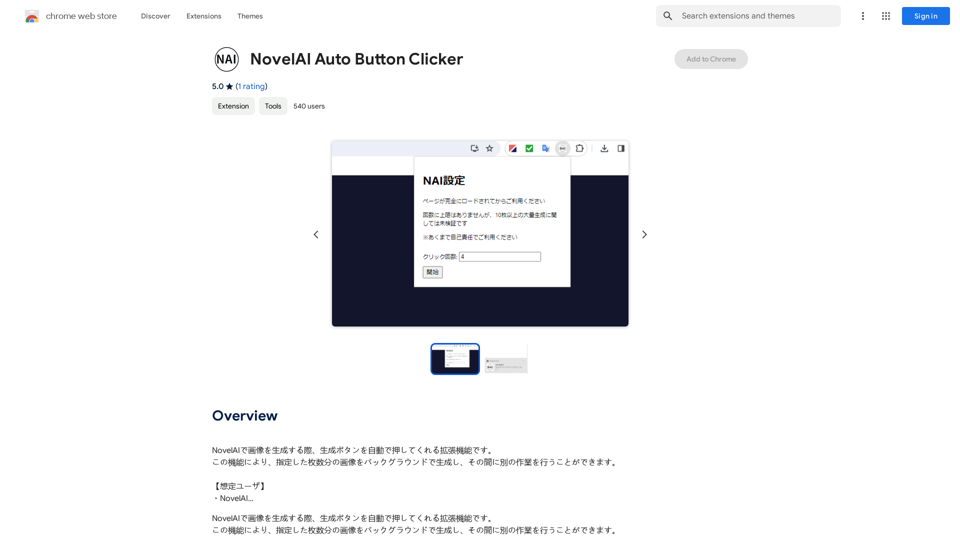
NovelAI Auto Button Clicker This is a tool designed to automate button clicks within the NovelAI web application. It can be used to: * Speed up repetitive tasks: Such as generating multiple story continuations or iterating through different story options. * Free up your time: Allow you to focus on other aspects of your writing process while the tool handles the clicking. * Improve efficiency: Reduce the amount of time and effort required to complete certain tasks in NovelAI. Disclaimer: This tool is intended for personal use only and should not be used to violate NovelAI's terms of service.
NovelAI Auto Button Clicker This is a tool designed to automate button clicks within the NovelAI web application. It can be used to: * Speed up repetitive tasks: Such as generating multiple story continuations or iterating through different story options. * Free up your time: Allow you to focus on other aspects of your writing process while the tool handles the clicking. * Improve efficiency: Reduce the amount of time and effort required to complete certain tasks in NovelAI. Disclaimer: This tool is intended for personal use only and should not be used to violate NovelAI's terms of service.This is an extension that automatically clicks the generate button when creating images in NovelAI. This feature allows you to generate a specified number of images in the background, allowing you to work on other tasks while the images are being created. 【Target Users】 ・NovelAI…
193.90 M
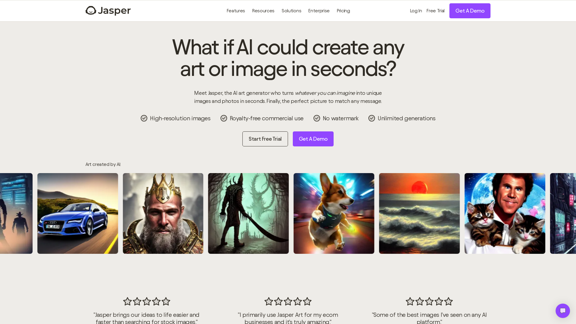
AI Art Generator | AI Image Generator - Jasper Art
AI Art Generator | AI Image Generator - Jasper ArtJasper Art is a new AI art generator that transforms your text prompt into stunning art and lifelike AI-generated images within seconds. Your AI artist produces the ideal picture to complement your message.
939.36 K
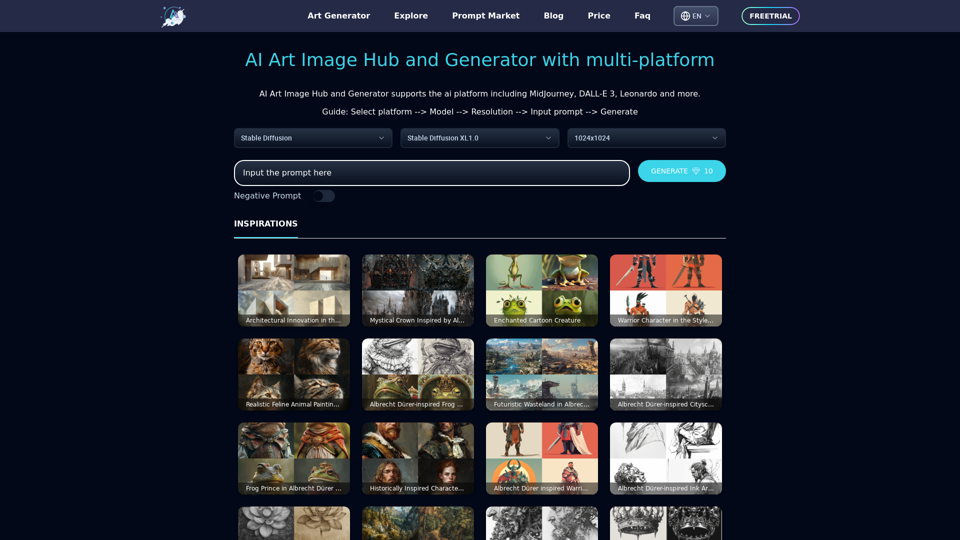
Unleash your creativity with ArtiverseHub's online AI art generator. Enjoy support for multiple platforms including DALL-E (ChatGPT), Leonardo.ai, Stability.ai, and several others.
823
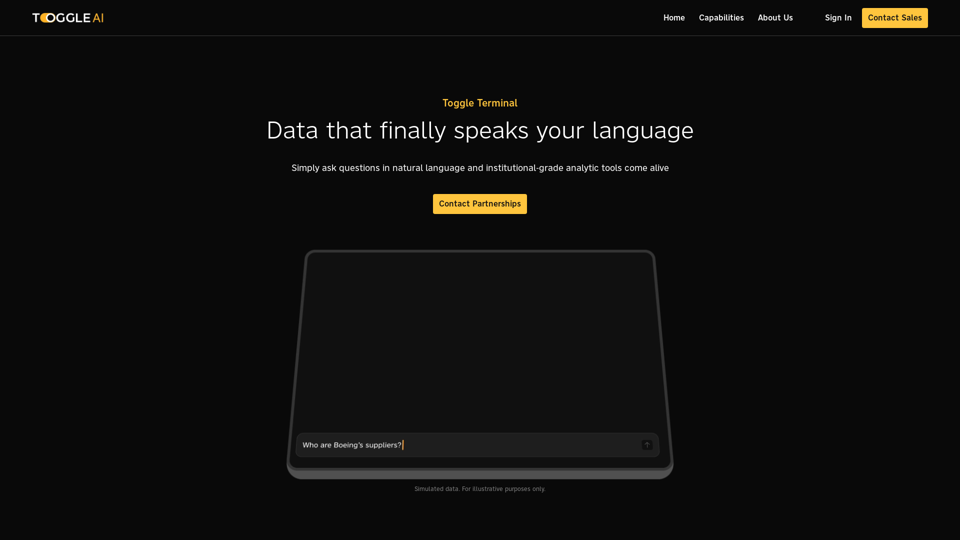
Toggle Terminal – Bring data to life with natural language
Toggle Terminal – Bring data to life with natural languageBid farewell to outdated terminals and cumbersome, antiquated interfaces. Our institutional-grade analytical tools spring into action, ready to serve you, simply by asking questions in everyday language.
0
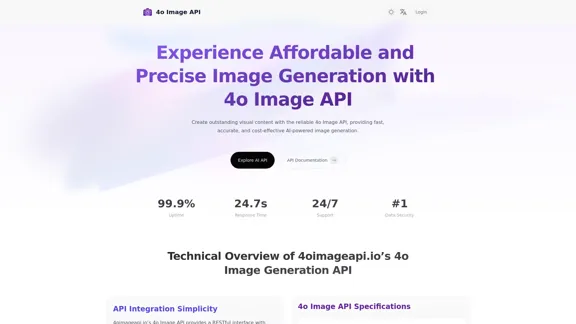
4o Image API: Affordable, Stable, and Versatile AI Image Generation
4o Image API: Affordable, Stable, and Versatile AI Image Generation4oimageapi.io’s 4o Image API provides affordable, stable, and accurate AI image generation, allowing creators to easily produce high-quality visuals. With features such as text-to-image and image-to-image transformations, along with a variety of artistic styles, it offers dependable and effective tools for creative projects.
0