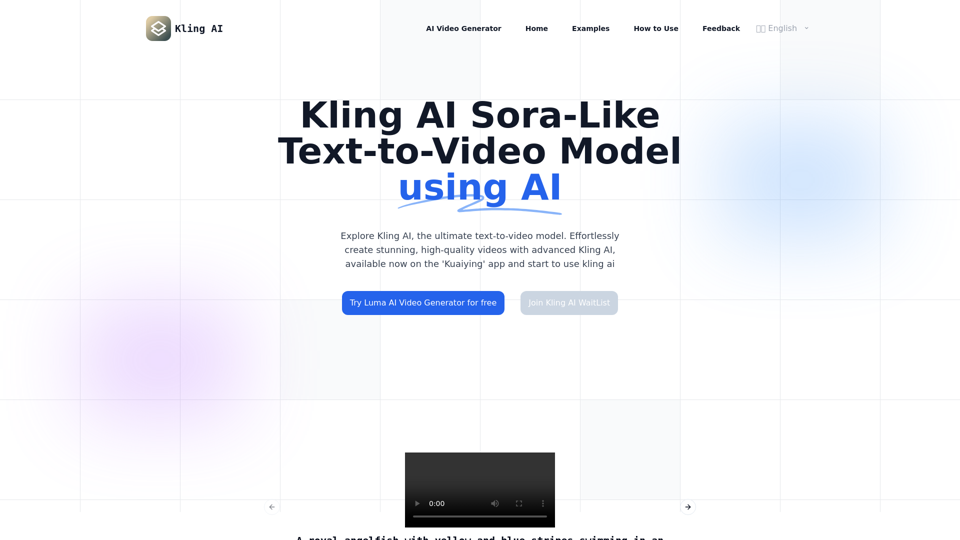
Kling AI is a state-of-the-art AI platform that revolutionizes video content creation. It employs advanced 3D spatiotemporal joint attention mechanisms to model complex motions, generating high-quality videos up to 2 minutes long. Kling AI simulates physical world characteristics, combines concepts creatively, and produces cinema-grade 1080p resolution videos with flexible aspect ratios.
Kling AI | KuaiShou Text-to-Video Generation Model
Discover Kling AI, a revolutionary Sora-like text-to-video model. Create stunning videos with advanced 3D mechanisms and cinema-grade quality.
Introduction
Feature
Large-Scale Reasonable Motion
- Utilizes 3D spatiotemporal joint attention mechanism
- Models complex spatiotemporal motions
- Generates video content with significant motion
- Adheres to motion rules
Extended Video Generation
- Generates videos up to 2 minutes long
- 30fps frame rate
- Efficient training infrastructure
- Extreme inference optimization
- Scalable architecture
Physical World Simulation
- Proprietary model architecture
- Inspired by Scaling Law
- Simulates real-world physical characteristics
- Generates videos conforming to physical laws
Concept Combination
- Deep understanding of text-to-video semantics
- Powerful Diffusion Transformer architecture
- Transforms imagination into concrete images
- Creates scenarios not existing in the real world
Cinema-Grade Video Quality
- Proprietary 3D VAE technology
- Generates 1080p resolution videos
- Vivid presentation of vast scenes and detailed close-ups
Flexible Aspect Ratios
- Variable resolution training strategy
- Outputs same content in various video aspect ratios
- Meets diverse video material usage scenarios
FAQ
What is Kling AI and how does it function?
Kling AI is a cutting-edge AI platform that:
- Uses advanced 3D spatiotemporal joint attention mechanisms
- Models complex motions
- Generates high-quality video content
- Supports up to 2-minute long videos at 30fps
- Simulates real-world physical characteristics
- Produces cinema-grade video with 1080p resolution
How can I use Kling AI?
- Currently available for beta testing on the 'Kuaiying' app
- Web version coming soon
- Steps to use:
- Download KuaiYing app
- Find AI Features marker in the app
- Choose the panda icon model (represents Kling AI)
What kind of videos can Kling AI generate?
Kling AI can generate:
- Videos with significant motion
- Up to 2 minutes in length
- Various aspect ratios
- Realistic physical characteristics
- Unique and imaginative scenarios
Can Kling AI create cinema-grade videos?
Yes, Kling AI generates:
- Cinema-grade videos with 1080p resolution
- Stunning visuals from expansive scenes to detailed close-ups
Is Kling AI capable of generating videos in different aspect ratios?
Yes, Kling AI supports:
- Flexible output video aspect ratios
- Variable resolution training strategy
- Meets diverse video content scenario needs
How does Kling AI handle complex concept combinations?
Kling AI uses:
- Deep understanding of text-to-video semantics
- Powerful Diffusion Transformer architecture
- Transforms imagination into concrete images
- Creates scenarios that don't exist in the real world
When will the web version of Kling AI be available?
- Currently under development
- Will launch after beta testing on 'Kuaiying' app is completed
Related Websites
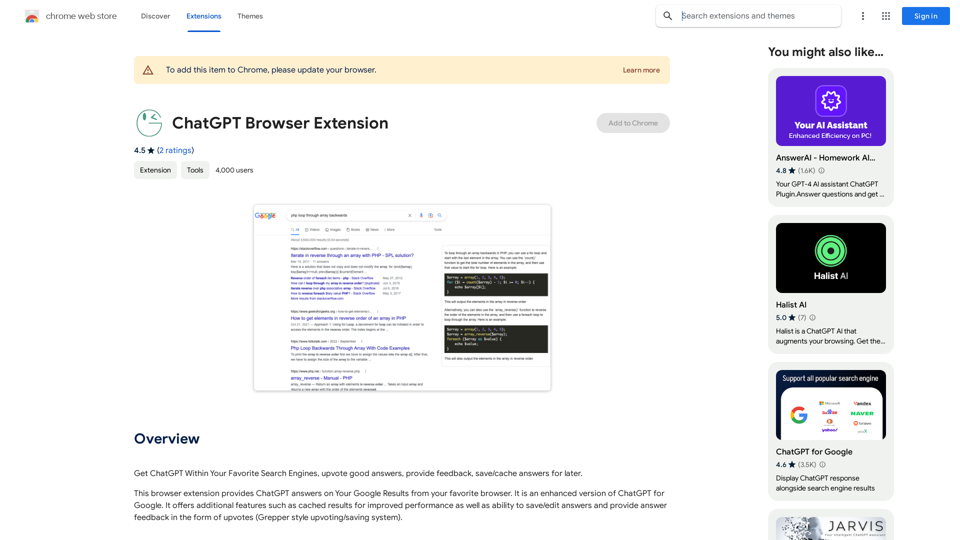
Use ChatGPT directly in your preferred search engines. Rate helpful answers, give feedback, and save or store answers for later use.
193.90 M
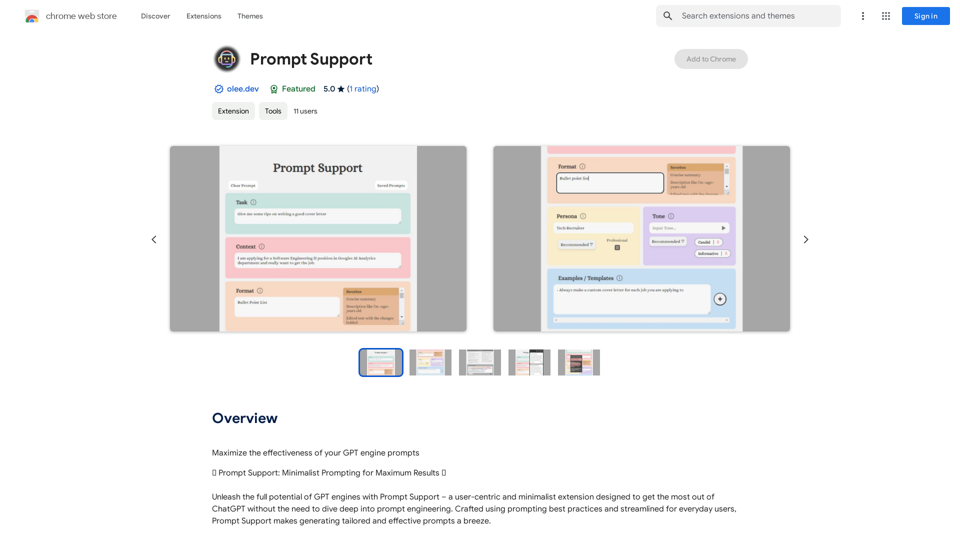
Maximize the Effectiveness of Your GPT Engine Prompts 1. Be Clear and Specific: * Instead of: "Write about dogs." * Try: "Write a 500-word essay about the history and characteristics of Golden Retrievers." 2. Provide Context: * Instead of: "Summarize this article." * Try: "Summarize the main arguments presented in this article about the impact of social media on teenagers." 3. Set the Tone and Style: * Instead of: "Write a story." * Try: "Write a humorous short story about a cat who thinks it's a dog." 4. Define the Desired Format: * Instead of: "Create a poem." * Try: "Write a rhyming sonnet about the beauty of a sunset." 5. Use Examples: * Instead of: "Generate some creative writing ideas." * Try: "Generate some creative writing ideas similar to the style of Edgar Allan Poe." 6. Break Down Complex Tasks: * Instead of: "Write a business plan." * Try: * "Outline the key components of a business plan for a new coffee shop." * "Write a section of the business plan focusing on the target market." 7. Refine Your Prompts: * Experiment with different wording: See what yields the best results. * Iterate on your prompts: Build upon previous responses to get closer to your desired outcome. By following these tips, you can craft more effective prompts that will help you get the most out of your GPT engine.
193.90 M
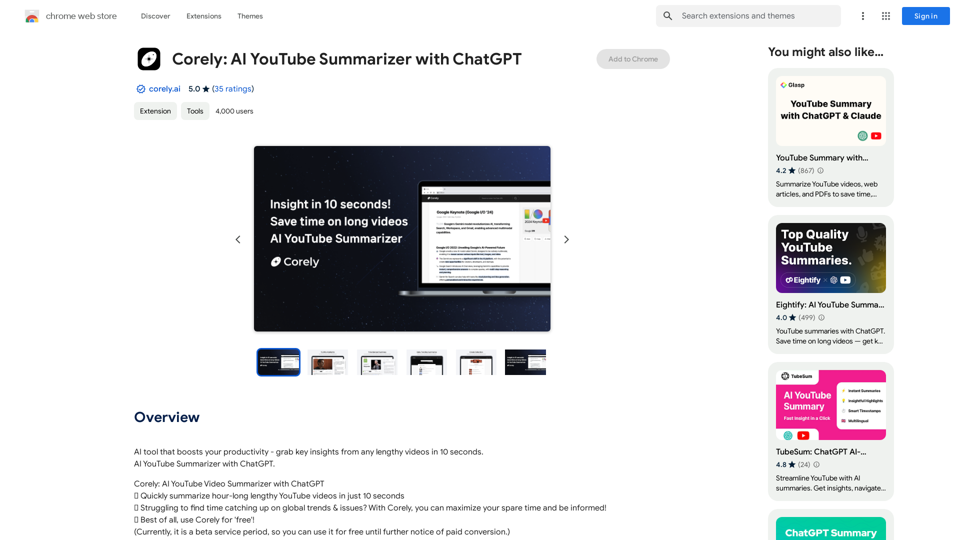
AI tool that boosts your productivity - grab key insights from any lengthy videos in 10 seconds. AI YouTube Summarizer with ChatGPT.
193.90 M
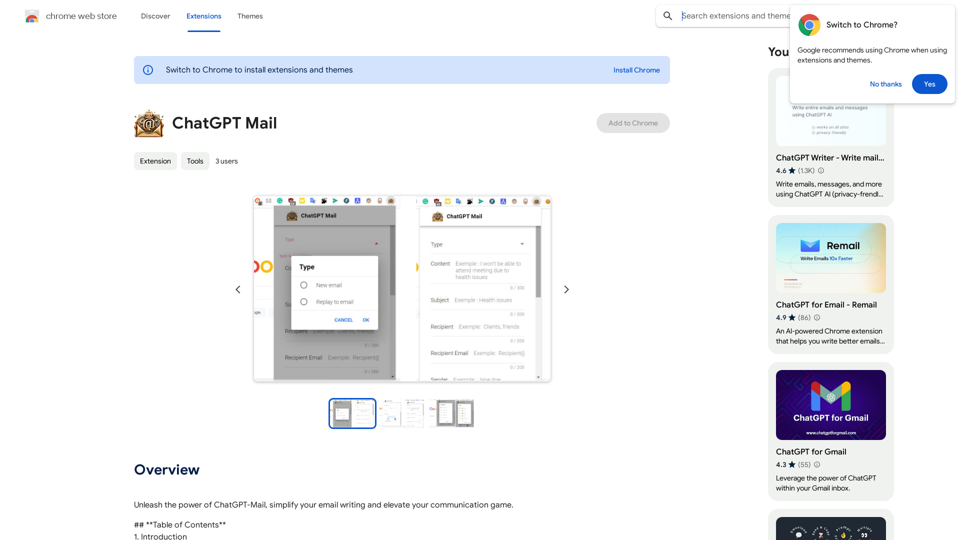
Unleash the power of ChatGPT-Mail, simplify your email writing, and elevate your communication.
193.90 M
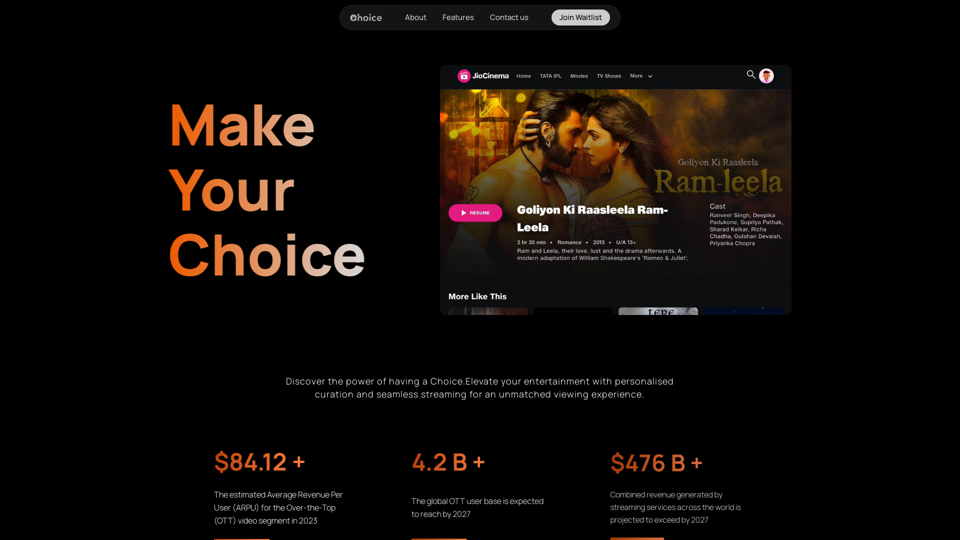
Choice AI: Choice AI is an AI-powered tool that offers personalized controls to specifically watch and skip specific content/scenes on OTT platforms.
83
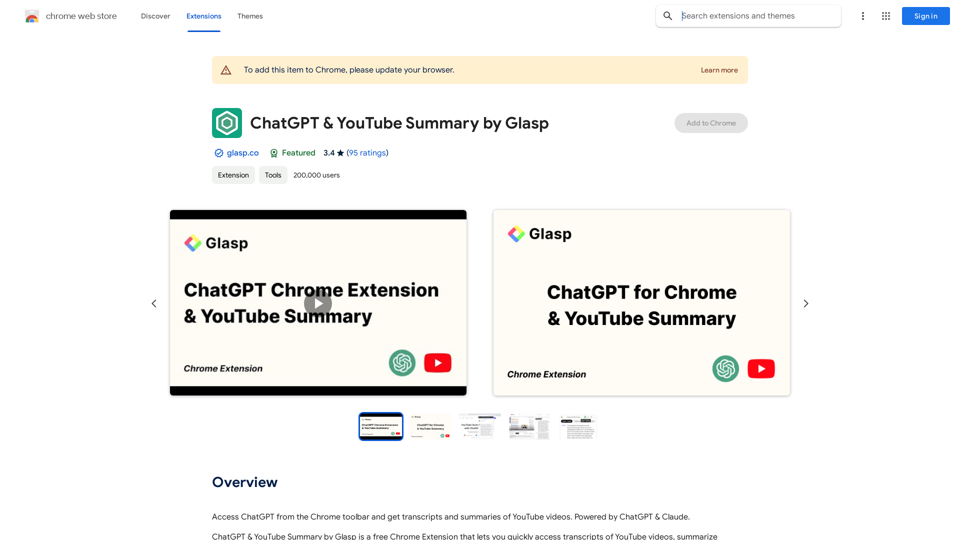
Access ChatGPT from the Chrome toolbar and get transcripts and summaries of YouTube videos. Powered by ChatGPT & Claude.
193.90 M