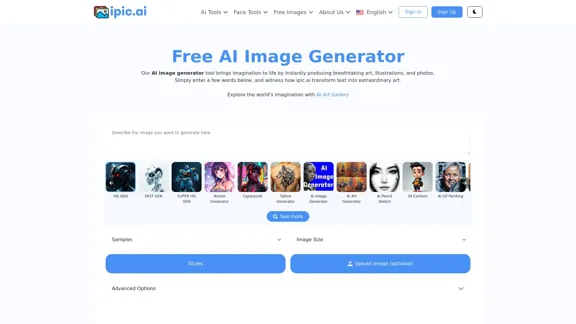
The Free AI Image Generator is a powerful tool designed to create unique and custom images using artificial intelligence. Users can input text prompts, and the generator transforms these into stunning visuals, including art, illustrations, and photographs. The platform offers a variety of features, including an AI Art Gallery, and supports multiple styles and formats, making it accessible for both casual users and professionals.
AI Powered Image Generator for Unique and Custom Images
Create unique and custom images effortlessly with iPic.Ai - the AI-powered image generator.
Introduction
Feature
-
Diverse Image Generation
The AI image generator can create a wide range of images, including abstract art, anime, landscapes, and more, catering to various creative needs.
-
User-Friendly Interface
The platform is designed with simplicity in mind, allowing users to easily input text prompts and customize their image generation experience.
-
High-Quality Outputs
The tool produces high-resolution images that are suitable for personal and professional use, ensuring quality in every creation.
-
Customization Options
Users can specify parameters such as image size, style, and additional features to tailor the generated images to their preferences.
-
Accessibility
The AI image generator is accessible to users with varying levels of technical expertise, making it a versatile tool for anyone interested in image creation.
-
Free and Paid Plans
The platform offers a free plan with basic features, as well as premium plans that unlock advanced functionalities and higher quality outputs.
How to Use?
- Start by visiting the Free AI Image Generator website and signing up for an account.
- Enter a descriptive text prompt to guide the AI in generating your desired image.
- Explore different styles and customization options to enhance your image output.
- Experiment with various prompts to discover unique and creative results.
- Utilize the AI Art Gallery for inspiration and to see examples of generated images.
FAQ
What is an AI Image Generator?
An AI image generator is a tool that uses artificial intelligence to create images based on text prompts. It employs deep learning techniques to produce realistic and coherent visuals.
Can I use the images generated through the Free AI Image Generator?
Yes, users can utilize the generated images as long as they adhere to the platform's terms of use, which outline guidelines for proper usage.
Why should I use an AI image generator?
AI image generators save time and costs in the design process, provide unique and creative outputs, and are accessible to users with limited design skills.
What are some tips for creating better AI images?
Using high-quality training data, employing data augmentation techniques, and experimenting with advanced AI models can significantly improve the quality of generated images.
Price
- Free Plan: $0/month
- Basic Plan: $9.99/month
- Standard Plan: $19.99/month
- Professional Plan: $49.99/month
The price is for reference only, please refer to the latest official data for actual information.
Evaluation
- The Free AI Image Generator excels in producing diverse and high-quality images quickly, making it a valuable tool for users seeking creative solutions.
- The user-friendly interface enhances accessibility, allowing individuals with varying skill levels to create impressive visuals.
- However, the reliance on text prompts may limit the creativity of users who are not familiar with effective prompting techniques.
- The premium plans may be seen as costly for casual users, which could deter some from fully utilizing the platform.
- Overall, while the tool offers significant advantages, continuous improvements in customization options and user guidance could enhance the overall experience.
Related Websites
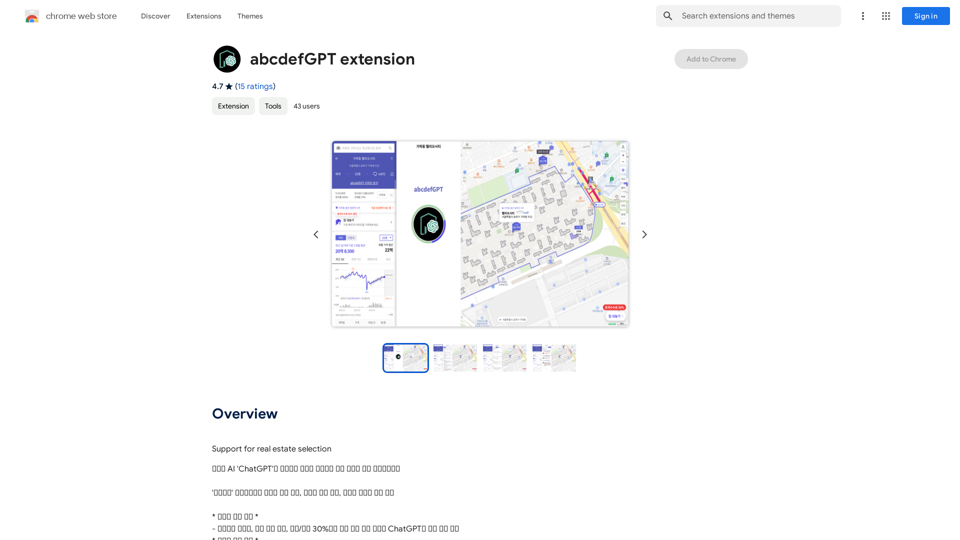

PhotoFuse AI - Your personal AI photographer always with you.
PhotoFuse AI - Your personal AI photographer always with you.Your personal AI photographer in your pocket
1.81 K
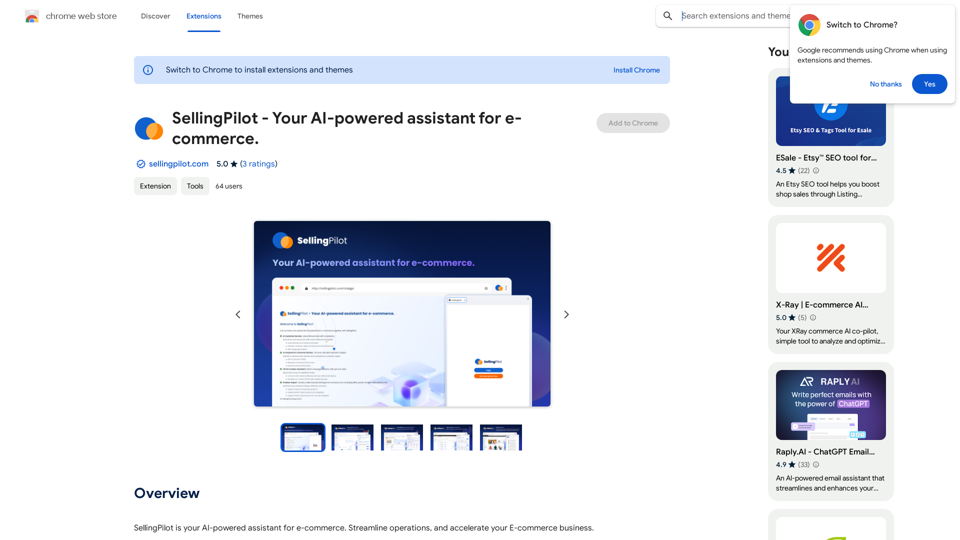
SellingPilot - Your AI-powered assistant for e-commerce.
SellingPilot - Your AI-powered assistant for e-commerce.SellingPilot is your AI-powered assistant for e-commerce. It helps you streamline your operations and accelerate your e-commerce business.
193.90 M
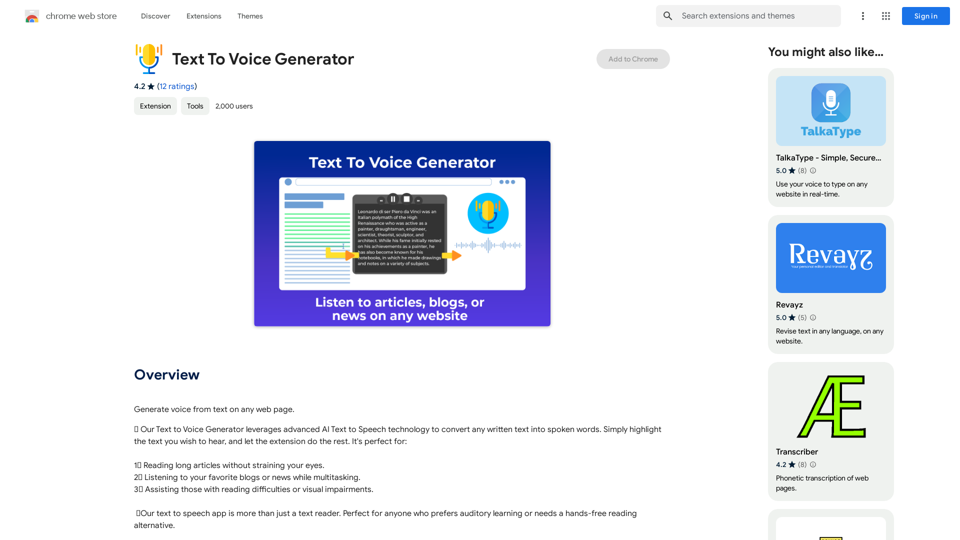
Text to Voice Generator ========================== A text-to-voice generator, also known as a text-to-speech (TTS) system, is a software that converts written text into a spoken voice output. This technology has been widely used in various applications, including virtual assistants, audiobooks, and language learning platforms. How it Works --------------- The process of generating voice from text involves several steps: 1. Text Analysis: The input text is analyzed to identify the language, syntax, and semantics. 2. Phonetic Transcription: The text is converted into a phonetic transcription, which represents the sounds of the spoken language. 3. Prosody Generation: The phonetic transcription is then used to generate the prosody, or rhythm and intonation, of the spoken voice. 4. Waveform Generation: The prosody and phonetic transcription are combined to generate the audio waveform, which is the final spoken voice output. Types of Text-to-Voice Generators ----------------------------------- There are two main types of text-to-voice generators: Rule-Based Systems These systems use a set of predefined rules to generate the spoken voice output. They are often limited in their ability to produce natural-sounding voices and may sound robotic. Machine Learning-Based Systems These systems use machine learning algorithms to learn from large datasets of spoken voices and generate more natural-sounding voices. They are often more advanced and can produce high-quality voice outputs. Applications of Text-to-Voice Generators ----------------------------------------- Text-to-voice generators have a wide range of applications, including: Virtual Assistants Virtual assistants, such as Siri and Alexa, use text-to-voice generators to respond to user queries. Audiobooks Text-to-voice generators can be used to create audiobooks from written texts, making it easier for people to access written content. Language Learning Language learning platforms use text-to-voice generators to provide pronunciation guidance and practice exercises for learners. Accessibility Text-to-voice generators can be used to assist people with disabilities, such as visual impairments, by providing an auditory interface to written content.
Text to Voice Generator ========================== A text-to-voice generator, also known as a text-to-speech (TTS) system, is a software that converts written text into a spoken voice output. This technology has been widely used in various applications, including virtual assistants, audiobooks, and language learning platforms. How it Works --------------- The process of generating voice from text involves several steps: 1. Text Analysis: The input text is analyzed to identify the language, syntax, and semantics. 2. Phonetic Transcription: The text is converted into a phonetic transcription, which represents the sounds of the spoken language. 3. Prosody Generation: The phonetic transcription is then used to generate the prosody, or rhythm and intonation, of the spoken voice. 4. Waveform Generation: The prosody and phonetic transcription are combined to generate the audio waveform, which is the final spoken voice output. Types of Text-to-Voice Generators ----------------------------------- There are two main types of text-to-voice generators: Rule-Based Systems These systems use a set of predefined rules to generate the spoken voice output. They are often limited in their ability to produce natural-sounding voices and may sound robotic. Machine Learning-Based Systems These systems use machine learning algorithms to learn from large datasets of spoken voices and generate more natural-sounding voices. They are often more advanced and can produce high-quality voice outputs. Applications of Text-to-Voice Generators ----------------------------------------- Text-to-voice generators have a wide range of applications, including: Virtual Assistants Virtual assistants, such as Siri and Alexa, use text-to-voice generators to respond to user queries. Audiobooks Text-to-voice generators can be used to create audiobooks from written texts, making it easier for people to access written content. Language Learning Language learning platforms use text-to-voice generators to provide pronunciation guidance and practice exercises for learners. Accessibility Text-to-voice generators can be used to assist people with disabilities, such as visual impairments, by providing an auditory interface to written content.Generate Voice from Text on Any Web Page With the advancement of technology, it is now possible to generate voice from text on any web page. This feature is particularly useful for people who prefer listening to content rather than reading it. Here's how you can do it: #Method 1: Using Browser Extension You can use a browser extension like Read Aloud or SpeakIt! to generate voice from text on any web page. These extensions are available for both Google Chrome and Mozilla Firefox browsers. #Method 2: Using Online Tools There are several online tools available that can convert text to speech. Some popular tools include NaturalReader, Voice Dream Reader, and Google Text-to-Speech. You can copy and paste the text from any web page into these tools to generate voice. #Method 3: Using Screen Reader If you are using a Windows operating system, you can use the built-in Narrator screen reader to generate voice from text on any web page. For Mac users, you can use VoiceOver. By using any of these methods, you can easily generate voice from text on any web page and enjoy a more convenient and accessible reading experience.
193.90 M
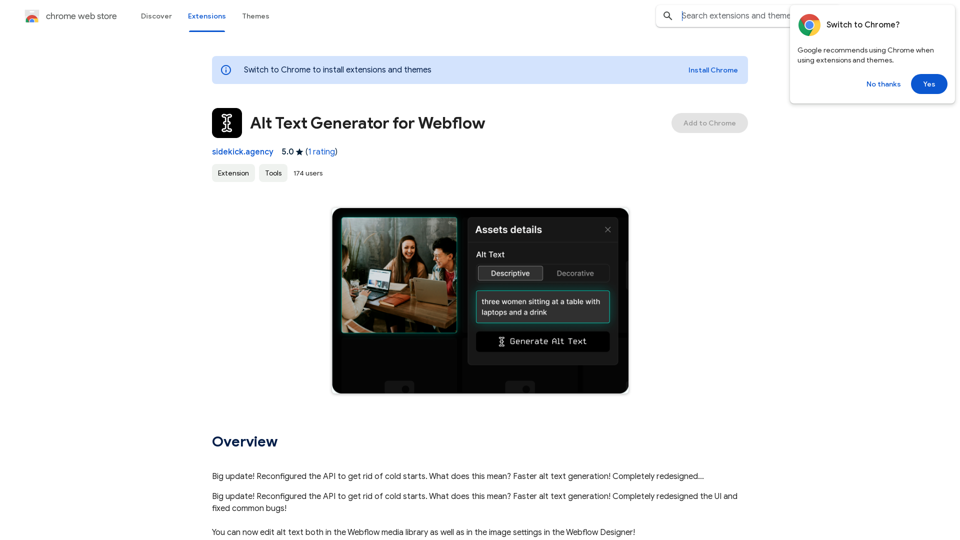
Alt Text Generator for Webflow This tool helps you generate descriptive alt text for your Webflow images. Why is Alt Text Important? * Accessibility: Alt text allows screen readers to describe images to visually impaired users. * SEO: Search engines use alt text to understand the content of your images, improving your website's ranking. How to Use: 1. Paste your image URL: Enter the URL of the image you want to generate alt text for. 2. Click "Generate Alt Text": The tool will analyze the image and suggest relevant alt text. 3. Review and Edit: Read the generated alt text and make any necessary changes to ensure it accurately describes the image. Example: Image URL: https://www.example.com/image.jpg Generated Alt Text: A photo of a smiling woman holding a cup of coffee. Remember: * Keep alt text concise and descriptive. * Use keywords that accurately reflect the image content. * Avoid using generic phrases like "image" or "picture."
Alt Text Generator for Webflow This tool helps you generate descriptive alt text for your Webflow images. Why is Alt Text Important? * Accessibility: Alt text allows screen readers to describe images to visually impaired users. * SEO: Search engines use alt text to understand the content of your images, improving your website's ranking. How to Use: 1. Paste your image URL: Enter the URL of the image you want to generate alt text for. 2. Click "Generate Alt Text": The tool will analyze the image and suggest relevant alt text. 3. Review and Edit: Read the generated alt text and make any necessary changes to ensure it accurately describes the image. Example: Image URL: https://www.example.com/image.jpg Generated Alt Text: A photo of a smiling woman holding a cup of coffee. Remember: * Keep alt text concise and descriptive. * Use keywords that accurately reflect the image content. * Avoid using generic phrases like "image" or "picture."Big update! Reconfigured the API to get rid of cold starts. What does this mean? Faster alt text generation! Completely redesigned...
193.90 M
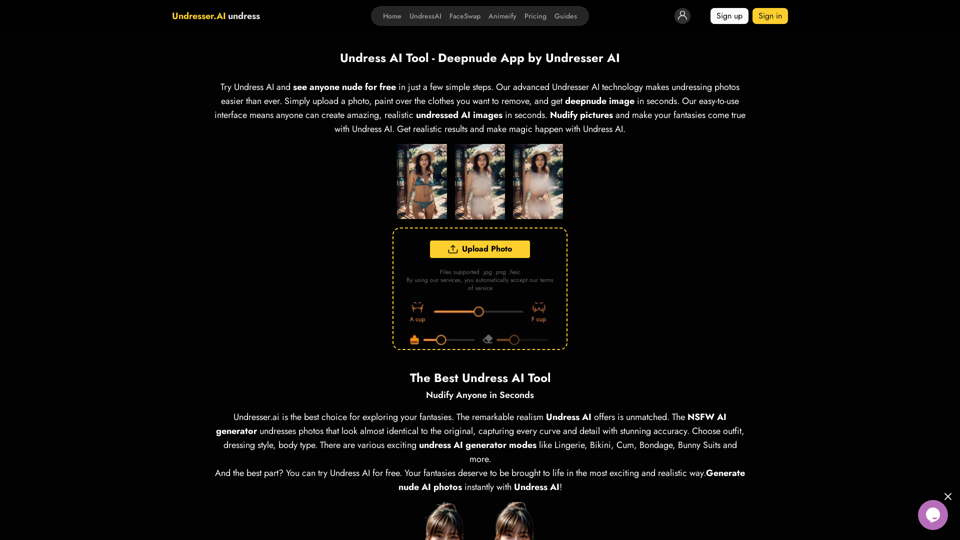
Undress AI App - Create Deepnude Images for FREE | Undresser.AI Undress
Undress AI App - Create Deepnude Images for FREE | Undresser.AI UndressIntroducing Undresser.AI undress, the ultimate AI-powered app for creating stunning nude photos in seconds. With our advanced deepnude AI technology, you can easily turn any image into a realistic nude. Experience the best in photo nudification with Undresser.AI, where AI meets artistry.
31.13 K
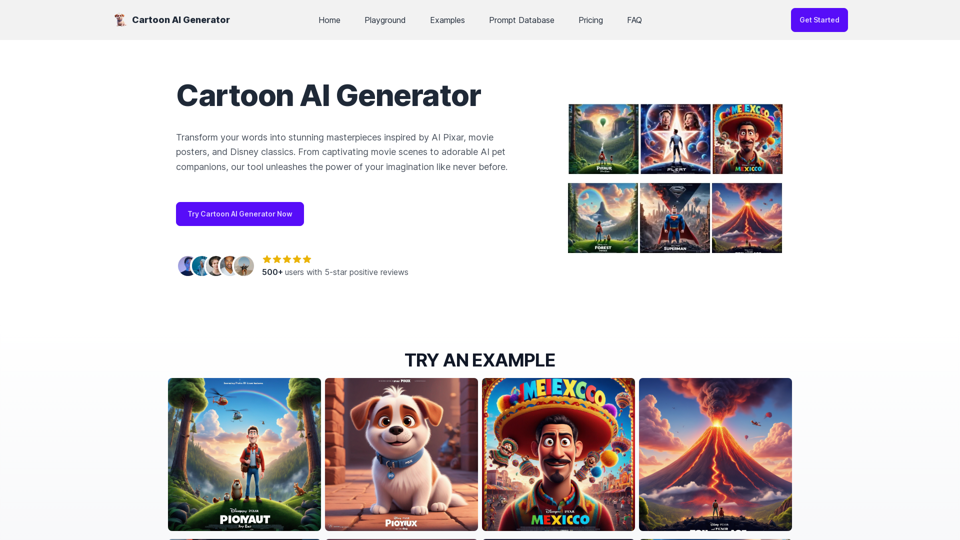
Create Stunning Disney-Style Posters with Our Cartoon AI Generator
Create Stunning Disney-Style Posters with Our Cartoon AI GeneratorCreate stunning Disney Pixar movie posters effortlessly with AI technology. pixar ai generator allows you to generate professional pixar&disney posters with ease.
0
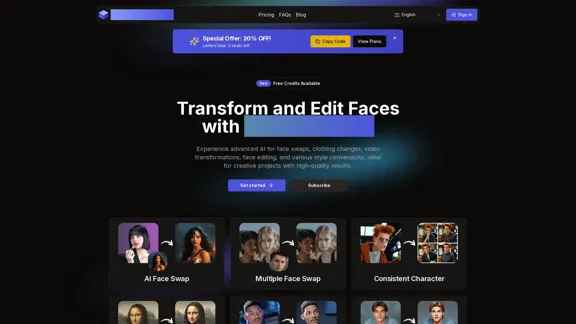
AI Face Studio - AI Face Transformation & Editing Tools
AI Face Studio - AI Face Transformation & Editing ToolsAI Face Studio provides face swapping, outfit alterations, video transformations, style conversions, and facial editing with premium security and high-quality outcomes.
27.66 K