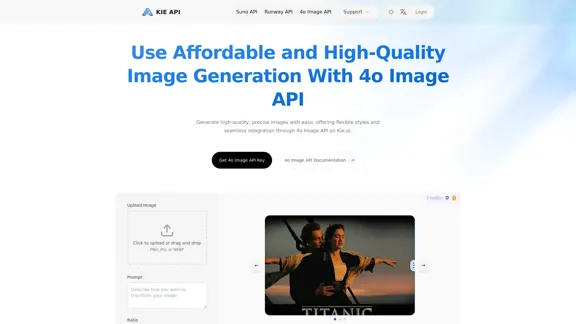
Kie.ai’s 4o Image API provides affordable, stable, and highly accurate AI image generation. Users can easily generate high-quality images with flexible styles and seamless integration. The API supports various use cases, including design, documentation, and visual communication, making it a versatile tool for developers and creatives alike.
Kie.ai's 4o Image API: Cost-effective, Reliable, and Very Accurate AI Image Creation
Kie.ai’s 4o Image API offers affordable, stable, and highly accurate AI image generation, enabling creators to easily produce high-quality visuals. It provides reliable and efficient solutions for various creative projects, including text-to-image and image-to-image transformations, as well as a range of visual styles.
Introduction
Feature
-
Image-to-Image Generation
Kie.ai’s 4o Image API allows users to upload an image and generate a new version based on specific requirements. This feature is useful for style transfer, content enhancement, and iterative design adjustments.
-
Text-to-Image Generation
Users can create high-quality images from text descriptions, making it easy to generate custom visuals for marketing, education, or creative projects.
-
Affordable and Scalable
The API is designed to be accessible for teams of all sizes, offering flexible and transparent pricing to accommodate various project needs.
-
Accurate Text Rendering
The API excels at rendering clear and correctly placed text in images, ideal for creating visual content that requires readable text output.
-
High-Fidelity Results
Kie.ai’s API can follow complex prompts with precision, handling multi-element scenes and specific object placements while maintaining visual coherence.
-
Reliable Visual Consistency
Built on the OpenAI image generation API, Kie.ai ensures consistent image output across multiple iterations, which is essential for branding and design workflows.
-
Flexible Visual Styles
The API supports a wide range of visual styles, allowing users to match their brand’s tone and design goals.
How to Use?
- Visit the Kie.ai website and log in to your account.
- Access the 4o Image API documentation for integration guidelines.
- Use the provided code examples to implement image generation in your application.
- Experiment with different prompts to explore the capabilities of the API.
- Take advantage of the free trial to test the API before committing to a paid plan.
FAQ
What makes Kie.ai's 4o Image API unique?
Kie.ai's 4o Image API offers advanced image generation capabilities powered by GPT-4o, integrating seamless image-to-image and text-to-image generation features.
What is the pricing for Kie.ai's GPT4o Image Generation API?
Kie.ai offers flexible and transparent pricing based on usage, suitable for startups, enterprises, and individual developers.
How can Kie.ai’s GPT-4o Image API improve your creative workflow?
The API streamlines creative processes, allowing users to quickly turn sketches or descriptions into professional visuals, enhancing productivity and design quality.
What are the ethical guidelines for using Kie.ai's OpenAI image API?
Kie.ai encourages responsible content generation, avoiding harmful or inappropriate imagery and ensuring compliance with legal and social standards.
Can Kie.ai’s 4o Image API handle high-concurrency requests?
Yes, the API is designed to handle high-concurrency requests efficiently, ensuring fast response times for multiple image generation tasks.
How fast is the image generation process with Kie.ai’s GPT-4o Image API?
Images are generated in just a few seconds to a minute, depending on the complexity of the prompt.
Price
Kie.ai offers a free trial for the 4o Image API, allowing users to explore its capabilities before committing to a paid plan.
The price is for reference only, please refer to the latest official data for actual information.
Evaluation
- Kie.ai’s 4o Image API demonstrates strong capabilities in generating high-quality images from both text and existing images, making it a valuable tool for various creative applications.
- The API's flexibility in visual styles and accurate text rendering enhances its usability for marketing and design purposes.
- However, users may encounter limitations with highly complex prompts that require intricate details, which could affect the output quality.
- Overall, Kie.ai's 4o Image API is a powerful solution for image generation, but users should familiarize themselves with its capabilities to maximize its potential in their projects.
Related Websites
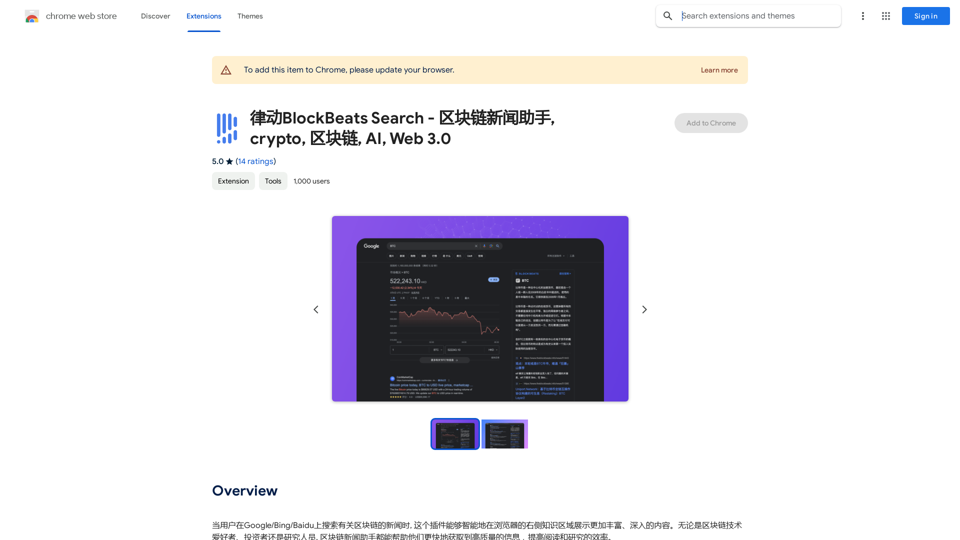
BlockBeats Search - Your Blockchain News Assistant, covering crypto, blockchain, AI, and Web 3.0.
BlockBeats Search - Your Blockchain News Assistant, covering crypto, blockchain, AI, and Web 3.0.When users search for blockchain news on Google/Bing/Baidu, this plugin can intelligently display more comprehensive and in-depth content in the browser's right-side knowledge area. Whether you are a blockchain technology enthusiast, investor, or researcher, the Blockchain News Assistant can help you quickly access high-quality information and improve your reading and research efficiency.
193.90 M
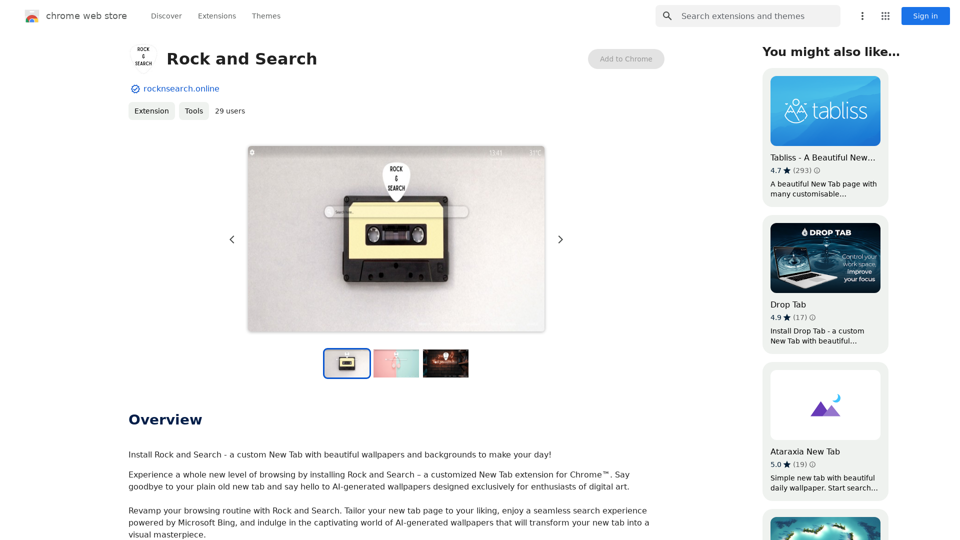
Install Rock and Search - a custom New Tab with beautiful wallpapers and backgrounds to brighten your day!
193.90 M
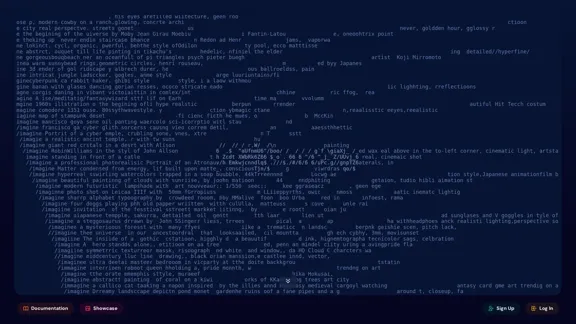
An independent research laboratory investigating novel modes of thinking and enhancing the creative capabilities of humanity.
17.37 M
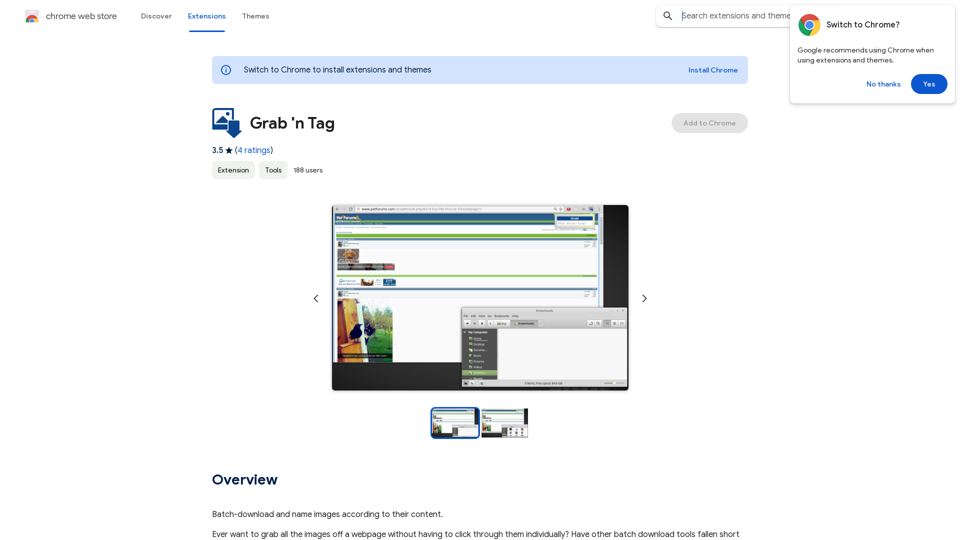
Download a group of images at once and give each one a name based on what's in the picture.
193.90 M
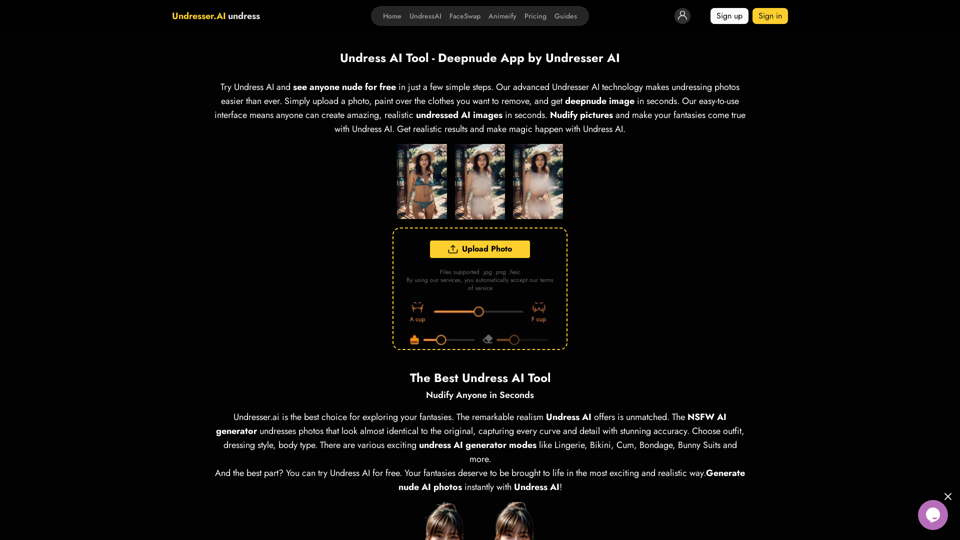
Undress AI App - Create Deepnude Images for FREE | Undresser.AI Undress
Undress AI App - Create Deepnude Images for FREE | Undresser.AI UndressIntroducing Undresser.AI undress, the ultimate AI-powered app for creating stunning nude photos in seconds. With our advanced deepnude AI technology, you can easily turn any image into a realistic nude. Experience the best in photo nudification with Undresser.AI, where AI meets artistry.
31.13 K
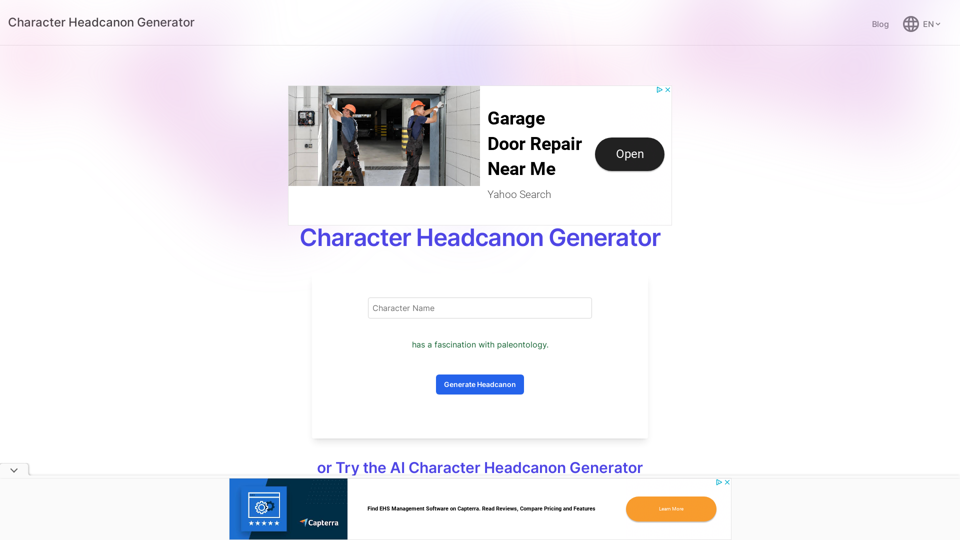
Character Headcanon Generator The Character Headcanon Generator, originating from Perchance, creates unique character headcanons through our headcanon generator.
Character Headcanon Generator The Character Headcanon Generator, originating from Perchance, creates unique character headcanons through our headcanon generator.Discover the Character Headcanon Generator, an innovative tool that originated from the Perchance platform. This powerful character headcanon generator helps you create detailed and engaging character headcanon with ease, allowing fans to explore new interpretations of their favorite characters. Whether you're a writer, role-player, or fan fiction enthusiast, our headcanon generator provides endless creative possibilities by generating unique backgrounds and traits. Enhance your storytelling and bring your characters to life with the Character Headcanon Generator today!
243
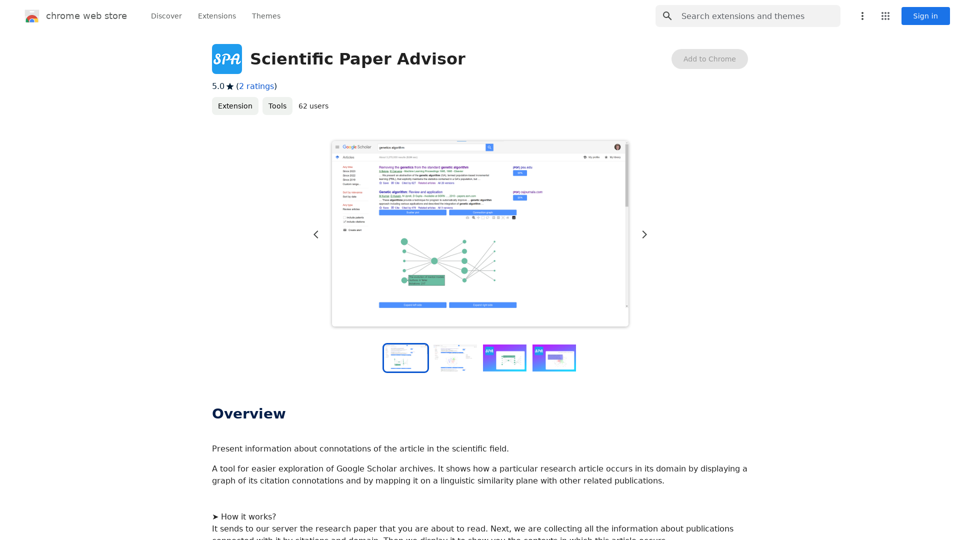
Scientific Paper Advisor This is a tool to help you write a scientific paper. Features: * Generate a paper outline: Provide a topic and get a structured outline to guide your writing. * Suggest relevant literature: Find recent research papers related to your topic. * Check for plagiarism: Ensure your work is original and properly cited. * Improve grammar and style: Polish your writing for clarity and conciseness. * Format your paper: Adhere to standard scientific paper formatting guidelines. Let me know how I can help you with your scientific paper!
Scientific Paper Advisor This is a tool to help you write a scientific paper. Features: * Generate a paper outline: Provide a topic and get a structured outline to guide your writing. * Suggest relevant literature: Find recent research papers related to your topic. * Check for plagiarism: Ensure your work is original and properly cited. * Improve grammar and style: Polish your writing for clarity and conciseness. * Format your paper: Adhere to standard scientific paper formatting guidelines. Let me know how I can help you with your scientific paper!Please provide me with the article so I can analyze its connotations in the scientific field.
193.90 M