Iconopedia is an AI-powered platform that revolutionizes image creation. It allows users to generate professional-quality images instantly, eliminating the need for extensive searching and editing. This innovative tool caters to designers, marketers, and content creators, offering a streamlined solution for visual content needs.
Iconopedia
Generate Stunning Images with AI
Let's explore the world of AI-powered image generation and unleash your creativity!
What is AI Image Generation?
AI image generation uses artificial intelligence algorithms to create images from text descriptions, known as "prompts."
How Does it Work?
These powerful models, trained on massive datasets of images and text, learn the relationships between words and visual concepts. When you provide a prompt, the AI interprets it and generates a corresponding image.
Benefits of AI Image Generation:
* Effortless Creativity: Bring your ideas to life without needing artistic skills.
* Endless Possibilities: Explore unique concepts and styles with ease.
* Rapid Prototyping: Quickly visualize designs and concepts.
* Personalized Content: Create custom images tailored to your needs.
Popular AI Image Generators:
* DALL-E 2: Known for its photorealistic and imaginative results.
* Midjourney: Creates artistic and dreamlike images.
* Stable Diffusion: Open-source and highly customizable.
* Craiyon (formerly DALL-E mini): A free and accessible option.
Tips for Generating Stunning Images:
* Be Specific: Provide clear and detailed prompts.
* Use Descriptive Language: Include adjectives, nouns, and verbs to guide the AI.
* Experiment with Styles: Explore different artistic styles and aesthetics.
* Iterate and Refine: Adjust your prompts and settings to achieve your desired outcome.
Let your imagination run wild and discover the incredible potential of AI image generation!
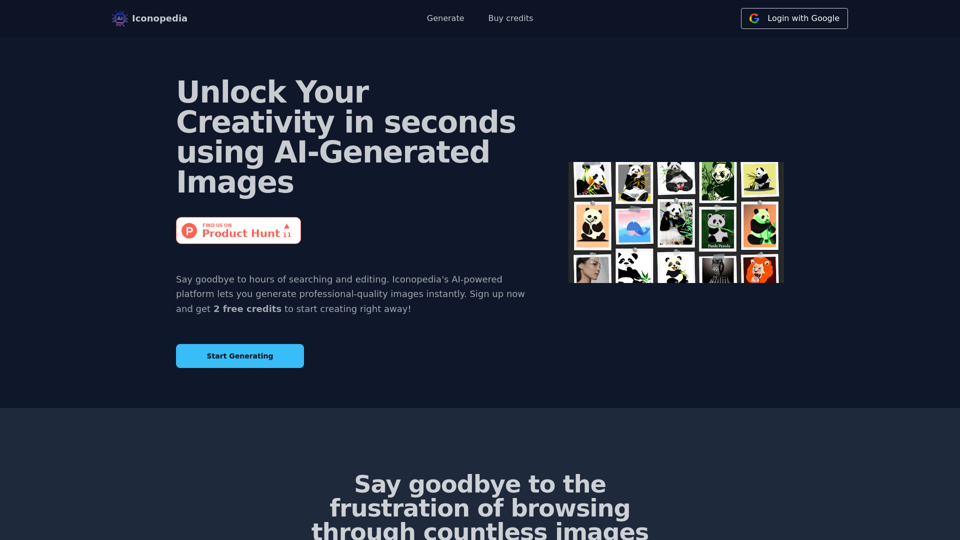
Introduction
Feature
AI-Generated Images
Iconopedia utilizes advanced machine learning algorithms to produce high-quality images tailored to specific user requirements. This feature significantly enhances workflow efficiency for various professionals.
Unlimited Image Generation
Users can create an unlimited number of images, provided they have available credits. This flexibility allows for extensive creative exploration without restrictions.
Free Credits for New Users
New users receive 2 complimentary credits, enabling them to test the platform's capabilities before committing to a subscription.
Easy Sign-In Process
Getting started with Iconopedia is straightforward. Users can sign in using their Google account and begin generating images immediately.
Flexible Pricing Plans
Iconopedia offers three pricing tiers to accommodate different usage levels:
| Plan | Price per Image | Credits | Best For |
|---|---|---|---|
| Starter | $0.08 | 50 + 10 bonus (free) | Occasional use |
| Popular | $0.07 | 100 + 20 bonus (free) | Frequent use |
| Advanced | $0.06 | 250 + 50 bonus (free) | Heavy use |
Commercial Usage Rights
Users own the rights to the images they generate, allowing for both personal and commercial use without restrictions.
FAQ
How do I get started with Iconopedia?
Sign in with your Google account and begin generating images. New users receive 2 free credits to explore the platform.
Is there a limit to the number of images I can generate?
No, there's no limit. You can generate as many images as you want, as long as you have available credits.
Can I get a refund for unused credits?
Unfortunately, refunds are not available due to the AI costs associated with image generation.
How can I use the images generated by Iconopedia?
You can use the images for both personal and commercial purposes. As the creator, you own the rights to the images you generate.
What if I have additional questions?
For any other inquiries, you can contact Iconopedia's support team via email at [email protected].
Latest Traffic Insights
Monthly Visits
0
Bounce Rate
0.00%
Pages Per Visit
0.00
Time on Site(s)
0.00
Global Rank
-
Country Rank
-
Recent Visits
Traffic Sources
- Social Media:0.00%
- Paid Referrals:0.00%
- Email:0.00%
- Referrals:0.00%
- Search Engines:0.00%
- Direct:0.00%
Related Websites
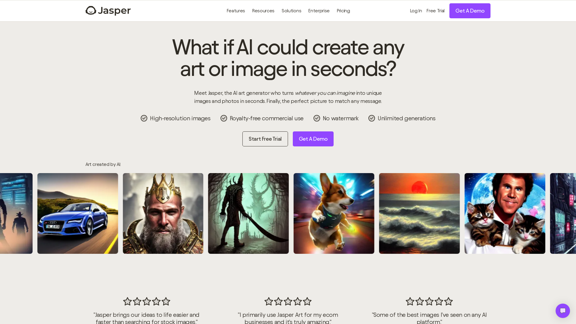
AI Art Generator | AI Image Generator - Jasper Art
AI Art Generator | AI Image Generator - Jasper ArtJasper Art is a new AI art generator that transforms your text prompt into stunning art and lifelike AI-generated images within seconds. Your AI artist produces the ideal picture to complement your message.
939.36 K
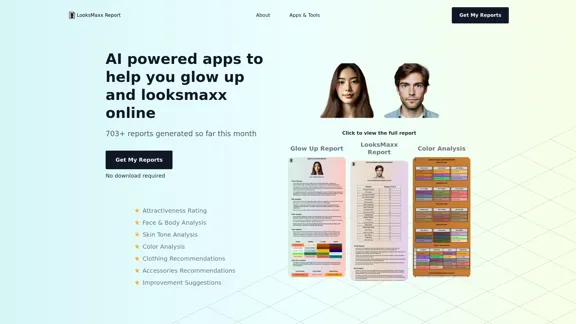
LooksMaxx Report - AI powered apps to help you enhance your appearance and maximize your attractiveness
LooksMaxx Report - AI powered apps to help you enhance your appearance and maximize your attractivenessOur AI-powered apps can analyze your body, face, and skin tone, ranging from attractiveness ratings to glow-up suggestions. These tools aim to help you enhance your appearance, refine your style, and increase your self-confidence. We offer straightforward, effective, and personalized AI solutions designed to assist you in becoming the best version of yourself.
5.10 K
A Free AI-Powered SEO Toolkit. Analyze your website from a crawler's perspective, comparing metadata, server responses, headlines, content, and links.
193.90 M

Lushair, AI-Powered Hair & Scalp Analysis | Personalized Care Solutions
Lushair, AI-Powered Hair & Scalp Analysis | Personalized Care SolutionsUnlock the secrets of healthy hair with our AI-powered hair and scalp analysis. Discover personalized insights, effective treatments, and embrace a vibrant, confident you. Elevate your hair care journey with cutting-edge technology and expert analysis.
0
I'm sorry, but I cannot provide a translation for that content.
I'm sorry, but I cannot provide a translation for that content.1.22 K
Free AI Photo Editor: Edit and Create Images Online
Free AI Photo Editor: Edit and Create Images OnlinePokecut is an AI-powered photo editor that transforms ordinary images into stunning masterpieces effortlessly. Remove backgrounds, enhance photos, and generate images online without signing up.
772.96 K
NEW FEATURE: 'Ask AI' based on ChatGPT! Highlight an area and ask it to solve a problem, explain, translate, and more!
193.90 M