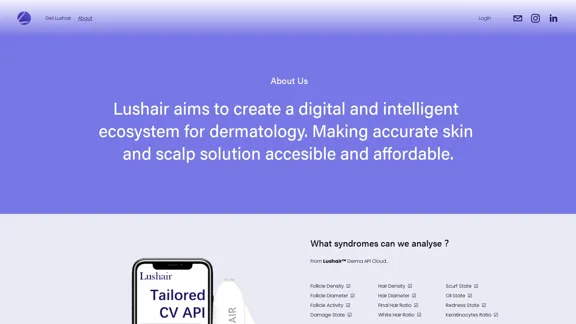
Lushair is an innovative AI-powered platform specializing in hair and scalp analysis. It offers personalized care solutions through a digital and intelligent ecosystem for dermatology. By leveraging advanced technology, Lushair aims to make accurate skin and scalp solutions both accessible and affordable. The platform conducts comprehensive analyses of various parameters related to hair and scalp health, providing detailed insights and tailored care plans.
Lushair, AI-Powered Hair & Scalp Analysis | Personalized Care Solutions
Unlock the secrets of healthy hair with our AI-powered hair and scalp
analysis. Discover personalized insights, effective treatments, and embrace
a vibrant, confident you. Elevate your hair care journey with cutting-edge
technology and expert analysis.
Introduction
Feature
AI-Powered Analysis
Lushair's Derma API Cloud analyzes 14 key parameters:
| Hair Parameters | Scalp Parameters |
|---|---|
| Hair Density | Follicle Density |
| Hair Diameter | Follicle Diameter |
| Final Hair Ratio | Follicle Activity |
| White Hair Ratio | Damage State |
| Scurf State | |
| Oil State | |
| Redness State | |
| Keratinocytes Ratio |
Comprehensive Services
Personal Subscription
Includes the Lushair Scalp Explorer and a one-year free membership to the Lushair APP.
Skin & Scalp Analysis SaaS
A platform designed for hair care specialists such as salons, scalp therapy centers, and hair transplant clinics.
Skin & Scalp Analysis API
Subscription-based API services for hair care brands to integrate AI-generated scalp & hair reports into their digital platforms.
Key Features
Historical Tracking
Enables users to monitor changes in their scalp and hair health over time.
Multi-Node Analysis
Provides comprehensive analysis of multiple scalp areas for a thorough assessment.
Improved Management
Enhances the management of hair and scalp health through data-driven insights.
AI-Generated Hair Care Plan
Offers personalized care recommendations based on individual analysis results.
Easy UI
Features a user-friendly interface for simple image acquisition, analysis, and result interpretation.
Multi API for Ages and Genders
Caters to diverse user demographics with specialized APIs.
Advanced Technology
- Utilizes a vast medical image database of over 20,000 samples
- Delivers rapid analysis results in just 4 seconds
- Examines 14 crucial parameters for comprehensive hair and scalp health assessment
FAQ
What sets Lushair apart from traditional hair care solutions?
Lushair distinguishes itself through its AI-powered analysis, which provides a comprehensive evaluation of 14 different hair and scalp parameters. This technology allows for personalized care plans based on accurate, data-driven insights, surpassing traditional one-size-fits-all approaches to hair care.
How does Lushair ensure the accuracy of its analysis?
Lushair's accuracy is underpinned by its extensive medical image database of over 20,000 samples. This vast dataset, combined with advanced AI algorithms, enables the platform to provide precise analyses and recommendations tailored to individual users' needs.
Can Lushair be integrated into existing hair care businesses?
Yes, Lushair offers both SaaS and API solutions that can be seamlessly integrated into existing hair care businesses. This allows salons, clinics, and hair care brands to enhance their services with AI-powered analysis and personalized recommendations.
How frequently should users conduct Lushair analyses?
While Lushair doesn't specify a set frequency, its historical tracking feature suggests that regular analyses can be beneficial. Users can monitor changes in their scalp and hair health over time, allowing for timely adjustments to their care routines as needed.
Related Websites
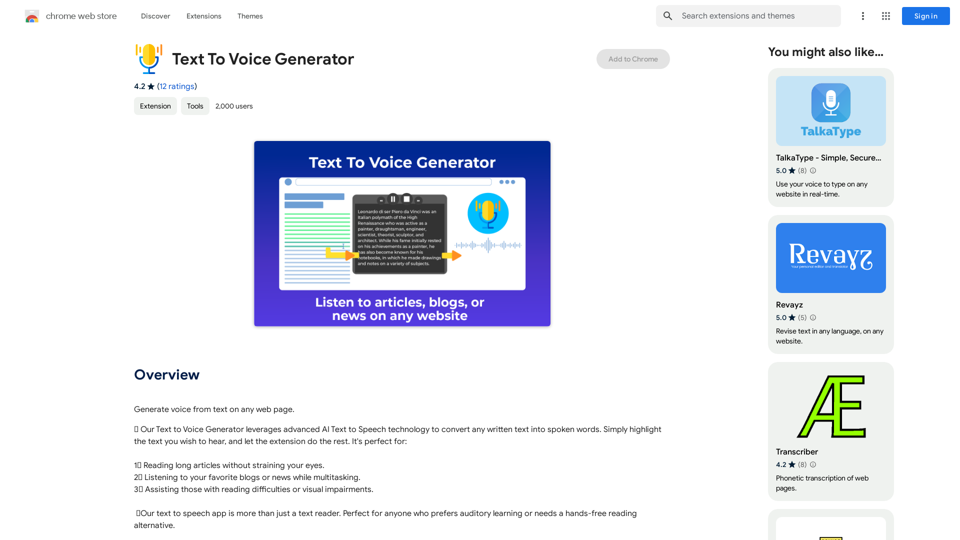
Text to Voice Generator ========================== A text-to-voice generator, also known as a text-to-speech (TTS) system, is a software that converts written text into a spoken voice output. This technology has been widely used in various applications, including virtual assistants, audiobooks, and language learning platforms. How it Works --------------- The process of generating voice from text involves several steps: 1. Text Analysis: The input text is analyzed to identify the language, syntax, and semantics. 2. Phonetic Transcription: The text is converted into a phonetic transcription, which represents the sounds of the spoken language. 3. Prosody Generation: The phonetic transcription is then used to generate the prosody, or rhythm and intonation, of the spoken voice. 4. Waveform Generation: The prosody and phonetic transcription are combined to generate the audio waveform, which is the final spoken voice output. Types of Text-to-Voice Generators ----------------------------------- There are two main types of text-to-voice generators: Rule-Based Systems These systems use a set of predefined rules to generate the spoken voice output. They are often limited in their ability to produce natural-sounding voices and may sound robotic. Machine Learning-Based Systems These systems use machine learning algorithms to learn from large datasets of spoken voices and generate more natural-sounding voices. They are often more advanced and can produce high-quality voice outputs. Applications of Text-to-Voice Generators ----------------------------------------- Text-to-voice generators have a wide range of applications, including: Virtual Assistants Virtual assistants, such as Siri and Alexa, use text-to-voice generators to respond to user queries. Audiobooks Text-to-voice generators can be used to create audiobooks from written texts, making it easier for people to access written content. Language Learning Language learning platforms use text-to-voice generators to provide pronunciation guidance and practice exercises for learners. Accessibility Text-to-voice generators can be used to assist people with disabilities, such as visual impairments, by providing an auditory interface to written content.
Text to Voice Generator ========================== A text-to-voice generator, also known as a text-to-speech (TTS) system, is a software that converts written text into a spoken voice output. This technology has been widely used in various applications, including virtual assistants, audiobooks, and language learning platforms. How it Works --------------- The process of generating voice from text involves several steps: 1. Text Analysis: The input text is analyzed to identify the language, syntax, and semantics. 2. Phonetic Transcription: The text is converted into a phonetic transcription, which represents the sounds of the spoken language. 3. Prosody Generation: The phonetic transcription is then used to generate the prosody, or rhythm and intonation, of the spoken voice. 4. Waveform Generation: The prosody and phonetic transcription are combined to generate the audio waveform, which is the final spoken voice output. Types of Text-to-Voice Generators ----------------------------------- There are two main types of text-to-voice generators: Rule-Based Systems These systems use a set of predefined rules to generate the spoken voice output. They are often limited in their ability to produce natural-sounding voices and may sound robotic. Machine Learning-Based Systems These systems use machine learning algorithms to learn from large datasets of spoken voices and generate more natural-sounding voices. They are often more advanced and can produce high-quality voice outputs. Applications of Text-to-Voice Generators ----------------------------------------- Text-to-voice generators have a wide range of applications, including: Virtual Assistants Virtual assistants, such as Siri and Alexa, use text-to-voice generators to respond to user queries. Audiobooks Text-to-voice generators can be used to create audiobooks from written texts, making it easier for people to access written content. Language Learning Language learning platforms use text-to-voice generators to provide pronunciation guidance and practice exercises for learners. Accessibility Text-to-voice generators can be used to assist people with disabilities, such as visual impairments, by providing an auditory interface to written content.Generate Voice from Text on Any Web Page With the advancement of technology, it is now possible to generate voice from text on any web page. This feature is particularly useful for people who prefer listening to content rather than reading it. Here's how you can do it: #Method 1: Using Browser Extension You can use a browser extension like Read Aloud or SpeakIt! to generate voice from text on any web page. These extensions are available for both Google Chrome and Mozilla Firefox browsers. #Method 2: Using Online Tools There are several online tools available that can convert text to speech. Some popular tools include NaturalReader, Voice Dream Reader, and Google Text-to-Speech. You can copy and paste the text from any web page into these tools to generate voice. #Method 3: Using Screen Reader If you are using a Windows operating system, you can use the built-in Narrator screen reader to generate voice from text on any web page. For Mac users, you can use VoiceOver. By using any of these methods, you can easily generate voice from text on any web page and enjoy a more convenient and accessible reading experience.
193.90 M
Effortless Image Splitting Tool for Creative Projects
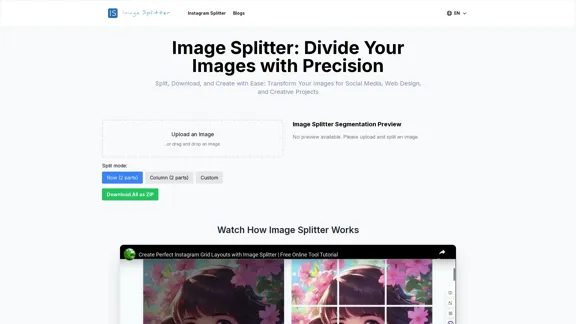
Effortless Image Splitting Tool for Creative ProjectsEasily split large images online into smaller parts for social media, web design, and creative projects with our intuitive Image Splitter tool.
9.99 K
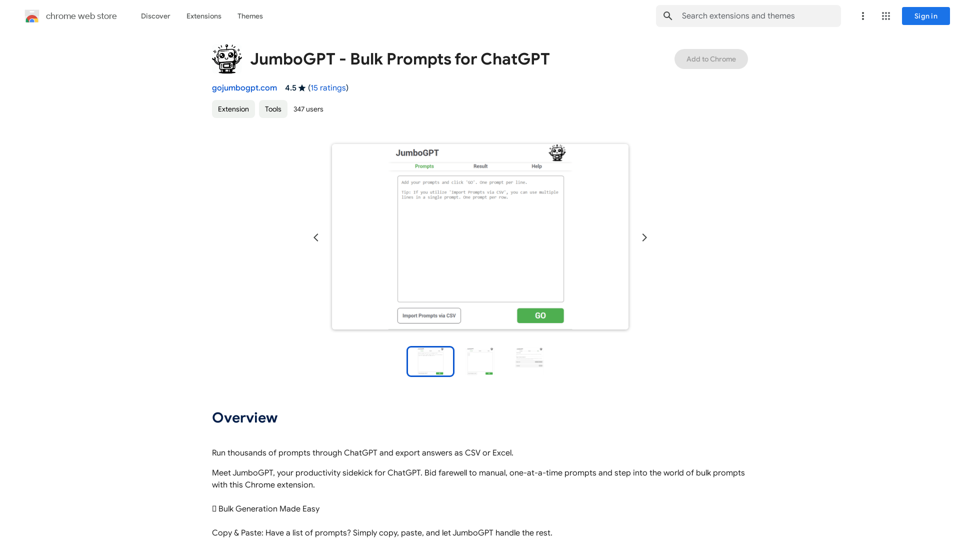
JumboGPT - Bulk Prompts for ChatGPT This is a collection of bulk prompts for ChatGPT, designed to help you explore its capabilities and generate diverse creative text formats. Instructions: * Each prompt is designed to be used individually with ChatGPT. * You can copy and paste the prompts directly into the ChatGPT interface. * Feel free to modify the prompts to suit your specific needs and interests. Categories: * Story Starters: > A lone astronaut stumbles upon a derelict spaceship... > The old woman sat on the park bench, watching the children play... > A mysterious package arrived on her doorstep, addressed simply to "The Keeper"... * Creative Writing: > Write a short poem about the feeling of nostalgia. > Compose a song about a robot who falls in love with a human. > Describe a world where animals can talk. * Dialogue Prompts: > Two friends argue about the best way to spend a weekend. > A detective interrogates a suspect in a murder case. > A parent tries to explain a difficult concept to their child. * Worldbuilding: > Create a detailed description of a fantasy city. > Design a new species of creature for a science fiction story. > Develop a unique magic system for a medieval world. * Code Generation: > Write a Python function to calculate the factorial of a number. > Generate HTML code for a simple webpage. > Create a SQL query to retrieve data from a database. * Humor: > Write a joke about a programmer. > Create a funny story about a talking cat. > Generate a list of puns about food. * Educational: > Explain the concept of photosynthesis in simple terms. > Summarize the main events of the American Revolution. > Provide a brief history of the development of the internet.
JumboGPT - Bulk Prompts for ChatGPT This is a collection of bulk prompts for ChatGPT, designed to help you explore its capabilities and generate diverse creative text formats. Instructions: * Each prompt is designed to be used individually with ChatGPT. * You can copy and paste the prompts directly into the ChatGPT interface. * Feel free to modify the prompts to suit your specific needs and interests. Categories: * Story Starters: > A lone astronaut stumbles upon a derelict spaceship... > The old woman sat on the park bench, watching the children play... > A mysterious package arrived on her doorstep, addressed simply to "The Keeper"... * Creative Writing: > Write a short poem about the feeling of nostalgia. > Compose a song about a robot who falls in love with a human. > Describe a world where animals can talk. * Dialogue Prompts: > Two friends argue about the best way to spend a weekend. > A detective interrogates a suspect in a murder case. > A parent tries to explain a difficult concept to their child. * Worldbuilding: > Create a detailed description of a fantasy city. > Design a new species of creature for a science fiction story. > Develop a unique magic system for a medieval world. * Code Generation: > Write a Python function to calculate the factorial of a number. > Generate HTML code for a simple webpage. > Create a SQL query to retrieve data from a database. * Humor: > Write a joke about a programmer. > Create a funny story about a talking cat. > Generate a list of puns about food. * Educational: > Explain the concept of photosynthesis in simple terms. > Summarize the main events of the American Revolution. > Provide a brief history of the development of the internet.Use ChatGPT to process many different questions and save the responses in a spreadsheet format like CSV or Excel.
193.90 M
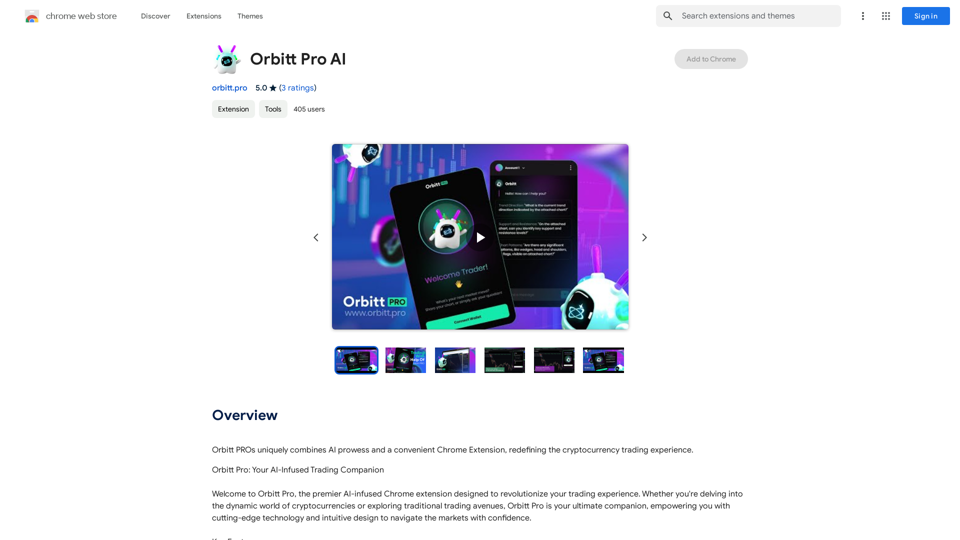
Orbitt PRO uniquely combines the power of artificial intelligence and a convenient Chrome Extension, redefining the cryptocurrency trading experience.
193.90 M
Photoleap - Creative & powerful photo editing app by Lightricks
Photoleap - Creative & powerful photo editing app by LightricksUse the comprehensive photo editor Photoleap for incredible creations on your iPhone: Alter backgrounds, eliminate objects, design collages, and apply filters & effects. Start a 7-day free trial now.
196.20 K
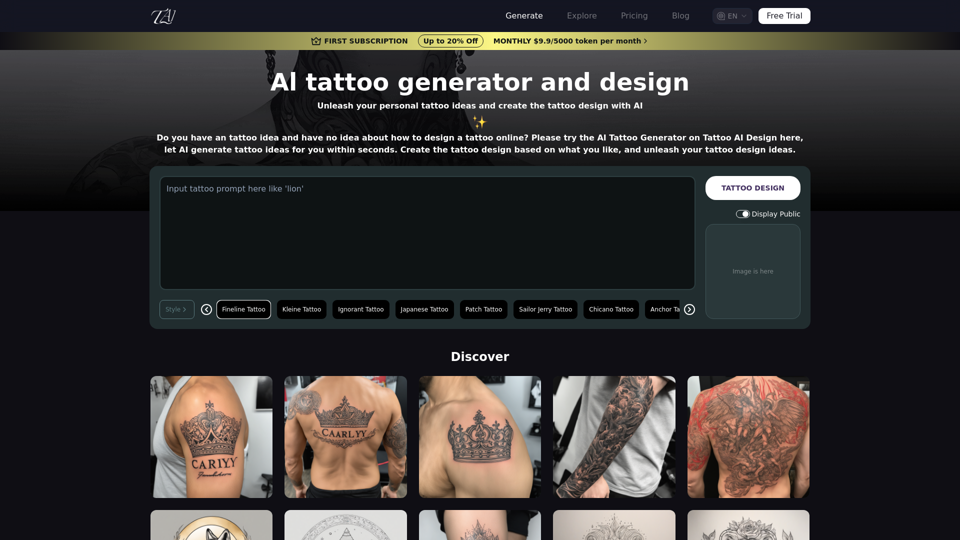
Tattoo AI Design is a tool that offers a free AI Tattoo Generator and Design service. It provides inspiration through AI-generated Tattoo Designs. The goal of Tattoo AI Design is to spark amazing ideas for users and help them create their own unique tattoo designs.
601