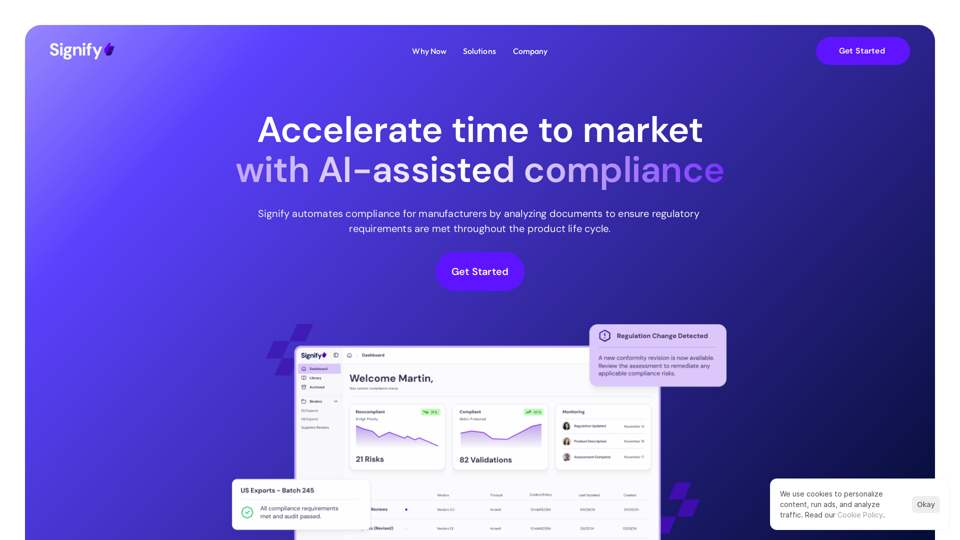
Signify is a cutting-edge compliance management system tailored for manufacturing companies. It leverages AI technology to streamline and accelerate the compliance process, enabling faster time to market. By automating document analysis and ensuring regulatory requirements are met throughout the product lifecycle, Signify empowers manufacturers to focus on growth while maintaining compliance.
Signify - Compliance Management System for Manufacturing
Signify automates compliance for manufacturers by analyzing documents to ensure regulatory requirements are met throughout the product lifecycle.
Introduction
Feature
AI-assisted Compliance
Signify's AI-powered system automates compliance processes, resulting in:
- Up to 90% reduction in review times
- Increased focus on growth and innovation
- Streamlined regulatory adherence
Supplier Verification
- Ensures suppliers meet required standards and regulations
- Enhances confidence in supplier selection
- Promotes ethical and reliable partnerships
Continuous Monitoring
- Automatic real-time document review
- Identifies compliance risks without manual intervention
- Eliminates need for manual gap analysis and conformity assessments
Flexible Framework Selection
- Access to thousands of compliance frameworks
- Test compliance against various standards, regulations, laws, and contracts
- Customizable to specific industry needs
Comprehensive Documentation Analysis
- Supports various document types:
- Labels
- Policies
- Standard Operating Procedures (SOPs)
- Controls
- Technical specifications
- Identifies potential nonconformity issues
Real-time Regulatory Updates
- Automatically detects changes in regulations
- Provides up-to-date conformity analysis
- Ensures continuous compliance
Custom Assessments
- Ability to create tailored assessments
- Addresses specific company needs and requirements
FAQ
How long does Signify implementation take?
Implementation time varies based on:
- Complexity of operations
- Project scope
- Specific company requirements
Does Signify use company data to train AI models?
- Generally, no customer data is used for AI model training
- Bespoke models for internal-use agents are only built upon customer request
Is the AI making decisions on behalf of users?
No, Signify's AI is designed to:
- Assist and augment human decision-making
- Provide insights and recommendations
- Support compliance processes without replacing human judgment
Can companies create custom assessments with Signify?
Yes, Signify offers:
- Customizable assessment creation
- Tailored solutions for specific needs
- Flexibility to address unique compliance requirements
Related Websites
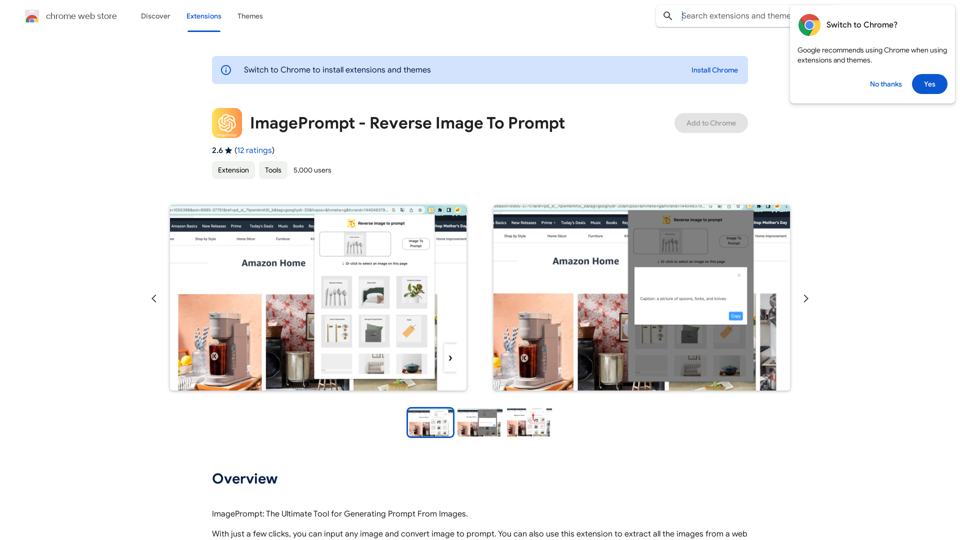
ImagePrompt - Reverse Image To Prompt This tool takes an image as input and generates a textual description (prompt) that can be used to recreate the image using text-to-image AI models.
ImagePrompt - Reverse Image To Prompt This tool takes an image as input and generates a textual description (prompt) that can be used to recreate the image using text-to-image AI models.ImagePrompt: The Ultimate Tool for Generating Prompts From Images.
193.90 M
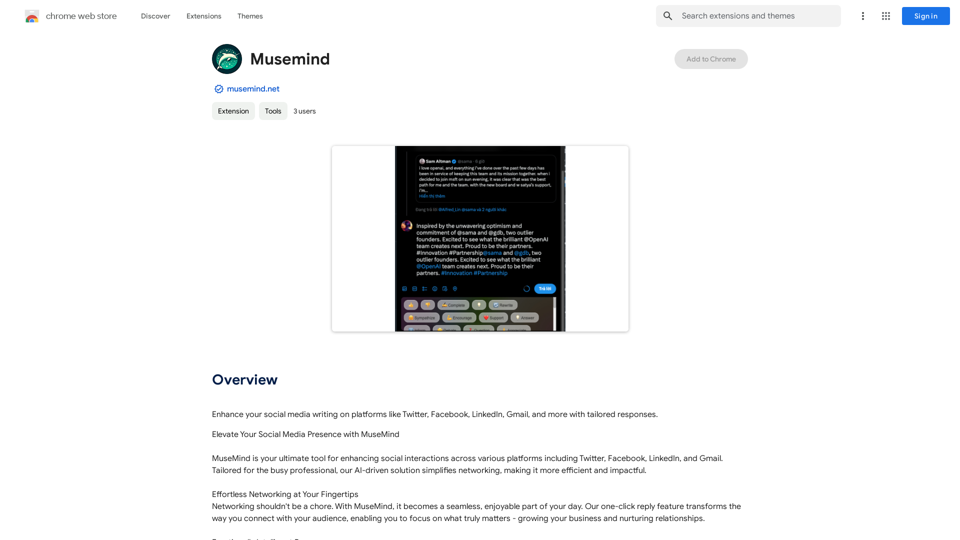
Improve your social media posts on platforms like Twitter, Facebook, LinkedIn, and Gmail with customized replies.
193.90 M
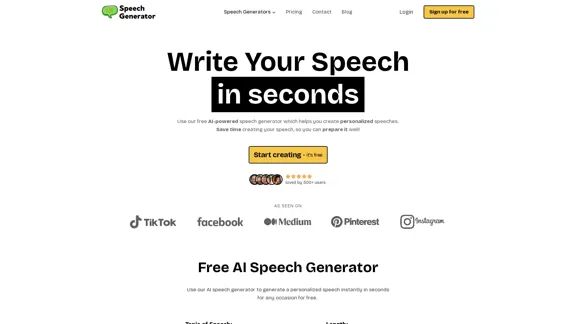
SpeechGeneratorAI - Write Speeches in Seconds with AI
SpeechGeneratorAI - Write Speeches in Seconds with AINeed to write a speech instantly? Use our free AI speech writer to create a speech for any occasion in seconds!
63.54 K
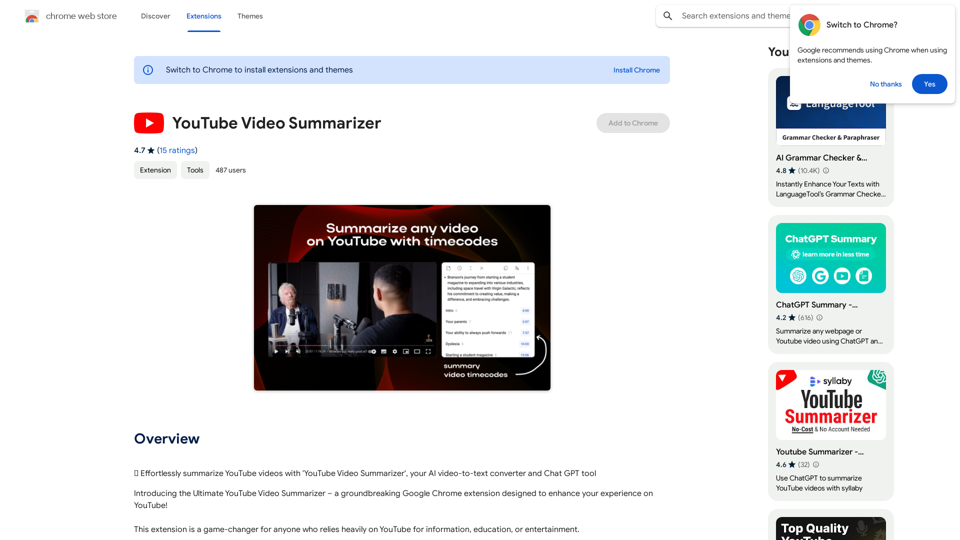
Effortlessly summarize YouTube videos with 'YouTube Video Summarizer', your AI video-to-text converter and Chat GPT tool
193.90 M
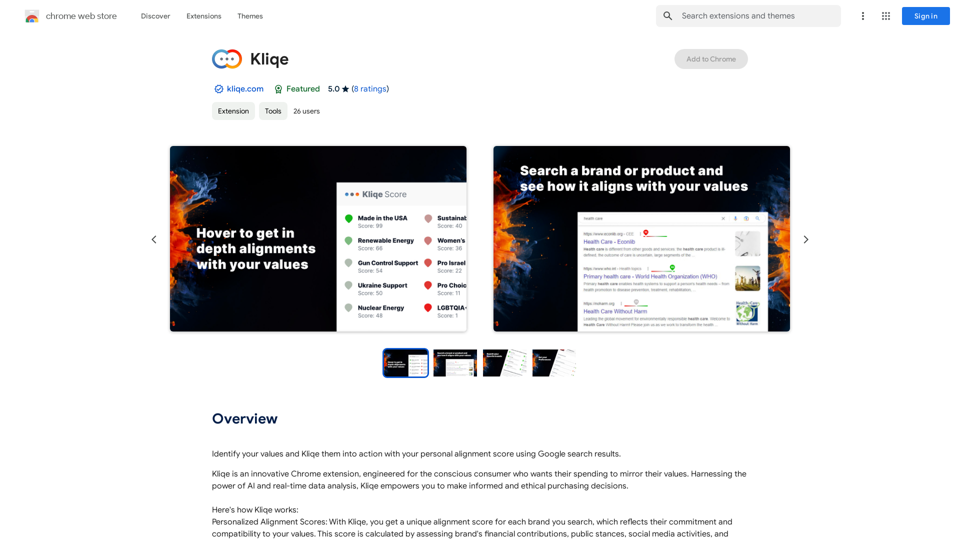
Discover your core beliefs and put them into practice with your unique alignment score, powered by Google search data.
193.90 M
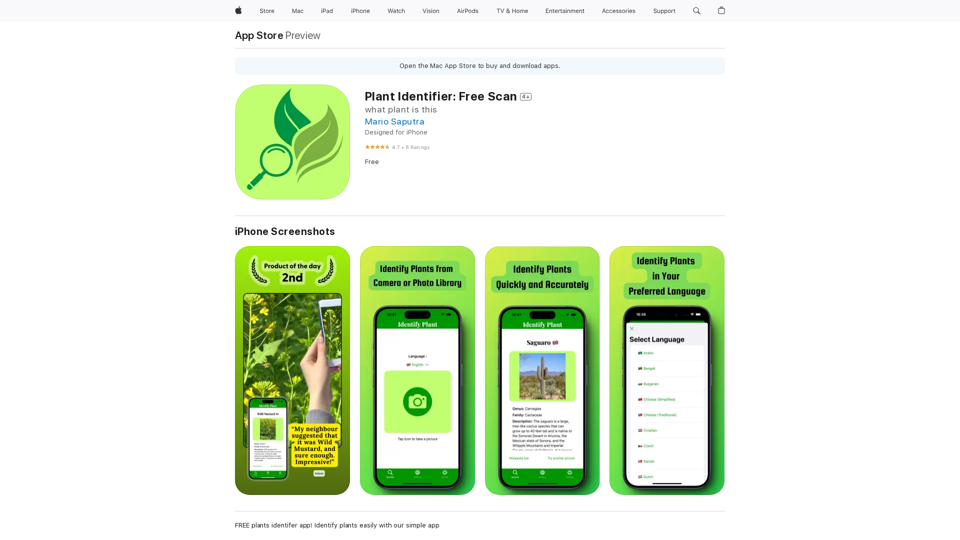
Use your camera or a picture to quickly identify plants with AI. Perfect for gardeners, nature lovers, and anyone curious about the plants around them. Features: * Instantly identify plants using AI-powered image recognition technology * Browse a vast database of plants from around the world * Learn about plant care, habitat, and other interesting facts * Snap a photo or upload an image to identify plants in seconds * Explore plant families, genera, and species to expand your knowledge * Create a personalized plant journal to track your discoveries
124.77 M
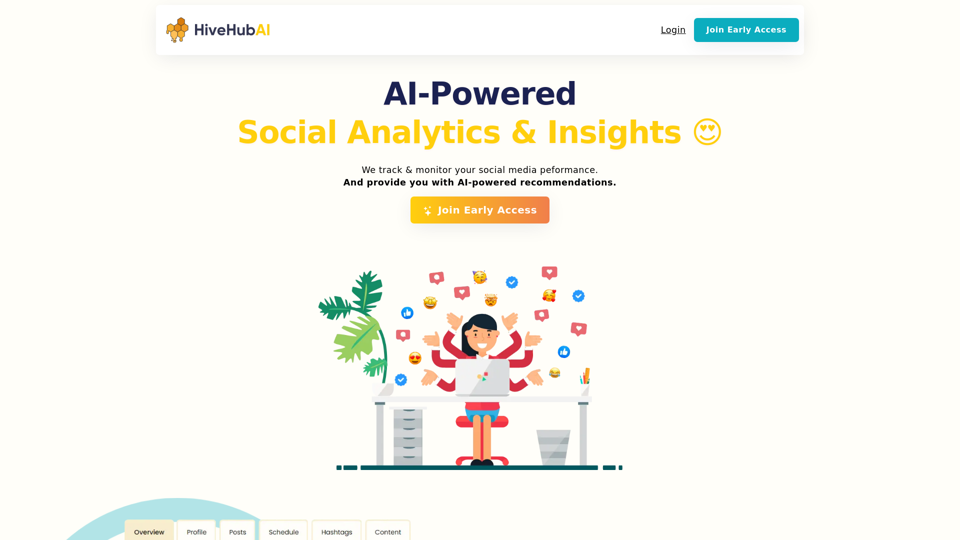
Discover HiveHubAI, your go-to AI-driven social media analytics platform. Elevate your digital influence with real-time Instagram and Facebook analytics, personalized AI insights, and strategic content optimization. Join our early access to transform your social media strategy!
740
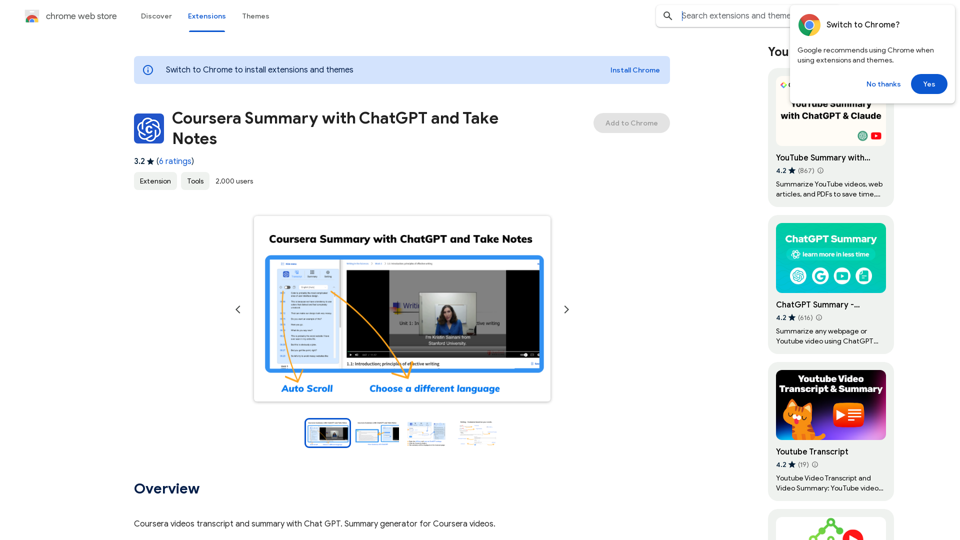
Coursera Summary with ChatGPT and Take Notes ===================================================== What is Coursera? Coursera is an online learning platform that partners with top universities and organizations to offer courses and degree programs in a wide range of fields. What is ChatGPT? ChatGPT is a conversational AI tool that can understand and respond to human input in a human-like way. It can be used to generate text, answer questions, and even create content. How to Use ChatGPT for Coursera Summary? You can use ChatGPT to summarize Coursera courses by: * Providing the course material or lecture notes to ChatGPT * Asking ChatGPT to summarize the key points or main ideas * Reviewing and editing the summary generated by ChatGPT Benefits of Using ChatGPT for Coursera Summary Using ChatGPT for Coursera summary can help you: * Save time by automating the summarization process * Improve understanding and retention of course material * Focus on key concepts and ideas * Enhance learning experience How to Take Notes with ChatGPT? You can use ChatGPT to take notes by: * Providing the course material or lecture notes to ChatGPT * Asking ChatGPT to generate notes or key points * Reviewing and editing the notes generated by ChatGPT * Organizing and structuring the notes for easy reference Benefits of Using ChatGPT for Taking Notes Using ChatGPT for taking notes can help you: * Save time by automating the note-taking process * Improve organization and structure of notes * Enhance understanding and retention of course material * Focus on key concepts and ideas
Coursera Summary with ChatGPT and Take Notes ===================================================== What is Coursera? Coursera is an online learning platform that partners with top universities and organizations to offer courses and degree programs in a wide range of fields. What is ChatGPT? ChatGPT is a conversational AI tool that can understand and respond to human input in a human-like way. It can be used to generate text, answer questions, and even create content. How to Use ChatGPT for Coursera Summary? You can use ChatGPT to summarize Coursera courses by: * Providing the course material or lecture notes to ChatGPT * Asking ChatGPT to summarize the key points or main ideas * Reviewing and editing the summary generated by ChatGPT Benefits of Using ChatGPT for Coursera Summary Using ChatGPT for Coursera summary can help you: * Save time by automating the summarization process * Improve understanding and retention of course material * Focus on key concepts and ideas * Enhance learning experience How to Take Notes with ChatGPT? You can use ChatGPT to take notes by: * Providing the course material or lecture notes to ChatGPT * Asking ChatGPT to generate notes or key points * Reviewing and editing the notes generated by ChatGPT * Organizing and structuring the notes for easy reference Benefits of Using ChatGPT for Taking Notes Using ChatGPT for taking notes can help you: * Save time by automating the note-taking process * Improve organization and structure of notes * Enhance understanding and retention of course material * Focus on key concepts and ideasAutomate Your Learning: Coursera Videos Transcript and Summary with ChatGPT ============================================================ Are you tired of manually taking notes while watching Coursera videos? Do you wish you had a summary of the video to review later? Look no further! With the power of ChatGPT, you can now generate transcripts and summaries of Coursera videos with ease. How it Works --------------- 1. Transcribe the Video: Use a transcription tool to convert the audio from the Coursera video into text. 2. Feed it to ChatGPT: Input the transcript into ChatGPT, and it will generate a concise summary of the video. 3. Review and Refine: Review the summary, refine it as needed, and you're good to go! Benefits ------------ * Save Time: No more manual note-taking or re-watching videos to understand the content. * Improve Retention: A summary of the video helps you retain information better and review it quickly. * Enhance Learning: Focus on understanding the concepts rather than taking notes. Get Started -------------- Try it out today and take your learning to the next level!
193.90 M