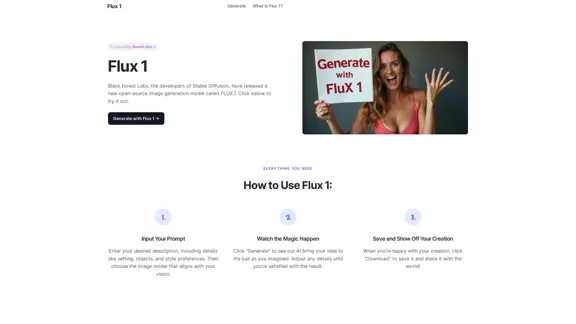
FLUX.1 is a new open-source image generation model developed by Black Forest Labs, the creators of Stable Diffusion. This AI-powered tool is designed to generate high-quality images based on user prompts, offering exceptional speed, visual quality, and prompt adherence. FLUX.1 comes in three versions: Schnell, Dev, and Pro, catering to different user needs and applications.
Flux-1
FLUX.1 is a new open-source image generation model developed by Black Forest Labs
Introduction
Feature
-
Rapid Image Generation
- FLUX.1[Schnell]: Up to 10x faster generation with lower quality
- FLUX.1[Dev]: Advanced features for developers, including image-to-image generation
- FLUX.1[Pro]: Most powerful version with 12 billion parameters, available via API
-
Exceptional Prompt Adherence
- Delivers high-quality images closely matching input prompts
- Handles simple and complex prompts with impressive accuracy
- Comparable results to Midjourney V6 for simple prompts
-
Superior Capabilities
- Outperforms competitors in visual quality, prompt adherence, and versatility
- Supports various aspect ratios and resolutions (0.1 to 2.0 megapixels)
- Advanced architecture with Rectified Flow Transformers and parallel attention layers
-
User-Friendly Interface
- Simple three-step process: Input prompt, generate image, save and share
- Option to adjust details until satisfied with the result
-
Versatile Applications
- Suitable for creative projects and commercial use
- Supports diverse image generation needs
How to Use?
-
Be specific with your prompts: Include details about setting, objects, and style preferences to get the best results.
-
Experiment with different versions: Try FLUX.1[Schnell] for quick drafts, FLUX.1[Dev] for advanced features, or FLUX.1[Pro] for the highest quality outputs.
-
Iterate and refine: Adjust your prompts and regenerate images until you achieve the desired result.
-
Explore various aspect ratios: FLUX.1 supports a wide range of resolutions, so experiment with different sizes for your projects.
-
Leverage the image-to-image feature: If you're using FLUX.1[Dev], try the image-to-image generation for more control over your creations.
FAQ
What is FLUX.1?
FLUX.1 is an open-source image generation model developed by Black Forest Labs, designed to produce high-quality images quickly based on detailed user prompts.
How does FLUX.1 compare to other image generation models?
FLUX.1 outperforms many competitors like Midjourney, Colors, and Aura in speed, visual quality, and prompt adherence. It's capable of producing highly accurate and detailed images based on both simple and complex prompts.
Can I use FLUX.1 for commercial projects?
Yes, FLUX.1 is versatile and supports various applications, from artistic projects to commercial use. Always check the licensing terms provided with FLUX.1, especially for the FLUX.1[Pro] version, to ensure compliance.
What are the different versions of FLUX.1?
FLUX.1 comes in three versions: FLUX.1[Schnell] for faster generation, FLUX.1[Dev] for developers with advanced features, and FLUX.1[Pro] as the most powerful version with 12 billion parameters.
What are the system requirements for running FLUX.1?
For optimal performance, it is recommended to use a system with a robust GPU and adequate memory, especially for the FLUX.1[Pro] version. However, FLUX.1 can be run on various setups.
Evaluation
-
FLUX.1 demonstrates impressive capabilities in image generation, offering a range of features that cater to different user needs and skill levels. Its ability to generate high-quality images quickly and accurately based on prompts is a significant advantage.
-
The three-tiered approach (Schnell, Dev, and Pro) provides flexibility for users with different requirements, from quick drafts to advanced development needs. This scalability is a strong point for the platform.
-
The exceptional prompt adherence and superior capabilities across various metrics make FLUX.1 a strong competitor in the AI image generation market. Its performance, comparable to established tools like Midjourney V6, is noteworthy.
-
The open-source nature of FLUX.1 is a positive aspect, potentially allowing for community contributions and improvements over time. However, this also means that its long-term development and support may depend on community engagement.
-
While the tool seems powerful, there's limited information about its ethical considerations, such as bias mitigation or content filtering. Future updates should address these aspects to ensure responsible AI use.
-
The platform could benefit from more detailed documentation or tutorials to help users maximize the potential of each version, especially for the more advanced FLUX.1[Dev] and FLUX.1[Pro] versions.
Related Websites
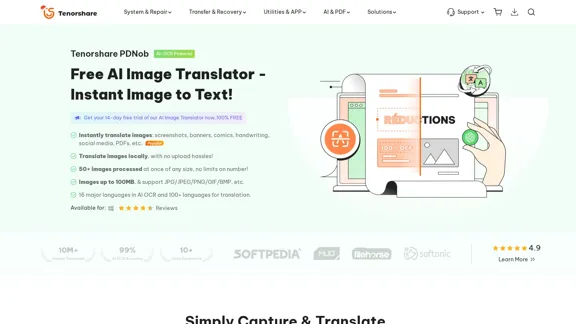
PDNob Image Translator is a powerful free image translator app that quickly extracts and translates text from images, screenshots, or scanned documents. It supports multiple languages and ensures high accuracy, making it ideal for students, professionals, and travelers.
4.18 M
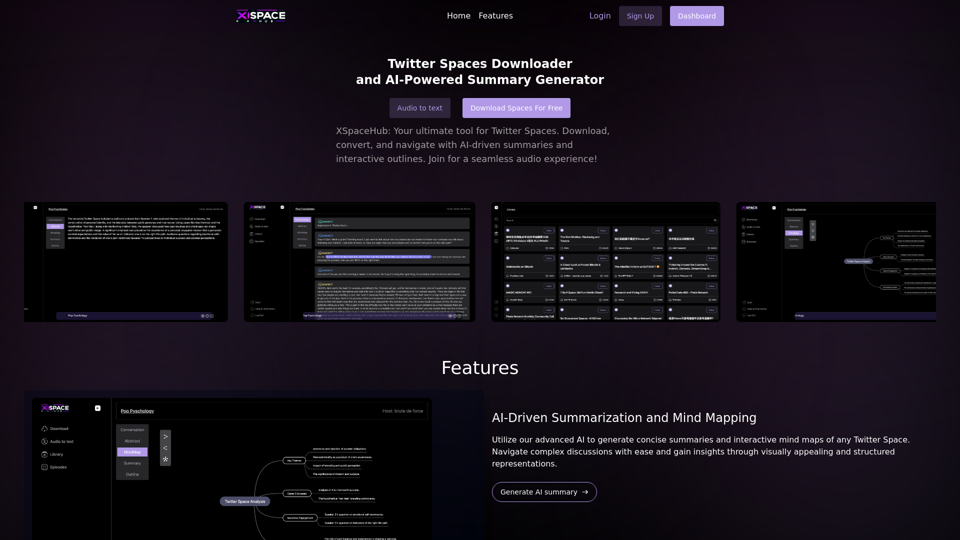
Spaces Downloader and AI-Powered Summary Generator | xspacehub.com
Spaces Downloader and AI-Powered Summary Generator | xspacehub.comXSPaceHub is your ultimate tool to download, convert, summarize, and navigate Twitter Spaces. Access a rich library, enjoy AI-driven summaries, interactive mind maps, and detailed outlines with clickable audio timestamps. Join now for a seamless audio experience!
0
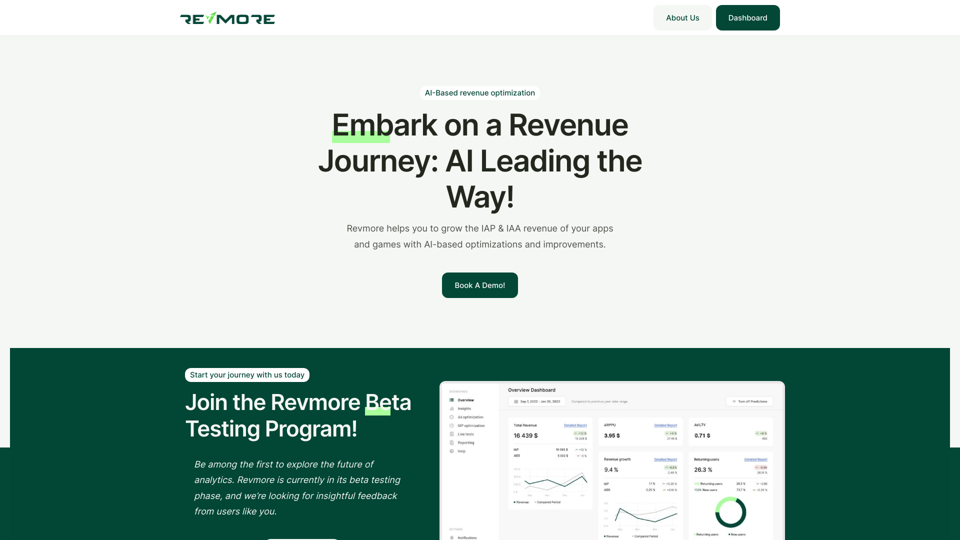
AI-Based Revenue Optimization Embark on a Revenue Journey: AI Leading the Way! Revmore helps you to grow the in-app purchase (IAP) and in-app advertising (IAA) revenue of your apps and games with AI-based optimizations and improvements. Book A Demo! Elevate your revenue with our AI magic. Explore our diverse optimization solutions, meticulously crafted to meet unique demands. In-app Purchase (IAP)
0
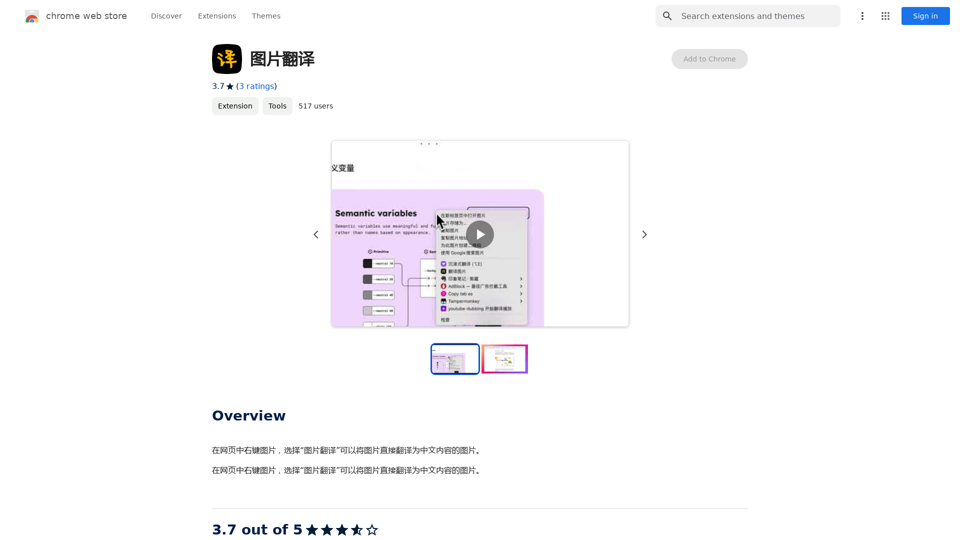
Right-click on an image on a webpage and select "Image Translation" to translate the image directly into Chinese content.
193.90 M
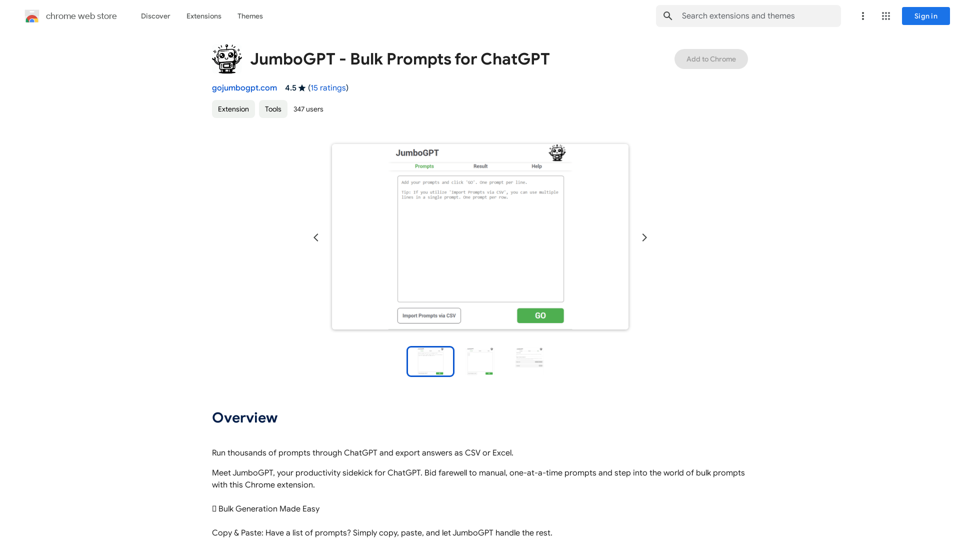
JumboGPT - Bulk Prompts for ChatGPT This is a collection of bulk prompts for ChatGPT, designed to help you explore its capabilities and generate diverse creative text formats. Instructions: * Each prompt is designed to be used individually with ChatGPT. * You can copy and paste the prompts directly into the ChatGPT interface. * Feel free to modify the prompts to suit your specific needs and interests. Categories: * Story Starters: > A lone astronaut stumbles upon a derelict spaceship... > The old woman sat on the park bench, watching the children play... > A mysterious package arrived on her doorstep, addressed simply to "The Keeper"... * Creative Writing: > Write a short poem about the feeling of nostalgia. > Compose a song about a robot who falls in love with a human. > Describe a world where animals can talk. * Dialogue Prompts: > Two friends argue about the best way to spend a weekend. > A detective interrogates a suspect in a murder case. > A parent tries to explain a difficult concept to their child. * Worldbuilding: > Create a detailed description of a fantasy city. > Design a new species of creature for a science fiction story. > Develop a unique magic system for a medieval world. * Code Generation: > Write a Python function to calculate the factorial of a number. > Generate HTML code for a simple webpage. > Create a SQL query to retrieve data from a database. * Humor: > Write a joke about a programmer. > Create a funny story about a talking cat. > Generate a list of puns about food. * Educational: > Explain the concept of photosynthesis in simple terms. > Summarize the main events of the American Revolution. > Provide a brief history of the development of the internet.
JumboGPT - Bulk Prompts for ChatGPT This is a collection of bulk prompts for ChatGPT, designed to help you explore its capabilities and generate diverse creative text formats. Instructions: * Each prompt is designed to be used individually with ChatGPT. * You can copy and paste the prompts directly into the ChatGPT interface. * Feel free to modify the prompts to suit your specific needs and interests. Categories: * Story Starters: > A lone astronaut stumbles upon a derelict spaceship... > The old woman sat on the park bench, watching the children play... > A mysterious package arrived on her doorstep, addressed simply to "The Keeper"... * Creative Writing: > Write a short poem about the feeling of nostalgia. > Compose a song about a robot who falls in love with a human. > Describe a world where animals can talk. * Dialogue Prompts: > Two friends argue about the best way to spend a weekend. > A detective interrogates a suspect in a murder case. > A parent tries to explain a difficult concept to their child. * Worldbuilding: > Create a detailed description of a fantasy city. > Design a new species of creature for a science fiction story. > Develop a unique magic system for a medieval world. * Code Generation: > Write a Python function to calculate the factorial of a number. > Generate HTML code for a simple webpage. > Create a SQL query to retrieve data from a database. * Humor: > Write a joke about a programmer. > Create a funny story about a talking cat. > Generate a list of puns about food. * Educational: > Explain the concept of photosynthesis in simple terms. > Summarize the main events of the American Revolution. > Provide a brief history of the development of the internet.Use ChatGPT to process many different questions and save the responses in a spreadsheet format like CSV or Excel.
193.90 M
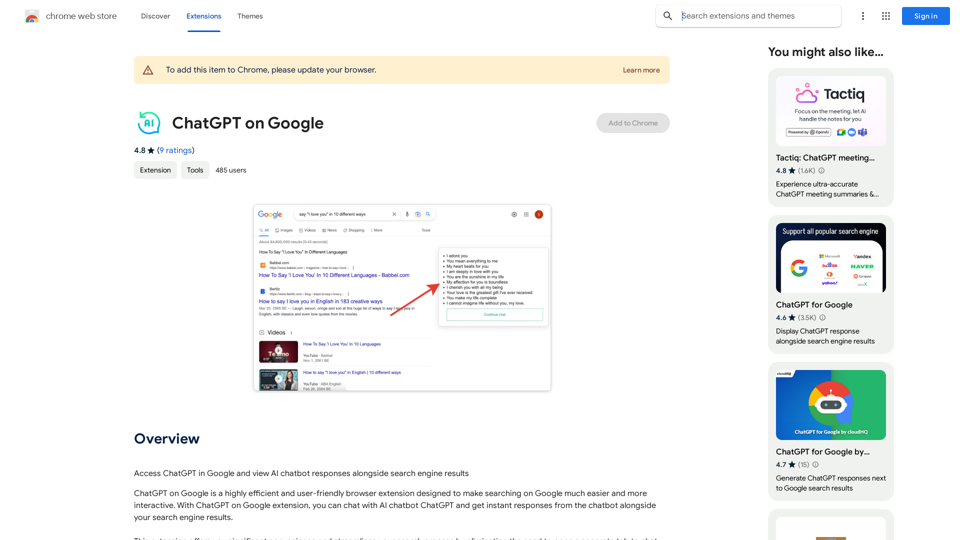
Use Google to access ChatGPT and see the AI chatbot's answers next to regular search results.
193.90 M