EZPZAI offers an all-in-one platform designed to empower users in generating various types of content, including video, audio, text, code, and images. It caters to a diverse audience, including marketers, researchers, journalists, entrepreneurs, teachers, and developers. The platform emphasizes ease of use, customization, and productivity, making it suitable for both professionals and casual users.
EZPZAI | Home

Introduction
Feature
-
Multi-Functional Content Generation
EZPZAI enables users to create text, video, audio, images, and code, streamlining the content creation process across multiple formats.
-
Custom Templates
Users can choose from over 140 professionally designed templates or create their own, allowing for tailored content generation that meets specific needs.
-
Seamless Document Analysis
The platform provides tools to quickly analyze and summarize documents, turning complex information into actionable insights.
-
Voice Isolation and Audio Features
EZPZAI includes a voice isolator for clear audio extraction, making it ideal for podcasts and voiceovers, along with text-to-speech capabilities for dynamic audio content.
-
Social Media Integration
Users can publish content directly to social media platforms like LinkedIn and X, facilitating easy distribution and engagement with audiences.
-
AI-Powered Writing Assistant
The intelligent writing assistant helps users generate high-quality text effortlessly, reducing writer's block and enhancing productivity.
How to Use?
- Sign up for a free trial on the EZPZAI website to explore its features.
- Choose a template that fits your content needs or create a custom one.
- Utilize the document analysis tool to extract key insights from your materials.
- Experiment with the voice isolator to enhance audio clarity in your projects.
- Schedule social media posts directly from the platform to streamline your content strategy.
FAQ
What is EZPZAI?
EZPZAI is an AI-driven platform that allows users to generate various types of content, including text, video, audio, and images, designed for a wide range of professionals.
How does EZPZAI work?
Users can select templates or create custom content, utilizing AI tools for text generation, document analysis, and multimedia creation, all within an intuitive interface.
Can I use the content created by EZPZAI commercially?
Yes, the content generated by EZPZAI can be used for commercial purposes, making it suitable for businesses and professionals.
What makes EZPZAI different from other content generation tools?
EZPZAI combines multiple content generation capabilities into one platform, offering unique features like voice isolation and direct social media publishing, which enhances user experience and efficiency.
Price
- Free Trial: $0/month
- Basic Plan: $9.99/month
- Standard Plan: $19.99/month
- Professional Plan: $49.99/month
The price is for reference only, please refer to the latest official data for actual information.
Evaluation
- EZPZAI excels in providing a comprehensive suite of tools for content generation, making it a valuable resource for various professionals.
- The platform's user-friendly interface and extensive template library enhance productivity and creativity.
- However, some users may find the learning curve steep when trying to utilize advanced features effectively.
- The pricing structure could be more flexible to accommodate users with varying needs, especially for those who may not require all features.
- Overall, EZPZAI is a powerful tool for content creation, but users should invest time in understanding its full capabilities to maximize its potential.
Latest Traffic Insights
Monthly Visits
0
Bounce Rate
0.00%
Pages Per Visit
0.00
Time on Site(s)
0.00
Global Rank
-
Country Rank
-
Recent Visits
Traffic Sources
- Social Media:0.00%
- Paid Referrals:0.00%
- Email:0.00%
- Referrals:0.00%
- Search Engines:0.00%
- Direct:0.00%
Related Websites

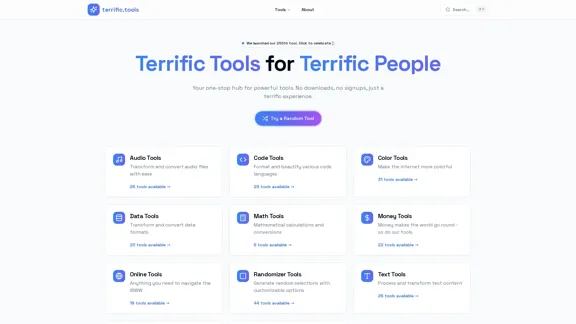
A modern collection of free, browser-based tools for everyone. Transform images, convert audio, format code, and much more.
52.91 K
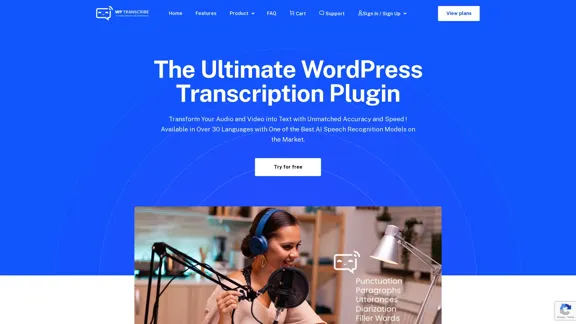
WordPress Transcribe AI - The Ultimate Audio Transcription Plugin
WordPress Transcribe AI - The Ultimate Audio Transcription PluginBoost your WordPress site's content creation with WordPress Transcribe AI, the advanced audio transcription plugin. Convert audio files and YouTube links into precise, readable text, enhancing your website's SEO and user engagement.
0
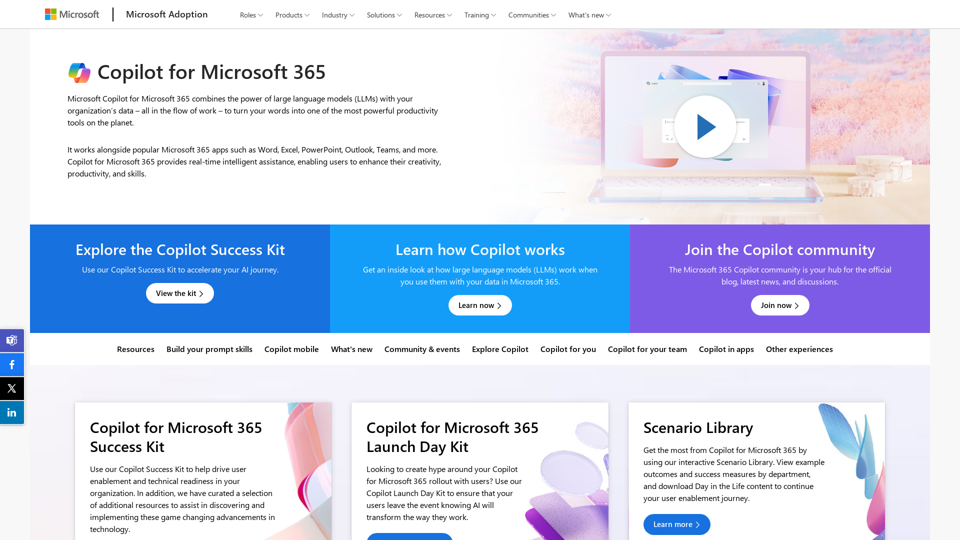
Copilot for Microsoft 365 – Microsoft Adoption Copilot for Microsoft 365 is a powerful AI assistant that helps you work smarter and faster across Microsoft 365 apps and services. It combines the power of large language models (LLMs) with your organization's data in the Microsoft Graph and Microsoft 365 apps to turn your words into the most powerful productivity tool on the planet. Copilot is designed to help you: • Unleash creativity • Unlock productivity • Uplevel skills Copilot is built on Microsoft's comprehensive approach to security, compliance, and privacy. Copilot in Microsoft 365 apps and services: • Does not use your data to train the underlying LLM • Does not replace human ingenuity and judgment • Is designed to keep humans in the loop Copilot is currently available in Word, Excel, PowerPoint, Outlook, Teams, and more. Getting Started with Copilot To get started with Copilot, follow these steps: 1. Check availability: Ensure your organization has access to Copilot. 2. Learn the basics: Familiarize yourself with Copilot's capabilities and how to use it effectively. 3. Explore use cases: Discover how Copilot can help you in your specific role and tasks. 4. Practice and refine: Use Copilot regularly and refine your prompts for better results. 5. Share and collaborate: Collaborate with colleagues using Copilot and share best practices. Best Practices for Using Copilot 1. Be specific in your prompts 2. Provide context for better results 3. Review and edit Copilot's output 4. Use Copilot as a starting point, not a final product 5. Experiment with different approaches 6. Stay informed about new features and updates Copilot in Different Microsoft 365 Apps • Word: Draft, edit, summarize, and rewrite content • Excel: Analyze data, create formulas, and generate insights • PowerPoint: Create presentations, design slides, and generate content • Outlook: Compose emails, summarize threads, and manage your inbox • Teams: Summarize meetings, generate action items, and create meeting notes Responsible AI and Copilot Microsoft is committed to developing AI systems responsibly. When using Copilot, keep in mind: • AI-generated content may contain biases or inaccuracies • Always review and verify Copilot's output • Use your judgment and expertise alongside Copilot's suggestions • Be aware of your organization's policies regarding AI use Conclusion Copilot for Microsoft 365 is a powerful tool that can significantly enhance your productivity and creativity. By understanding its capabilities, following best practices, and using it responsibly, you can make the most of this AI assistant in your daily work.
Copilot for Microsoft 365 – Microsoft Adoption Copilot for Microsoft 365 is a powerful AI assistant that helps you work smarter and faster across Microsoft 365 apps and services. It combines the power of large language models (LLMs) with your organization's data in the Microsoft Graph and Microsoft 365 apps to turn your words into the most powerful productivity tool on the planet. Copilot is designed to help you: • Unleash creativity • Unlock productivity • Uplevel skills Copilot is built on Microsoft's comprehensive approach to security, compliance, and privacy. Copilot in Microsoft 365 apps and services: • Does not use your data to train the underlying LLM • Does not replace human ingenuity and judgment • Is designed to keep humans in the loop Copilot is currently available in Word, Excel, PowerPoint, Outlook, Teams, and more. Getting Started with Copilot To get started with Copilot, follow these steps: 1. Check availability: Ensure your organization has access to Copilot. 2. Learn the basics: Familiarize yourself with Copilot's capabilities and how to use it effectively. 3. Explore use cases: Discover how Copilot can help you in your specific role and tasks. 4. Practice and refine: Use Copilot regularly and refine your prompts for better results. 5. Share and collaborate: Collaborate with colleagues using Copilot and share best practices. Best Practices for Using Copilot 1. Be specific in your prompts 2. Provide context for better results 3. Review and edit Copilot's output 4. Use Copilot as a starting point, not a final product 5. Experiment with different approaches 6. Stay informed about new features and updates Copilot in Different Microsoft 365 Apps • Word: Draft, edit, summarize, and rewrite content • Excel: Analyze data, create formulas, and generate insights • PowerPoint: Create presentations, design slides, and generate content • Outlook: Compose emails, summarize threads, and manage your inbox • Teams: Summarize meetings, generate action items, and create meeting notes Responsible AI and Copilot Microsoft is committed to developing AI systems responsibly. When using Copilot, keep in mind: • AI-generated content may contain biases or inaccuracies • Always review and verify Copilot's output • Use your judgment and expertise alongside Copilot's suggestions • Be aware of your organization's policies regarding AI use Conclusion Copilot for Microsoft 365 is a powerful tool that can significantly enhance your productivity and creativity. By understanding its capabilities, following best practices, and using it responsibly, you can make the most of this AI assistant in your daily work.Microsoft Copilot combines the power of large language models (LLMs) with your organization's data to turn your words into one of the most powerful productivity tools on the planet.
608.60 K