Dirty Pickup Lines is an online AI-powered generator that creates raunchy and suggestive pickup lines. The website uses GPT-4 technology to produce a variety of flirtatious and explicit content for different scenarios. Users can input specific pickup situations to receive tailored, sexually suggestive lines. The platform caters to those seeking creative and daring ways to express romantic or sexual interest.
Dirty Pickup Lines - Online AI Raunchy Pickup Line Generator
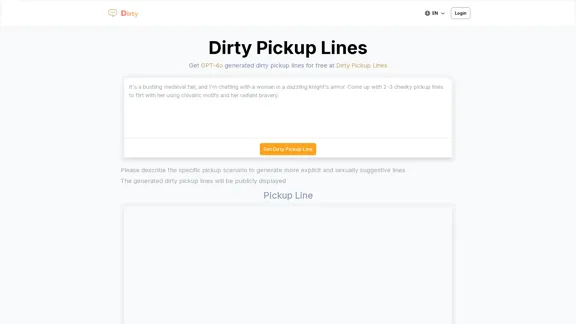
Dirty Pickup Lines is an online AI tool that generates explicit, sexually suggestive pickup lines for various scenarios, at no cost. Simply input a specific pickup scenario, and the AI will produce humorous, original, risqué pickup lines filled with sexual innuendos.
Introduction
Feature
Customizable Pickup Scenarios
Users can describe specific pickup scenarios to generate more explicit and sexually suggestive lines tailored to their needs.
AI-Powered Generation
The website employs GPT-4 technology to create unique and diverse pickup lines, ensuring a wide range of creative and provocative content.
Multiple Categories
Dirty Pickup Lines offers various categories of pickup lines, including:
- Romantic and passionate bedtime dialogues
- Cheesy pick-up lines for inviting night company
- Playful lines with a canine twist
- Dominant encounter suggestions
- Slutty lines for submissive partners
- Raunchy lines for intimate domination scenarios
- Suggestive lines for those feeling dominated
- Dirty pick-up lines to make your boyfriend horny
Free Access
The website provides free access to GPT-4 generated dirty pickup lines, making it accessible to all users.
Public Display
Generated pickup lines are publicly displayed on the website, allowing users to browse and find inspiration from other submissions.
Multilingual Support
The platform appears to offer support for multiple languages, as indicated by the language selection option in the menu.
FAQ
What is Dirty Pickup Lines?
Dirty Pickup Lines is an online AI-powered generator that creates raunchy and suggestive pickup lines using GPT-4 technology. It offers a variety of flirtatious and explicit content for different scenarios.
How does the pickup line generator work?
Users can describe specific pickup scenarios, and the AI will generate tailored, sexually suggestive lines based on the input. The generator uses GPT-4 technology to create unique and diverse pickup lines.
Are the generated pickup lines free to use?
Yes, the website provides free access to GPT-4 generated dirty pickup lines for all users.
Can I customize the pickup lines for specific situations?
Absolutely. The platform allows users to describe specific pickup scenarios to generate more explicit and sexually suggestive lines tailored to their needs.
Are the generated pickup lines private?
No, the generated dirty pickup lines are publicly displayed on the website. Users should be aware that their submissions may be visible to others.
What types of pickup lines does the website offer?
The website offers various categories of pickup lines, including romantic bedtime dialogues, cheesy pick-up lines, dominant and submissive scenarios, and lines to make your partner horny, among others.
Related Websites


Intelligent Web Translation - Automatic Translation, Bilingual Comparison, AI Dialogue
Intelligent Web Translation - Automatic Translation, Bilingual Comparison, AI DialogueSupports 20+ foreign languages/national languages, one-key rapid translation, supports bilingual comparison, automatic translation, AI summary, and phrase translation.
193.90 M
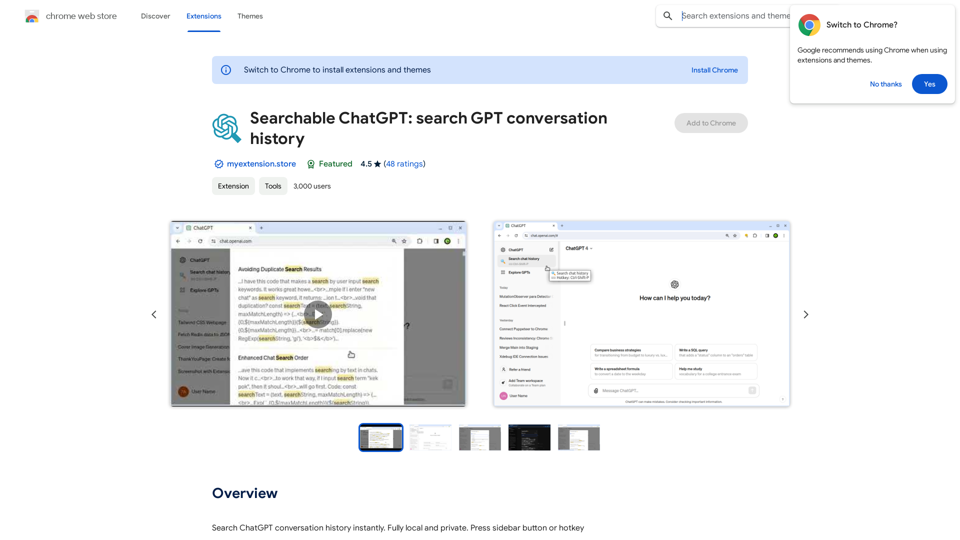
Searchable ChatGPT: Search GPT Conversation History With the rapid development of artificial intelligence technology, ChatGPT has become an essential tool for people to communicate and interact with AI. However, as the conversation history grows, it becomes increasingly difficult to find specific conversations or topics. To address this issue, we propose the concept of Searchable ChatGPT, which enables users to search their GPT conversation history efficiently. Key Features 1. Keyword Search Users can input specific keywords or phrases to search for relevant conversations in their chat history. The system will then display a list of conversations that match the search criteria, allowing users to quickly find the information they need. 2. Contextual Search In addition to keyword search, users can also search for conversations based on context. For example, they can search for conversations related to a specific topic, such as "travel" or "cooking." The system will then display a list of conversations that are relevant to the specified context. 3. Conversation Filtering To further refine the search results, users can apply filters to narrow down the list of conversations. For instance, they can filter conversations by date, time, or even the emotions expressed during the conversation. 4. Conversation Analytics Searchable ChatGPT also provides users with conversation analytics, which offer insights into their conversation patterns and preferences. This feature can help users identify areas for improvement and optimize their communication with ChatGPT. Benefits 1. Improved Productivity Searchable ChatGPT saves users time and effort by allowing them to quickly find specific conversations or topics in their chat history. 2. Enhanced User Experience By providing users with a more efficient way to search and analyze their conversations, Searchable ChatGPT enhances the overall user experience and encourages more effective communication with ChatGPT. 3. Better Decision Making With access to conversation analytics, users can make more informed decisions by identifying patterns and trends in their conversations with ChatGPT. Conclusion Searchable ChatGPT is a powerful tool that revolutionizes the way users interact with ChatGPT. By providing a robust search function, contextual search, conversation filtering, and conversation analytics, Searchable ChatGPT improves productivity, enhances the user experience, and enables better decision making.
Searchable ChatGPT: Search GPT Conversation History With the rapid development of artificial intelligence technology, ChatGPT has become an essential tool for people to communicate and interact with AI. However, as the conversation history grows, it becomes increasingly difficult to find specific conversations or topics. To address this issue, we propose the concept of Searchable ChatGPT, which enables users to search their GPT conversation history efficiently. Key Features 1. Keyword Search Users can input specific keywords or phrases to search for relevant conversations in their chat history. The system will then display a list of conversations that match the search criteria, allowing users to quickly find the information they need. 2. Contextual Search In addition to keyword search, users can also search for conversations based on context. For example, they can search for conversations related to a specific topic, such as "travel" or "cooking." The system will then display a list of conversations that are relevant to the specified context. 3. Conversation Filtering To further refine the search results, users can apply filters to narrow down the list of conversations. For instance, they can filter conversations by date, time, or even the emotions expressed during the conversation. 4. Conversation Analytics Searchable ChatGPT also provides users with conversation analytics, which offer insights into their conversation patterns and preferences. This feature can help users identify areas for improvement and optimize their communication with ChatGPT. Benefits 1. Improved Productivity Searchable ChatGPT saves users time and effort by allowing them to quickly find specific conversations or topics in their chat history. 2. Enhanced User Experience By providing users with a more efficient way to search and analyze their conversations, Searchable ChatGPT enhances the overall user experience and encourages more effective communication with ChatGPT. 3. Better Decision Making With access to conversation analytics, users can make more informed decisions by identifying patterns and trends in their conversations with ChatGPT. Conclusion Searchable ChatGPT is a powerful tool that revolutionizes the way users interact with ChatGPT. By providing a robust search function, contextual search, conversation filtering, and conversation analytics, Searchable ChatGPT improves productivity, enhances the user experience, and enables better decision making.Search ChatGPT conversation history instantly. Fully local and private. Press sidebar button or hotkey
193.90 M
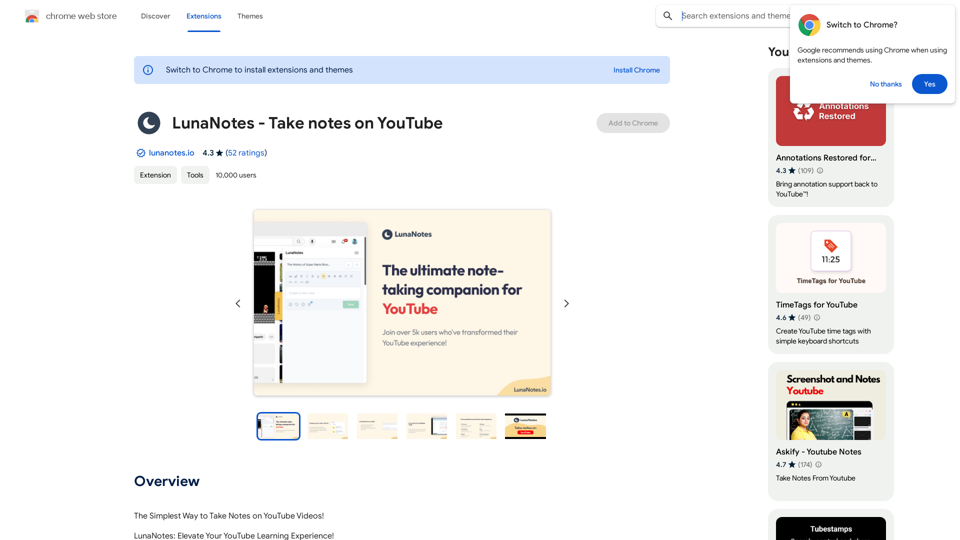
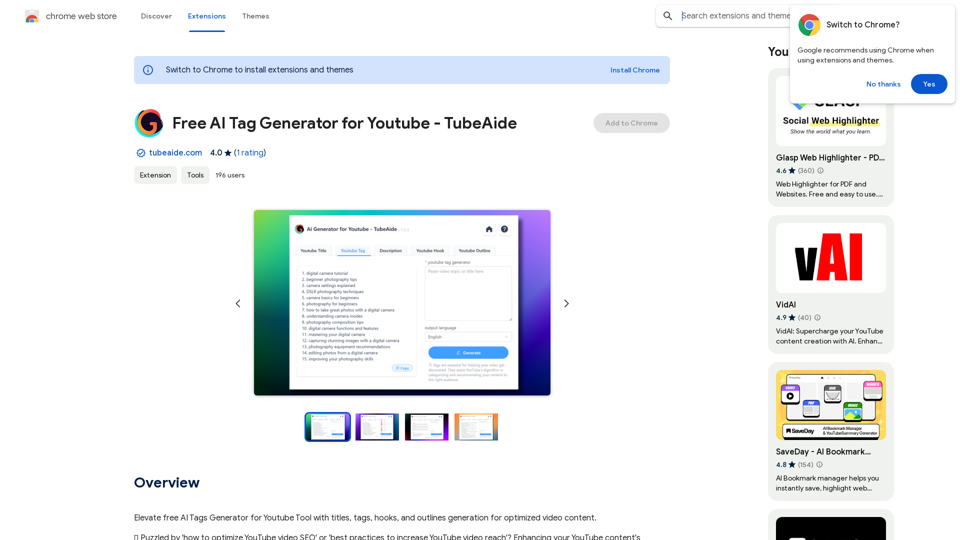
Improve the free AI Tags Generator for YouTube tool by adding features to generate titles, tags, hooks, and outlines for optimized video content.
193.90 M
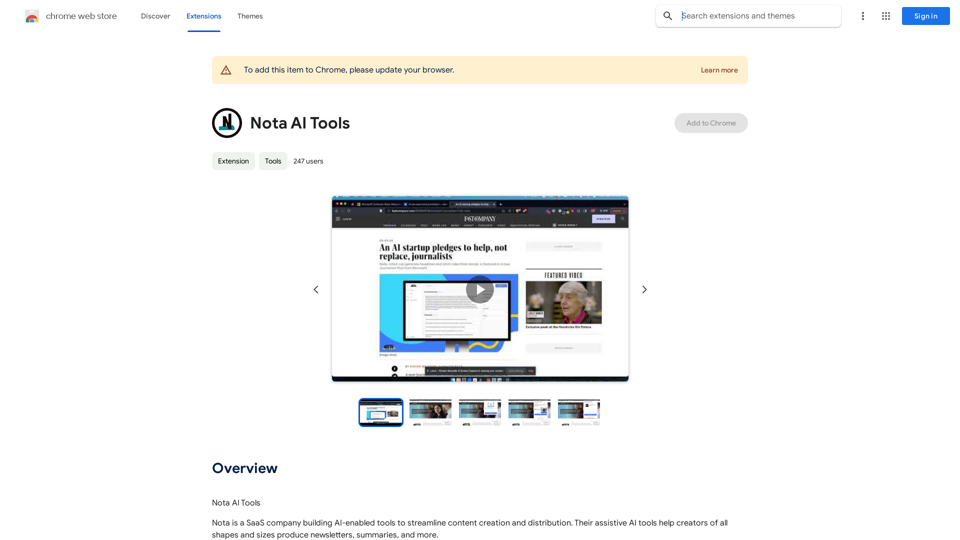
Note AI Tools This is a placeholder for a list of AI tools related to note-taking. Please provide me with the content you'd like me to translate.
Note AI Tools This is a placeholder for a list of AI tools related to note-taking. Please provide me with the content you'd like me to translate.AI Tools
193.90 M