Twillot is a free Chrome extension designed to revolutionize X/Twitter bookmark management and workflow optimization. It offers powerful features for organizing bookmarks, streamlining workflows, and uncovering data insights, all while prioritizing user privacy.
Twillot - X/Twitter Copilot
Organize your Twitter bookmarks and make your Twitter experience smoother.
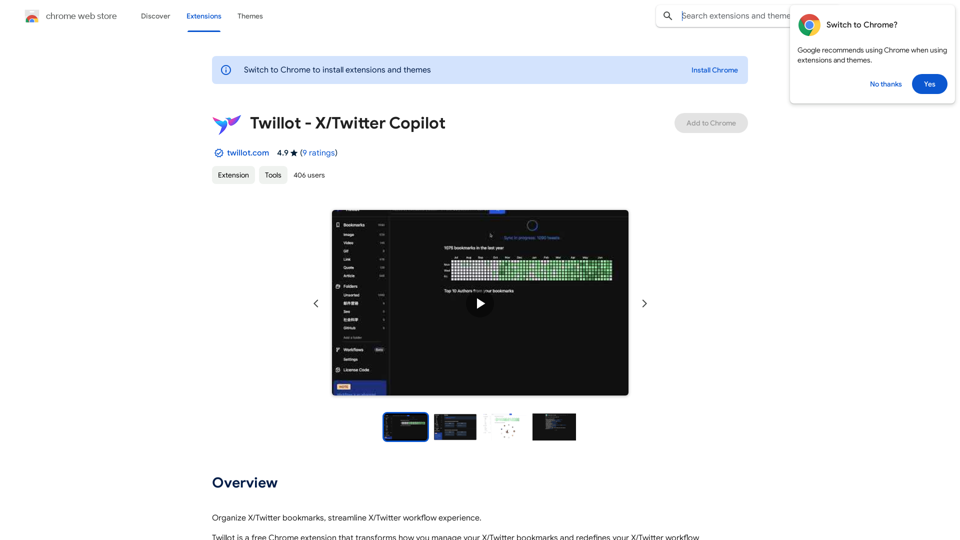
Introduction
Feature
Lightning-Fast Search
- Instantly locate any bookmark
- Search using various criteria: date, author, folder, time range, tag, or keyword
- Eliminates endless scrolling
Privacy-First Approach
- All data stored locally in the browser
- Ensures complete privacy and fast search speeds
- No server involvement
Folder Organization
- Organize bookmarks into folders for better control
- Available to all users, not just Twitter Blue subscribers
AI-Powered SuperTags (In Development)
- Effortless bookmark categorization using AI
- Simplifies organization and improves tweet discoverability
Data Insights
- Visualize bookmarking habits
- Track interests and identify trends
- Gain deeper understanding of saved content
Zen Mode
- Distraction-free reading experience
- Focus on important tweets
- Helps manage "read it later" content
Custom Fonts
- Personalize reading experience
- Supports multiple languages for optimal readability
Enhanced Reading Experience
- Reformats long-form tweets and rich media for better readability
- Improves consumption of longer Twitter content
FAQ
How do I use Twillot?
- Install Twillot from the Chrome Web Store
- Click the Twillot icon in the top right corner of Chrome
- Begin organizing X/Twitter bookmarks and optimizing your workflow
What is the cost of Twillot?
Twillot is a free Chrome extension with no subscription or payment required
How can I make Twillot refetch all bookmarks from X?
Try the latest version 1.0.0. If issues persist, contact the developer
Why don't bookmarks auto-update when removed from my Twitter profile?
Use the latest version. Twillot should sync automatically when you unbookmark posts
Related Websites
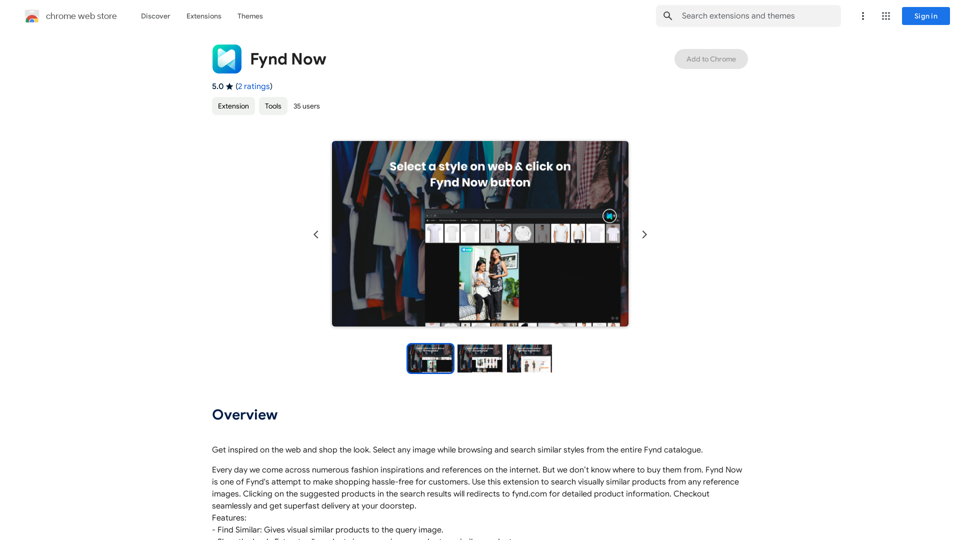
Find inspiration online and buy the look. Choose any picture while you're browsing and search for similar styles from Fynd's entire catalog.
193.90 M
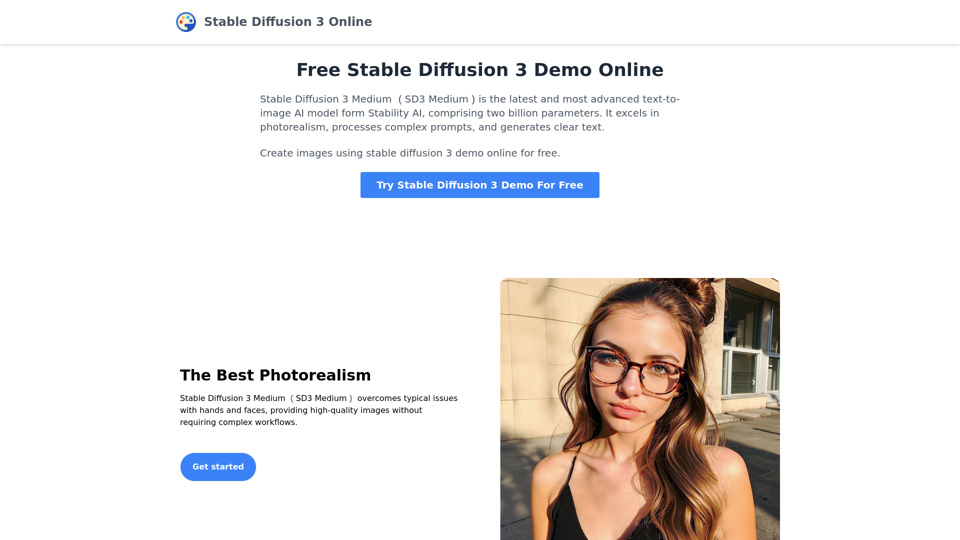
Stable Diffusion 3 Medium is the latest and most advanced text-to-image AI model. You can use the Stable Diffusion 3 Medium demo online for free.
0
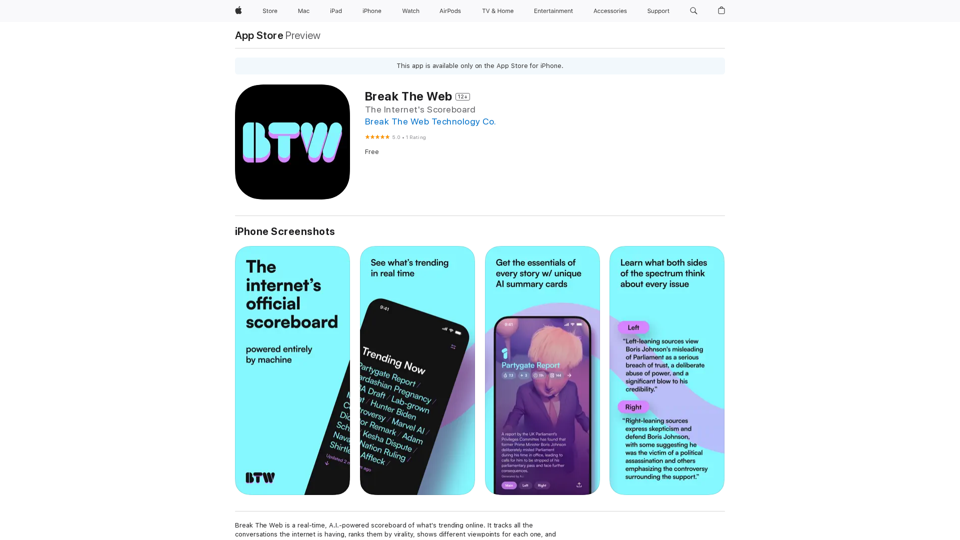
Break The Web is a real-time, AI-powered scoreboard that shows what's trending online. It tracks all the conversations happening on the internet, ranks them by virality, and…
124.77 M
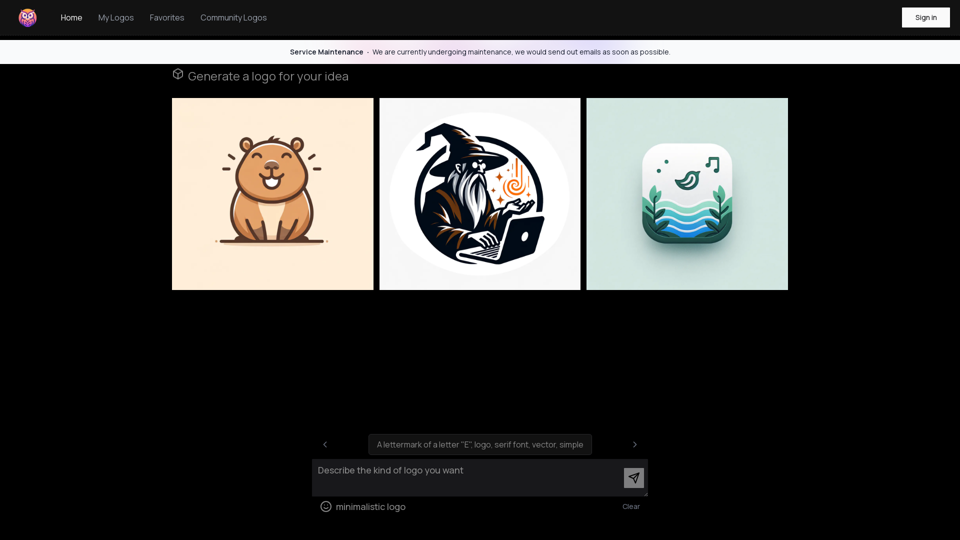
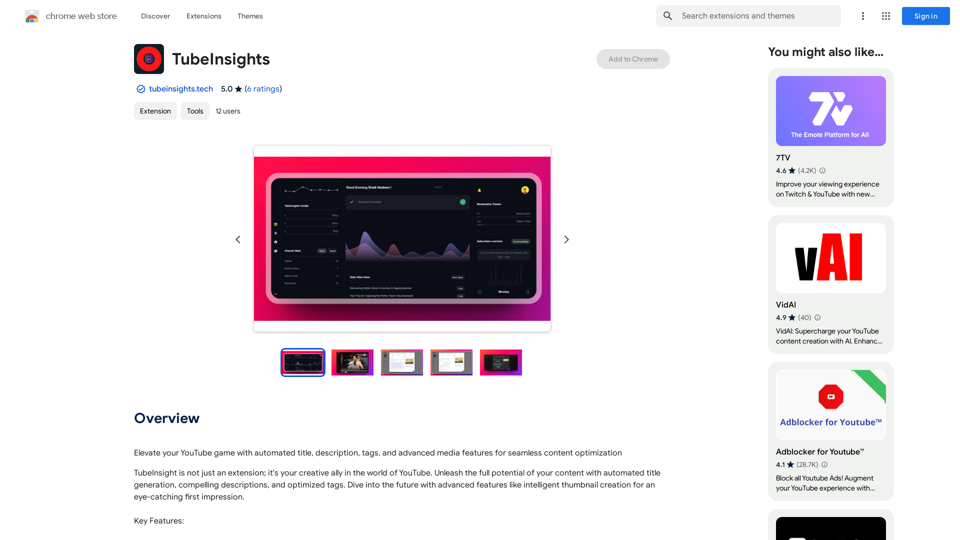
Boost your YouTube channel with automatic titles, descriptions, tags, and powerful media tools for effortless content improvement.
193.90 M
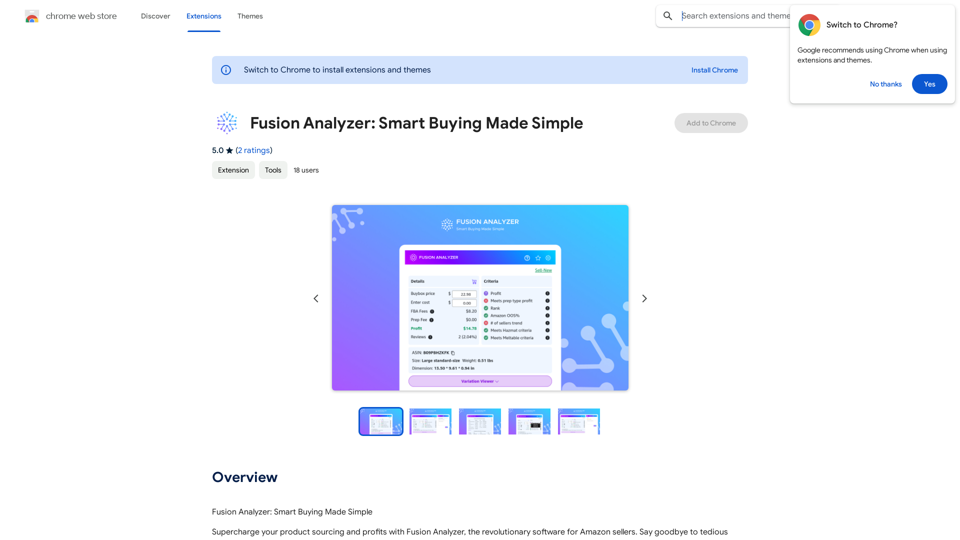
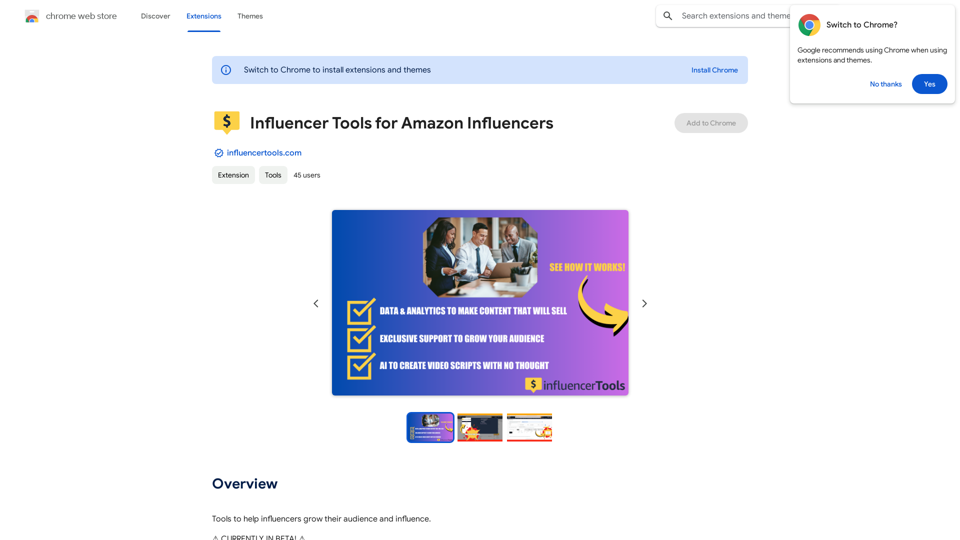
Influencer Tools for Amazon Influencers This guide explores essential tools to help Amazon influencers succeed. 1. Content Creation Tools: * Canva: Design eye-catching graphics, videos, and social media posts. * Lumen5: Create engaging videos from blog posts or scripts. * InShot: Edit and enhance videos for mobile devices. 2. Product Research Tools: * Jungle Scout: Analyze product trends, competition, and sales data. * Helium 10: Discover profitable products, track keywords, and optimize listings. * Viral Launch: Identify trending products and conduct market research. 3. Social Media Management Tools: * Buffer: Schedule and manage social media posts across multiple platforms. * Hootsuite: Monitor brand mentions, engage with followers, and track social media performance. * Later: Plan and visualize Instagram content. 4. Analytics and Tracking Tools: * Amazon Influencer Program Dashboard: Track your performance, earnings, and audience engagement. * Google Analytics: Monitor website traffic and user behavior. * UTM Parameters: Track the effectiveness of your marketing campaigns. 5. Email Marketing Tools: * Mailchimp: Create and send email newsletters to your subscribers. * ConvertKit: Build an email list and automate your marketing workflows. * Klaviyo: Segment your audience and personalize email campaigns.
Influencer Tools for Amazon Influencers This guide explores essential tools to help Amazon influencers succeed. 1. Content Creation Tools: * Canva: Design eye-catching graphics, videos, and social media posts. * Lumen5: Create engaging videos from blog posts or scripts. * InShot: Edit and enhance videos for mobile devices. 2. Product Research Tools: * Jungle Scout: Analyze product trends, competition, and sales data. * Helium 10: Discover profitable products, track keywords, and optimize listings. * Viral Launch: Identify trending products and conduct market research. 3. Social Media Management Tools: * Buffer: Schedule and manage social media posts across multiple platforms. * Hootsuite: Monitor brand mentions, engage with followers, and track social media performance. * Later: Plan and visualize Instagram content. 4. Analytics and Tracking Tools: * Amazon Influencer Program Dashboard: Track your performance, earnings, and audience engagement. * Google Analytics: Monitor website traffic and user behavior. * UTM Parameters: Track the effectiveness of your marketing campaigns. 5. Email Marketing Tools: * Mailchimp: Create and send email newsletters to your subscribers. * ConvertKit: Build an email list and automate your marketing workflows. * Klaviyo: Segment your audience and personalize email campaigns.Tools to help influencers grow their audience and influence.
193.90 M