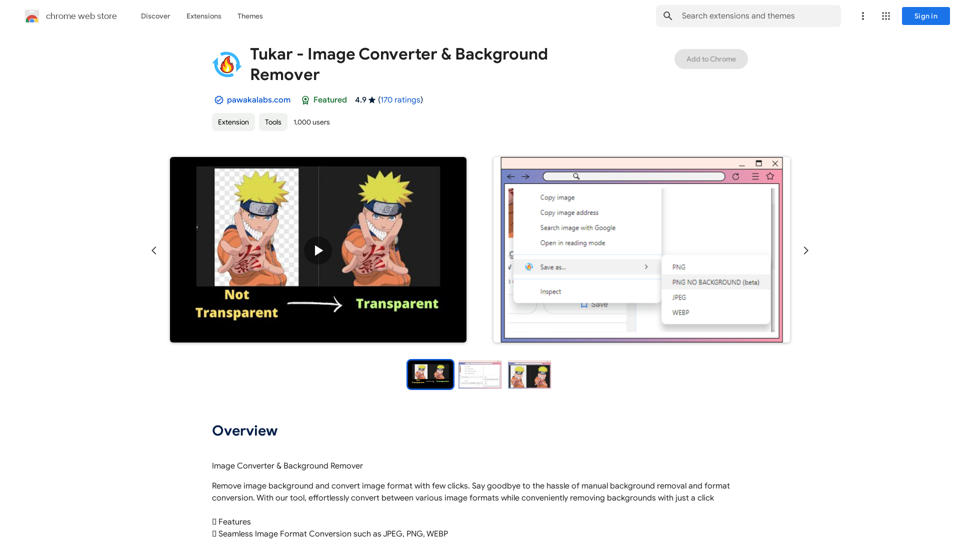
Tukar - Image Converter & Background Remover is a Chrome extension designed for effortless image manipulation and video conversion. It offers seamless image format conversion, background removal, and video conversion capabilities, making it an essential tool for professionals and casual users alike who frequently work with visual media.
Exchange - Image Converter & Background Remover
Image Converter & Background Remover
Introduction
Feature
Seamless Image Format Conversion
Convert images between various formats such as JPEG, PNG, and WEBP with ease, streamlining your workflow and enhancing compatibility across different platforms.
Effortless Background Removal
Remove image backgrounds with a single click, perfect for graphic designers, marketers, and anyone needing quick image edits without complex software.
Fast Video Conversion
Quickly convert videos to MP4 and other formats, expanding the tool's utility beyond image manipulation.
Premium Features
- Advanced background removal capabilities for more complex images
- Specialized anime art background remover for niche users
Upcoming Features
- Expanded video conversion options beyond MP4
- Video compression functionality to reduce file sizes
FAQ
What is Tukar - Image Converter & Background Remover?
Tukar is a Chrome extension that simplifies image conversion and background removal. It allows users to convert images between formats, remove backgrounds, and convert videos with just a few clicks.
What are the main features of Tukar?
The main features include:
- Image format conversion (JPEG, PNG, WEBP)
- One-click background removal
- Video conversion to MP4
- Premium features for advanced background removal and anime art
Is there a free trial available?
Based on user reviews, there seems to be a free trial option, but some users have reported issues accessing it. It's advisable to contact the developer for clarification.
How can I report issues or contact support?
You can report concerns or contact support by emailing [email protected].
What languages does Tukar support?
Currently, Tukar is available in English.
Related Websites
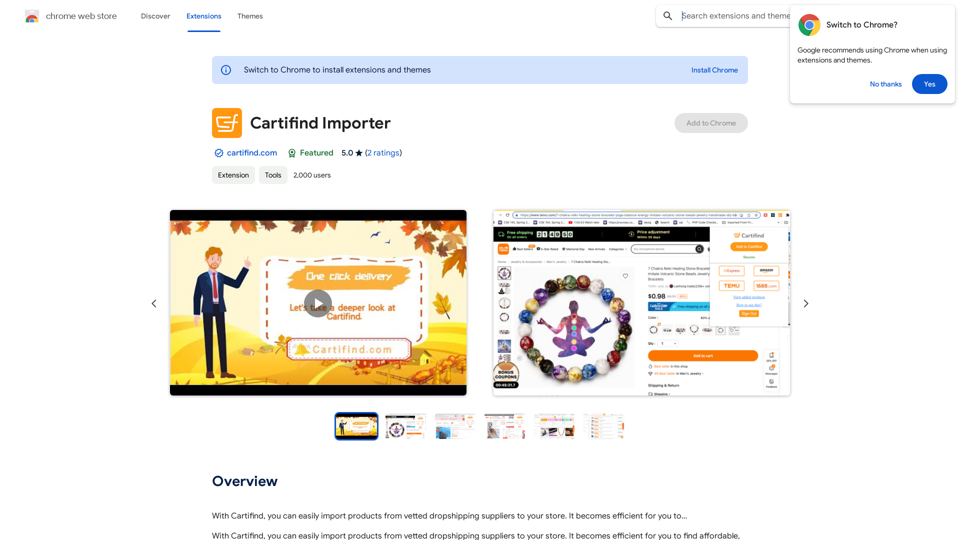
With Cartifind, you can easily import products from vetted dropshipping suppliers to your store. It becomes efficient for you to manage your product catalog, track inventory, and fulfill orders seamlessly.
193.90 M
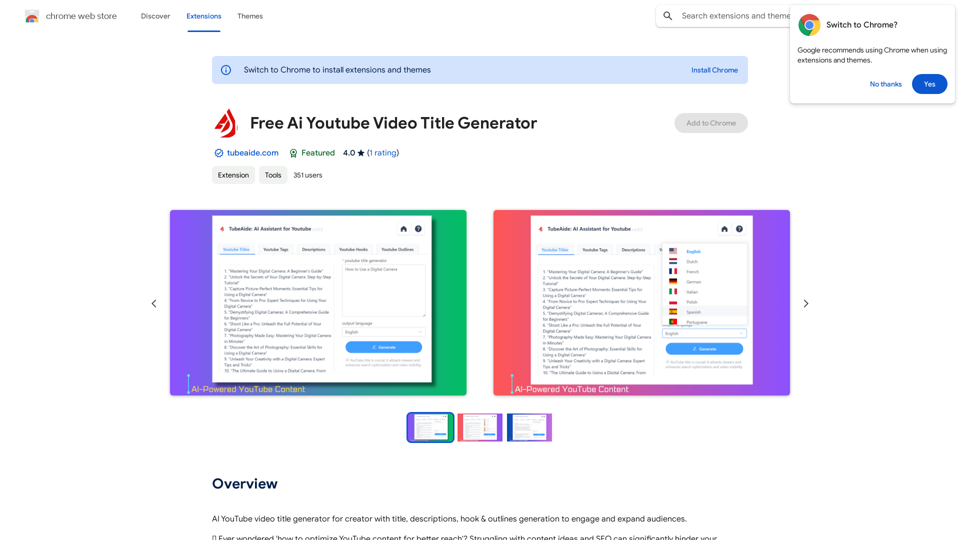
AI YouTube Video Title Generator for Creators: Generate Titles, Descriptions, Hooks, and Outlines to Engage and Expand Your Audience.
193.90 M
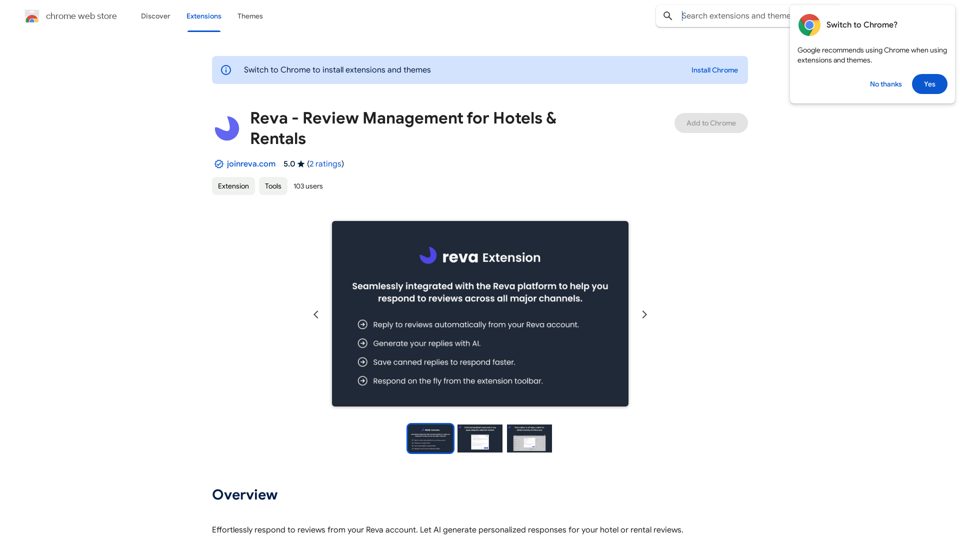
Easily reply to reviews from your Reva account. Let AI create custom responses for your hotel or rental reviews.
193.90 M
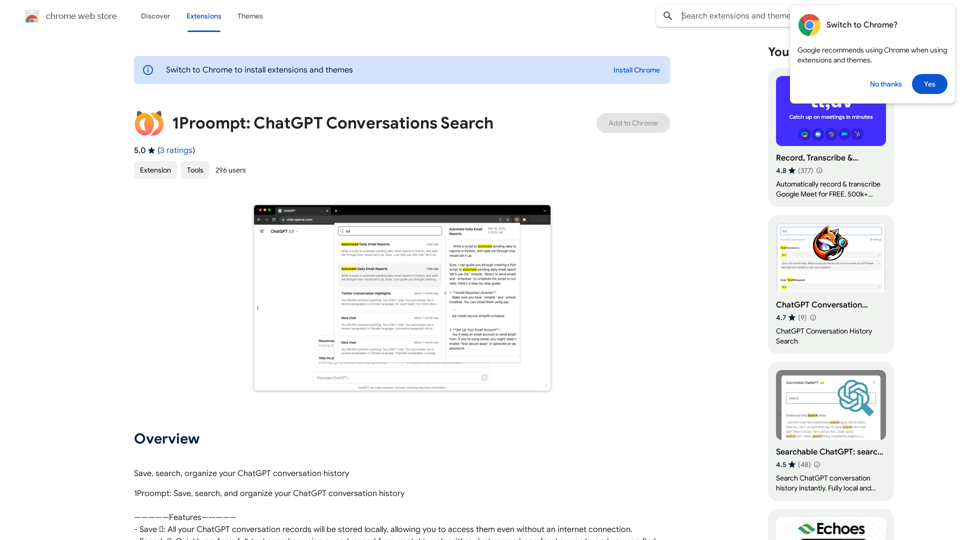
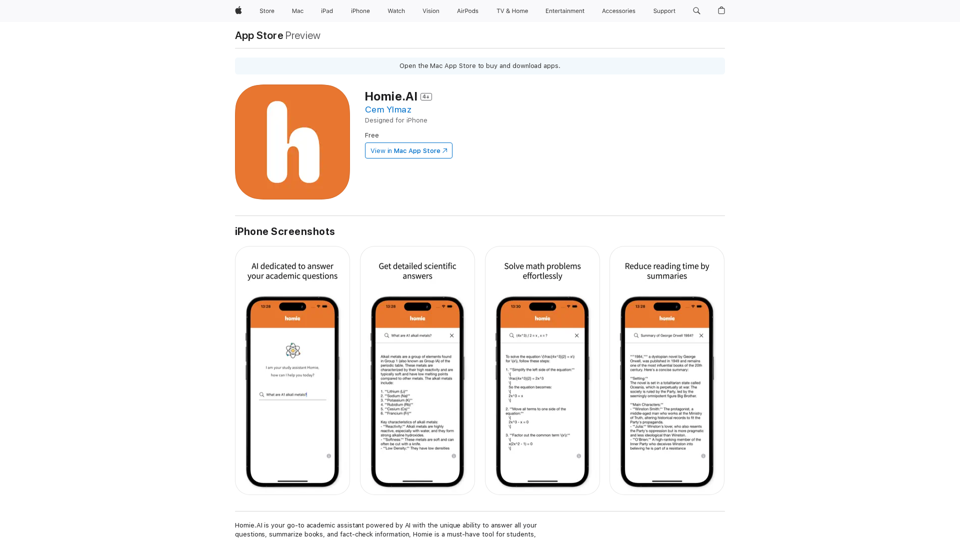
Homie.AI is your go-to academic assistant powered by AI with the unique ability to answer all your questions, summarize books, and fact-check information, Homie is always here to help you with your academic needs.
124.77 M
Luxi.ai uses advanced image recognition technology to easily identify objects in uploaded images. Discover the items in your photos with precision and ease.
1.73 K